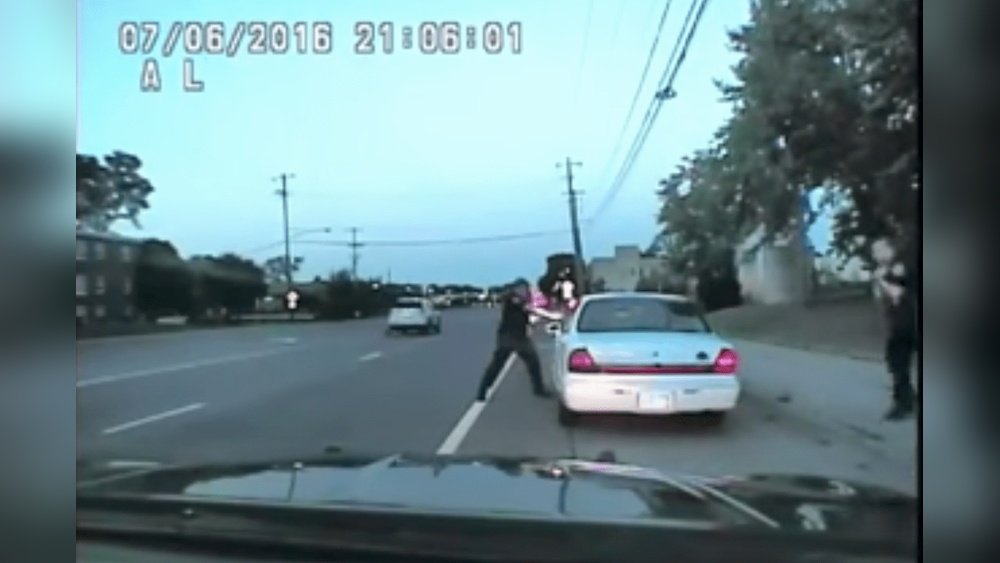
Have you ever wondered if dash cam footage can be edited? If you rely on your dash cam to capture important moments on the road, understanding the truth about editing is crucial.
Knowing what’s possible—and what’s not—can protect your rights and help you make the most of your recordings. You’ll discover how dash cam footage can be changed, why it matters, and what you need to watch out for. Keep reading to learn how to keep your footage reliable and trustworthy.

Dash Cam Footage Basics
Dash cam footage is becoming common in many cars. Knowing how these devices record and save videos helps understand if the footage can be edited later. This section explains the basics of dash cam video recording and file types.
Understanding these details helps you handle footage correctly and protects your rights in case of accidents or disputes.
How Dash Cams Record
Dash cams use a small camera to capture video while driving. They start recording automatically when the car turns on. The footage saves in short segments, usually a few minutes long. This method helps manage storage space on the memory card.
Most dash cams overwrite old videos once the card is full. Important clips can be locked to prevent deletion. The camera records continuously, capturing both video and audio in many models.
Common File Formats
Dash cam videos save in popular formats like MP4, AVI, or MOV. MP4 is the most common because it works on most devices and apps. These files compress video to reduce size without losing much quality.
Some dash cams also save files with time stamps and GPS data embedded. This extra information helps verify the time and place of the recording. Knowing the file format makes it easier to play or edit the footage if needed.
Editing Possibilities
Dash cam footage can be edited to improve clarity and highlight key moments. Editing helps remove unnecessary parts and focus on important events. This makes the video easier to watch and understand. Editing also allows you to enhance the video quality and add useful details.
Types Of Edits
Basic cuts remove unwanted footage or long pauses. You can trim the start or end of a video easily. Adding text overlays helps explain what is happening or add dates and times. Brightness and contrast adjustments improve video visibility in dark or bright scenes. Some editors let you add slow motion to show details clearly. You can also blur faces or license plates to protect privacy.
Popular Editing Tools
Many free and paid tools work well for dash cam videos. Software like iMovie and Windows Video Editor are simple to use. They offer basic trimming and text adding features. More advanced tools like Adobe Premiere Pro allow detailed color correction and effects. Mobile apps such as InShot or Quik make quick edits on the phone. Choose a tool based on your skill level and editing needs.
Legal Implications
Dash cam footage can be a powerful piece of evidence. It shows real events as they happened. But editing this footage can lead to serious legal problems. The law views edited videos with caution. This section explains the key legal points related to editing dash cam videos.
Admissibility In Court
Courtrooms need clear, truthful evidence. Edited dash cam videos may lose trust. Judges and lawyers check if footage is original. Any changes can make it less believable. Courts might reject altered videos. This harms your case if you rely on the dash cam.
Risks Of Altering Footage
Changing dash cam videos can break laws. It can be seen as tampering with evidence. This may lead to fines or jail time. Altering footage also damages your credibility. The truth matters most in legal cases. Keeping videos original is the safest choice.
Authenticity And Verification
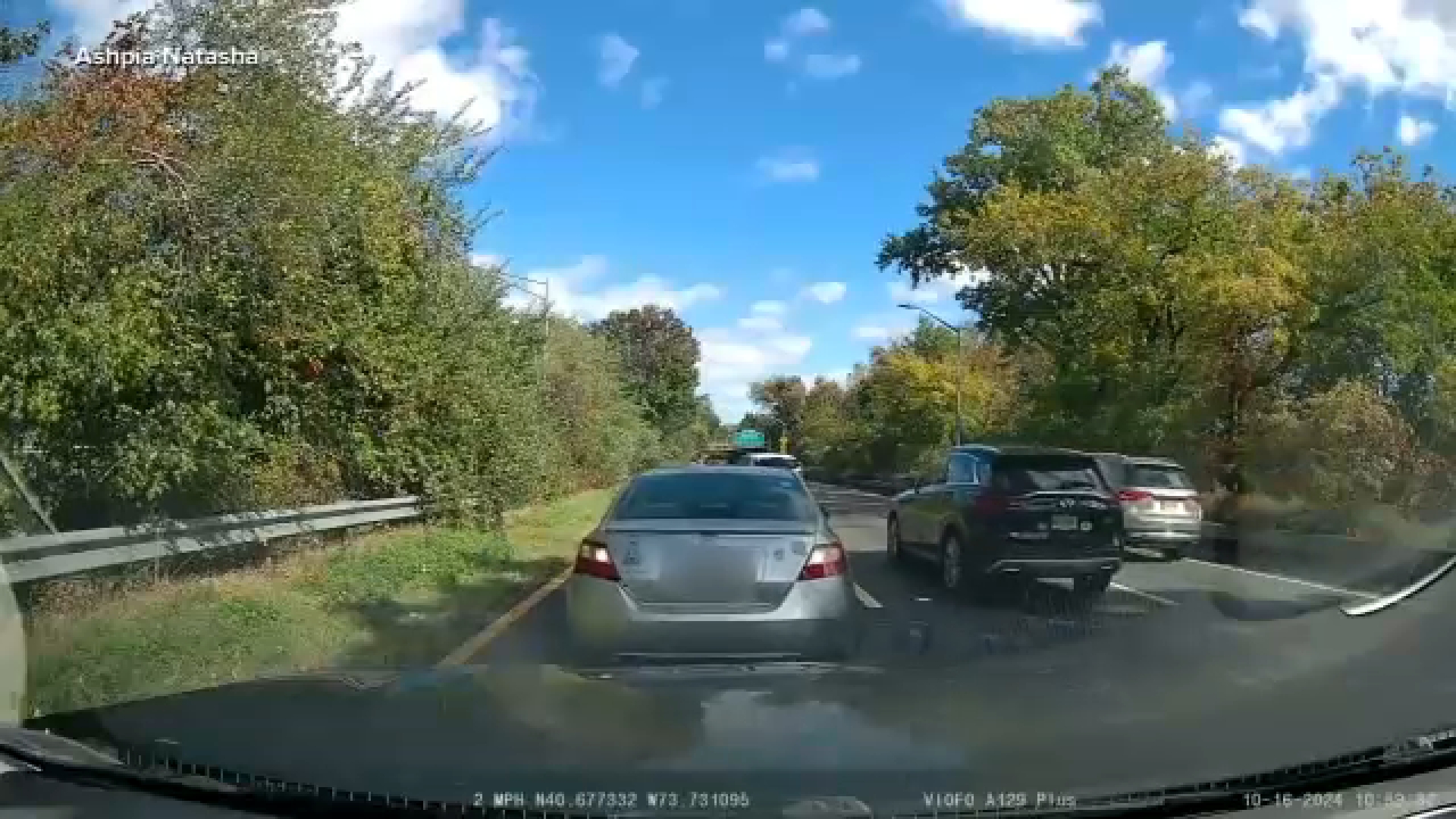
Dash cam footage plays a key role in proving events on the road. Its value depends on being real and unchanged. Authenticity and verification help ensure the video is original and trustworthy. This section explains how to detect edited footage and keep original files safe.
Detecting Edited Footage
Edited footage often shows signs of tampering. Look for sudden jumps or missing parts in the video. Changes in lighting or color may also signal editing. Sound can be another clue if it does not match the video. Advanced tools can analyze metadata to check if the file was altered. These checks help confirm the footage’s truth.
Maintaining Original Files
Keep the original dash cam files safe and unchanged. Transfer videos directly from the dash cam to a secure device. Avoid saving over or compressing the original files. Use reliable storage with backup copies. Keeping the original file intact helps prove the footage is real. It also makes verification easier during disputes or legal cases.
Best Practices For Handling Footage
Handling dash cam footage properly is important. It protects your video and keeps the evidence clear. Good habits help you avoid losing important details or damaging files. Follow smart steps to keep your recordings safe and useful.
Storage Recommendations
Store your footage on a reliable device. Use a memory card with enough space. Avoid cheap or low-quality cards that may fail. Back up files regularly on a computer or cloud storage. Keep backup copies separate from the original. Organize videos by date and time for easy access.
Sharing Footage Safely
Share videos only with trusted people or authorities. Use secure methods like encrypted email or private links. Avoid posting raw footage on public sites. Blur faces or license plates if privacy is a concern. Always keep a copy of the original video before editing or sharing.

Frequently Asked Questions
Can Dash Cam Footage Be Legally Edited?
Yes, dash cam footage can be legally edited for clarity or length. However, altering content to mislead or falsify evidence is illegal and unethical. Always keep the original file intact as proof.
Why Would Someone Edit Dash Cam Footage?
People edit dash cam footage to highlight important events, remove irrelevant parts, or improve video quality. Editing helps in sharing clear evidence during insurance claims or legal disputes.
What Software Is Best For Dash Cam Video Editing?
Popular software includes Adobe Premiere Pro, iMovie, and DaVinci Resolve. These tools offer easy trimming, enhancing, and adding timestamps without compromising original video quality.
Does Editing Dash Cam Footage Affect Its Authenticity?
Minor edits like trimming or brightness adjustment usually don’t affect authenticity. However, heavy alterations or tampering can question the footage’s credibility in legal situations.
Conclusion
Dash cam footage can be edited, but it is not simple. Changes may affect the video’s trustworthiness. Always keep the original file safe and use copies for editing. Edited clips might not hold up in legal cases. Use editing only to improve clarity or add timestamps.
Understanding the limits helps protect your rights. Stay honest with your footage to ensure it serves its purpose well.




