Have you ever wished you could watch your favorite Netflix shows while driving or sitting in your car? It sounds like a great way to pass the time on long trips or during traffic jams.
But can you actually watch Netflix on CarPlay? If you’ve been wondering about this, you’re not alone. You’ll discover the truth about Netflix and CarPlay, what your options are, and how to enjoy entertainment safely while on the road. Keep reading to find out everything you need to know!

Netflix And Carplay Compatibility
Netflix and CarPlay Compatibility is a common question among drivers. Many want to enjoy movies or shows during their trips. Yet, CarPlay focuses on safe driving. This limits what apps you can use on the screen.
Understanding how CarPlay works helps explain why Netflix may not be available. It is important to know which apps CarPlay supports and why some apps face restrictions.
How Carplay Works
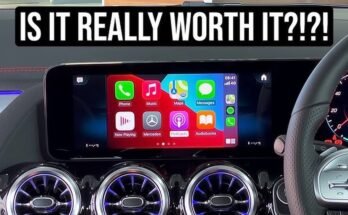
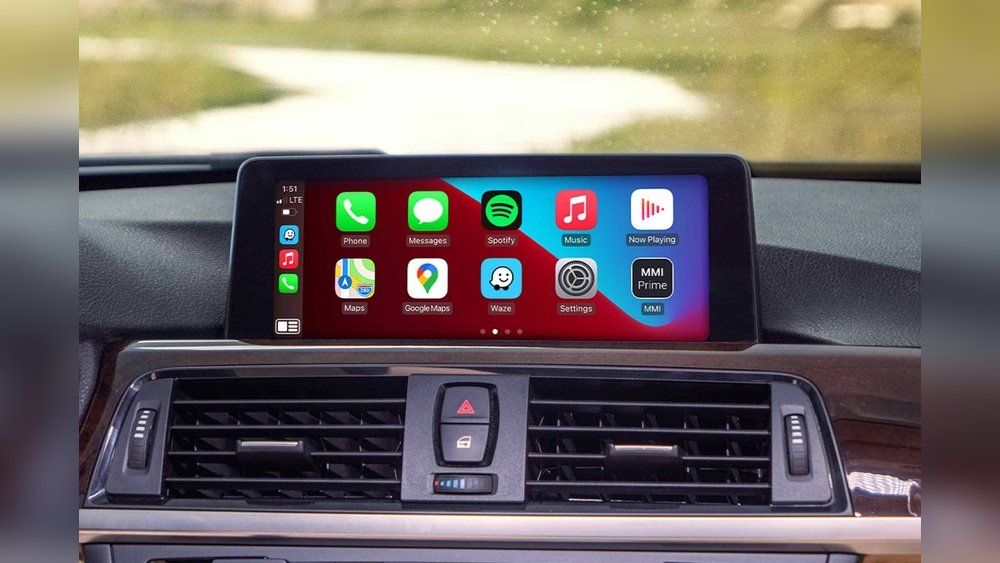
CarPlay connects your iPhone to your car’s display. It shows apps in a simple, easy-to-use format. The system focuses on driving safety. It limits distractions by allowing only certain apps. You control it using voice, touch, or buttons on the car.
Streaming Apps Allowed On Carplay
CarPlay supports some audio apps like Apple Music and Spotify. Podcasts and audiobook apps are also allowed. These apps do not require watching videos. This keeps drivers focused on the road. Video streaming apps are mostly blocked for safety reasons.
Netflix App Limitations
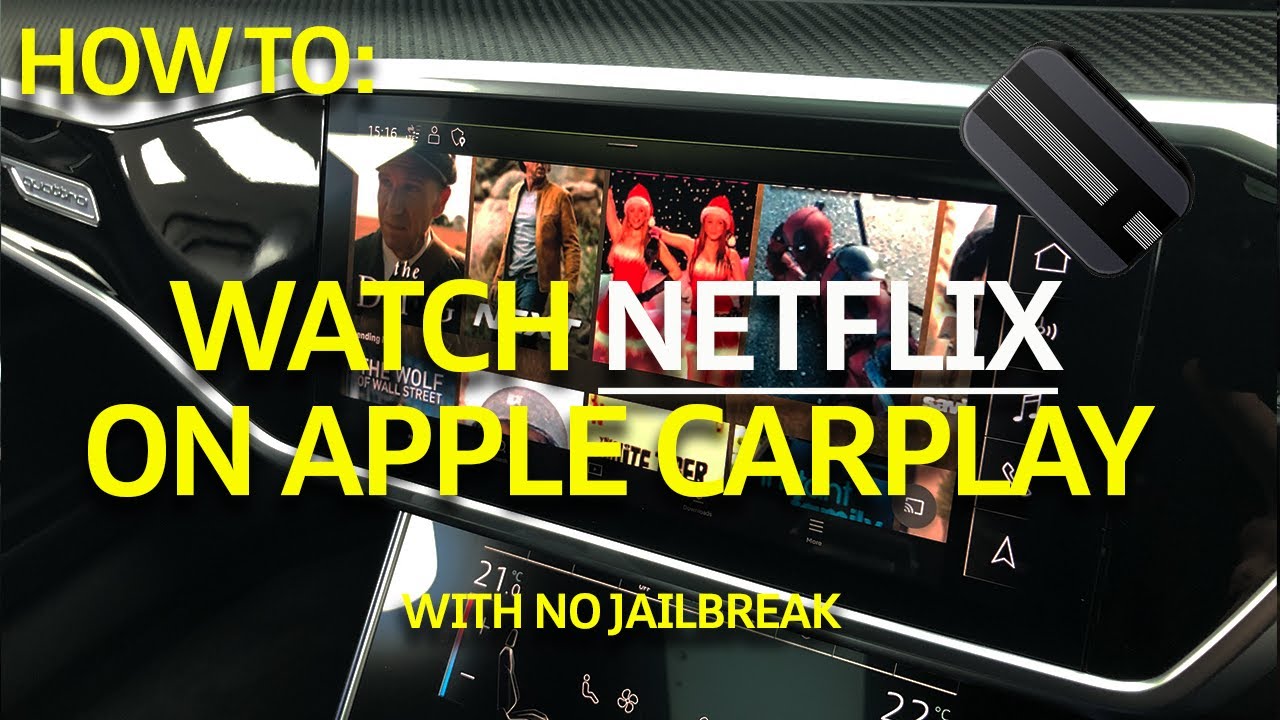
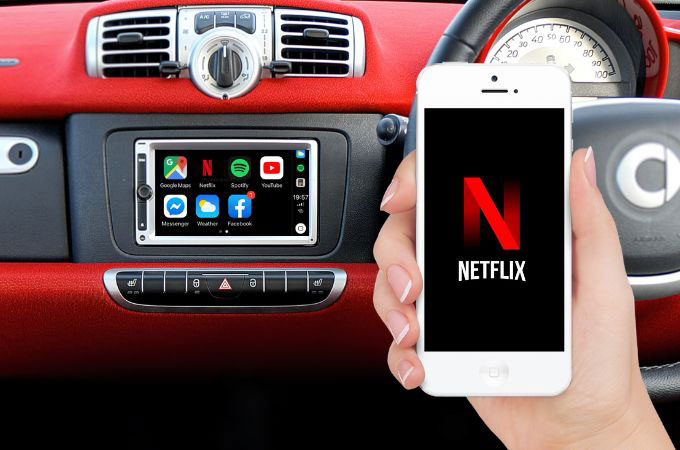
Netflix is not available on CarPlay. The app streams video, which can distract drivers. CarPlay blocks video playback to prevent accidents. This means you cannot watch Netflix on your car’s screen. You may listen to audio from Netflix shows, but not watch videos.
Alternatives To Watch Netflix In Your Car
Watching Netflix directly on CarPlay is not possible due to safety and design limits. Still, you can enjoy your favorite shows and movies while on the road. Some easy methods let you watch Netflix safely inside your car. These alternatives keep you entertained during trips without breaking any rules.
Using Screen Mirroring
Screen mirroring shows your phone’s display on your car’s screen. You need a compatible car system and a phone that supports this feature. Connect your phone via Bluetooth or Wi-Fi. Then, open Netflix on your phone and mirror it to the car screen. Remember, do this only when parked. Watching while driving is unsafe and illegal.
Connecting External Devices
Another option is using external devices. Devices like tablets or portable media players work well. Connect them to your car’s USB or HDMI ports if available. Use headphones to avoid disturbing the driver. This setup lets passengers watch Netflix comfortably. It keeps the driver focused on the road.
Offline Viewing Options
Netflix allows downloading shows and movies for offline watching. Download content before your trip using the Netflix app. Store it on your phone or tablet. Play downloaded videos without an internet connection. This method saves data and avoids buffering issues. Offline viewing is perfect for long drives or areas with poor signal.
Safety Concerns And Legal Implications
Watching Netflix on CarPlay raises important safety and legal questions. Drivers must consider how video streaming affects focus and road safety. Laws also vary by location, adding to the complexity. Understanding these concerns helps you make safer choices.
Distracted Driving Risks
Watching videos while driving diverts attention from the road. Even a few seconds of distraction can cause accidents. CarPlay is designed for hands-free use, not video playback. Video content can tempt drivers to look away from driving tasks. This increases the chance of missing signals or hazards. Safety experts warn against any activity that splits focus. Protect yourself and others by avoiding video streaming while driving.
Legal Restrictions By Region
Many regions have strict laws against watching videos while driving. Some states ban any screen use not related to driving. Penalties include fines, points on licenses, or worse. Laws differ between countries and even cities. Some places allow video only when the car is parked. Check local laws before attempting to use Netflix on CarPlay. Ignorance of the law does not prevent penalties. Staying informed helps avoid legal trouble and keeps roads safer.
Future Updates And Potential Solutions
Watching Netflix on CarPlay is a common question among drivers and passengers. Right now, Apple limits video playback on CarPlay to keep drivers focused. Still, future updates and new apps might change this. Let’s explore what may come next.
Apple’s Roadmap For Carplay
Apple is improving CarPlay every year. The company adds new features and more app support. While video apps like Netflix are not allowed now, Apple could change this in the future. Safety is a top priority. Any update will likely balance fun and safe driving. Apple might allow video apps only when the car is parked. This way, users can watch content safely.
Third-party App Developments
Some developers are working on apps that might stream videos on CarPlay. These apps aim to provide entertainment while parked. They follow Apple’s rules to avoid distractions. New apps could offer Netflix-like experiences without breaking rules. Users may see more creative solutions soon. These apps will need Apple’s approval before they appear on the App Store.
Frequently Asked Questions
Can I Stream Netflix Directly On Apple Carplay?
No, Netflix is not supported on Apple CarPlay due to safety and content restrictions. CarPlay limits video streaming apps to prevent driver distraction.
Why Doesn’t Netflix Work On Carplay Screens?
Netflix disables video playback on CarPlay to comply with Apple’s safety guidelines. Watching videos while driving is blocked to avoid accidents.
Are There Any Apps Like Netflix For Carplay?
Currently, CarPlay supports audio apps like Spotify and Apple Music. Video streaming apps, including Netflix alternatives, are generally unavailable for CarPlay.
Can I Mirror My Iphone Screen To Watch Netflix In Carplay?
Screen mirroring Netflix on CarPlay is not officially supported. Apple restricts screen sharing to ensure safe driving and prevent video playback on CarPlay.
Conclusion
Watching Netflix directly on CarPlay is not supported by Apple. CarPlay focuses on driving safety and limits video apps while driving. You can listen to Netflix audio, but video playback is blocked. Some third-party apps may offer workarounds, but they are not recommended.
Always prioritize safe driving and follow local laws. Using Netflix while driving can distract you and others. So, keep your eyes on the road and enjoy entertainment safely when parked. CarPlay is best for navigation, calls, and music during your drive.