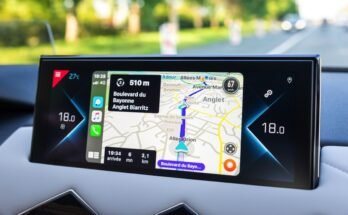
Have you ever wondered if you can use Apple CarPlay when you don’t have an internet connection? Imagine driving somewhere new, relying on your car’s screen, only to lose signal and get stuck without directions.
It’s frustrating, right? Understanding how Apple CarPlay works offline can save you from that stress. You’ll discover what features still work without data and how to make the most of your Apple CarPlay anytime, anywhere. Keep reading to unlock tips that could change the way you drive.
Apple Carplay Basics
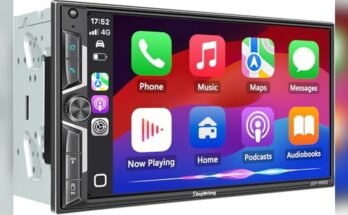
Apple CarPlay is a smart system that brings your iPhone to your car’s display. It helps you use your phone safely while driving. The system shows apps and functions on the car screen, making them easier to control. Understanding the basics of Apple CarPlay helps you use it better.
CarPlay works by connecting your iPhone to your car. This link allows you to access maps, calls, messages, and music without touching your phone. It keeps your focus on the road and your hands on the wheel.
How Carplay Connects
CarPlay connects through a USB cable or wirelessly in some cars. Wired connection uses a cable from your phone to the car’s USB port. Wireless CarPlay uses Bluetooth and Wi-Fi for a cable-free link. Once connected, your iPhone screen appears on the car display. This setup lets you use apps and features easily.
Key Features To Know
CarPlay offers voice control with Siri, so you can use your voice. It supports navigation apps like Apple Maps for directions. You can make calls or send messages without touching your phone. Music apps like Apple Music or Spotify play through the car speakers. The system is designed to reduce distractions and keep driving safe.
Offline Capabilities
Apple CarPlay offers some useful features even without an internet connection. This allows drivers to use certain apps and functions while offline. Knowing what works offline helps you plan your drives better and avoid surprises.
Which Apps Work Offline
Several Apple CarPlay apps function without internet. Music apps like Apple Music and Spotify let you play downloaded songs. Navigation apps such as Apple Maps can use preloaded maps for directions. Messaging apps allow access to saved messages and voice-to-text features. These offline capabilities keep essential functions active during no signal or airplane mode.
Limitations Without Internet
Some features stop working without an internet connection. Live traffic updates and rerouting in navigation apps are not available. Streaming services need internet to play online content. Voice commands that rely on Siri may not respond correctly. Some third-party apps require internet to load data or update information. Offline use has useful options but also clear limits.
Navigation Without Data
Navigation without data is possible with Apple CarPlay, but it needs preparation. Using CarPlay offline means you can still find your way without internet. This works well on trips with poor or no mobile signal. You can rely on maps saved on your phone or device.
Using Offline Maps
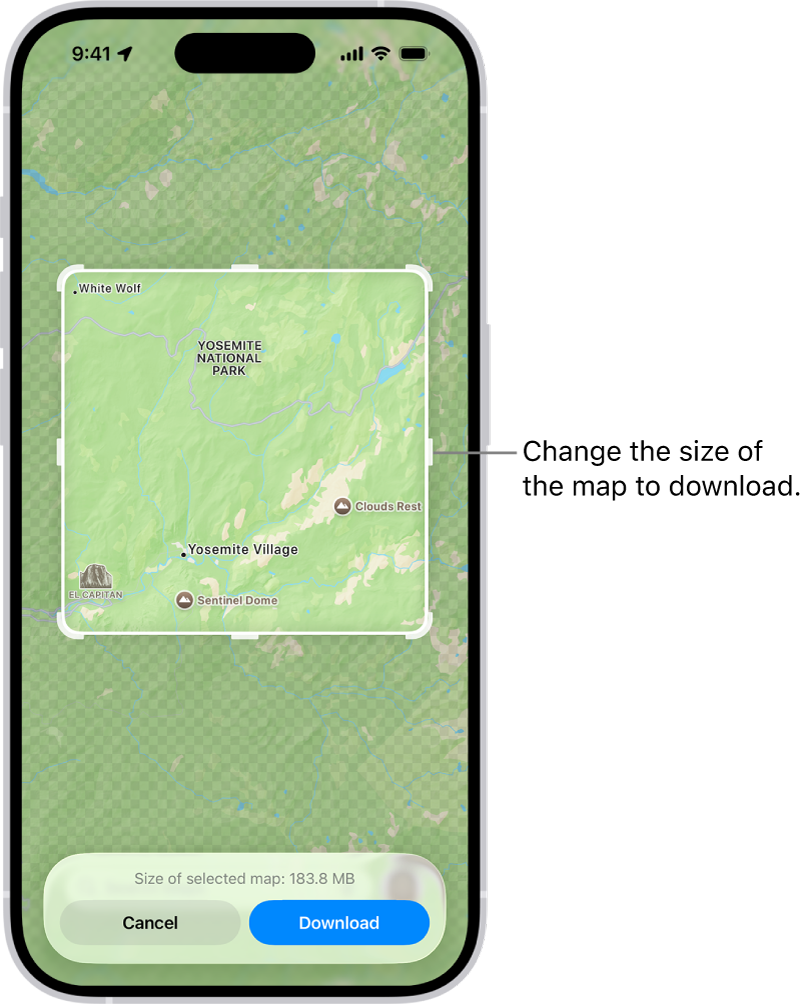
Offline maps let you see routes without data. You must download maps before starting your trip. Apps like Apple Maps or Google Maps allow downloading areas. These maps save on your phone storage for later use. Once saved, you can use CarPlay to access them. The maps show streets, landmarks, and routes clearly. Offline maps do not update live traffic. They still guide you well through most places.
Tips For Offline Directions
Plan your route ahead and download needed maps. Check your map app’s offline mode settings. Keep your phone charged to avoid losing navigation. Use voice directions to keep your eyes on the road. Update your offline maps regularly for accuracy. Save multiple areas if your trip covers large distances. Offline directions work best for simple routes. Avoid sudden detours without data, as updates won’t show.
Music And Media Offline
Apple CarPlay helps you enjoy music and media on the road. You can use it offline for many features. This is useful when you have no internet connection. Let’s explore how to use music and media offline with CarPlay.
Playing Downloaded Music
Apple CarPlay works well with music saved on your phone. Songs downloaded from Apple Music or other apps play without internet. Open the Music app on CarPlay and find your downloaded tracks. No need to stream or use data. Just tap and enjoy your favorite songs anytime.
Managing Podcasts And Audiobooks
Podcasts and audiobooks can also be used offline with CarPlay. Download episodes or books on your device before the trip. Use apps like Apple Podcasts or Audiobooks to save content. On CarPlay, select your downloads to listen without interruption. This keeps your drives fun and free from buffering.
Hands-free Features Offline
Apple CarPlay offers many hands-free features that work even without internet. These features help drivers stay focused on the road. Using voice commands and phone functions is possible offline. This keeps you connected and safe while driving.
Voice Commands That Work
Many voice commands work offline with Apple CarPlay. You can ask Siri to play music stored on your phone. Siri can also change songs or adjust volume without internet. Commands like “Call Mom” or “Navigate home” may work if data is cached. Basic controls for phone and audio remain available offline. This reduces distractions while driving.
Text And Call Functions
You can send and receive texts without internet using CarPlay. Siri reads incoming messages aloud and lets you reply by voice. Making phone calls works well offline since it uses your cellular network. This keeps communication smooth without touching your phone. Hands-free texting and calling improve safety on the road.
Preparing For Offline Use
Using Apple CarPlay offline needs some preparation. You must save data and adjust settings before losing internet access. This helps keep your apps working smoothly without a connection.
Preparing your device ensures you have access to maps, music, and messages. It stops interruptions while driving in places with poor signals.
Downloading Content In Advance
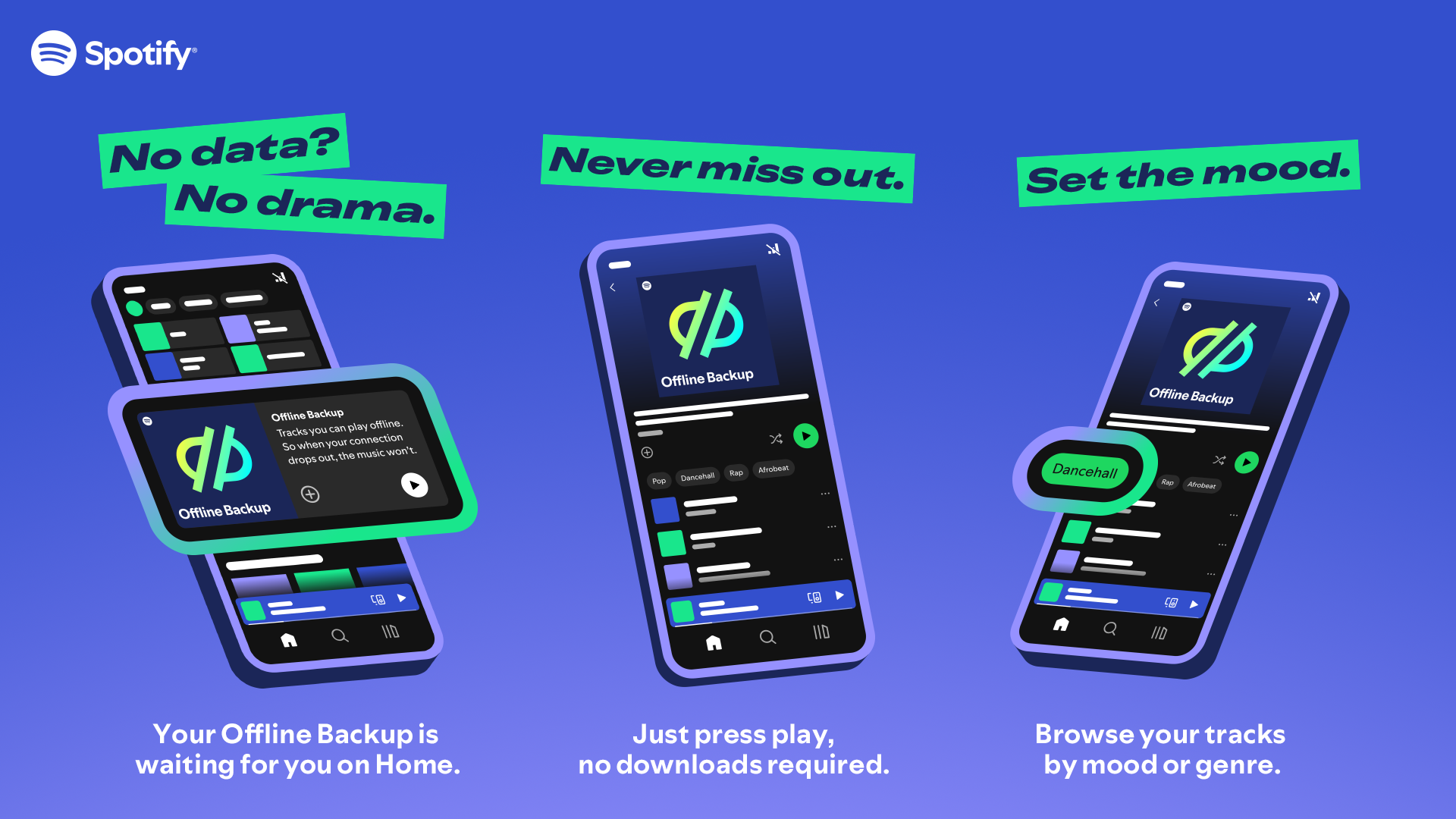
Download music playlists or podcasts on your phone. Use apps like Apple Music or Spotify to save files offline. This makes sure your entertainment works without Wi-Fi or cellular data.
Save maps for offline use. Open Apple Maps or Google Maps before driving. Download the route or area to view it without internet. This keeps navigation active even in remote locations.
Setting Up Offline Preferences
Adjust app settings for offline use. Turn on offline mode in music and podcast apps. This reduces data use and improves performance.
Check your phone’s CarPlay settings. Enable features that work offline, such as Bluetooth audio. Disable features requiring constant internet to avoid errors.
Troubleshooting Offline Issues
Apple CarPlay aims to make driving safer and easier. Sometimes, it may not work offline as expected. Troubleshooting offline issues can fix many common problems quickly. Understanding simple steps helps keep your CarPlay running smoothly.
Common Problems And Fixes
CarPlay may not connect without internet due to software glitches. Restarting your iPhone and car system can solve this. Check your cables if using a wired connection. Loose or damaged cables cause connection issues. For wireless CarPlay, ensure Bluetooth and Wi-Fi are active. Resetting network settings on your iPhone can also help. Clear any screen obstructions on your car’s display. Sometimes, the system needs a quick reset to work offline.
Keeping Carplay Updated
Apple often releases updates for CarPlay. These updates fix bugs and improve offline use. Check your iPhone’s iOS version regularly. Update your iPhone to the latest iOS for best performance. Car manufacturers may also provide firmware updates for their systems. Visit your car dealer or manufacturer’s website to see available updates. Keeping both phone and car software updated reduces offline issues. Simple updates can improve CarPlay’s stability and features.
Alternatives To Carplay Offline
Apple CarPlay needs an internet connection for many features. But offline use can be limited. Many drivers want easy options that work without data. There are useful alternatives that help you stay connected and safe on the road.
These options let you use navigation, music, and calls without relying on CarPlay’s online services. They keep your drive smooth and stress-free.
Other In-car Systems
Many cars offer built-in systems that work offline. Brands like Android Auto and built-in GPS provide maps without internet. These systems often include offline music storage. You can listen to your favorite songs without data. Voice commands usually work without connection too. This keeps your hands free and your focus on driving.
Using Smartphone Features Directly
Your phone has tools that work offline. Maps apps like Google Maps or Apple Maps allow offline downloads. Download maps before your trip. Use your phone for calls and messages without internet. Music apps let you save playlists on your device. You can play them anytime on the road. Using your phone directly gives you more control. It also reduces reliance on CarPlay or other systems.

Frequently Asked Questions
Can Apple Carplay Work Without Internet Connection?
Yes, Apple CarPlay can work offline for basic functions like calls, music, and navigation with downloaded maps. However, some apps require internet to update data and provide real-time info.
Which Apple Carplay Features Need Internet Access?
Features like live traffic updates, streaming music, and Siri voice commands usually need internet. Offline use limits these to stored content and pre-downloaded navigation routes.
How To Use Apple Carplay Offline Navigation?
Download maps in advance using Apple Maps or compatible apps. This allows navigation without internet by using GPS and stored map data.
Can I Play Music Offline On Apple Carplay?
Yes, you can play music offline if your songs are saved on your iPhone or Apple Music offline playlists.
Conclusion
Apple CarPlay works best with an internet connection. Some features, like maps and music, need data to function. Still, you can use offline apps saved on your phone. Planning ahead helps when driving without internet. Keep your apps updated and download playlists or maps before trips.
This way, CarPlay stays helpful even offline. It makes driving safer and easier. Remember to prepare your phone for offline use. That keeps your drive smooth and stress-free.