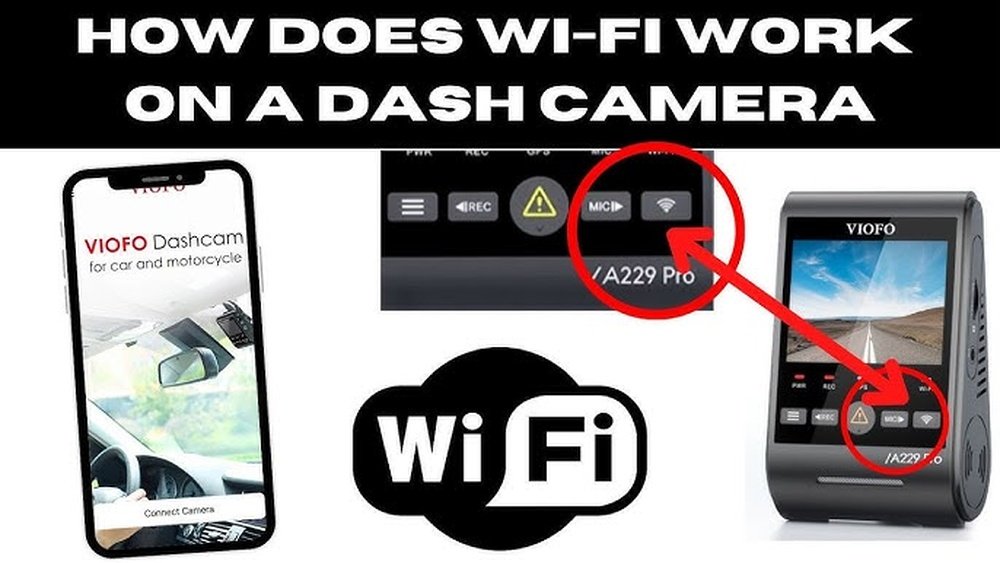
Have you ever wondered if your dash cam can still protect you when there’s no WiFi around? You rely on it to capture crucial moments on the road, but what happens when you’re driving through a remote area or a spot with poor signal?
Understanding how dash cams work without WiFi can save you from unexpected surprises and help you use your device to its fullest. Keep reading to discover how your dash cam functions offline and why it’s just as reliable when you’re off the grid.
How Dash Cams Record Without Wifi
Dash cams do not need WiFi to record videos. They work independently by saving footage directly to their own storage. This allows them to capture every moment on the road, even in places without internet access. Understanding how this happens helps you see why dash cams are reliable tools for drivers.
Role Of Internal Storage
Dash cams use built-in memory or microSD cards to store videos. This storage holds all the footage until you decide to view or delete it. The camera saves files locally, so WiFi is not required to keep recordings safe.
Continuous Loop Recording
Dash cams record in loops by overwriting old files with new ones. This means the camera keeps recording without stopping. It ensures the memory never fills up completely, and you always have recent footage available.
Manual File Transfer Options
You can transfer videos from the dash cam to other devices without WiFi. Using USB cables or removing the memory card lets you copy files easily. This way, you can review or share videos anytime, anywhere.
Features Accessible Offline
Dash cams still work well without WiFi. Many features do not need an internet connection. These offline functions keep drivers safe and records clear. They capture important moments on the road automatically.
Offline features are useful in areas with weak or no WiFi. Drivers can trust their dash cams to record and save videos all the time. Some models offer extra tools that work without internet.
Basic Video Recording
Dash cams record video continuously without WiFi. They save footage on a memory card inside the device. This feature works anytime, day or night. The camera starts recording as soon as the car turns on. Videos store locally for easy review later.
Emergency Lock Functions
Many dash cams lock important videos automatically. When a crash or sudden movement happens, the camera saves the clip safely. This prevents the video from being deleted or overwritten. The emergency lock works offline and protects evidence.
Gps And Speed Tracking
Some dash cams include GPS to track location and speed. This data records with the video on the memory card. It helps show exactly where and how fast the car was moving. GPS tracking works without WiFi, using satellite signals only.
Limitations Without Wifi
Dash cams can work without WiFi, but some features become limited. These limits affect how you use and manage your camera. Understanding these limits helps you know what to expect.
No Live Streaming
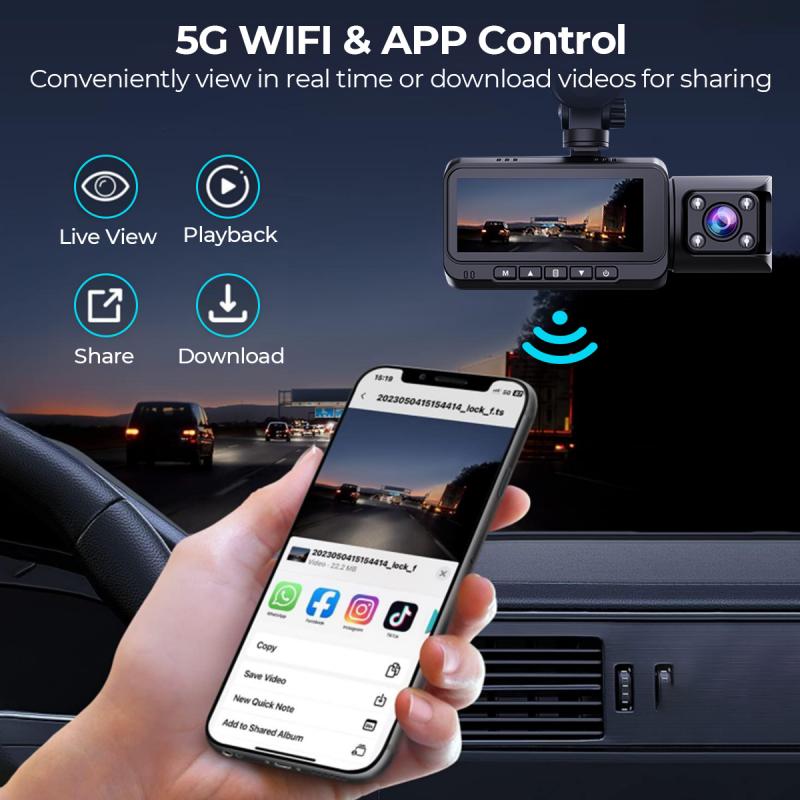
Without WiFi, dash cams cannot stream video live to your phone or other devices. You must wait until you remove the memory card or connect the camera to a computer. Live view on your mobile app is not possible without an internet connection.
Delayed Cloud Uploads
Dash cams that save videos to the cloud need WiFi to upload files. Without WiFi, videos stay on the memory card until a connection is available. This delay can risk losing footage if the card gets full or damaged before upload.
Limited Firmware Updates
Firmware updates keep dash cams running smoothly and add new features. Without WiFi, your camera cannot download updates automatically. You must update firmware manually using a computer, which may be less convenient.
Setting Up Dash Cams For Offline Use
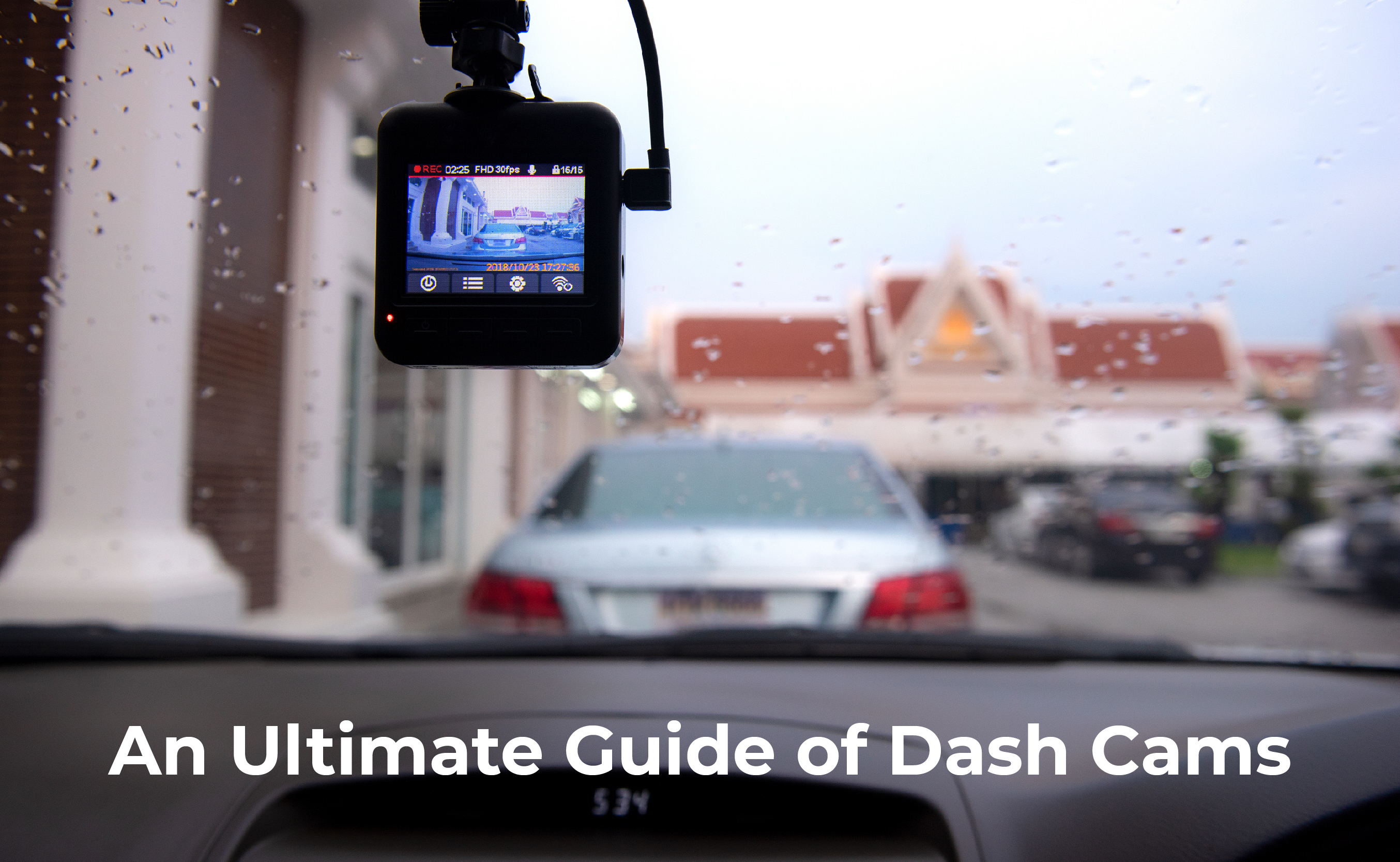
Setting up dash cams for offline use is important for drivers without constant WiFi access. Dash cams can record and save footage directly to storage cards. This setup ensures your recordings are safe even when no internet is available. Understanding how to prepare your dash cam helps you avoid missing important moments.
Choosing The Right Storage Card
Select a storage card that fits your dash cam’s requirements. Look for microSD cards with high speed and large capacity. Cards with at least 32GB are good for most users. Class 10 or UHS-I ratings ensure smooth video recording. Avoid cheap or low-quality cards to prevent data loss.
Configuring Recording Settings
Set your dash cam to loop recording mode. This setting overwrites old files when the card is full. Choose a video resolution that balances quality and file size. Lower resolution saves more footage but reduces detail. Turn on motion detection if your camera supports it. This saves storage by recording only when movement is detected.
Regular Maintenance Tips
Check the storage card regularly for errors. Format the card in the dash cam every few weeks. This prevents file corruption and keeps the system working well. Clean your dash cam lens often for clear videos. Keep the device’s firmware updated for better performance. Store your dash cam in a cool place when not in use.
Accessing And Managing Files Offline
Dash cams do not always need wifi to work well. You can still access and manage your videos without an internet connection. This is helpful if you want to watch or save clips later. Offline access keeps your files safe and easy to reach.
Most dash cams save videos on memory cards. You can remove the card or connect the camera to another device. This way, you can view and organize your recordings anytime.
Connecting To A Computer
Connect the dash cam to your computer using a USB cable. The computer will recognize the device as a storage drive. Open the folder to find your video files. You can watch, copy, or delete clips directly on your computer. No wifi is needed for this process.
Using Mobile Apps Via Usb Or Sd Card
Some dash cams have mobile apps that work offline. Connect your phone to the dash cam with a USB cable. The app can read files stored in the camera. Alternatively, remove the SD card and use an adapter to plug it into your phone. The app helps you watch and save videos without internet access.
Backing Up Important Clips
Save your important dash cam videos to other devices. Copy files to your computer or phone for extra security. This protects your clips from being lost or deleted. Keeping backups offline ensures your footage is always available when needed.
Best Dash Cam Models For Offline Use
Dash cams are useful devices for recording your drives. Many people wonder if dash cams work without WiFi. The good news is several models perform well offline. These dash cams save videos to a memory card. You can watch footage anytime without internet access. This section covers the best dash cam models for offline use. Find options that do not rely on WiFi to function properly.
Top Picks Without Wifi Dependency
Some dash cams operate fully offline. They store video files on built-in memory or SD cards. The Vantrue N2 Pro is popular for offline use. It records front and inside views without WiFi. Next is the Rexing V1, which saves footage locally. It has excellent video quality and loop recording. The Garmin Dash Cam 66W works well without internet. It provides clear images and stores files on an SD card. These models offer reliable recording without needing WiFi.
Features That Support Offline Functionality
Offline dash cams have key features. Loop recording saves space by overwriting old videos. G-sensors detect impacts and save important clips automatically. Built-in screens let you view footage without an app. Some cameras include GPS to record location offline. Storage via SD cards or internal memory is common. These features ensure dash cams work smoothly without internet. You get continuous recording and easy access to videos anytime.

Frequently Asked Questions
Do Dash Cams Need Wifi To Record Video?
No, dash cams do not need WiFi to record video. They save footage directly to an SD card. WiFi is only required for features like live streaming or app connectivity.
Can Dash Cams Function Offline Without Internet Access?
Yes, dash cams function offline without internet. They continuously record and store videos locally. Internet is not essential for basic recording functions.
How Does Wifi Improve Dash Cam Performance?
WiFi allows easy video transfer and live viewing through apps. It enhances user experience but is not necessary for recording or playback.
Will Dash Cams Upload Videos Without Wifi?
Dash cams cannot upload videos without WiFi. They store files internally until an internet connection is available for uploading or sharing.
Conclusion
Dash cams do work without WiFi for basic recording needs. They save videos directly to a memory card inside. You can watch and transfer footage later on a computer. WiFi only helps with easier sharing and live viewing. Without it, the dash cam still protects your drive.
So, WiFi is useful but not required to record. Choose a dash cam that fits your daily use. Safe driving starts with clear evidence, with or without WiFi.




