
Are you wondering if your dash cam really needs GPS? It’s a question many drivers face when choosing the right model.
Adding GPS to your dash cam might sound like extra tech you don’t need, but it can make a big difference when it comes to your safety and peace of mind. Imagine having exact location and speed data during an accident or dispute—it could be the key to protecting yourself.
Keep reading to find out how GPS can change the way your dash cam works and whether it’s worth the upgrade for you.
Dash Cam Basics
Dash cams have become popular tools for many drivers. They record video footage while driving. This helps capture important moments on the road. Understanding the basics of dash cams helps decide if GPS is needed.
Dash cams come with different features. Some models include GPS, while others do not. Knowing what a dash cam offers helps choose the right one for your needs.
Key Features Of Dash Cams
Most dash cams record high-quality video. They use wide-angle lenses to cover more road area. Many models include night vision for clear images in the dark. Some have motion detection to start recording automatically. Storage is usually on a memory card. Loop recording saves space by overwriting old files. GPS tracks the location and speed of the vehicle. Audio recording captures sounds inside the car. Some dash cams have a screen for easy viewing.
Common Uses For Dash Cams
Dash cams protect drivers from false claims after accidents. They provide evidence to insurance companies and police. Many people use dash cams to record road trips. They capture scenic drives and special moments. Fleet managers use dash cams to monitor drivers and improve safety. Taxi and rideshare drivers use them for security. Some drivers install dash cams to watch for parking damage or theft.
Role Of Gps In Dash Cams
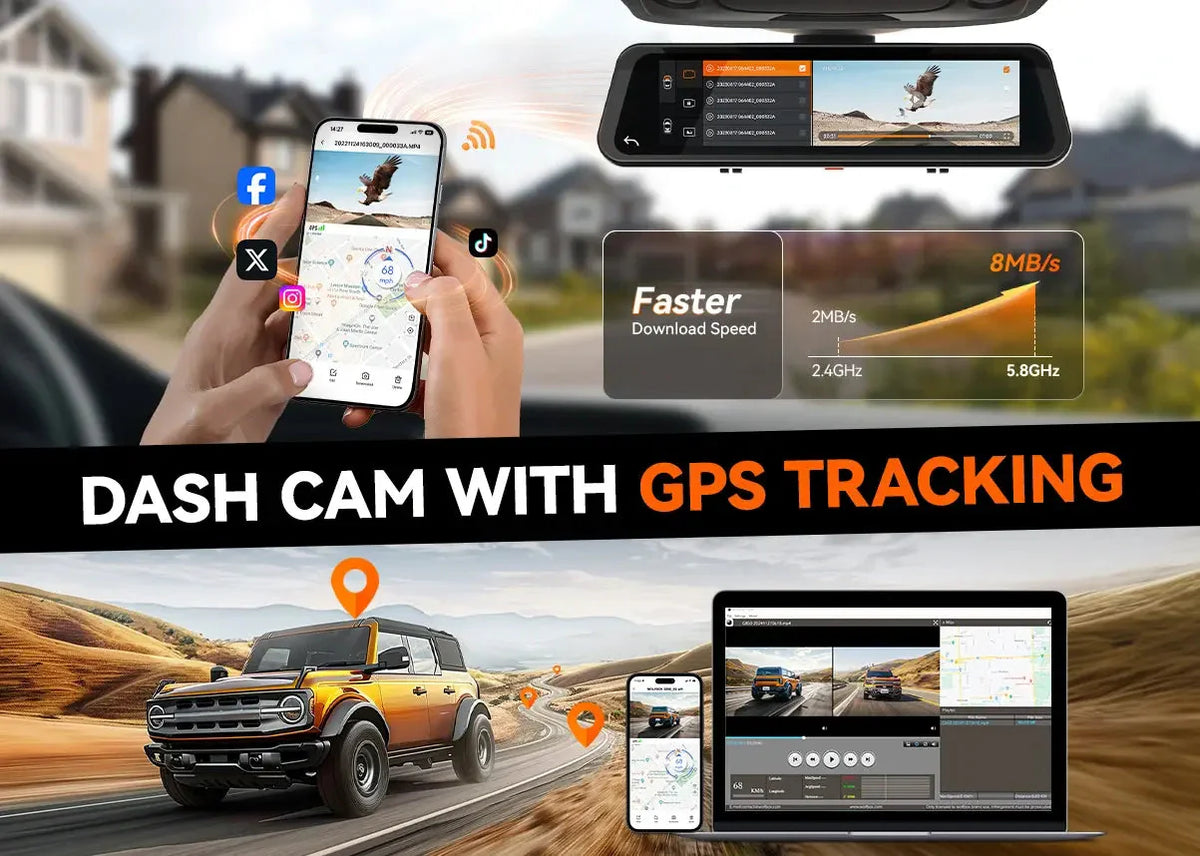
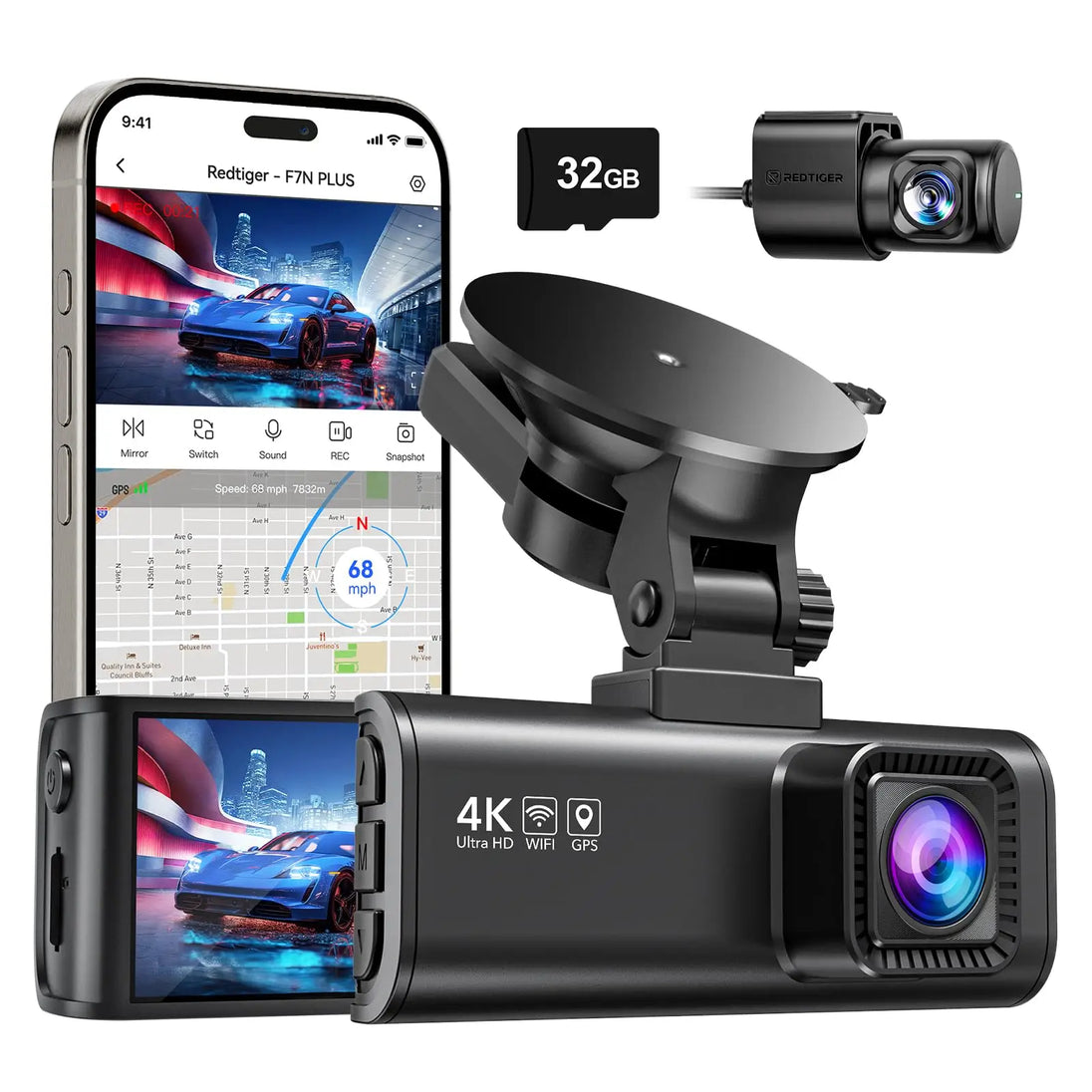
GPS plays an important role in enhancing dash cam functionality. It provides location data and speed tracking. This helps in recording accurate evidence during incidents. GPS data adds context to video footage. It shows where and how fast a vehicle was moving.
With GPS, dash cams become more than just video recorders. They turn into smart devices that log travel routes. This information can help drivers review trips and improve safety. It also supports law enforcement with clear and trustworthy proof.
How Gps Works With Dash Cams
GPS connects to satellites orbiting the Earth. The dash cam receives signals from multiple satellites. It calculates the exact position using these signals. This process is fast and updates continuously. The dash cam then tags videos with location and speed data.
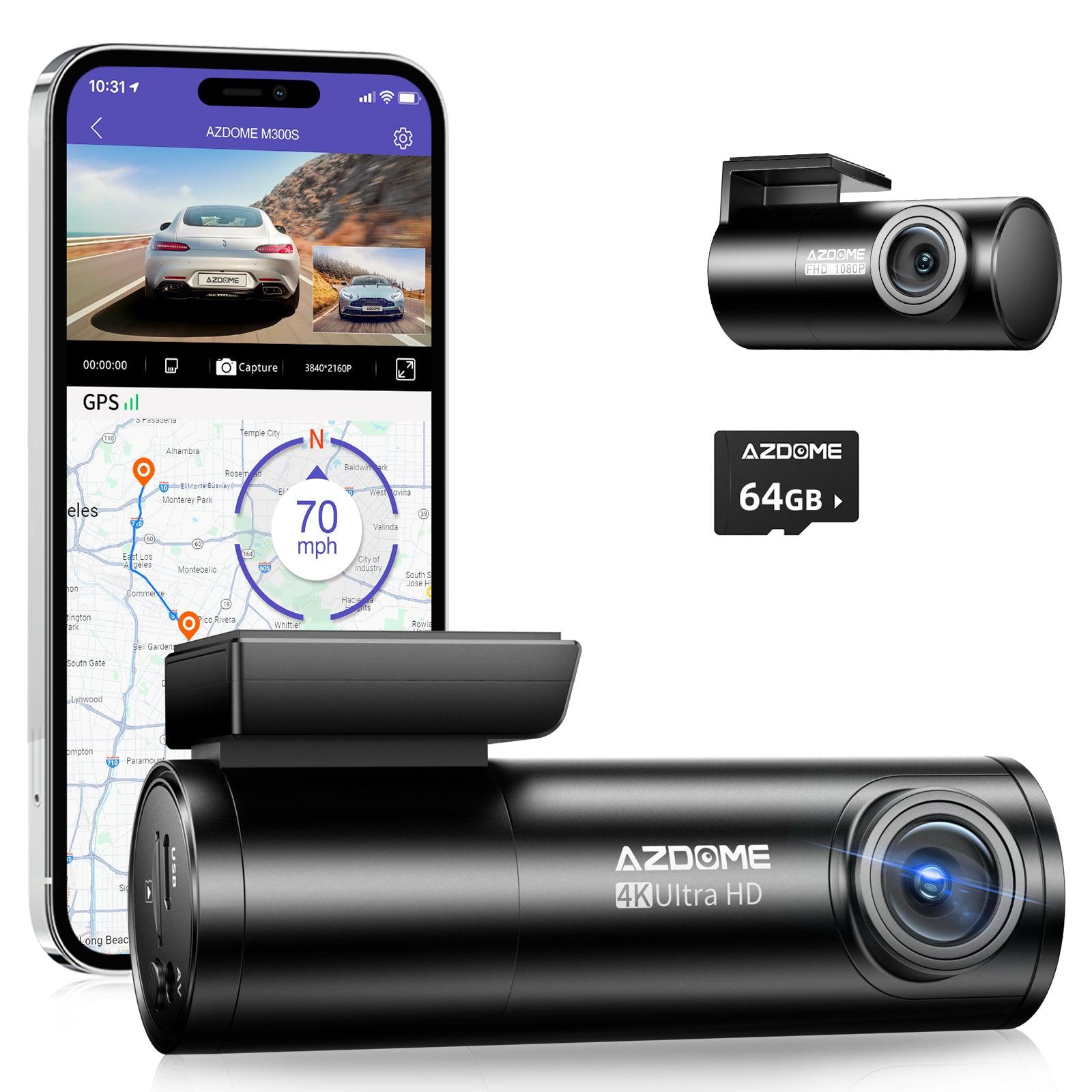
Location and time data help verify where and when events happened. This makes the footage useful for insurance claims and police reports. Some dash cams show the route on a map in their app or software.
Types Of Gps Integration
Some dash cams have built-in GPS modules. These models record location without extra devices. Others use external GPS receivers connected by cable. Both types give reliable GPS data but differ in setup.
Built-in GPS is more compact and easier to use. External receivers may offer better signal in certain cases. Some dash cams also combine GPS with Wi-Fi or Bluetooth. This allows easier data transfer and live tracking features.
Benefits Of Gps In Dash Cams
GPS in dash cams adds important features that improve driving safety. It helps record exact details about your trip. This data can help in many situations, from accidents to tracking routes. A dash cam with GPS offers more than just video footage.
Accurate Location Tracking
GPS gives exact location details of your vehicle. It records where the car was at all times. This helps prove your position during an accident. Knowing the exact spot can be crucial in legal cases.
Speed Monitoring And Alerts
GPS tracks your vehicle’s speed constantly. Some dash cams alert you if you drive too fast. This helps avoid speeding tickets and unsafe driving. It encourages better control on the road.
Enhanced Evidence In Accidents
GPS data adds proof to video recordings. It shows speed, location, and time clearly. This information supports your story after a crash. It makes your evidence stronger and more reliable.
Route And Travel Data Logging
GPS logs all routes and travel times automatically. This helps keep records of where you have driven. It is useful for business trips or tracking long drives. Reviewing routes can improve future planning and safety.
When Gps May Not Be Necessary
Not every dash cam needs GPS to be useful. Some drivers want simple video proof without extra data. Knowing when GPS is unnecessary can help choose the right dash cam.
Basic Recording Needs
Some users only want clear video of road events. GPS data does not improve video quality. Basic recording captures accidents or incidents well enough. For everyday driving, video alone often suffices.
Cost Considerations
Dash cams with GPS tend to cost more. Avoiding GPS features lowers the price. Budget-conscious buyers can save money by skipping GPS. This lets drivers get reliable footage at a lower cost.
Privacy Concerns
GPS tracks location and speed constantly. Some people prefer not to share such data. Without GPS, dash cams record only video. This keeps personal travel details private and secure.
Choosing The Right Dash Cam
Choosing the right dash cam is important for your safety and peace of mind. The market offers many options. Each one has different features and prices. Picking the best one can feel confusing. Understanding your needs helps make the choice easier. Focus on features that matter most to you.
Evaluating Features And Budget
Start by listing the features you need. Basic dash cams record video during driving. Some include night vision and motion detection. Think about video quality and storage options. Set a budget that fits your wallet. Balance between cost and useful features. A more expensive dash cam may offer better quality.
Considering Gps Capabilities
GPS in a dash cam tracks your location and speed. This data helps prove your case in accidents. It also records your route history. Not all dash cams have GPS built-in. Decide if you want this feature. It can add extra cost and complexity. For some drivers, GPS is a valuable tool.
User Reviews And Brand Reliability
Check user reviews to learn real experiences. Look for patterns in feedback about durability and support. Choose brands known for good customer service. Reliable brands often provide firmware updates. These updates keep your dash cam working well. Avoid models with many complaints or technical issues.
Frequently Asked Questions
Does A Dash Cam Need Gps For Accurate Recording?
A dash cam doesn’t need GPS to record video. However, GPS adds location and speed data, enhancing evidence quality. It helps verify routes and driving behavior during incidents, making it valuable but not essential for basic dash cam functionality.
How Does Gps Improve Dash Cam Video Evidence?
GPS enhances dash cam footage by adding precise location and speed information. This data supports insurance claims and legal cases by proving where and how fast you were driving. It provides context beyond video, making evidence more reliable and trustworthy.
Can A Dash Cam Work Without Gps Functionality?
Yes, a dash cam works without GPS. It records video and audio independently. GPS is an extra feature that records location and speed. Without it, you still get essential footage, but without detailed travel data or speed tracking.
Is Gps Necessary For Insurance Claims With Dash Cams?
GPS is not mandatory for insurance claims but can help. It offers clear proof of location and speed at the accident time. This additional data can speed up claim processing and reduce disputes, making it a useful feature for drivers.
Conclusion
A dash cam with GPS offers extra benefits for drivers. It records location and speed clearly. This helps prove facts during accidents or disputes. Not every driver needs GPS, but it adds useful details. It can also track routes and help with insurance claims.
Choosing a dash cam depends on your needs and budget. Think about how much information you want recorded. A simple dash cam works fine for basic use. Adding GPS makes your recordings more detailed and reliable. Decide what matters most for your driving safety and peace of mind.




