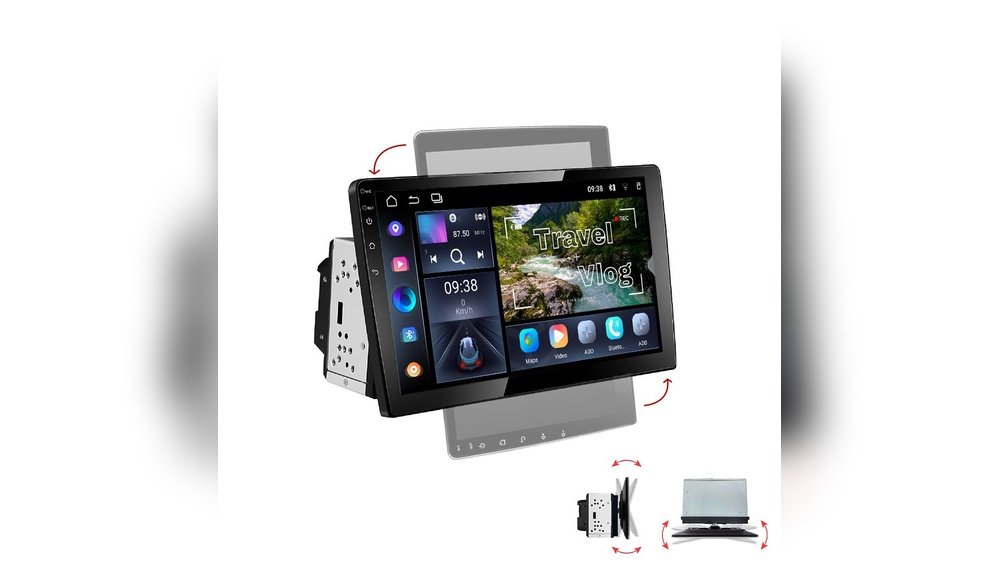
Imagine driving with your favorite playlists, podcasts, or calls streaming seamlessly through your car stereo—without fumbling for cords or dealing with weak signals. Adding WiFi to your car stereo can transform your driving experience, making it more connected and enjoyable.
If you’ve been wondering how to bring this smart upgrade to your vehicle, you’re in the right place. This guide will walk you through simple, clear steps to connect your car stereo to WiFi, so you can stay entertained and connected on every trip.
Ready to make your car smarter? Let’s dive in.
Benefits Of Wifi In Car Stereo
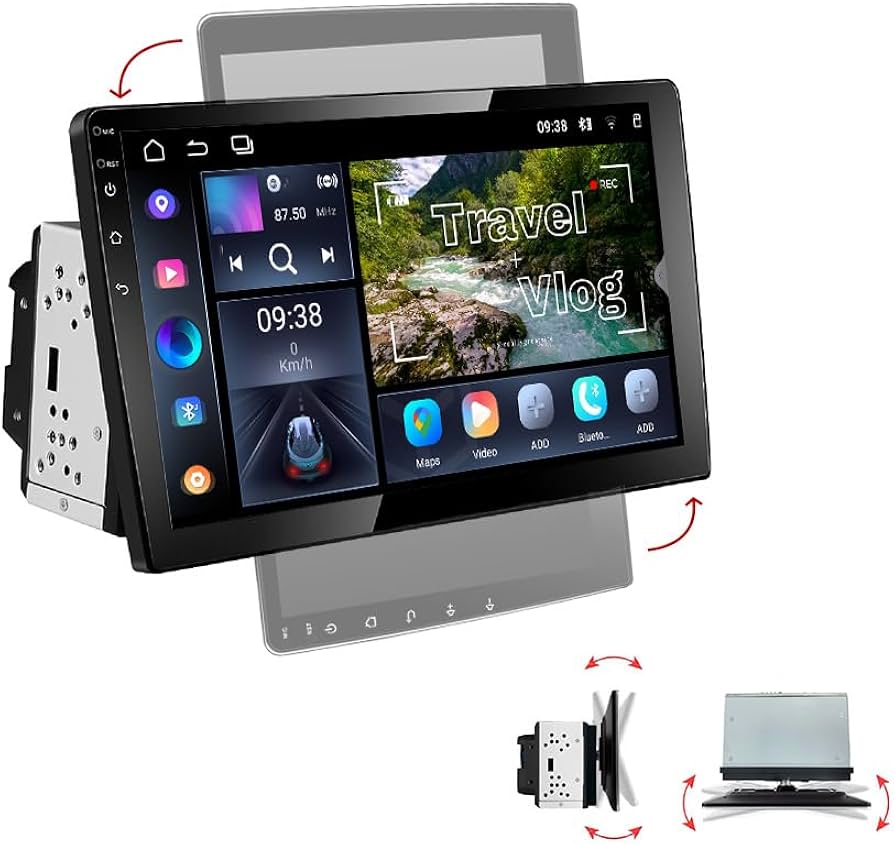
Adding WiFi to your car stereo changes how you use your car audio. It brings many benefits that improve your driving experience. You get better music, easier calls, and quick access to online features. WiFi makes your car stereo smarter and more useful.
Seamless Streaming
WiFi lets you play music without interruptions. You can stream songs from apps like Spotify or YouTube. No need to download files or connect cables. Your music plays smoothly as long as you have a WiFi signal. This keeps your drive lively and fun.
Hands-free Connectivity
WiFi supports hands-free calls and voice commands. You can talk on the phone without holding it. This keeps your hands on the wheel and eyes on the road. It makes driving safer and communication easier. Voice assistants work better with WiFi too.
Access To Online Services
WiFi opens doors to many online services. You can get real-time traffic updates and weather reports. Some apps offer news, podcasts, and audiobooks directly in your car. This keeps you informed and entertained while driving. Your car becomes a connected space.
Types Of Wifi Adapters For Cars
Adding WiFi to your car stereo can improve your driving experience. It helps you stream music, use apps, and get online on the road. There are several types of WiFi adapters for cars. Each type has different features and ways to connect. Choosing the right one depends on your car and your needs.
Usb Wifi Dongles
USB WiFi dongles are small devices that plug into your car stereo’s USB port. They allow your car to connect to wireless networks easily. These dongles are simple to use and often do not need extra power. They work best with stereos that support USB internet devices. Setup usually involves plugging the dongle in and selecting a network.
Built-in Wifi Modules
Some modern car stereos come with built-in WiFi modules. These modules provide direct internet connection without extra devices. The WiFi is integrated into the stereo system for seamless use. You just need to enter your network details and connect. Built-in modules offer stable connections and better compatibility.
Mobile Hotspot Devices
Mobile hotspot devices create a WiFi signal using cellular data. They are portable and can connect multiple devices at once. You carry the hotspot device separately and connect your car stereo to it. This option works well for long trips or areas without public WiFi. It requires a data plan but offers reliable internet access.
Preparing Your Car Stereo
Preparing your car stereo is the first step to adding WiFi. It ensures smooth installation and good performance. Taking time here avoids problems later. Follow these steps to get ready.
Check Compatibility
Not all car stereos support WiFi. Check your stereo’s model and manual. Look for WiFi or wireless features listed. Some stereos need extra adapters or modules. Confirm what your stereo can handle before buying parts.
Update Firmware
Firmware is the software inside your stereo. Updating it can add new features or fix bugs. Visit the manufacturer’s website for updates. Follow instructions carefully to avoid errors. An updated stereo works better with WiFi devices.
Gather Necessary Tools
Prepare tools before starting installation. Common tools include screwdrivers, wire cutters, and electrical tape. You might also need a panel remover tool. Having everything ready saves time and frustration.
Step-by-step Installation Process
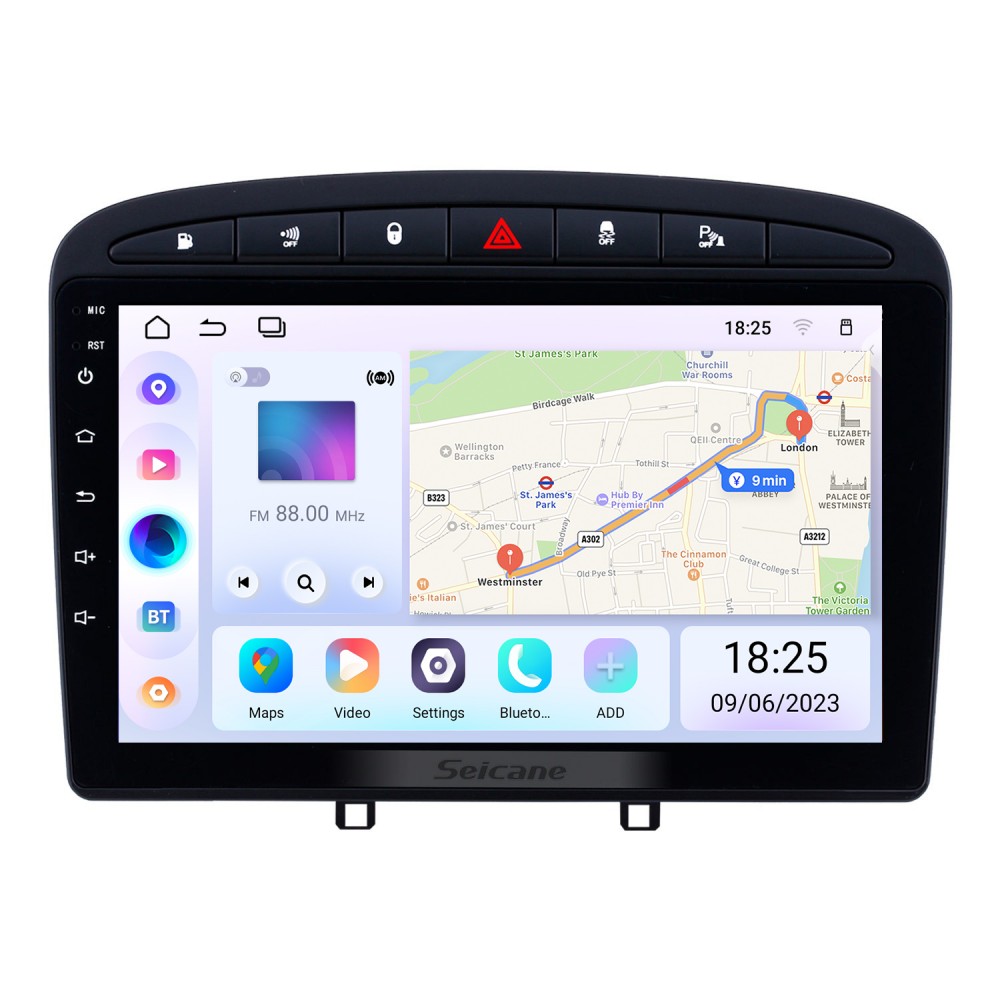
Adding WiFi to your car stereo can improve your driving experience. It allows you to stream music, use apps, and get real-time updates. The installation process is simple and can be done in a few clear steps.
Follow this step-by-step guide to connect your WiFi adapter, set up the network, and test the connection. This will help you get online quickly and safely while driving.
Connect Wifi Adapter
Start by locating your car stereo’s USB or AUX port. Plug the WiFi adapter into the correct port. Make sure it fits securely to avoid disconnection while driving. Some adapters may need extra power, so use an available 12V power outlet if needed. Check the adapter’s instructions for specific connection details. Keep cables tidy to prevent interference with car controls.
Configure Network Settings
Turn on your car stereo and access the settings menu. Find the WiFi or network section. Select your home or mobile hotspot network from the list. Enter the password carefully to avoid errors. Save the settings and wait for the system to connect. If the connection fails, try restarting the stereo or adapter. Adjust settings such as IP address or DNS only if you know how.
Test Connection
Once connected, test the WiFi by opening a streaming app or browser on your stereo. Play some music or check if the internet loads. Watch for any interruptions or slow speeds. Move the car slightly if the signal is weak. Confirm that the connection stays stable during your drive. Troubleshoot by reconnecting or resetting if needed. Enjoy hands-free internet safely on the road.
Troubleshooting Common Issues
Adding WiFi to your car stereo can improve your driving experience. Yet, some common issues might arise. Understanding these problems helps fix them fast. Here are simple solutions to typical WiFi troubles in your car.
No Wifi Signal
No WiFi signal means your stereo cannot find the network. Check if your car is in a WiFi-covered area. Move to a place with better coverage. Restart your car stereo to refresh the search. Make sure the WiFi is turned on in the stereo settings. Confirm the network name and password are correct. Sometimes, interference from other devices can block signals.
Connection Drops
Connection drops happen when WiFi keeps cutting off. Check for weak signals or interference. Keep your device and stereo firmware updated. Avoid using too many devices on the same network. Restart your router and car stereo. Reset network settings on your stereo if needed. Sometimes, a loose connection or poor installation causes drops.
Slow Internet Speeds
Slow internet makes streaming or downloads frustrating. Test your internet speed using your phone. Move closer to the WiFi source if possible. Close apps or devices using too much data. Check if your car stereo supports the latest WiFi standards. Clear the cache or restart the stereo. Slow speeds may also come from your mobile data plan limits.

Enhancing Wifi Performance
Adding WiFi to your car stereo improves entertainment and connectivity. Good WiFi performance is key to a smooth experience. Weak signals cause buffering and slow loading. Follow these tips to boost your car’s WiFi quality.
Use Signal Boosters
Signal boosters increase the WiFi range inside your car. They catch weak signals and make them stronger. Choose a booster made for vehicles. Place it where it can get the best signal, like near a window.
Optimize Router Placement
Place your WiFi router in an open space at home or in the car. Avoid walls or metal objects blocking the signal. The closer the router, the better the connection. Try different spots to find the strongest signal.
Regular Software Updates
Keep your car stereo and router software up to date. Updates fix bugs and improve performance. Check for updates often to maintain a stable WiFi connection. Updated devices handle signals more efficiently.
Alternative Connectivity Options
Adding WiFi to your car stereo is not the only way to connect your devices. Alternative options exist for streaming music and accessing the internet. These methods can be simple and effective. They do not need complex installations or expensive gear.
Explore these options to find what fits your needs best. Each has strengths and limits. Understanding them helps you pick the right solution for your car.
Bluetooth Tethering
Bluetooth tethering uses your phone’s internet for your car stereo. It creates a small wireless network between devices. This lets your car stereo connect to the internet via your phone.
No extra hardware is needed if your stereo supports Bluetooth. The connection is stable for music streaming and light browsing. Battery use on your phone may increase, so keep an eye on it.
Mobile Data Hotspots
Mobile data hotspots provide WiFi by turning your phone or a device into a mini router. This hotspot shares your mobile data with the car stereo or other gadgets. It works well for multiple devices.
Hotspots require a data plan with enough allowance. The signal depends on your mobile network quality. The setup is easy and portable, great for travel or daily use.
Fm Transmitters
FM transmitters send audio from your device to your car stereo using radio waves. They plug into your phone or music player. Then, they broadcast on a free FM frequency.
Your car stereo picks up this signal like a radio station. This method does not provide internet but is useful for playing music without cables. It is affordable and easy to use.
Frequently Asked Questions
How Can I Add Wifi To My Car Stereo?
You can add WiFi by installing a compatible WiFi adapter or hotspot device. Connect it via USB or Bluetooth. This enables internet access for streaming and navigation on your car stereo.
What Devices Work For Car Stereo Wifi Connection?
Popular devices include portable WiFi hotspots, USB WiFi dongles, and smartphone tethering. Ensure your car stereo supports these connection types for seamless integration.
Is Adding Wifi To Car Stereo Expensive?
Costs vary from $20 for basic adapters to $100+ for advanced hotspots. Installation is often simple and can be done without professional help, reducing expenses.
Can Wifi Improve My Car Stereo Streaming Quality?
Yes, WiFi provides faster and more stable internet than cellular data. This improves audio streaming quality and reduces buffering in your car stereo system.
Conclusion
Adding WiFi to your car stereo brings many benefits. It lets you stream music and use apps on the go. The process is simple with the right tools and steps. Choose the best method for your car and skill level.
Enjoy better sound and hands-free features while driving. Stay connected safely without distraction. Keep your car stereo up to date with WiFi for a smarter ride. Try it today and feel the difference.




