Want to enjoy Apple CarPlay in your car but don’t have it built into your stereo? You’re not alone.
Many drivers want the convenience of CarPlay but are stuck with an older or aftermarket stereo that doesn’t support it. The good news? You can upgrade your ride without buying a whole new car. You’ll discover simple, effective ways to get CarPlay on your aftermarket stereo—making your drives safer, smarter, and way more fun.
Keep reading to find out how to turn your current setup into a seamless Apple-friendly experience.

Benefits Of Carplay
CarPlay offers many benefits for drivers who want smart features in their cars. It makes your driving experience easier and more enjoyable. This system connects your phone to the car’s stereo. You get quick access to important functions without distractions.
Using CarPlay can change how you use your car’s stereo. It keeps you focused on the road. It also helps you stay connected in a safe way. Here are some key benefits of CarPlay.
Enhanced Connectivity
CarPlay links your iPhone to the car’s display. You can use calls, messages, and maps hands-free. It uses voice commands through Siri. This means you control your phone without touching it.
It supports many apps that you use daily. Music, podcasts, and audiobooks play directly from the stereo. You stay connected to your digital life with ease.
Improved Safety
CarPlay reduces distractions while driving. It shows only the needed information on the screen. You focus on driving instead of searching your phone.
Voice control lets you keep your hands on the wheel. You get directions and send messages safely. It helps lower the risk of accidents caused by phone use.
Access To Apps
CarPlay supports many popular apps. You get navigation apps like Apple Maps, Google Maps, and Waze. Music apps such as Spotify, Apple Music, and Pandora work smoothly.
You can also use messaging and podcast apps. This lets you enjoy your favorite content during trips. The apps are designed for easy use while driving.
Choosing The Right Aftermarket Stereo
Choosing the right aftermarket stereo is key to getting CarPlay in your car. The right unit brings a smooth experience and fits your needs. Many options exist, so focus on the main factors that matter. This guide helps you pick a stereo that works well with CarPlay and suits your lifestyle.
Compatibility With Carplay
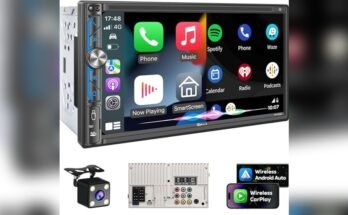
Not all stereos support CarPlay. Check the product details before buying. Make sure the stereo works with your phone type, either iPhone or Android. Wired and wireless CarPlay options exist. Choose a stereo that offers the connection style you want. Confirm the stereo supports the latest CarPlay version too.
Screen Size And Features
Screen size affects usability and look. Bigger screens show more information and are easier to touch. Common sizes range from 6 to 10 inches. Think about space in your car’s dash. Features like touch sensitivity, brightness, and resolution matter. Some models include extra options like voice control and GPS. Pick features that improve your driving experience.
Budget Considerations
Set a clear budget before shopping. Prices vary widely for CarPlay stereos. Basic models cost less but may lack features. Higher-priced units offer advanced functions and better screens. Balance cost with quality and features. Remember to include installation costs if needed. A good stereo fits your budget and needs well.
Required Accessories For Installation
Installing CarPlay on an aftermarket stereo needs specific accessories. These parts ensure the system works well and fits your car’s setup. Missing the right accessories can cause connection problems or poor sound quality.
Wiring Harnesses
Wiring harnesses connect the stereo to your car’s power and speakers. They match your car’s wiring to the stereo’s plug. Using the correct harness makes installation easier and keeps all functions working. Each car model needs a specific harness for a perfect fit.
Adapters And Interfaces
Adapters and interfaces help CarPlay talk to your stereo and car controls. They translate signals between devices. Some adapters add USB ports or Bluetooth for CarPlay. Interfaces may also keep steering wheel controls working after installation.
Tools Needed
You need basic tools to install CarPlay hardware. Screwdrivers, wire strippers, and pliers are essential. A trim removal tool helps avoid damage to your car’s dashboard. Having all tools ready speeds up the installation process.

Step-by-step Installation Guide
Installing CarPlay on an aftermarket stereo improves your driving experience. Follow this step-by-step guide to install it safely and correctly. This guide breaks down the process into clear, simple steps. You will learn how to remove the old stereo, connect wires, and mount the new unit.
Removing The Old Stereo
Start by disconnecting your car battery. This prevents any electrical issues. Use a panel removal tool to take off the trim around the stereo. Unscrew the bolts holding the old stereo in place. Carefully pull the stereo out. Disconnect all wiring harnesses and antenna cables from the back. Set the old stereo aside safely.
Connecting Wires And Harnesses
Match the wiring harness from the new stereo with your car’s harness. Use a wiring adapter if needed. Connect each wire by color or label to avoid mistakes. Secure all connections with electrical tape or wire connectors. Attach the antenna adapter to the new stereo. Double-check all wires are tight and correct. Reconnect your car battery to test the connections before final mounting.
Mounting The New Stereo
Slide the new stereo into the dash opening carefully. Make sure no wires are pinched or loose. Screw the stereo securely using the mounting brackets provided. Replace the trim panel around the stereo. Turn on your car and test CarPlay. Ensure the touchscreen and audio work well. Adjust the settings for best use.
Setting Up Carplay On Your Device
Setting up CarPlay on your device makes your driving safer and more enjoyable. It connects your iPhone to your aftermarket stereo. This allows you to use apps, maps, music, and calls hands-free. The setup is simple and takes only a few minutes.
Follow these steps carefully to get CarPlay working smoothly. Start by enabling CarPlay on your iPhone. Then pair it with your new stereo. Finally, learn how to fix common issues you might face.
Enabling Carplay On Iphone
First, unlock your iPhone and open the Settings app. Scroll down and tap on “General.” Find and select “CarPlay” from the list. Your car or stereo should appear here if nearby. Tap the name of your car or stereo to connect.
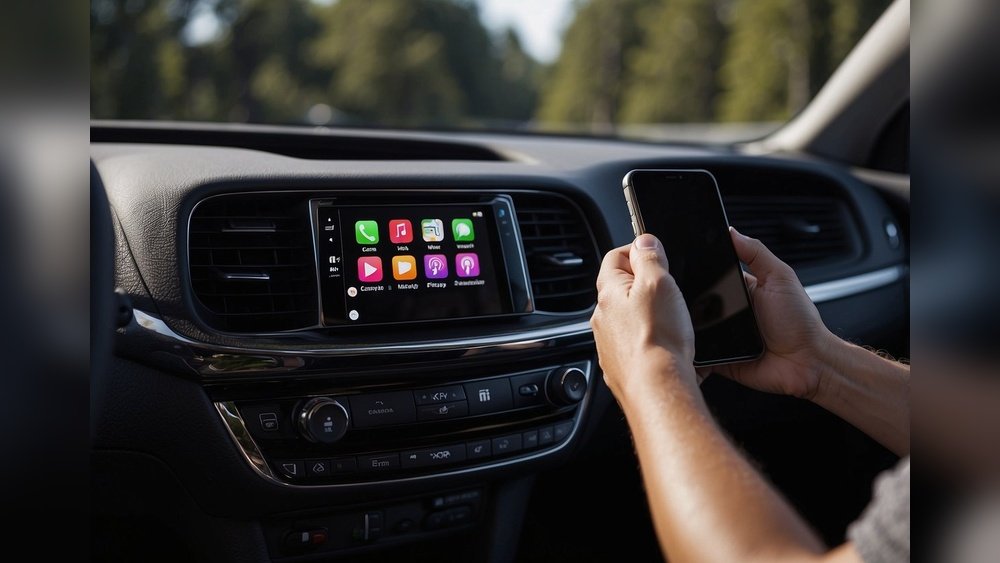
If you use a cable, plug your iPhone into the stereo’s USB port. For wireless CarPlay, turn on Bluetooth and Wi-Fi on your iPhone. Your device will search and connect automatically.
Pairing With The Stereo
Turn on your aftermarket stereo and set it to CarPlay mode. Follow the on-screen instructions to start pairing. Usually, the stereo will ask to connect to your iPhone via Bluetooth or USB.
On your iPhone, confirm the pairing request by tapping “Allow” or “Pair.” Wait a few moments as the connection establishes. Your CarPlay interface should appear on the stereo screen shortly.
Troubleshooting Common Issues
If CarPlay does not connect, check your iPhone’s software. It should be updated to the latest iOS version. Restart both your iPhone and stereo to reset connections.
Check the USB cable for damage or try a different port. For wireless connections, ensure Bluetooth and Wi-Fi are enabled. Disable any restrictions in your iPhone’s settings that might block CarPlay.
Reset the stereo’s network settings if problems continue. Consult the stereo’s manual for specific reset steps. These tips solve most common CarPlay setup problems.
Tips For Optimal Use
Getting CarPlay on an aftermarket stereo is just the start. To enjoy it fully, use these tips for best performance and ease. These simple steps help you drive safely and stay connected.
Voice Commands
Use voice commands to keep your hands on the wheel. Say simple phrases to call, send messages, or get directions. It helps avoid distractions and keeps driving safe. Practice a few commands to get comfortable fast.
App Management
Organize your apps for quick access. Only keep essential apps on your CarPlay screen. Remove apps you don’t use to reduce clutter. Arrange apps in a way that fits your needs. This makes it easier to find what you want while driving.
Keeping Software Updated
Update your stereo and phone software regularly. Updates improve performance and fix bugs. They also add new features to your CarPlay system. Check for updates every few weeks to stay current. This keeps your system running smoothly and safely.
Frequently Asked Questions
What Is Carplay And How Does It Work With Aftermarket Stereos?
CarPlay is Apple’s system that connects your iPhone to your car’s stereo. It mirrors apps on the stereo screen for safer driving. Aftermarket stereos with CarPlay support let you use navigation, calls, and music seamlessly through the car display.
Can I Install Carplay On Any Aftermarket Stereo?
Not all aftermarket stereos support CarPlay. You need to choose a stereo specifically compatible with CarPlay. Installation may require professional help for proper wiring and setup to ensure full CarPlay functionality.
Do I Need Special Cables To Use Carplay On Aftermarket Stereos?
Yes, typically you need a Lightning-to-USB cable for wired CarPlay. Some stereos also support wireless CarPlay via Bluetooth and Wi-Fi, but cables provide a more stable connection.
Is Wireless Carplay Available On Aftermarket Stereo Systems?
Many newer aftermarket stereos offer wireless CarPlay support. This allows connection without cables, enhancing convenience. However, wireless CarPlay requires compatible stereo hardware and an iPhone running iOS 9 or later.
Conclusion
Getting CarPlay on your aftermarket stereo can improve your driving experience. Choose the right stereo that supports CarPlay. Follow simple installation steps for a smooth setup. Enjoy hands-free calls, music, and navigation safely. Keep your software updated for best performance.
CarPlay makes your drive easier and more fun. Take your time and enjoy the process. Your car’s tech is ready for a smart upgrade.