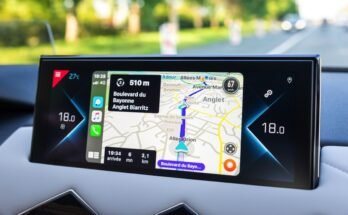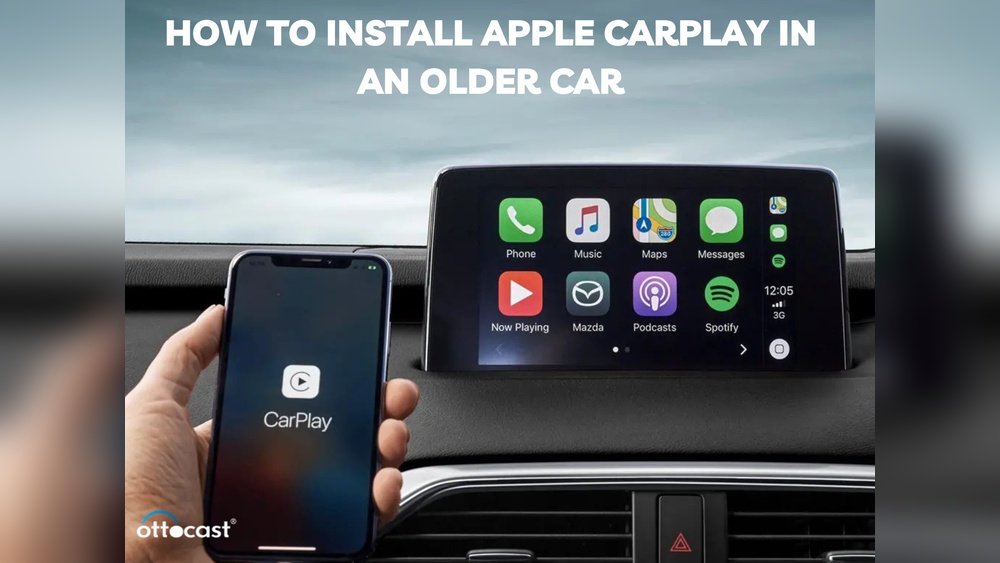
Want to bring your older car up to speed with modern technology? Installing Apple CarPlay can transform your driving experience, making it safer and more enjoyable.
Imagine having easy access to your favorite apps, music, and navigation—all right on your car’s dashboard. You might think this upgrade is complicated or expensive, but it’s more doable than you expect. In this guide, you’ll discover simple steps to install Apple CarPlay in your older car, so you can stay connected and focused on the road.
Keep reading to find out how to make this smart upgrade happen today.
Check Car Compatibility
Checking your car’s compatibility is the first step to install Apple CarPlay. Not all older cars support this feature directly. Knowing your car’s system helps avoid mistakes and extra costs.
Some older cars may need extra parts or upgrades. Others might require a new head unit that supports Apple CarPlay. Understanding your car’s current setup is key to a smooth installation.
Identify Your Car’s Make And Model Year
Start by noting your car’s make and model year. This information helps check if Apple CarPlay is available for your car. Some brands offer CarPlay only on models after certain years.
Check Existing Infotainment System
Look at your car’s current infotainment system. Older systems might lack touchscreen or USB support. These features are essential for Apple CarPlay to work properly.
Consult Manufacturer’s Website Or Manual
Visit the car manufacturer’s website or read the owner’s manual. These sources often list compatible features and upgrade options. They can confirm if your car can support CarPlay.
Use Online Compatibility Tools
Many websites offer tools to check Apple CarPlay compatibility. Enter your car’s details to get instant results. These tools save time and give clear answers.
Consider Aftermarket Head Units
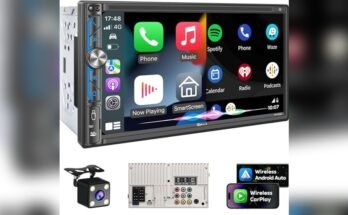
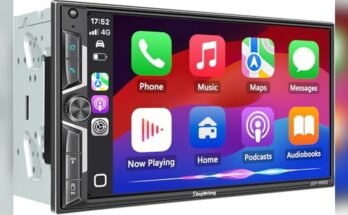
If your car is not compatible, consider aftermarket head units. These devices replace your old system and add Apple CarPlay support. They come with different price ranges and features.
Choose The Right Carplay System
Choosing the right Apple CarPlay system is key for your older car. It affects how easy and enjoyable your driving experience will be. Different systems offer various features and installation styles. Pick one that fits your needs and car setup.
Wired Vs Wireless Options
Wired CarPlay connects your iPhone with a USB cable. It provides a stable and fast connection. It also charges your phone while driving. Wireless CarPlay uses Bluetooth or Wi-Fi to link your phone. This option offers more freedom of movement. But it may drain your phone battery faster. Some older car models may not support wireless systems. Check your car’s compatibility before choosing.
Budget Considerations
CarPlay systems vary widely in price. Basic wired units cost less and offer essential features. Wireless models often cost more due to added technology. Installation costs also vary. Some systems are easy to install yourself. Others need professional help, increasing the price. Set a budget before shopping. Balance cost with desired features and ease of use.
Gather Necessary Tools
Gathering the right tools is the first step to install Apple CarPlay in an older car. Having everything ready makes the process smooth and faster. Without the proper tools, you might face delays or damage your car’s dashboard or wiring.
Below are the main tools needed for the installation. Each plays an important role in the process.
Basic Screwdrivers
Different screwdrivers help remove screws from the dashboard. A Phillips head and a flathead screwdriver cover most screws. These tools let you open panels without breaking them.
Panel Removal Tools
Plastic panel removal tools prevent scratches on your car’s interior. They help lift and remove trim pieces safely. Avoid using metal tools as they can damage surfaces.
Wire Strippers And Crimpers
Wire strippers cut insulation without harming wires. Crimpers secure wire connectors tightly. These tools ensure solid and safe electrical connections.
Multimeter
A multimeter checks electrical connections and voltage. It helps confirm power sources before installation. This tool prevents wrong wiring and electrical issues.
Electrical Tape And Connectors
Electrical tape insulates exposed wires to avoid shorts. Connectors join wires securely for a neat setup. Both keep the wiring safe and organized.
Compatible Apple Carplay Head Unit
The head unit is the main device for Apple CarPlay. Choose one that fits your car and supports CarPlay features. This unit replaces your old stereo system.
Prepare Your Car
Preparing your car is the first step to install Apple CarPlay. This step makes sure the installation goes smoothly. You need to work safely and carefully. It is important to protect the car’s electrical system. Proper preparation saves time and prevents damage.
Follow these simple steps to get your car ready. Each step helps you remove old parts and prepare space for the new system.
Disconnect The Battery
Start by disconnecting the car battery. This stops any electrical shocks or short circuits. Use a wrench to remove the negative terminal first. Then, remove the positive terminal. This step protects you and the car’s electronics. Wait a few minutes before touching any wires.
Remove The Old Head Unit
Next, take out the old stereo or head unit. Use a screwdriver to remove screws holding the unit. Carefully pull the unit out without breaking wires. Disconnect all plugs and antenna cables from the back. Keep screws safe for the new installation. This clears space for your new Apple CarPlay system.
Install The New Carplay Unit
Installing the new CarPlay unit is the key step to bring modern tech into your older car. This process replaces the old stereo with a device that supports Apple CarPlay. It takes careful handling of wires and screws. Follow each step to make sure your new system works perfectly.
Connect Wiring Harness
Start by connecting the wiring harness to the new CarPlay unit. Match each wire to its correct color or label. This harness links power, speakers, and controls. Use the adapter that fits your car model. Secure the connections to avoid loose wires. Check each plug fits firmly and sits flat.
Secure The Head Unit
Place the CarPlay unit into the dashboard slot. Align it carefully with the mounting brackets. Use screws or clips provided with the kit to fix it in place. Tighten screws just enough to hold the unit firm. Avoid over-tightening to prevent damage. Confirm the unit does not move or rattle.
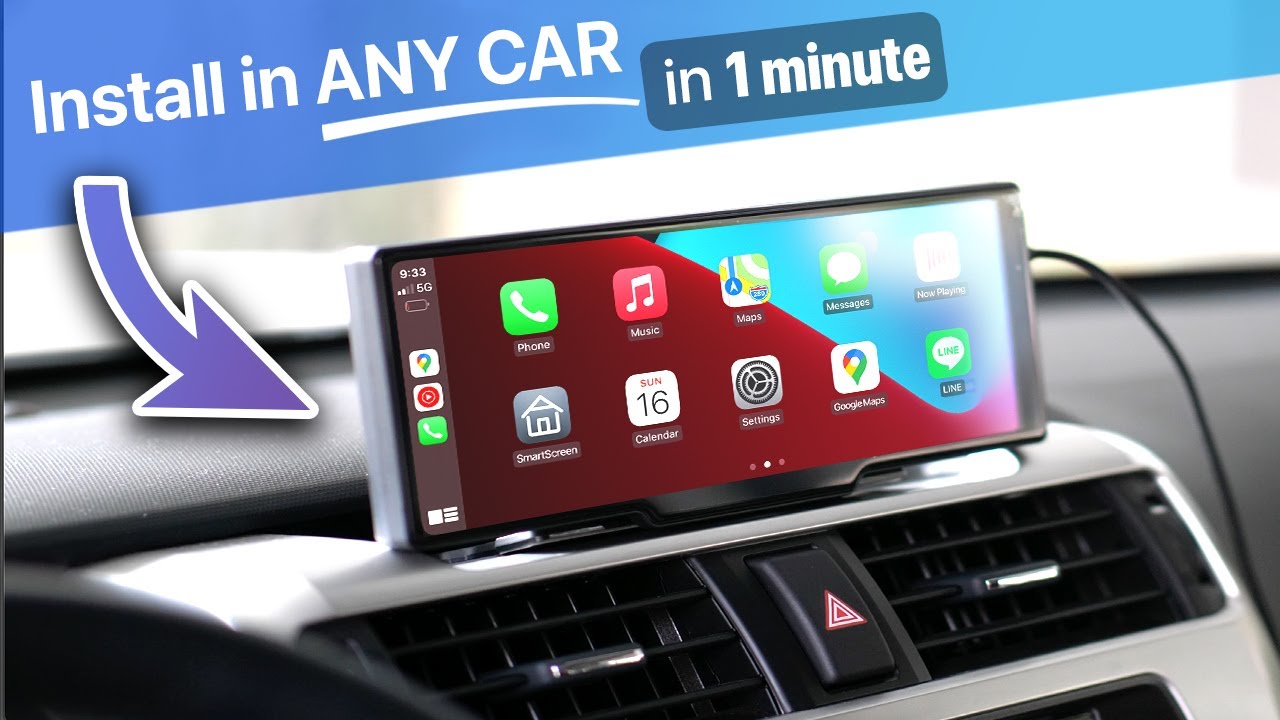
Test The Carplay System
Testing the CarPlay system is a key step after installation. It ensures the system works smoothly with your car and phone. This step helps catch any setup problems early. It also confirms all features run correctly. Let’s explore how to power on and set up CarPlay and fix common issues.
Power On And Setup
Start your car and turn on the infotainment system. Connect your iPhone using a USB cable or Bluetooth, based on your setup. The CarPlay icon should appear on your car screen. Tap the icon to begin setup. Follow the on-screen instructions to complete the pairing. Check that Siri is enabled on your iPhone. This helps you use voice commands while driving. Ensure the screen shows your iPhone apps correctly. Test basic functions like making calls or playing music.
Troubleshooting Common Issues
CarPlay may not start if the cable is faulty. Try a different USB cable to rule out connection problems. Make sure your iPhone is unlocked during setup. Restart your phone and car system if CarPlay doesn’t respond. Check that your iPhone’s iOS is updated to the latest version. Sometimes, the car’s infotainment software needs an update too. Disable and re-enable CarPlay in your iPhone settings. If Bluetooth is used, verify the connection is strong and stable. These steps fix most common CarPlay issues quickly.
Enhance Your Setup
Enhancing your Apple CarPlay setup in an older car makes driving safer and easier. Upgrading your system with extra features helps you control your car better. Small additions can improve your experience a lot. These upgrades fit well with Apple CarPlay and bring more comfort to your drive.
Add Steering Wheel Controls
Steering wheel controls let you manage your phone and music without taking your hands off the wheel. Installing these controls keeps your focus on the road. You can answer calls, change songs, and use voice commands easily. Many kits are available to connect your steering wheel buttons to Apple CarPlay. They fit well and work smoothly with most older cars.
Integrate Backup Camera
A backup camera adds safety and convenience to your car. It shows a clear view behind your vehicle on the CarPlay screen. This helps you park and avoid obstacles with ease. Most Apple CarPlay head units support backup cameras. You can install a camera at the rear of your car and connect it to the system. This upgrade improves your overall driving safety.
Frequently Asked Questions
What Is Apple Carplay And How Does It Work?
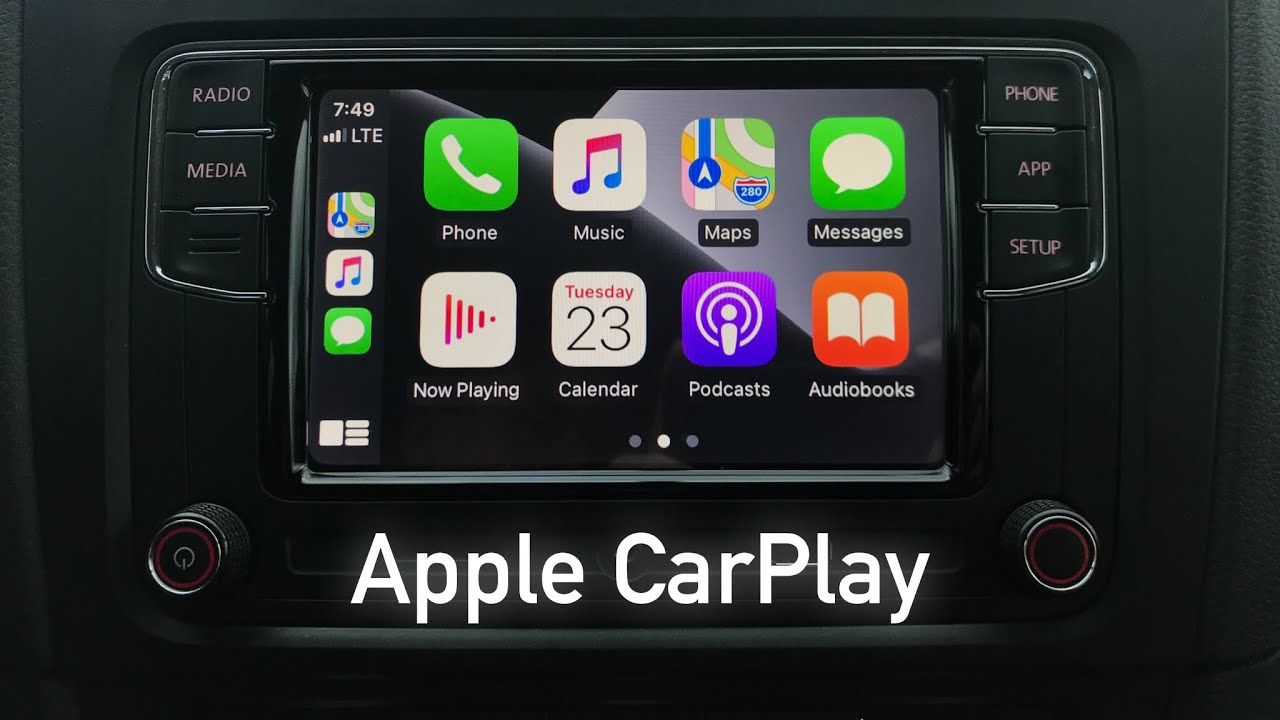
Apple CarPlay is a system that mirrors iPhone functions on a car’s display. It allows hands-free calls, navigation, and music. It connects via USB or wireless, providing safer, smarter driving with Siri voice control and compatible apps.
Can I Install Apple Carplay In Any Older Car?
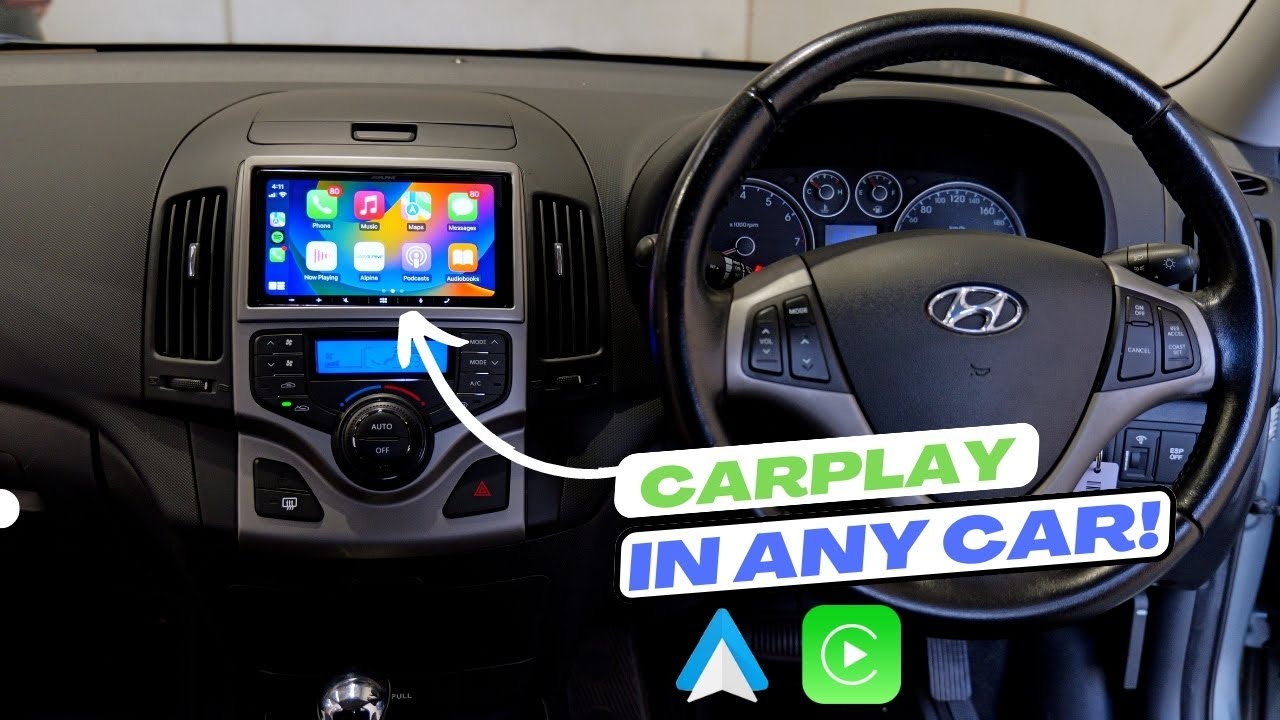
Most older cars don’t have built-in CarPlay support. However, you can install aftermarket head units that support CarPlay. Ensure the new unit fits your dashboard and wiring. Professional installation is recommended for best performance and safety.
What Equipment Is Needed To Add Apple Carplay?
You need an Apple CarPlay-compatible head unit, wiring harness, and sometimes additional adapters. A compatible iPhone with iOS 7. 1 or later is required. Optional tools include a trim removal kit and screwdrivers for installation.
Is Professional Installation Necessary For Apple Carplay?
Professional installation is recommended to avoid wiring errors and dashboard damage. Experts ensure compatibility and proper connections. DIY installation is possible but requires technical skill and can void warranties if done incorrectly.
Conclusion
Installing Apple CarPlay in an older car is a smart choice. It brings modern tech to your classic ride. The process is simple if you follow the right steps. You can enjoy hands-free calls, music, and navigation easily. Choose the right device and tools before you start.
Take your time and be patient during installation. Soon, your car will feel more connected and safer to drive. Enjoy the benefits of Apple CarPlay every time you hit the road.