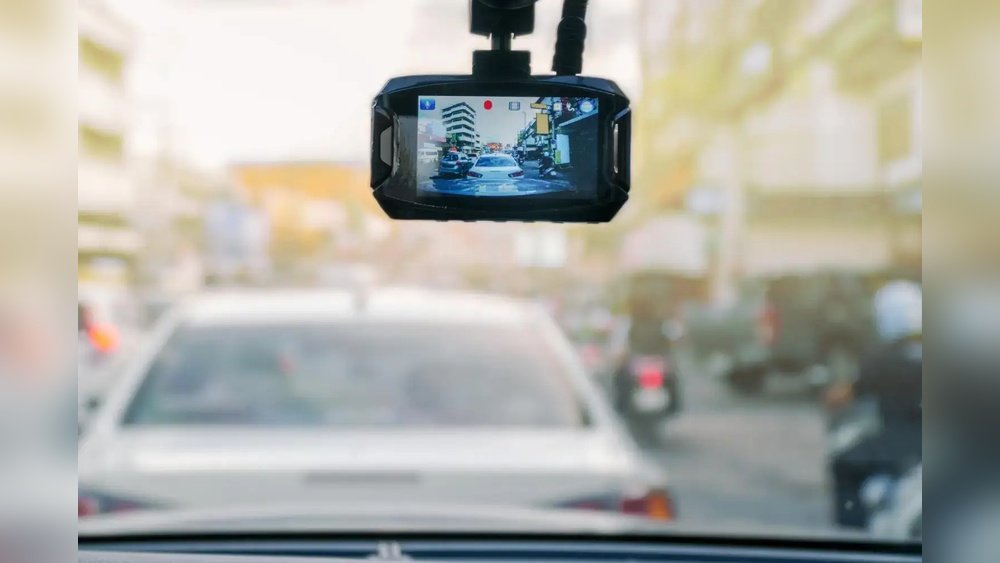
Your dash cam is there to keep you safe on the road, but what happens when it overheats? Overheating can cause your dash cam to stop working exactly when you need it most.
You don’t want to lose important footage or damage your device. Luckily, there are simple and effective ways to protect your dash cam from heat. Keep reading to discover easy tips that will help you keep your dash cam cool and reliable, no matter how hot it gets outside.
Causes Of Dash Cam Overheating
Dash cams can get very hot inside cars. Understanding what causes this heat helps keep your device safe. Overheating can damage the dash cam’s parts and stop it from working well. Several main reasons cause dash cams to overheat.
High Temperatures Inside Vehicles
Cars heat up quickly under the sun. Inside temperatures can reach over 120°F (49°C). This heat affects all electronics inside the vehicle. Dash cams placed on windshields or dashboards get direct heat. The hot environment stresses the dash cam’s battery and circuits.
Continuous Recording Effects
Dash cams often record without stopping. This constant use creates more heat inside the device. The processor and camera lens work hard for long hours. Without breaks, the temperature inside the dash cam rises. High internal heat can cause the device to slow down or shut off.
Poor Ventilation Issues
Dash cams need airflow to stay cool. Many cars do not have good air movement near the device. Tight spaces or coverings block fresh air. This trapped heat builds up inside the dash cam. Poor ventilation raises the risk of overheating and damage.
Choosing The Right Dash Cam
Choosing the right dash cam helps prevent overheating problems. A good dash cam stays cool even on hot days. It protects the device and keeps it working long. Focus on features that handle heat well and use less power. Also, ensure the power source is stable and safe for the dash cam.
Heat-resistant Models
Pick dash cams made with heat-resistant materials. These models handle high temperatures without damage. Look for cameras that mention heat protection or cooling design. Such features reduce the risk of overheating in hot cars.
Energy-efficient Features
Choose dash cams with low energy use. Energy-efficient cameras produce less heat while running. Look for options with smart power modes or sleep functions. These features help the dash cam cool down when not recording.
Reliable Power Sources
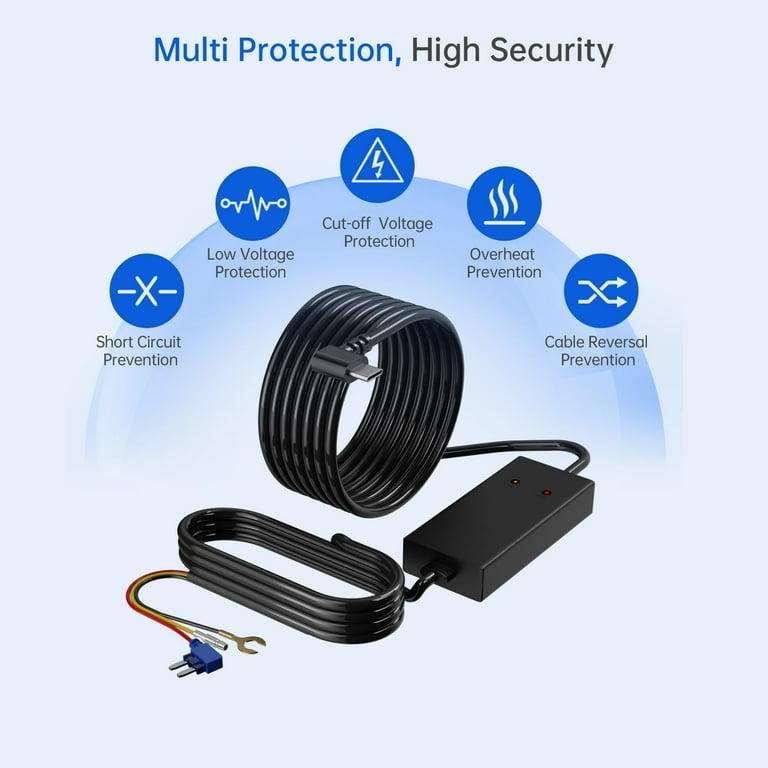
Use stable power sources to avoid overheating. Unstable or poor power can cause extra heat. Connect the dash cam to a constant power supply from the car. Avoid cheap adapters or cables that may overheat.
Optimal Installation Tips
Proper installation is key to keeping your dash cam cool. Heat builds up quickly inside cars, especially during summer. Following simple tips helps reduce overheating risks. These tips focus on where and how to place your dash cam for better heat management.
Avoid Direct Sunlight Exposure
Direct sunlight makes dash cams heat up fast. Mount your camera away from sun rays. Use shaded areas on the windshield. Tinted windows also reduce sunlight exposure. Keep your device out of bright light to lower temperature.
Positioning For Airflow
Good airflow cools the dash cam naturally. Place it where air circulates well inside the car. Avoid spots that trap heat, like tight corners. Open vents nearby help move warm air away. A well-ventilated location keeps the camera cooler longer.
Secure Mounting Practices
Firm mounting stops vibration and damage. Loose mounts can block air vents or cause overheating. Use strong adhesive or suction mounts designed for dash cams. Ensure the camera stays stable but not sealed in a tight spot. Proper mounting supports better heat dissipation.

Managing Power And Usage
Managing power and usage plays a key role in protecting your dash cam from overheating. The device works hard to record every moment, which can cause it to get very hot. Controlling how much power the dash cam uses and how long it runs helps keep its temperature down. This also improves the dash cam’s lifespan and performance.
Limiting Recording Duration
Set your dash cam to record in short segments instead of long continuous videos. Short clips reduce the device’s workload and heat build-up. Many dash cams allow you to adjust video length in the settings. Choose shorter durations, such as 1 to 3 minutes, to keep the camera cooler.
Using Parking Mode Wisely
Parking mode records only when motion or impact is detected. This reduces recording time and power use while you park. Do not leave parking mode on all the time. Turn it off when parking in very hot places or for long periods to avoid overheating.
Power Saving Settings
Enable power saving features on your dash cam. These settings lower power use when the device is idle. Some dash cams dim the screen or turn it off automatically after a few minutes. Adjust these options to reduce heat and extend battery life.
Cooling Solutions For Dash Cams
Dash cams often face heat build-up during long drives or hot weather. Cooling solutions help keep these devices safe and working well. Proper cooling stops the dash cam from overheating and breaking down. Here are some effective ways to cool your dash cam.
Ventilation Enhancements
Good air flow is key for cooling dash cams. Mount the dash cam where air moves freely. Avoid placing it near the windshield’s hot spots. Use small vents near the device to let heat escape. Open car windows slightly to increase air circulation. These simple steps help lower the temperature quickly.
External Cooling Devices
Small fans or USB-powered coolers can help reduce heat. Attach a mini fan close to the dash cam. These fans move air around and keep the device cooler. Some cooling pads designed for electronics also work well. Using external devices adds extra protection on hot days.
Heat Dissipation Accessories
Heat sinks and thermal pads improve heat flow away from the dash cam. Attach a heat sink to the back of the device. Thermal pads transfer heat from the dash cam to the heat sink. These accessories reduce the core temperature of the dash cam. They are easy to install and help maintain safe temperatures.
Maintenance And Monitoring
Keeping your dash cam safe from overheating needs regular care and checking. Maintenance and monitoring help your device last longer and work better. Simple steps can stop heat damage and keep your footage clear and safe.
Regular Cleaning
Dust and dirt block vents and cause heat build-up. Clean your dash cam often with a soft cloth. Avoid wet wipes or harsh chemicals. Keep air paths clear for proper cooling. Clean lenses for clear videos and better performance.
Firmware Updates
Dash cam makers release updates to fix bugs and improve function. These updates can help control heat better. Check your device for new firmware regularly. Follow the instructions to install updates safely. Updated software keeps your dash cam running cool and smooth.
Temperature Monitoring Tools
Some dash cams have built-in temperature sensors. These tools warn you if your device gets too hot. Use apps or displays to watch the temperature. Early alerts let you turn off the cam to cool it down. Monitoring tools help avoid overheating damage and data loss.
Frequently Asked Questions
How Can I Prevent My Dash Cam From Overheating?
Place your dash cam away from direct sunlight and avoid parking in hot areas. Use heat-resistant mounts and keep your car ventilated to reduce internal temperature and protect the device.
What Are The Signs Of Dash Cam Overheating?
Common signs include sudden shutdowns, distorted video, or error messages. Overheating may also cause the device to feel unusually hot to touch, indicating it needs cooling.
Does Using A Heat Shield Help Dash Cam Cooling?
Yes, a heat shield can reflect sunlight and reduce temperature exposure. It helps protect the dash cam from direct heat, enhancing its lifespan and performance.
Is It Safe To Leave A Dash Cam On All Day?
Leaving a dash cam on in hot conditions can cause overheating. It’s safer to turn it off when the car is parked in extreme heat to prevent damage.
Conclusion
Protecting your dash cam from overheating keeps it working longer. Place it where air flows freely, away from direct sunlight. Use a quality power source and avoid charging all day. Regularly check the device for heat and give it breaks.
Small steps help prevent damage and save money. Enjoy safe driving with a cool, reliable dash cam. Simple care makes a big difference every day.




