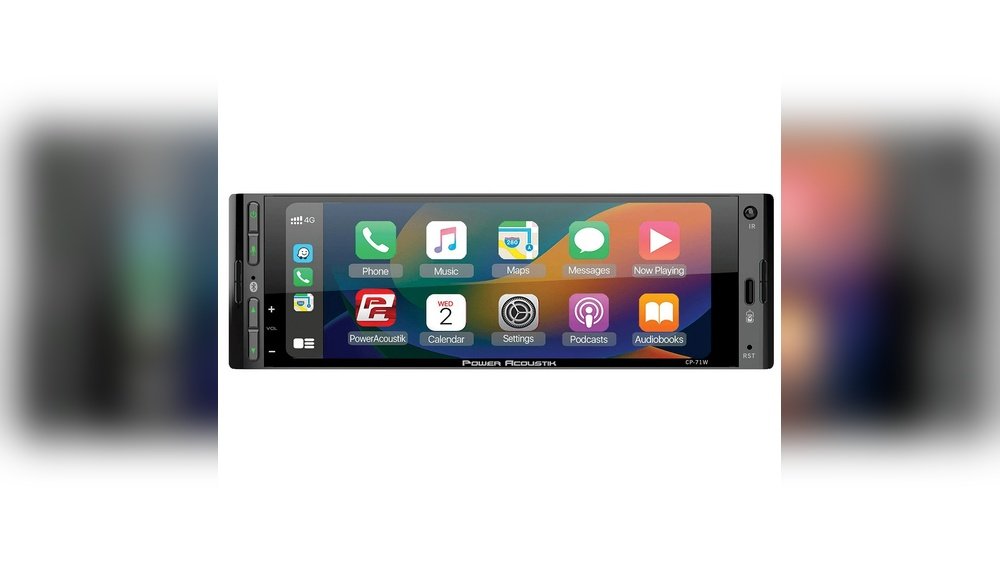
Have you ever wished your car’s stereo could do more than just play music? Imagine having your phone’s apps, navigation, and calls all right there on your car’s screen, without taking your hands off the wheel or eyes off the road.
That’s exactly what Android Auto brings to your driving experience. If you’re curious about how this technology works and how it can make your drives safer and more enjoyable, keep reading. You’re about to discover everything you need to know about Android Auto in your car stereo.
Android Auto Basics
Android Auto brings the power of your smartphone to your car’s stereo. It helps you use apps, navigation, and music safely while driving. The system shows your phone’s features on the car’s display. This makes it easier to control them without distraction.
Understanding the basics of Android Auto helps you get the best from it. Below, we explain how it works and what devices and cars are compatible.
How Android Auto Works
Android Auto connects your phone to your car’s stereo system. You can connect using a USB cable or wirelessly in some models. The car screen then shows a simple interface from your phone.
You can access maps, music, calls, and messages through this interface. Voice commands let you control features without touching the screen. This helps keep your focus on the road and hands on the wheel.
Compatible Devices And Cars
Android Auto works with many Android phones. Your phone should run Android 6.0 or higher for smooth use. Some apps on your phone must support Android Auto.
Many car brands support Android Auto in their stereo systems. Newer models often come with it built-in. You can also add it to older cars using aftermarket head units.
Check your phone and car compatibility before setting up Android Auto. This ensures a smooth and safe driving experience with your favorite apps.
Setting Up Android Auto
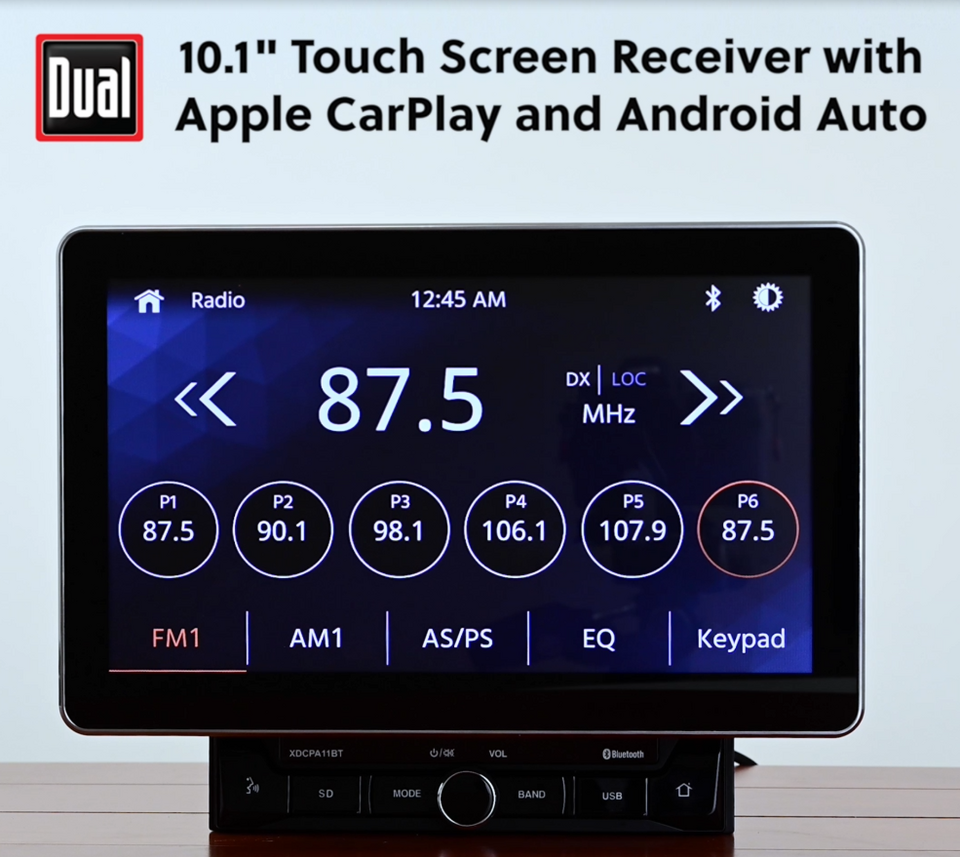
Setting up Android Auto in your car stereo is simple and fast. It lets you use your phone safely while driving. Follow easy steps to connect and adjust settings.
Connecting Your Phone
First, check that your car stereo supports Android Auto. Use a good quality USB cable to connect your phone to the car. Some cars allow wireless connection, but USB is more common.
After connecting, unlock your phone. The Android Auto app should open automatically. If not, open the app manually. Follow the prompts on your phone and car screen to finish the connection.
Configuring Settings
Open the Android Auto app on your phone. Choose which apps can show on your car screen. Select your favorite music and navigation apps.
Adjust notification and voice command settings for safer driving. Customize the display to make it easy to read. These settings help you use Android Auto smoothly and safely.
Key Features For Drivers
Android Auto makes driving safer and easier. It connects your phone to the car stereo. This way, you can use apps and features without distractions. The system focuses on simplicity and voice control. It helps drivers stay focused on the road.
Navigation And Maps
Android Auto uses popular map apps like Google Maps. Drivers get real-time directions and traffic updates. The screen shows clear routes and turn-by-turn guidance. It helps avoid traffic jams and find the fastest path. Routes update automatically for better travel time.
Voice Commands
Voice commands let drivers control Android Auto hands-free. You can ask for directions, play music, or make calls. The system understands simple phrases and responds quickly. This keeps your hands on the wheel and eyes on the road. Voice control reduces distractions and improves safety.
Music And Media Playback
Android Auto supports many music and podcast apps. Drivers can play playlists, albums, or podcasts easily. The interface is simple, showing only essential controls. You can switch songs or pause with voice commands. It creates a smooth and enjoyable driving experience.
Messaging And Calls
Android Auto reads incoming messages aloud. You can reply by speaking, without touching your phone. It supports text apps and call functions. Calls can be made or answered using voice commands. This helps stay connected without losing focus on driving.
Benefits Of Android Auto
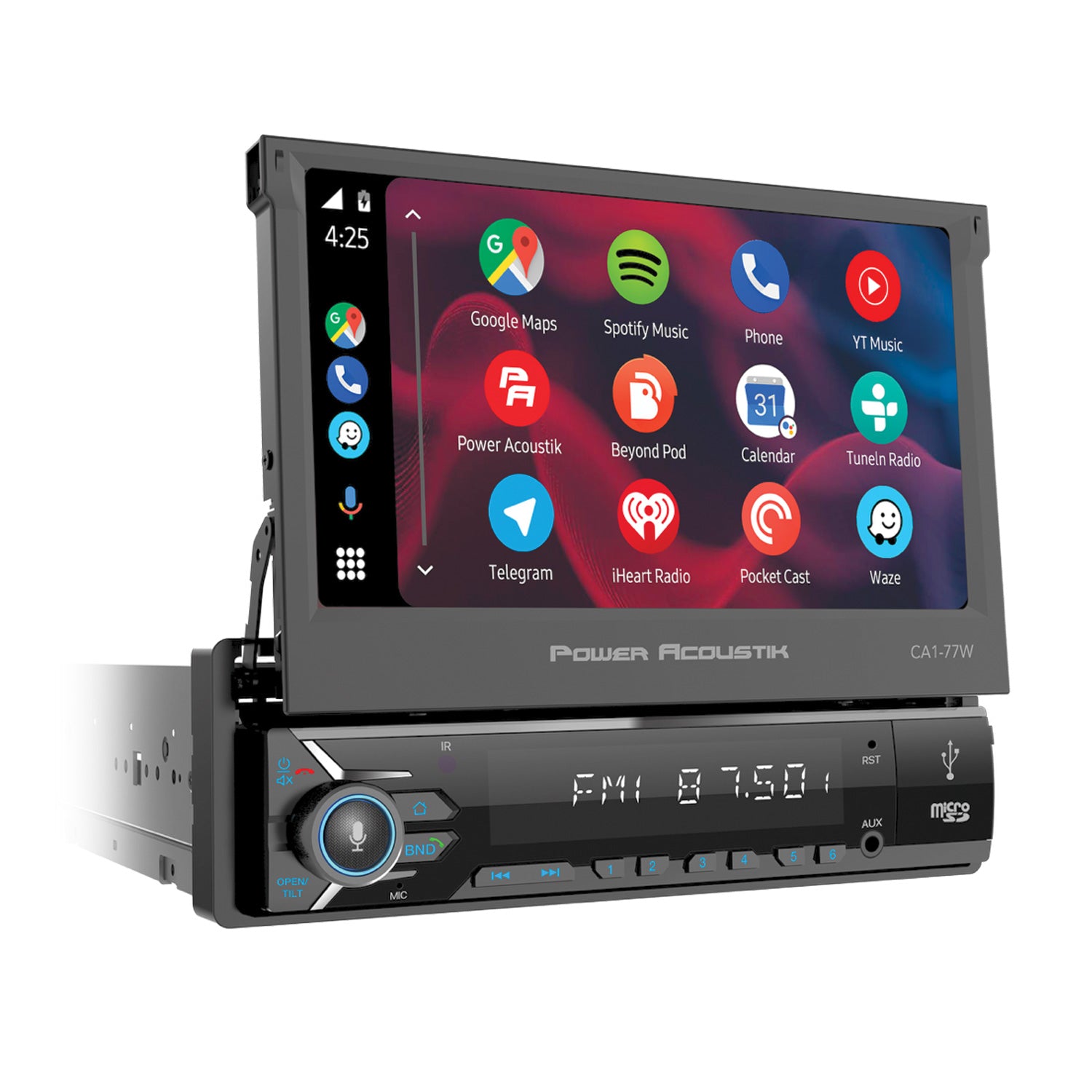
Android Auto brings many benefits to your car stereo system. It helps you stay focused and connected. The system improves driving safety and comfort. You get easy access to apps without distraction. It makes your driving experience smoother and more enjoyable.
Safety Enhancements
Android Auto reduces distractions while driving. Voice commands let you control apps hands-free. You can make calls, send texts, and navigate safely. The interface uses large icons for easy use. It keeps your eyes on the road and hands on the wheel. Alerts and notifications appear clearly without interrupting driving. Safety stays a top priority with Android Auto.
Convenience On The Road
Android Auto connects your phone to the car stereo. You get quick access to maps, music, and messages. The system supports popular apps like Spotify and Google Maps. It updates in real-time, so you get fresh information. You can control everything using your voice or the touch screen. It makes long drives less stressful and more fun.
Troubleshooting Common Issues
Android Auto makes driving safer and more fun. Sometimes, it may not work as expected. Troubleshooting helps fix common problems fast. This section covers simple fixes for connection, app, and performance issues. Follow these tips to keep your Android Auto running smoothly in your car stereo.
Connection Problems
Connection issues are the most common Android Auto problem. Check the USB cable for damage or dirt. Use a high-quality USB cable made for data transfer. Try different USB ports in your car if available. Restart your phone and car stereo to refresh the connection. Make sure Android Auto is enabled in your phone settings. Turn off Bluetooth and Wi-Fi, then turn them back on. Check for software updates on your phone and car system. A stable connection avoids interruptions while driving.
App Compatibility
Not all apps work with Android Auto. Use only supported apps for maps, music, and calls. Keep apps updated to the latest version. Some apps may stop working after updates or changes. Remove or disable incompatible apps to avoid crashes. Check app permissions and allow access to location and microphone. Test apps one by one to find which cause issues. Using compatible apps ensures smooth operation in your car stereo.
Performance Tips
Slow response or freezing can spoil your driving experience. Clear cache and data of the Android Auto app regularly. Close background apps to free up phone memory. Avoid heavy apps running while using Android Auto. Keep your phone battery charged to prevent shutdowns. Reboot your phone before long drives for a fresh start. Lower screen brightness to reduce phone heat. These steps improve Android Auto’s speed and reliability.
Future Of Android Auto
The future of Android Auto in car stereos looks bright and full of potential. It aims to make driving safer and more enjoyable. New updates will bring smarter features and better integration with everyday devices. This will create a smoother experience for drivers and passengers alike.
Upcoming Features
Android Auto will soon support more apps and services. Expect faster voice commands and improved navigation tools. There will be better support for media playback and messaging apps. The interface will become easier to use with clearer icons and menus. Updates will focus on reducing distractions while driving.
Integration With Smart Devices
Android Auto will work more closely with smart home devices. You can control lights, thermostats, and security systems from the car screen. This helps manage your home even while on the road. It will also sync better with smartwatches and fitness trackers. This connection keeps drivers informed without needing to check phones.
Frequently Asked Questions
What Is Android Auto In Car Stereo?
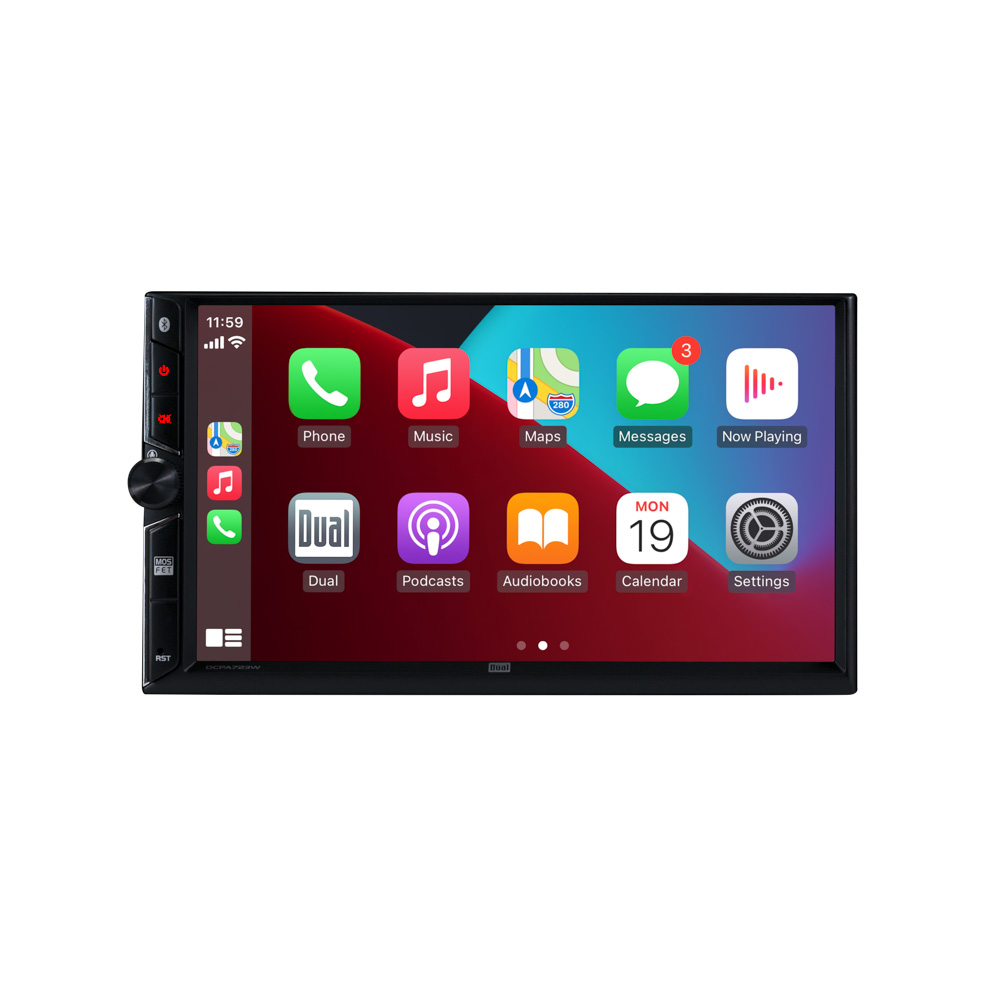
Android Auto is a smart driving app that connects your phone to your car’s stereo. It provides easy access to apps, navigation, music, and calls while driving safely.
How Does Android Auto Work In Cars?
Android Auto works by connecting your smartphone to the car stereo via USB or wireless. It mirrors select apps and controls on the car’s display for hands-free use.
Which Cars Support Android Auto?
Most modern cars from popular brands like Ford, Honda, Toyota, and Volkswagen support Android Auto. Compatibility depends on the car’s infotainment system and model year.
Is Android Auto Free To Use?
Yes, Android Auto is a free app available on Google Play Store. There are no subscription fees to use its basic features in your car.
Conclusion
Android Auto makes driving safer and more fun. It helps you use apps without taking your eyes off the road. You can listen to music, get directions, and send messages easily. The system works with many car stereos and Android phones.
It keeps you connected while focusing on driving. Android Auto is a smart choice for any driver. Try it to see how it fits your needs. Simple, useful, and easy to use.




