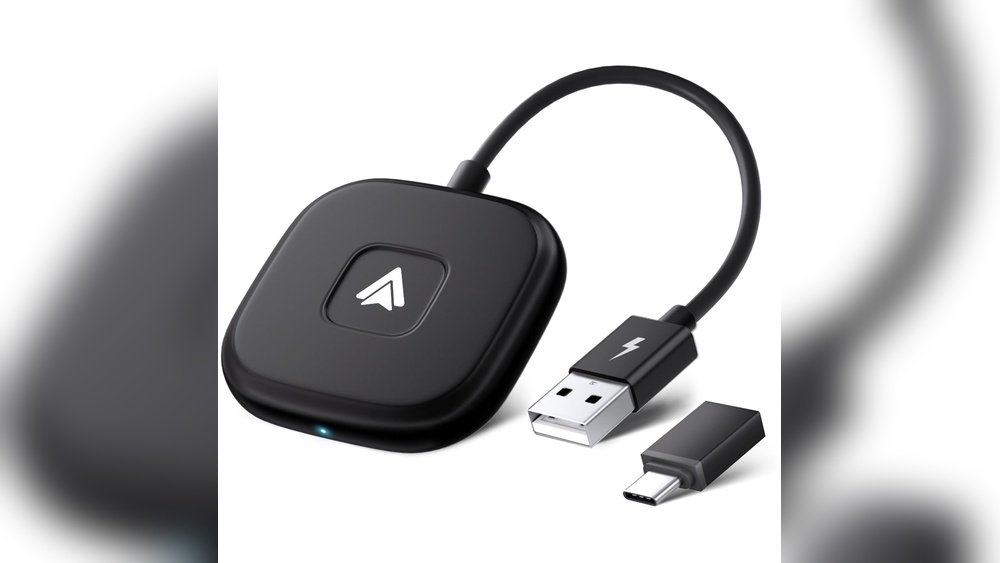
Imagine driving without the hassle of plugging in your phone every time you get in the car. What if your Android phone could connect to your car’s display automatically, without any wires?
That’s exactly what Wireless Android Auto offers. If you want a smoother, safer, and more convenient way to use your phone on the road, understanding how Wireless Android Auto works can change your driving experience. Keep reading to discover how this technology can make your trips easier and more enjoyable.
Wireless Android Auto Basics
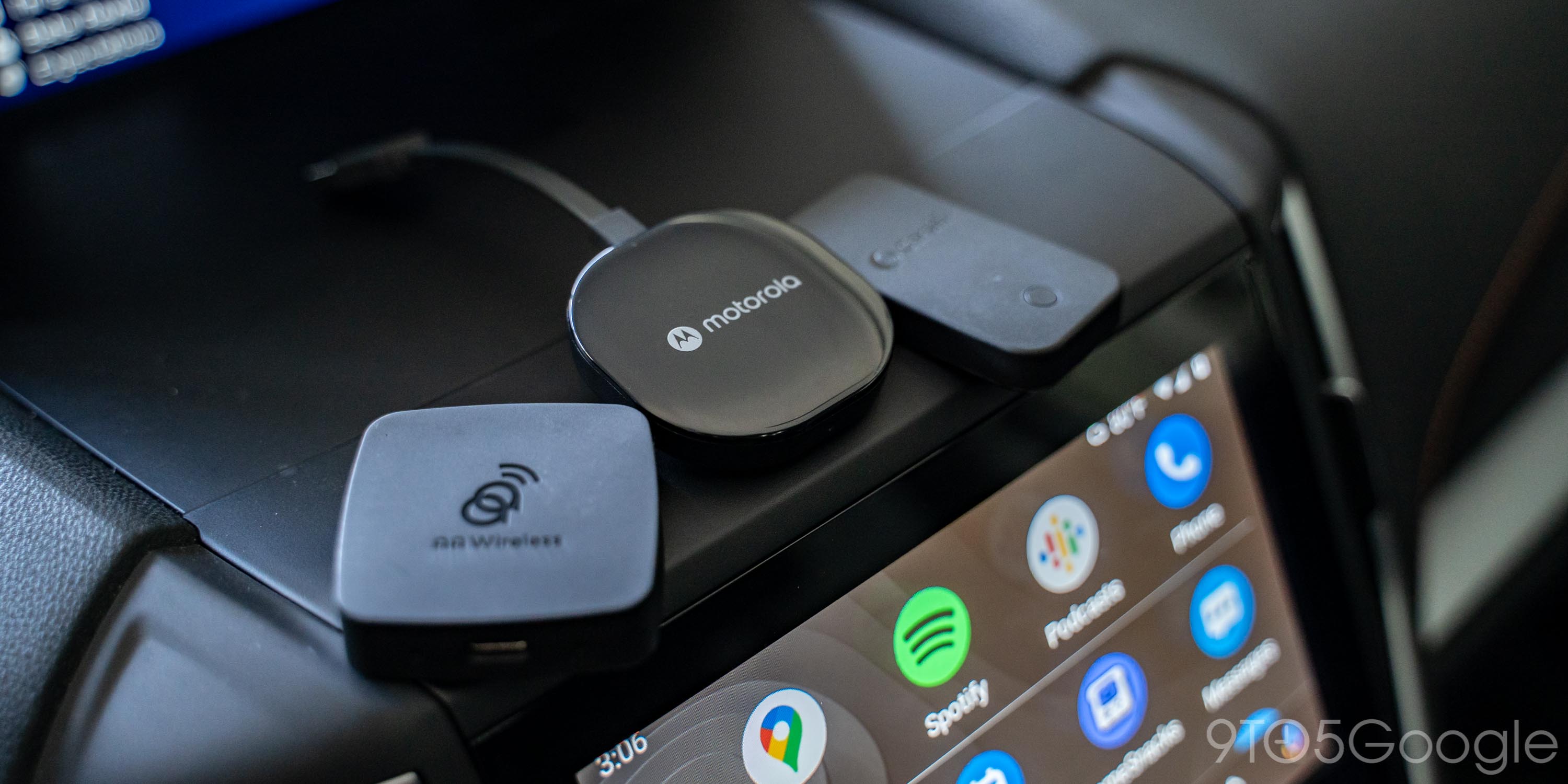
Wireless Android Auto lets you connect your phone to your car without a cable. It makes using apps, maps, and music easier while driving. The connection happens through Wi-Fi and Bluetooth. This means no more tangled wires or plugs.
The system mirrors your phone’s screen on the car display. You can control apps safely while keeping your eyes mostly on the road. It helps make driving more convenient and less distracting.
How Wireless Android Auto Works
Wireless Android Auto uses Bluetooth to start the connection. Then, it switches to a fast Wi-Fi link. This Wi-Fi connection sends data between your phone and the car screen. It lets you see maps, messages, and music apps on the car display. The phone stays in your pocket or bag during this.
Compatible Devices And Cars
Most Android phones with Android 11 or higher support wireless Android Auto. Some phones with Android 10 can also connect wirelessly. Many new cars from brands like Ford, Honda, and Hyundai have wireless Android Auto. Always check if your car and phone support this feature before trying it.
Key Features And Benefits
Wireless Android Auto offers hands-free calling and voice commands. It shows navigation apps like Google Maps clearly on the car screen. You can control music apps such as Spotify easily. This connection reduces cable clutter and keeps your phone charged. It also helps you stay focused on the road safely.

Setting Up Wireless Android Auto
Setting up Wireless Android Auto lets you use your phone apps on your car screen without cables. This setup makes driving safer and easier. Follow these steps to connect your phone wirelessly and enjoy hands-free control.
Preparing Your Smartphone
First, check your phone supports Wireless Android Auto. Most Android phones with version 11 or higher work well. Turn on Bluetooth and Wi-Fi on your phone. Download the Android Auto app from Google Play Store if needed. Keep your phone’s battery charged for a smooth setup.
Connecting To Your Car’s System
Start your car and turn on the infotainment system. Enable wireless Android Auto in the car settings. On your phone, open the Android Auto app and follow the prompts. Select your car from the list of available devices. Confirm the connection on both the car screen and your phone. Wait a few seconds as they sync and connect.
Troubleshooting Common Issues
If the connection fails, restart your phone and car system. Check that Bluetooth and Wi-Fi are enabled on your phone. Make sure your car supports wireless Android Auto. Move your phone closer to the car’s display. Clear the Android Auto app cache or reinstall the app. Update your phone’s software and car system if possible.
Enhancing Your Driving Experience
Wireless Android Auto makes driving safer and more fun. It connects your phone to your car without wires. This lets you use apps and features easily. Your focus stays on the road, not on your phone.
Enjoy hands-free control and quick access to important functions. The system works smoothly to keep distractions low. Driving becomes more relaxed and enjoyable.
Using Voice Commands
Speak to control your phone without touching it. Say commands to play music, get directions, or send messages. Voice control helps you keep your eyes on the road. It understands simple phrases and responds quickly. No need to type or search while driving.
Accessing Navigation And Media
Find routes and listen to your favorite songs easily. Android Auto shows maps and guides on your car screen. It updates routes based on traffic. Play music from apps like Spotify or YouTube Music. Switching songs or stations is simple and fast.
Managing Calls And Messages
Answer or reject calls without touching your phone. Android Auto reads messages aloud and lets you reply by voice. Stay connected with family and friends safely. You control communication without losing focus on driving.
Comparing Wireless And Wired Android Auto
Wireless Android Auto and wired Android Auto offer different experiences for drivers. Both let you use apps, maps, and music on your car screen. Choosing between them depends on what matters most to you. This section compares their speed, convenience, and battery use.
Speed And Reliability
Wired Android Auto usually connects faster. The cable provides a steady link without interruptions. Wireless Android Auto can lag or drop if the signal is weak. It depends on Wi-Fi and Bluetooth, which may face interference. For smooth use, wired is often more reliable.
Convenience And Portability
Wireless Android Auto wins in convenience. No cables to plug in or unplug. You can start driving without any setup. This is good for quick trips or shared cars. Wired Android Auto needs a cable every time. It can be less handy, especially if the cable is short.
Battery Consumption
Wireless Android Auto uses more phone battery. It keeps Wi-Fi and Bluetooth active while connected. Wired Android Auto charges your phone at the same time. This helps keep your battery full during long drives. Battery life can be an important factor for many users.
Future Of Wireless Android Auto
The future of Wireless Android Auto promises exciting changes. It will make driving safer and more fun. Technology is moving fast to improve how phones connect with cars. Wireless Android Auto will become easier to use and more powerful. Drivers can expect smoother connections and smarter features. This technology will blend better with everyday devices.
Upcoming Features And Updates
New updates will bring faster connections. Apps will load quicker and run smoother. Voice commands will improve for safer use. Navigation will offer better real-time traffic info. Media controls will be more responsive. Wireless Android Auto will support more car models. Updates will focus on reducing battery use on phones. Overall, the system will feel more natural and easy.
Integration With Smart Devices
Wireless Android Auto will work closely with smart home devices. You could control home lights or thermostats from your car screen. Smartwatches might show car alerts or messages. Voice assistants will link multiple devices for hands-free control. This integration will create a seamless tech experience. Your car, phone, and home devices will talk to each other. This makes driving more convenient and connected.
Impact On Connected Car Technology
Wireless Android Auto will push car tech forward. Cars will become smarter and more connected. It will help car makers build better infotainment systems. Safety features will improve with faster data sharing. Wireless connections reduce the need for cables and clutter. This tech will support future car designs and innovations. The driving experience will become more interactive and enjoyable.
Frequently Asked Questions
What Is Wireless Android Auto?
Wireless Android Auto allows you to connect your Android phone to your car’s infotainment system without cables. It uses Wi-Fi and Bluetooth to stream apps, navigation, and media seamlessly. This hands-free system improves convenience and safety while driving.
How Does Wireless Android Auto Work?
Wireless Android Auto connects via Bluetooth for initial pairing, then switches to Wi-Fi for data transfer. It mirrors your phone’s interface on the car’s screen. This enables real-time access to apps, calls, messages, and navigation without physical cables.
Which Cars Support Wireless Android Auto?
Many modern vehicles from brands like Ford, BMW, and Hyundai support Wireless Android Auto. Check your car’s manual or manufacturer website to confirm compatibility. Wireless Android Auto is increasingly common in newer infotainment systems.
Do I Need Special Hardware For Wireless Android Auto?
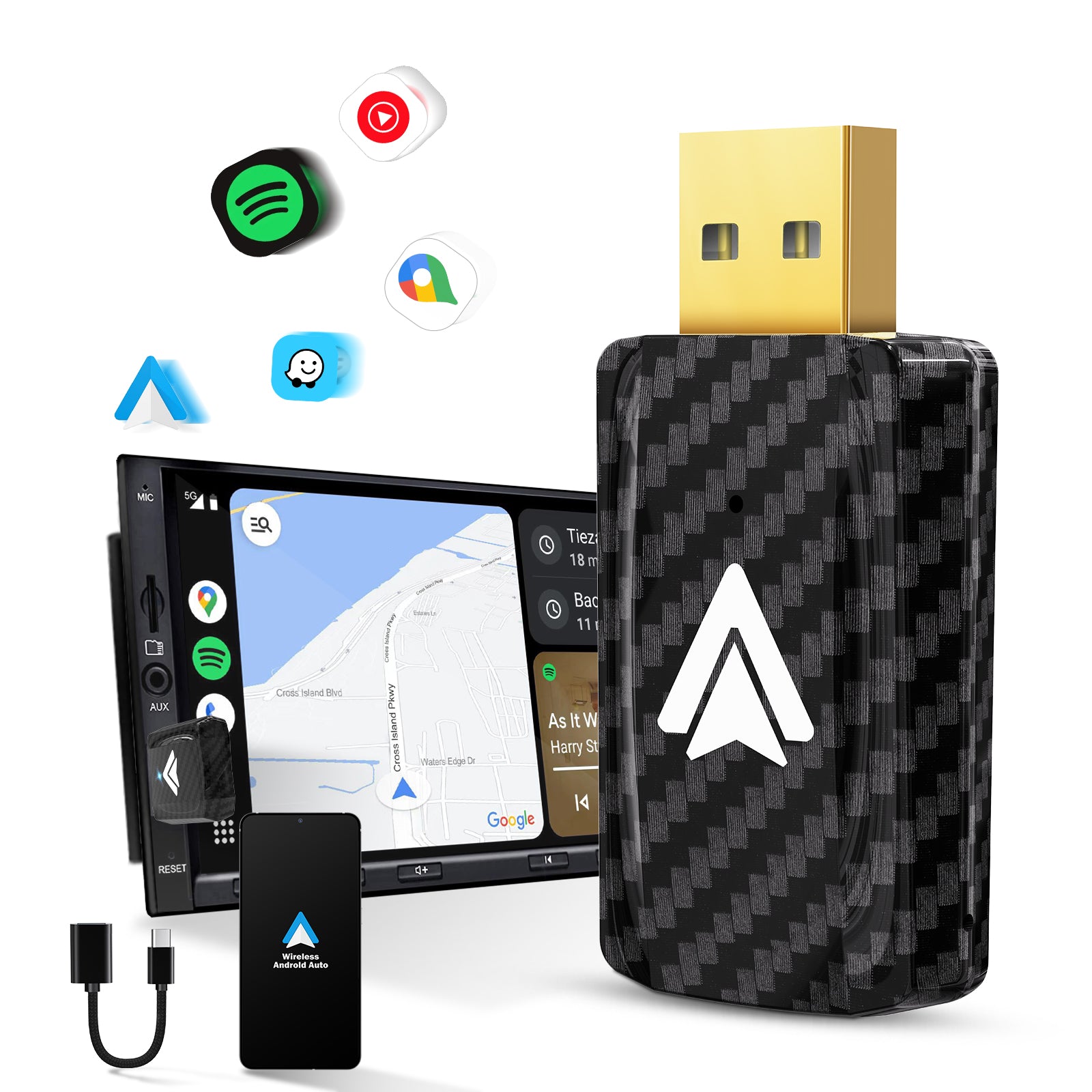
No special hardware is needed beyond a compatible Android phone and car. Your phone must run Android 11 or newer for wireless functionality. The car’s infotainment system must support Wireless Android Auto natively.
Conclusion
Wireless Android Auto makes driving simpler and safer. It connects your phone to the car without wires. You can use maps, music, and calls easily. This helps you keep focus on the road. Many new cars support this feature today.
It saves time and reduces clutter inside the car. Wireless Android Auto brings convenience to your drive. Try it to enjoy a smooth, hands-free experience.




