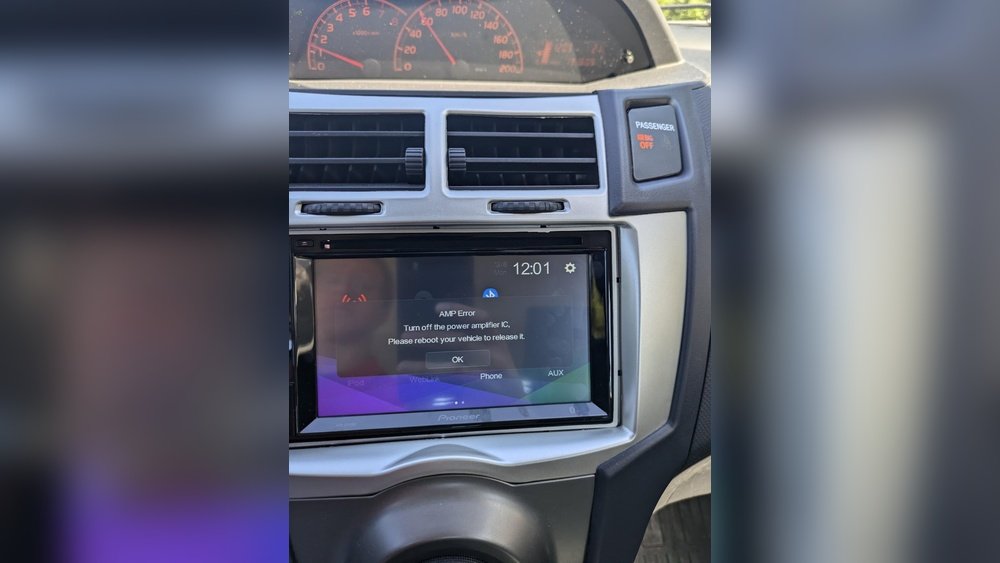
Have you ever been driving, enjoying your favorite song, when suddenly your car stereo mutes without warning? It’s frustrating, confusing, and can make your drive less enjoyable.
You might wonder why this keeps happening and how to fix it. Understanding the reasons behind your car stereo’s unexpected muting can save you time, money, and stress. Keep reading, because we’re about to reveal the common causes and easy solutions that will get your music playing smoothly again.

Common Reasons For Car Stereo Muting
Car stereos muting unexpectedly can frustrate any driver. Understanding common reasons helps fix the problem fast. Many causes come from simple issues. Some are related to wiring or settings. Others involve the stereo’s hardware or power supply.
Loose Wiring Connections
Loose or damaged wires often cause muting. Vibrations from driving can loosen connections. Check wiring behind the stereo and speakers. Secure any loose wires to restore sound.
Faulty Head Unit
The head unit controls all audio functions. A malfunctioning head unit may mute audio randomly. Internal faults or age can affect performance. Repair or replace a faulty head unit.
Interference From Other Devices
Devices like phones or GPS can cause interference. Signals from these devices may mute the stereo. Keep devices away or turn off Bluetooth. This reduces interference and stops muting.
Activated Mute Settings
Some stereos mute automatically during calls or alerts. Check if mute settings are active. Adjust settings to prevent unwanted muting. This simple fix often restores sound quickly.
Issues With Remote Control
A stuck or broken remote control button can mute sound. Inspect the remote for stuck buttons. Replace batteries or the remote if needed. This stops accidental muting.
Battery And Power Problems
Low car battery voltage affects stereo function. Power drops can cause the stereo to mute. Check battery health and connections. Ensure steady power supply to avoid muting issues.

Diagnosing The Muting Problem
Car stereos that keep muting can be very frustrating. Finding the cause helps fix the problem faster. Diagnosing the muting problem involves checking different parts of the system. Each step reveals clues to what may be wrong. Follow these simple checks to understand why the stereo mutes.
Checking Wiring And Connections
Loose or damaged wires often cause muting issues. Inspect all wiring behind the stereo unit. Look for disconnected or frayed wires. Make sure every wire fits tightly in its place. Check ground wires for secure contact. A poor connection can break the audio signal.
Inspecting The Head Unit
The head unit controls audio settings and power. Look for signs of damage or wear. Buttons or touch screens may stick or fail. Sometimes, internal faults cause the mute function to trigger. Reset the head unit to factory settings. This can clear small bugs or errors.
Testing With Different Audio Sources
Try playing sound from USB, Bluetooth, or radio. If muting happens only with one source, the problem is there. A faulty USB drive or bad Bluetooth connection may cause muting. Testing multiple sources helps isolate the issue. This step narrows down what needs repair or replacement.
Reviewing User Settings
Mute settings can be set by mistake. Check the stereo menu for mute or volume limits. Some systems mute automatically at low battery or engine idle. Confirm no timer or automatic mute is active. Adjust settings to ensure sound stays on.
Examining Remote Control Functionality
Remote control buttons can cause unexpected muting. Check if the mute button is stuck or pressed accidentally. Replace remote batteries to avoid signal errors. Use the stereo without the remote to see if muting stops. A faulty remote may send wrong commands.
Simple Fixes To Stop Muting
Car stereos that keep muting can be very annoying. The good news is many causes have simple fixes. These fixes can save time and money. They often restore sound without expert help.
Try these easy steps to stop your car stereo from muting. Each step targets a common problem. Follow them carefully to enjoy uninterrupted music again.
Securing Loose Wires
Loose wires often cause sudden muting. Check all cables behind the stereo. Make sure plugs fit tightly in their sockets. A loose connection can cut off sound. Secure any loose wires with tape or clips. This fix is quick and effective.
Resetting The Stereo System
Resetting clears minor glitches that cause muting. Find the reset button on your stereo or check the manual. Press and hold the button for a few seconds. This action restores factory settings. It can fix software bugs causing sound loss.
Updating Firmware
Old software can trigger muting issues. Visit the stereo maker’s website to download updates. Connect the stereo to your computer or USB device. Follow update instructions carefully. Firmware updates improve performance and fix bugs.
Replacing Faulty Components
Sometimes hardware parts fail and mute sound. Check the speakers, amplifier, and wiring for damage. Faulty components need replacement to restore sound. Visit a car audio shop if unsure. Replacing broken parts ensures long-term stereo health.
Adjusting Settings And Preferences
Incorrect settings may cause your stereo to mute. Check volume, balance, and mute options. Disable any auto-mute features. Set preferences to match your listening style. Small tweaks can stop unwanted muting instantly.
Preventive Tips For Car Stereo
Preventive care helps keep your car stereo working well. Following simple tips can stop frequent muting problems. Regular checks and smart habits make a big difference.
Regular Maintenance Checks
Check your car stereo often for loose wires or dirt. Clean connections help avoid signal loss. Inspect the battery and power supply for steady voltage. Fix small issues early to prevent bigger problems.
Avoiding Device Interference
Keep mobile phones and other gadgets away from the stereo system. Wireless signals can cause the sound to mute unexpectedly. Turn off unnecessary Bluetooth or Wi-Fi devices near the stereo. This reduces interference and keeps sound clear.
Proper Installation Practices
Ensure the stereo is installed by a skilled technician. Poor wiring or loose fittings cause audio interruptions. Use the correct tools and follow the car’s manual. Proper installation supports stable performance and avoids muting.
Using Quality Accessories
Choose good-quality cables and connectors for your stereo. Cheap accessories can cause poor connections and sound dropouts. Use certified parts made for your car model. Quality accessories extend the life of your stereo system.
Frequently Asked Questions
Why Does My Car Stereo Keep Muting Randomly?
Your car stereo mutes randomly due to wiring issues, faulty speakers, or a malfunctioning mute button. Check connections and reset the system to fix it.
How To Stop Car Stereo From Muting Automatically?
Disable the mute function in your stereo settings or inspect for loose wires. Repair or replace damaged parts to prevent automatic muting.
Can A Faulty Remote Cause Car Stereo Muting?
Yes, a faulty remote can send unintended mute signals. Replace or reset the remote to resolve muting problems.
Does Bluetooth Connection Affect Car Stereo Muting?
Poor Bluetooth connection or interference can cause muting. Re-pair devices and update firmware to improve audio stability.
Conclusion
Car stereo muting can be frustrating and confusing. Check wiring and connections first. Look for loose cables or damaged wires. Sometimes, settings or software cause the problem. Resetting or updating the system often helps. Don’t ignore the mute button or remote control issues.
If the problem persists, a professional check might be needed. Fixing the mute issue improves your driving experience. Enjoy your music without interruptions again. Simple steps can save time and money. Stay patient and troubleshoot carefully. Your car stereo can work smoothly once you find the cause.




