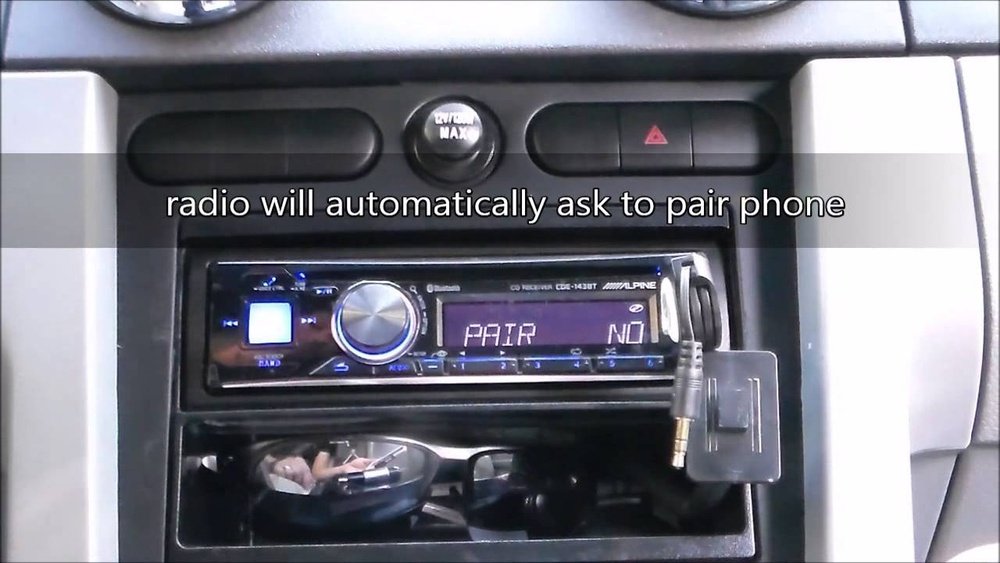
Is your car stereo refusing to connect with your phone? It’s frustrating when you want to play your favorite songs or make hands-free calls, but the devices just won’t pair.
You’re not alone—this problem happens more often than you think. The good news is, understanding why your car stereo is not pairing with your phone is the first step to fixing it fast. Keep reading, and you’ll discover simple reasons behind the issue and easy solutions you can try right now.
Don’t let this glitch ruin your drive—get your music and calls working smoothly again!
:max_bytes(150000):strip_icc()/car-radio-wont-turn-on-534706-4768665eab614306844478b39ec4a5ac.png)
Common Reasons For Pairing Issues
Pairing a phone with a car stereo seems easy but often runs into problems. These issues stop your devices from connecting through Bluetooth. Understanding common reasons helps solve the problem fast. Problems may come from the phone, the car stereo, or the environment around you.
Bluetooth Compatibility Problems
Not all phones and car stereos use the same Bluetooth versions. Older car stereos might not support the latest phone Bluetooth technology. This mismatch causes failure in pairing. Also, some devices limit how many connections they can handle at once. Exceeding this limit stops new pairings.
Phone Software Glitches
Phones can have temporary bugs in their Bluetooth software. These glitches block the phone from searching or connecting to devices. Restarting the phone often clears these errors. Keeping your phone’s software updated prevents many pairing troubles.
Car Stereo Firmware Limitations
Car stereos need firmware to run Bluetooth features. Outdated firmware may lack fixes for known bugs. This causes pairing problems with newer phones. Checking for firmware updates on your car stereo can improve connection success.
Interference And Signal Issues
Bluetooth uses radio waves that can be blocked or disturbed. Other wireless devices, walls, or metal objects nearby cause interference. This weakens the signal between phone and stereo. Moving devices closer or away from interference sources helps pairing work better.
Basic Troubleshooting Steps
Basic troubleshooting steps help fix common problems with car stereo and phone pairing. These steps are simple and often solve connection issues quickly. Follow them carefully to restore your Bluetooth connection.
Restarting Devices
Turn off your car stereo and phone. Wait for about 30 seconds. Turn both devices back on. Restarting refreshes the system and clears temporary glitches. This step often solves minor connection problems.
Checking Bluetooth Settings
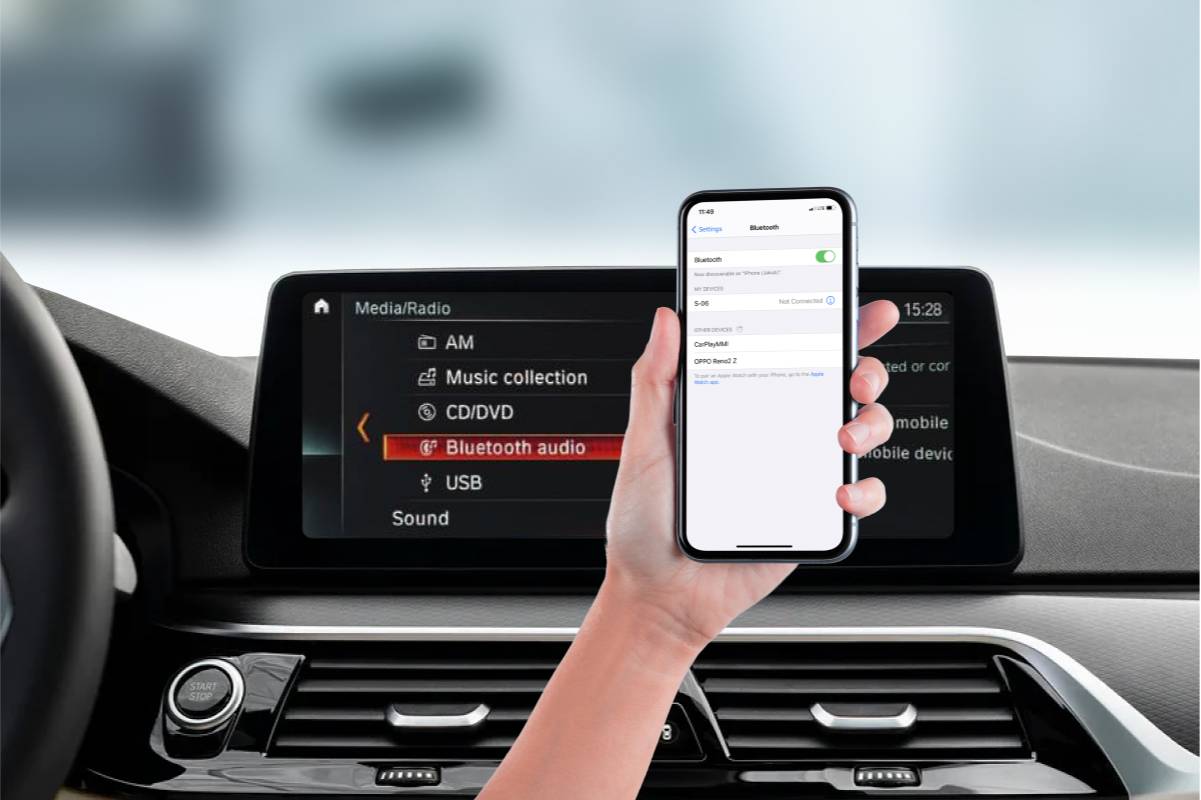
Open the Bluetooth menu on your phone. Make sure Bluetooth is turned on. Check if your car stereo appears in the list of devices. Ensure your phone is set to connect automatically to your car stereo.
Clearing Paired Device List
Your car stereo may have too many paired devices stored. Remove old or unused devices from the list. This frees up space and helps the stereo find your phone. After clearing, try pairing your phone again.
Ensuring Devices Are Discoverable
Make your phone visible to other Bluetooth devices. Enable discoverable mode on both your phone and car stereo. This allows them to find each other during pairing. Without discoverable mode, devices cannot connect.
Advanced Fixes To Try
Advanced fixes can solve pairing problems between your car stereo and phone. These methods go beyond basic steps and help fix deeper issues. Try these solutions carefully to improve your connection.
Updating Phone Software
Old phone software may cause pairing errors. Check your phone’s settings for software updates. Install any updates to get the latest fixes. Updated software improves Bluetooth performance and compatibility.
Updating Car Stereo Firmware
Car stereo firmware controls its Bluetooth system. Visit the car maker’s website for firmware updates. Follow instructions to download and install the latest version. New firmware often fixes bugs that block pairing.
Resetting Network Settings
Resetting network settings clears old connections and errors. This step deletes saved Wi-Fi and Bluetooth data. On your phone, find the option to reset network settings. After reset, try pairing the devices again from scratch.
Using Alternative Pairing Methods
Some car stereos support different pairing ways. Try pairing with NFC if available. Use a USB cable for connection if Bluetooth fails. Consult your car’s manual to explore other pairing options.
Preventing Future Pairing Problems
Preventing future pairing problems can save time and stress. Simple steps help keep your car stereo and phone connected smoothly. Follow these tips to avoid common issues and enjoy hassle-free Bluetooth use.
Regular Software Updates
Keep your car stereo and phone software updated. Updates fix bugs that cause pairing problems. Check for updates often to improve device compatibility. Updated software improves Bluetooth connection stability and speed.
Proper Device Maintenance
Clean your phone and car stereo regularly. Dust and dirt can block Bluetooth signals. Avoid dropping or damaging devices to keep hardware working well. Good device care reduces connection errors and failures.
Avoiding Signal Interference
Keep other wireless devices away from your car stereo and phone. Devices like Wi-Fi routers or other Bluetooth gadgets cause interference. Turn off unused electronics to improve signal quality. Clear space helps your devices pair easily.
Keeping Bluetooth Enabled
Always turn on Bluetooth on both devices before pairing. Disabled Bluetooth stops devices from finding each other. Check Bluetooth settings before starting your car or phone. Staying ready prevents unnecessary pairing delays.
When To Seek Professional Help
Sometimes, fixing your car stereo and phone connection needs expert help. Knowing when to call a professional saves time and avoids damage. Below are key signs that suggest it is time to seek expert support.
Persistent Connection Failures
When your phone and car stereo fail to pair after many tries, it signals a deeper issue. Regular resets and updates do not help. The problem may lie beyond simple fixes. A professional can diagnose and fix complex connection issues fast.
Hardware Malfunctions
Physical damage or worn-out parts often cause pairing problems. Loose wires or broken Bluetooth modules need expert repair. Attempting to fix hardware yourself may cause more harm. Trained technicians have the right tools to handle these repairs safely.
Compatibility Confirmation
Some phones and car stereos may not support each other fully. A professional can check if your devices work together. They can suggest compatible upgrades or adjustments. This prevents wasted effort on unsuccessful pairing attempts.
Authorized Service Centers
Visit authorized service centers for reliable repairs and support. These centers use original parts and follow manufacturer guidelines. Professionals there ensure your car stereo works like new. They also offer warranty protection on their services.
Frequently Asked Questions
Why Won’t My Car Stereo Connect To My Phone?
Your car stereo may not connect due to Bluetooth issues, outdated software, or phone compatibility. Ensure Bluetooth is enabled on both devices. Restart your phone and stereo, then try pairing again. Check for software updates to fix bugs and improve compatibility.
How To Fix Car Stereo Not Pairing With Phone?
To fix pairing issues, clear old Bluetooth connections on both devices. Restart your phone and car stereo. Ensure your phone is discoverable. Delete previous pairings and try re-pairing. Update the firmware of your car stereo if available.
Can Phone Software Updates Affect Car Stereo Pairing?
Yes, phone software updates can impact Bluetooth functionality. Sometimes updates cause temporary connection issues. Check if your phone or car stereo requires updates. Keeping both devices updated improves compatibility and fixes known bugs affecting pairing.
Why Does My Car Stereo Lose Connection Frequently?
Frequent disconnections can be caused by interference, low battery, or software glitches. Keep your phone close to the stereo while driving. Avoid other active Bluetooth devices nearby. Updating software and resetting connections can improve stability.
Conclusion
Car stereo not pairing with your phone can be frustrating. Many issues come from simple settings or connection problems. Checking Bluetooth is a good first step. Restart your devices to clear temporary glitches. Make sure both devices are close and compatible.
Updating software often fixes many pairing problems. Try removing old connections and pairing again. Small fixes save time and avoid bigger headaches. Stay patient and follow these easy steps. Soon, your music will play without trouble.




