Have you ever noticed your dash cam suddenly shutting off just when you need it most? It’s frustrating, right?
You rely on your dash cam to keep you safe and capture important moments on the road. But when it keeps turning off, it feels like it’s failing you. Don’t worry—you’re not alone, and there are simple reasons behind this problem.
Keep reading, and you’ll discover why your dash cam keeps shutting off and how you can fix it fast. Your peace of mind while driving is closer than you think.
Common Reasons For Dash Cam Shutdowns
Dash cams are useful tools for recording your drives. But sometimes, they shut off unexpectedly. This can be frustrating and confusing. Understanding why your dash cam keeps shutting off helps you fix the problem faster.
Several common issues cause dash cams to turn off. These issues involve power, heat, memory, software, and batteries. Each one affects how your device works.
Power Supply Issues
Dash cams need steady power to run. A loose or damaged power cable can cause shutdowns. Using the wrong charger or adapter also leads to power problems. Check the connection and power source to avoid interruptions.
Overheating Problems
Dash cams can get very hot, especially in sunlight. When the device overheats, it may turn off to protect itself. Parking in shaded areas helps reduce heat. Some models have built-in heat protection to shut down automatically.
Faulty Memory Card
A bad memory card can cause your dash cam to stop recording. Corrupted or slow cards affect performance. Using high-quality, compatible memory cards improves reliability. Regularly formatting the card helps prevent errors.
Firmware Glitches
Software bugs can cause random shutdowns. Outdated or corrupted firmware affects stability. Updating your dash cam’s firmware keeps it running smoothly. Follow the manufacturer’s instructions for safe updates.
Battery Malfunctions
Some dash cams have internal batteries. A weak or faulty battery can cause shutdowns. Over time, batteries lose their ability to hold charge. Replacing the battery or using constant power solves this problem.
Power Source Troubleshooting
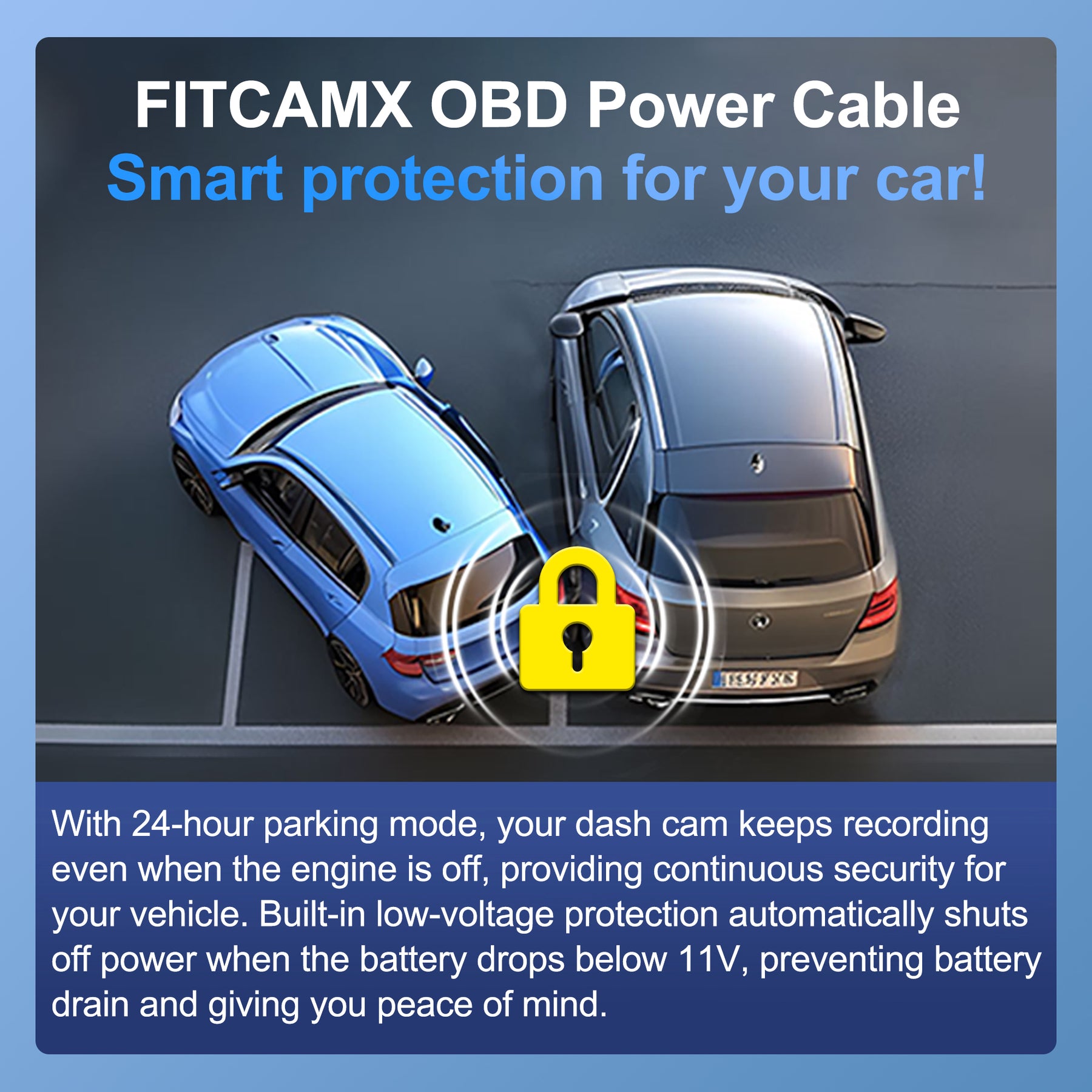
Power source issues are a common reason dash cams shut off unexpectedly. The dash cam needs a steady power supply to work well. Checking the power source can help find the problem fast.
Start by looking at the parts that connect your dash cam to the car’s power. Small faults here can cause the camera to lose power. Take time to check each part carefully.
Checking The Car Charger
The car charger plugs into your vehicle’s 12V socket. A loose or broken charger can cut power to the dash cam. Make sure the charger fits tightly and shows no damage. Try wiggling it gently to see if the power cuts out.
Inspecting The Power Cable
The power cable connects the dash cam to the charger. Look for frayed wires or bent plugs. A damaged cable may stop power flow. Replace the cable if you see any cuts or wear. Use only the cable made for your dash cam.
Using A Different Power Outlet
Some cars have more than one 12V power outlet. Try plugging the dash cam charger into a different outlet. This step helps check if the outlet itself causes the issue. If the dash cam stays on, the first outlet may be faulty.
Memory Card Solutions
Memory card problems often cause a dash cam to shut off unexpectedly. These small cards store all video footage. If the card is faulty or full, the camera struggles to record properly. Fixing memory card issues can stop your dash cam from turning off.
Choosing the right memory card is key. The card must match your dash cam’s specifications. Cards with slow writing speeds can cause errors and shutdowns. Also, low-quality cards wear out faster. Pick cards from trusted brands with fast speeds.
Choosing The Right Memory Card
Select a card designed for high-speed video recording. Look for Class 10 or UHS-I ratings. Avoid cheap, generic cards that lack reliability. Check the maximum storage size your dash cam supports. Using too large a card may cause compatibility problems.
Formatting The Memory Card
Regularly format the card inside the dash cam. Formatting clears old files and fixes minor errors. Use the camera’s menu to format, not a computer. This ensures the file system matches the dash cam’s needs. Avoid formatting too often to extend card life.
Replacing A Damaged Card
Damaged memory cards cause frequent shutdowns. They may have bad sectors or corrupted files. Signs include slow recording or error messages. Replace the card if problems persist after formatting. Always backup important videos before switching cards.
Firmware And Software Fixes
Firmware and software issues often cause dash cams to shut off unexpectedly. These problems can disrupt your recording and affect your camera’s performance. Fixing these issues usually involves updating the firmware or resetting the device. Both steps help improve stability and fix bugs that may cause the camera to turn off.
Updating Dash Cam Firmware
Firmware is the software that controls the dash cam’s hardware. Outdated firmware may cause crashes or shutdowns. Check the manufacturer’s website for the latest firmware version. Download the update and follow the instructions carefully. Updating firmware can fix bugs and improve device performance. Regular updates keep your dash cam running smoothly and reliably.
Resetting To Factory Settings
Resetting to factory settings can solve many software problems. This step erases all custom settings and restores the original setup. It removes glitches or corrupted data that cause shutdowns. Find the reset option in the dash cam menu. Follow the instructions to complete the reset. After resetting, configure your settings again. This method often fixes persistent issues and improves camera stability.
Managing Overheating Risks
Dash cams can shut off because they get too hot. Managing overheating risks is key to keep your device running well. Heat can damage the dash cam’s battery and internal parts. Taking steps to reduce heat exposure helps your dash cam last longer and work better.
Proper Dash Cam Placement
Place the dash cam where air can flow around it. Avoid spots that trap heat, like near the windshield’s center. Mount the device low on the windshield to stay cooler. Keep it away from vents that blow hot air inside the car. Good placement helps the dash cam stay cool during use.
Avoiding Direct Sunlight
Sunlight heats up the dash cam quickly. Do not place the camera in direct sun rays for long periods. Use window shades or park in the shade to reduce sun exposure. Even small changes in parking spots can lower heat levels. Protecting the camera from the sun stops it from shutting off.
Using Heat-resistant Models
Choose dash cams made to handle high temperatures. Heat-resistant models have better cooling features and strong batteries. These cameras keep working well in hot weather and inside warm cars. Investing in a heat-resistant dash cam lowers the chance of overheating problems.
Battery-related Checks
Battery issues often cause a dash cam to shut off unexpectedly. Checking the battery is a key step to fix this problem. A weak or faulty battery cannot power the dash cam properly. This leads to sudden shutdowns.
Start by testing the internal battery. This helps find out if the battery still holds a charge. Next, replacing the battery might be needed if the test shows low power. Both steps are simple but important for dash cam performance.
Testing The Internal Battery
First, turn off the dash cam and remove it from the power source. Use a multimeter to check the battery voltage. A healthy battery usually shows about 3.7 volts. Lower readings mean the battery is weak or damaged.
Another way is to watch how long the dash cam runs without external power. If it shuts off quickly, the battery might be failing. Some dash cams allow battery health checks in the settings menu. Check for such options to simplify the process.
Replacing The Battery
If tests show a weak battery, replace it. Buy a battery that matches your dash cam model. Using the wrong type can cause more problems or damage the device. Turn off the dash cam and remove the old battery carefully.
Insert the new battery firmly in place. Check that it fits well and connects correctly. After replacement, power on the dash cam and monitor its function. The device should now stay on longer and not shut off unexpectedly.
When To Seek Professional Help
Sometimes, dash cams keep shutting off because of simple issues. Other times, problems need expert attention. Knowing when to seek professional help can save time and avoid frustration. Professionals can find hidden issues and fix them properly.
Identifying Hardware Failures
Hardware failures often cause dash cams to shut off unexpectedly. Signs include the device not turning on or shutting off quickly after starting. Strange noises or error messages may appear. If you see physical damage like cracks or loose parts, it is a strong sign of hardware failure. Troubleshooting basic settings will not fix these problems.
Professionals use tools to test the internal components. They check the battery, power connections, and memory card. Detecting hardware failure needs technical knowledge and equipment. Attempting repairs without skills can cause more damage.
Warranty And Repair Options
Check if your dash cam is still under warranty. Warranties often cover hardware failures and defects. Contact the manufacturer or seller for repair or replacement options. Avoid opening the device yourself as it may void the warranty. Some companies offer free repairs or replacements within the warranty period.
If the warranty expired, find a reliable repair service. Compare prices and read reviews before choosing. Professional repair can be cost-effective compared to buying a new dash cam. Make sure they use original parts for best results.
Frequently Asked Questions
Why Does My Dash Cam Keep Turning Off Randomly?
Random shutdowns usually indicate power supply issues or faulty wiring. Check the power cable and ensure a stable connection to the car’s power source. Also, verify if the battery is sufficient or if the dash cam’s firmware needs updating.
Can Overheating Cause A Dash Cam To Shut Off?
Yes, dash cams have built-in protection against overheating. If the device becomes too hot, it will automatically shut off to prevent damage. Ensure proper ventilation and avoid exposing your dash cam to direct sunlight for extended periods.
Does A Faulty Sd Card Make Dash Cams Turn Off?
A damaged or incompatible SD card can cause frequent shutdowns. Use a high-quality, compatible SD card formatted correctly. Regularly check and replace the card if errors or corrupt files appear to maintain smooth dash cam operation.
How Do Power-saving Modes Affect Dash Cam Shutdowns?
Some dash cams have power-saving settings that turn off the device after inactivity. Check your dash cam’s settings and disable any auto-shutdown or sleep mode features to prevent unexpected power-offs while driving.
Conclusion
A dash cam shutting off can cause many problems. It may miss important moments while driving. Check the power supply and memory card first. Sometimes, the device overheats or has a software glitch. Regular updates and proper settings help keep it running.
Knowing these causes saves time and stress. Keep your dash cam working to protect yourself on the road. Stay safe and drive with confidence.




