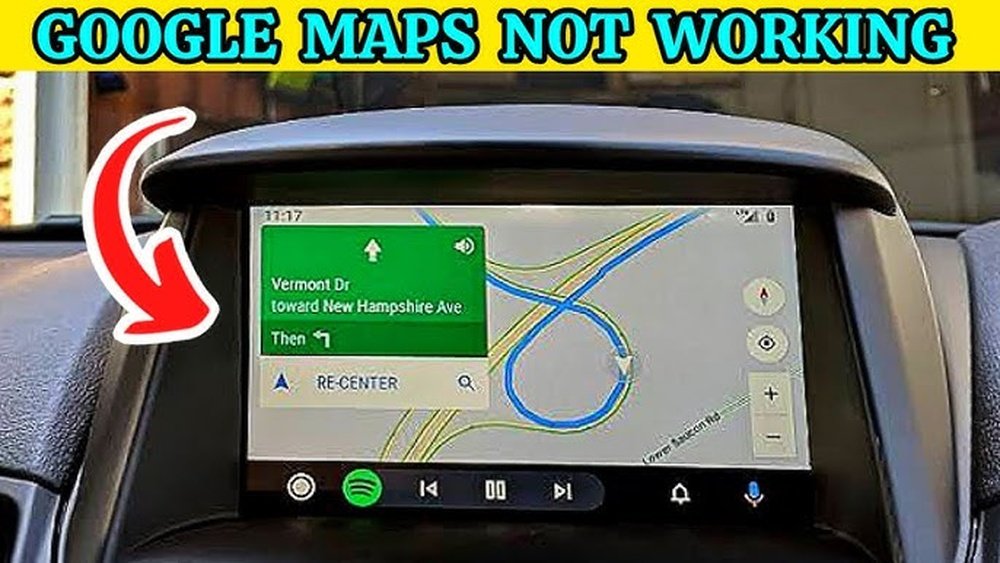
Is your car stereo navigation suddenly not working? It can be frustrating when you rely on it to find your way and it just won’t respond.
You might feel lost, stressed, or even worried about getting where you need to go. But don’t worry—this problem is more common than you think, and there are simple reasons behind it. You’ll discover why your car stereo navigation isn’t working and what you can do to fix it quickly.
Keep reading to get back on track without the hassle.
Common Navigation Issues
Car stereo navigation systems often face problems that stop them from working properly. These issues can be simple or more complex. Understanding common navigation problems helps fix them quickly. This section covers typical reasons why your car stereo navigation might fail.
No Signal Or Gps Connection
Navigation needs a strong GPS signal to work well. Tall buildings, tunnels, or bad weather can block this signal. Sometimes, the car’s GPS antenna is loose or damaged. No signal means the system cannot find your location. This leads to wrong directions or no directions at all.
Software Glitches
Like other electronics, car navigation software can have bugs. These glitches cause the system to freeze or crash. Outdated software may not work with new GPS satellites. Restarting the system or updating the software often solves these problems.
Outdated Maps
Maps need regular updates to show new roads and changes. Old maps can send you the wrong way. Some car stereos do not update automatically. Without updates, the navigation may miss new streets or show closed routes.
Hardware Malfunctions
Hardware parts like the screen, GPS antenna, or wiring can fail. Physical damage or wear and tear causes errors. A broken screen may not show the map. Faulty wiring can stop the GPS from working. Checking hardware is important if software looks fine.
Quick Troubleshooting Steps
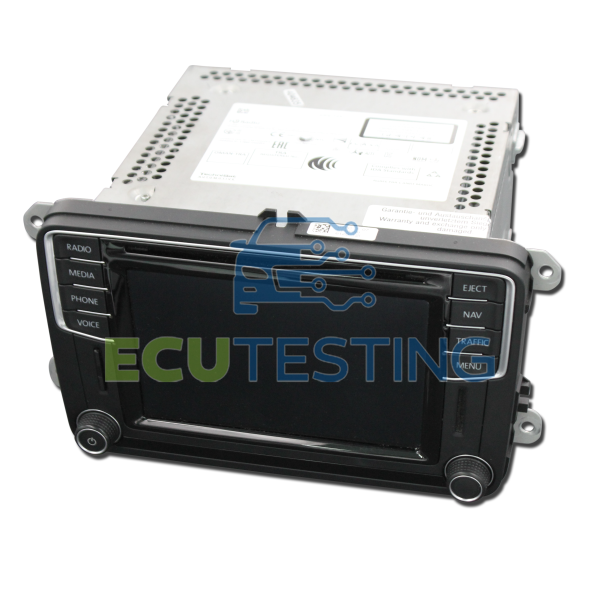
Car stereo navigation may stop working for different reasons. Quick troubleshooting helps find simple fixes fast. These steps save time and avoid extra costs. Try these easy tips before seeking professional help.
Restart The Stereo System
Turn off the car stereo completely. Wait for about 30 seconds. Turn it back on and check navigation. Restarting clears minor glitches. This can restore normal function quickly.
Check Gps Antenna
Locate the GPS antenna on your car. Make sure it is connected firmly. Clean any dust or dirt around it. Poor signal from a loose antenna causes navigation errors. Adjust the antenna for a better signal.
Reset Navigation Settings
Open the navigation menu on your stereo. Find the option to reset settings. This clears old data that may cause problems. Resetting often fixes bugs and errors. After reset, set up navigation again.
Updating Maps And Software
Updating maps and software is key to keeping your car stereo navigation working well. Navigation systems rely on current data to guide you correctly. Old maps can cause wrong directions or missing roads. Software updates fix bugs and improve system performance. Regular updates ensure smooth and accurate navigation.
Downloading Latest Updates
Visit the official website of your car or stereo brand. Search for the latest map and software updates for your model. Download the files to your computer. These files contain new roads, points of interest, and system fixes. Keep your updates ready before starting the installation.
Using Usb Or Wi-fi For Updates
Many car stereos allow updates via USB drive or Wi-Fi connection. For USB updates, copy the downloaded files to a USB stick. Insert it into the car’s USB port and follow on-screen instructions. If your car supports Wi-Fi, connect to a strong network. Select the update option and let the system download automatically.
Importance Of Regular Updates
Regular updates keep your navigation system accurate and reliable. They add new roads and remove closed routes. Updates also improve software stability and fix errors. Without updates, your navigation might lead you wrong. Make it a habit to check for updates often.
Addressing Hardware Problems
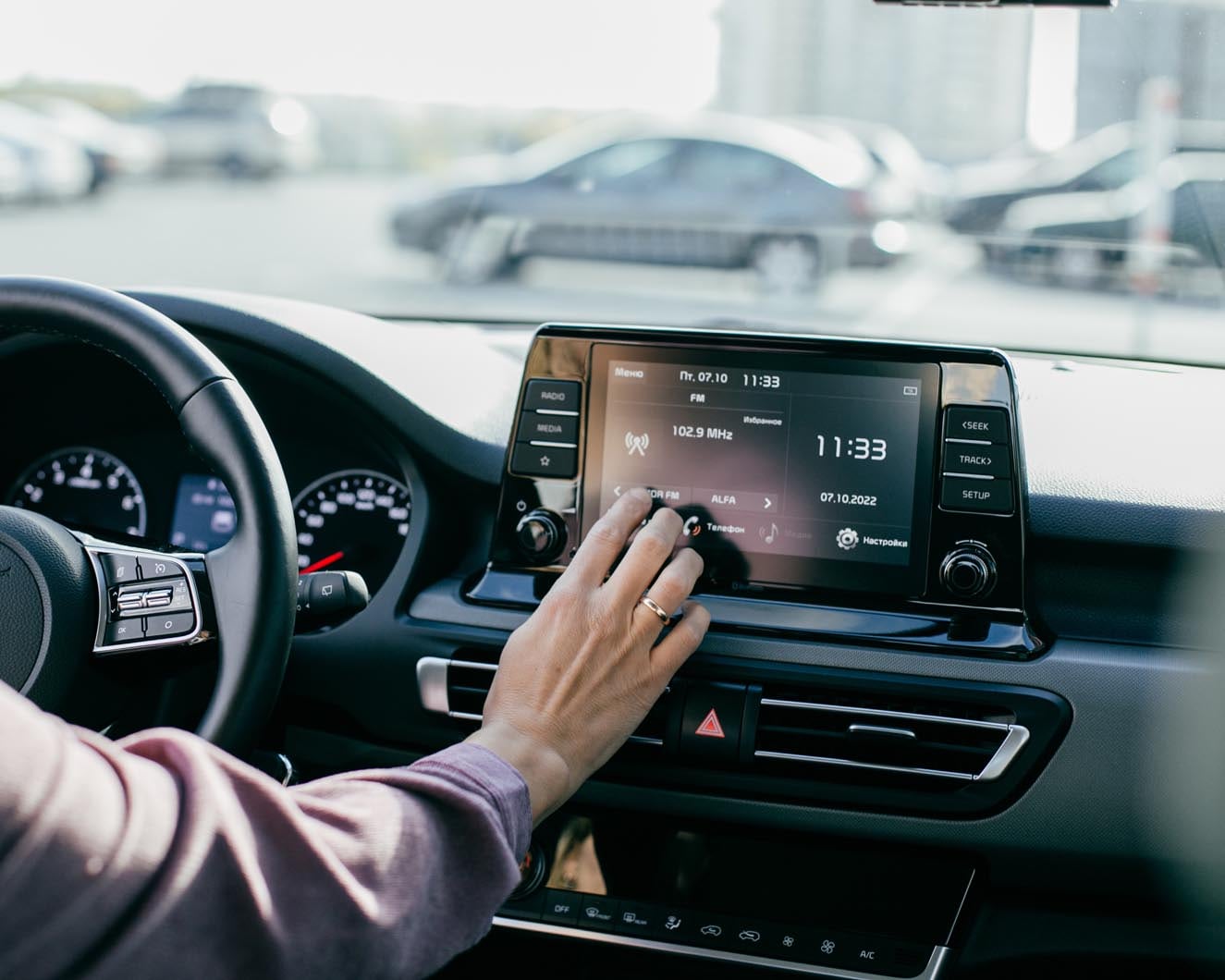
Hardware problems often cause car stereo navigation to stop working. These issues can be tricky. The system depends on physical parts working well. Checking these parts helps find the root of the problem. Fixing hardware can restore navigation quickly. Start with simple checks and move to more complex fixes.
Inspecting Wiring And Connections
Wiring issues often stop navigation from working. Loose or damaged wires cut signals. Check all wires linked to the stereo and GPS. Make sure connectors fit tightly. Look for broken wires or corrosion. Clean dirty connectors carefully. Reconnect any loose cables firmly. This step often solves navigation faults fast.
Replacing Faulty Gps Modules
The GPS module guides your car stereo navigation. A broken module causes no signal or wrong directions. Signs include no satellite connection or error messages. Replace the module with a new one made for your system. Follow instructions carefully or get help. A working GPS module ensures accurate navigation again.
Professional Repair Options
Sometimes hardware faults need expert repair. Professional technicians have tools and knowledge for complex problems. They can test and fix wiring and modules precisely. Choose a trusted repair shop with good reviews. This option saves time and prevents more damage. Professionals restore your car stereo navigation reliably.
Tips For Preventing Future Issues
Keeping your car stereo navigation system working well takes some effort. Small steps help stop problems before they start. Following simple tips can save time and frustration.
Regular Maintenance Checks
Check your navigation system often. Look for software updates and install them promptly. Clean the screen gently with a soft cloth. Test the GPS signal regularly to ensure accuracy. Fix small issues early to avoid bigger repairs later.
Safe Software Practices
Only download updates from official sources. Avoid using unauthorized apps or software. Backup your navigation data before updating. Avoid interrupting updates once they start. This keeps your system safe and reliable.
Protecting Against Physical Damage
Keep your car stereo away from water and dust. Avoid pressing the screen too hard. Use a protective cover if possible. Do not expose the device to extreme heat or cold. Handle your navigation system with care to extend its life.

Frequently Asked Questions
Why Is My Car Stereo Navigation Not Working?
Car stereo navigation may fail due to outdated maps, software glitches, or GPS signal loss. Check for updates and ensure the device has a clear view of the sky for proper satellite connection.
How To Fix Gps Signal Issues In Car Navigation?
Fix GPS signal issues by resetting the system, updating software, and clearing obstructions like tall buildings or trees. Also, verify your device’s GPS antenna is properly connected and functioning.
Can Outdated Maps Cause Car Navigation Problems?
Yes, outdated maps can cause navigation errors and incorrect routes. Regularly update your car stereo’s navigation system to ensure accurate directions and improved performance.
What Role Does Software Update Play In Navigation?
Software updates fix bugs, improve GPS accuracy, and add new features. Keeping your car stereo navigation system updated ensures smooth operation and resolves many common issues.
Conclusion
Car stereo navigation may stop working for many reasons. Check the GPS signal and connections first. Sometimes, software updates fix the problem quickly. Faulty wiring or a dead battery could also cause issues. Clear old data or reset the system to try again.
Regular maintenance helps keep your navigation running smoothly. Don’t ignore small problems; they often grow bigger. Stay patient and follow simple steps to solve the issue. Your navigation should work well with proper care and attention.




