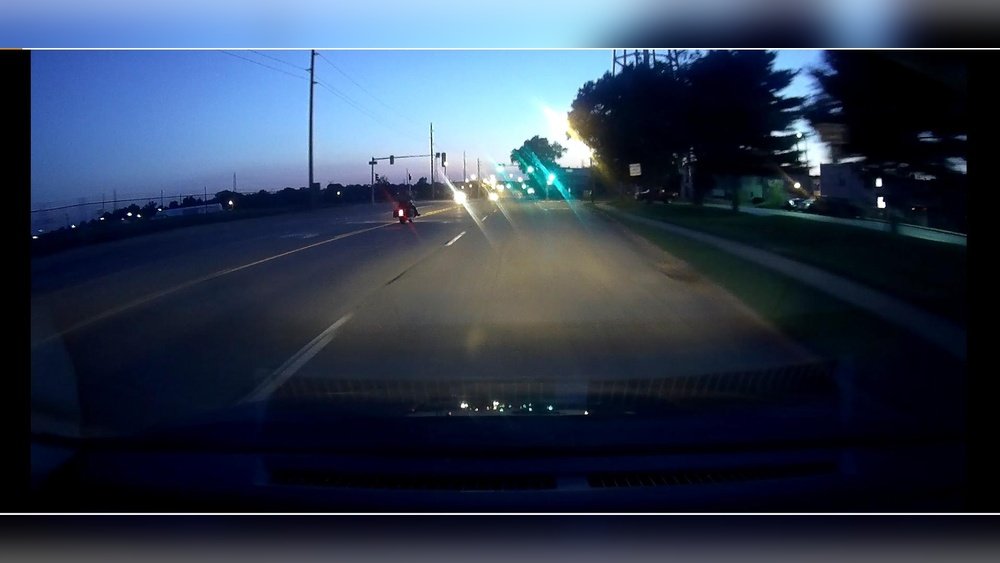
Have you ever checked your dash cam footage from a night drive, only to find the video grainy and unclear? It’s frustrating when you rely on your dash cam for safety and proof, but the quality lets you down exactly when you need it most.
You might be wondering why this happens and what you can do to fix it. Understanding why your dash cam night video is grainy can help you get clearer, sharper footage that you can trust. Keep reading to uncover the simple reasons behind this common problem and how to improve your night recordings.
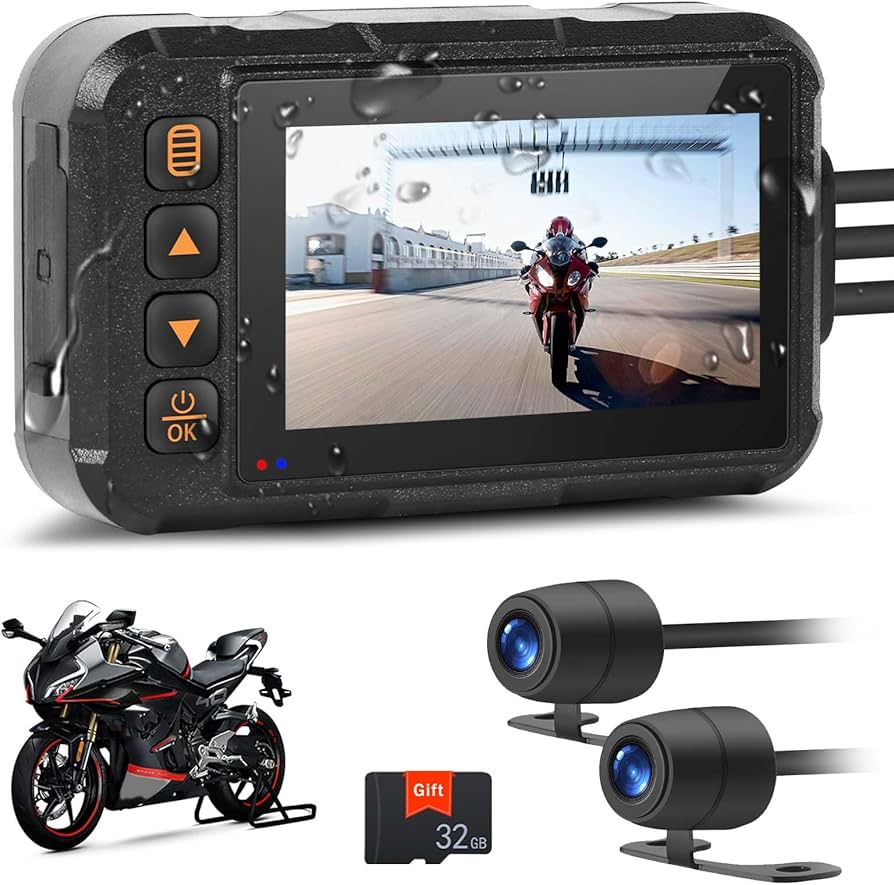
Common Causes Of Grainy Night Videos
Grainy night videos from dash cams are a common problem. Many factors cause this issue. Understanding these causes helps improve video quality. Here are the main reasons dash cam videos look grainy at night.
Low Light Challenges
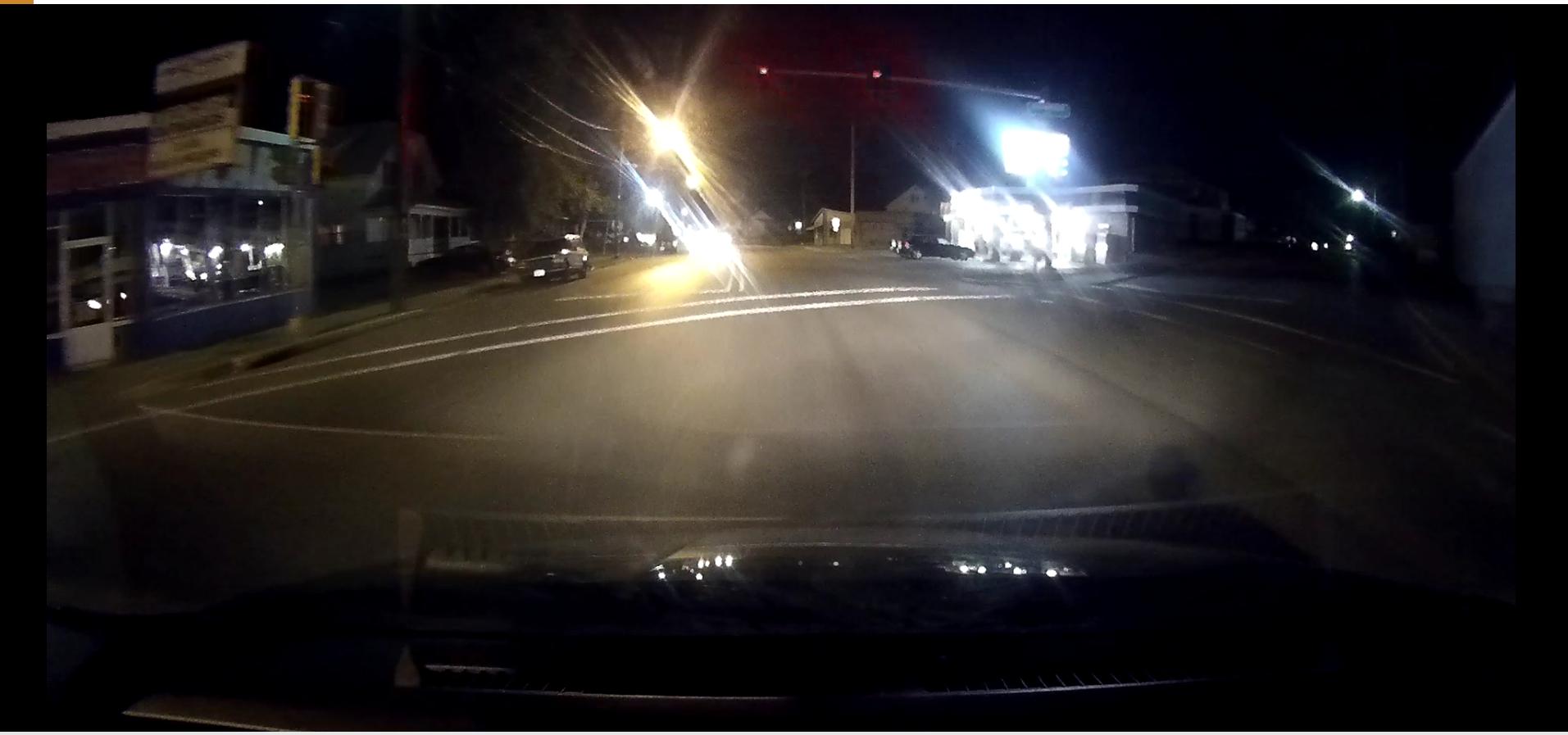
Nighttime means less light for the camera. Cameras need light to capture clear images. Less light causes noise, which looks like grain. Streetlights and car headlights help, but often not enough.
Camera Sensor Limitations
Dash cams have small sensors to fit in cars. Small sensors capture less light. This limitation leads to grainy images in dark conditions. Bigger sensors capture clearer images but cost more.
High Iso Settings
ISO controls the camera’s sensitivity to light. Higher ISO helps capture images in dark places. But high ISO also creates noise and grain. Dash cams often use high ISO to see at night.
Lens Quality And Dirt
Cheap lenses can reduce video clarity. Dirt or smudges on the lens block light. This makes videos appear blurry or grainy. Regular cleaning and good lenses improve night video quality.
Compression Artifacts
Dash cams compress videos to save space. Compression lowers video quality and adds grain. Strong compression creates blocky or noisy images. Better compression settings reduce these artifacts.
Impact Of Grainy Videos On Dash Cam Use
Grainy videos from dash cams can affect their usefulness a lot. Night recordings often lack clarity, making it tough to trust the footage. This problem impacts many areas, especially safety and legal matters.
Reduced Image Clarity
Grainy videos blur important parts of the scene. Small objects and faces become hard to see. This reduces the value of the footage. Drivers may miss key details about the road or other cars. Clear images are vital for understanding what happened.
Difficulty In Identifying Details
Graininess hides details like license plates and road signs. Identifying vehicles or people is tricky. This can cause confusion after accidents. It becomes challenging to prove who was at fault. Reliable videos should show clear details every time.
Legal And Insurance Implications
Insurance companies may reject grainy dash cam videos. Courts need clear evidence to decide cases. Poor video quality can weaken your claim. Good video proof can speed up insurance payouts. Grainy footage may lead to delays or denial of help.
Improving Night Video Quality
Night videos from dash cams often look grainy and unclear. This happens because low light makes it hard for cameras to capture sharp images. Improving the quality of night videos requires the right tools and some simple steps. These tips can help you get clearer and brighter footage at night.
Choosing Dash Cams With Better Sensors
Good sensors capture more light and produce clearer videos. Look for dash cams with larger sensors or those made for low-light conditions. These sensors reduce grain and improve image detail. Higher quality sensors can make a big difference in night video quality.
Adjusting Camera Settings
Changing camera settings can improve night video clarity. Lower the frame rate to let the camera collect more light per frame. Adjust brightness and contrast to make videos easier to see. Avoid using too high ISO, as it increases graininess in videos.
Cleaning And Maintaining The Lens
A dirty lens causes blurry and grainy videos. Clean the lens regularly with a soft cloth. Remove dust, fingerprints, and smudges to keep images sharp. Check the lens before each drive for the best video quality.
Using External Lighting Solutions
Adding light helps cameras capture better videos at night. Use LED lights near the camera or inside the vehicle. Extra light reduces grain and improves colors. Even small lighting changes can make a big improvement in video quality.
Advanced Technologies For Clearer Night Videos
Night videos from dash cams often look grainy due to low light conditions. Advanced technologies help reduce this grain and improve video clarity. These features make night recordings sharper and easier to see. They work by enhancing light capture and processing the image better.
Hdr And Wdr Features
HDR (High Dynamic Range) and WDR (Wide Dynamic Range) balance light in videos. They help the camera show bright and dark areas clearly. These features prevent parts of the image from being too bright or too dark. This balance makes night videos clearer and more detailed.
Noise Reduction Algorithms
Noise reduction algorithms clean up grainy images in low light. They remove unwanted specks and smooth the video. This technology uses smart software to distinguish noise from real details. It keeps important parts sharp while reducing graininess.
Infrared And Low-light Sensors
Infrared and low-light sensors detect light better than regular sensors. They capture more details in the dark. Infrared sensors use invisible light to see in total darkness. Low-light sensors improve video quality in dim places. These sensors make night videos brighter and clearer.
Practical Tips For Better Night Recording
Nighttime video from dash cams can often look grainy and unclear. This happens because low light makes it hard for the camera to capture clear images. Improving night video quality requires some simple steps. These practical tips help you get better recordings during dark drives.
Proper Installation And Positioning
Place your dash cam where it has a clear view of the road. Avoid spots blocked by the car’s frame or mirrors. A steady mount reduces shakiness and blurry images. Adjust the angle to capture the road ahead, not the dashboard. Clean the windshield regularly to prevent dirt from distorting video quality.
Regular Firmware Updates
Update your dash cam’s firmware often. Manufacturers improve night recording through updates. New software can reduce noise and fix bugs. Check the official website or app for updates. Keep the device connected to power during updates to avoid interruptions.
Avoiding Direct Light Sources
Bright lights can confuse your dash cam’s sensor. Avoid pointing the camera at streetlights or headlights. Reflections from windows cause glare and grainy video. Use a polarizing filter if possible to reduce light reflections. Position the camera to minimize bright light hitting the lens directly.

Frequently Asked Questions
Why Does Dash Cam Video Look Grainy At Night?
Dash cam videos appear grainy at night due to low light conditions. The camera increases ISO sensitivity, which adds noise. Small sensors in dash cams struggle to capture clear images in darkness, causing graininess in night recordings.
How Does Low Light Affect Dash Cam Video Quality?
Low light reduces the amount of captured detail. Dash cams boost brightness by amplifying the image signal, which introduces grain or noise. Limited sensor size and poor lens quality worsen this effect, making night videos appear grainy and less clear.
Can Dash Cam Settings Improve Night Video Clarity?
Yes, adjusting settings like exposure and ISO can help. Lowering ISO reduces noise but requires more light. Increasing exposure time allows more light but can cause motion blur. Using dash cams with better sensors and night vision features improves video quality.
Does Grainy Night Video Affect Dash Cam Evidence Value?
Grainy video can reduce clarity but usually still captures important details. License plates and faces might be harder to see. Using a high-quality dash cam with good night recording capabilities increases evidence reliability in low light conditions.
Conclusion
Grainy night videos from dash cams are common and normal. Low light makes cameras work harder to capture images. Small sensors and limited lens quality also affect video clarity. Choosing a dash cam with good night vision helps reduce graininess.
Cleaning the lens regularly keeps the view clear. Adjusting settings like brightness can improve video quality. Remember, no dash cam can fully remove all grain at night. Understanding these reasons helps you pick and use your dash cam better. Clearer videos lead to safer driving and better evidence if needed.




