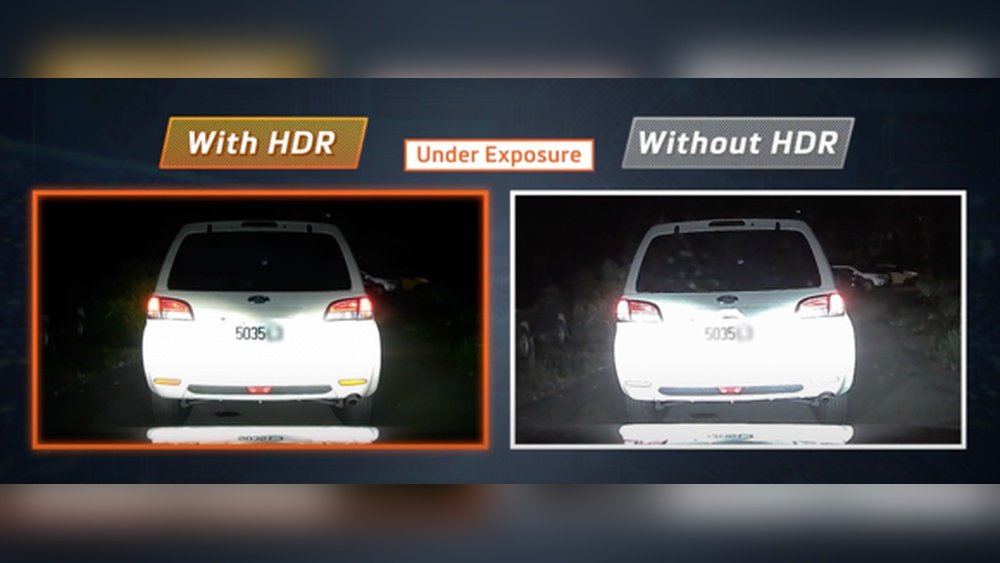
Have you ever wondered why some dash cam videos look clearer and more detailed, even in tricky lighting? That’s where HDR comes in.
HDR, or High Dynamic Range, can make a huge difference in how well your dash cam captures every moment on the road. If you want your footage to be sharp, balanced, and easy to see—whether it’s bright sunlight or deep shadows—understanding HDR is key.
Keep reading to discover how HDR works in dash cams and why it might be exactly what your car needs for better video quality.
Hdr Basics
Understanding HDR is key to choosing the right dash cam. It helps improve video quality in different lighting. HDR makes footage clearer in bright and dark areas. This section explains the basics of HDR in dash cams.
What Hdr Means
HDR stands for High Dynamic Range. It means the camera captures more details in both light and dark parts. Normal cameras may lose details in shadows or bright spots. HDR balances these areas to show a clearer picture. This is important for dash cams that record outside scenes.
How Hdr Works In Dash Cams
Dash cams with HDR take multiple images at different exposures. Then, they combine these images into one clear video. This process helps to keep details visible in bright sunlight and shadows. It also reduces glare from headlights or the sun. The result is sharper and more detailed footage for your safety.
Benefits Of Hdr
HDR, or High Dynamic Range, improves dash cam video quality significantly. It balances bright and dark areas in footage. This feature helps capture clear and detailed images. HDR is especially useful in tricky lighting conditions. It makes recordings more reliable and easier to review later.
Improved Image Clarity
HDR enhances the sharpness of dash cam videos. Details in shadows and highlights become clearer. This makes it easier to see important objects on the road. Faces, license plates, and road signs appear more distinct. Clearer images help in case of accidents or disputes.
Better Low-light Performance
Dash cams with HDR perform well in low light. Nighttime or tunnel recordings show more detail. HDR reduces noise and brightens dark areas without overexposing lights. This means safer driving records even in poor lighting. It improves visibility during early morning or late evening drives.
Enhanced Color Accuracy
HDR captures colors more naturally and vividly. Colors look closer to real life on the screen. This helps in recognizing traffic lights and road markings easily. Enhanced color accuracy makes videos more useful for evidence. It adds realism to recorded footage, making details stand out.
Hdr Vs Standard Video
HDR and standard video are two common recording modes in dash cams. Each offers a different way to capture video footage. Understanding their differences helps you choose the right dash cam for your needs. The key lies in how each handles light and detail.
Comparison Of Footage Quality
Standard video records footage with one exposure level. It captures images as they appear in normal light. This can cause some parts to look too dark or too bright. Details in shadows or highlights may be lost. HDR video combines multiple exposures. It blends bright and dark areas into one image. This makes details clearer and colors more balanced. The result is sharper and more vivid footage.
Handling Different Lighting Conditions
Standard video struggles in tricky lighting. Bright sunlight can wash out parts of the image. Shadows can hide important details. HDR adjusts to these changes. It captures light from dark and bright spots equally. This keeps the video clear during sunrise, sunset, or tunnels. HDR helps show license plates and road signs better. It improves safety by making all parts of the video easy to see.
Choosing A Dash Cam With Hdr
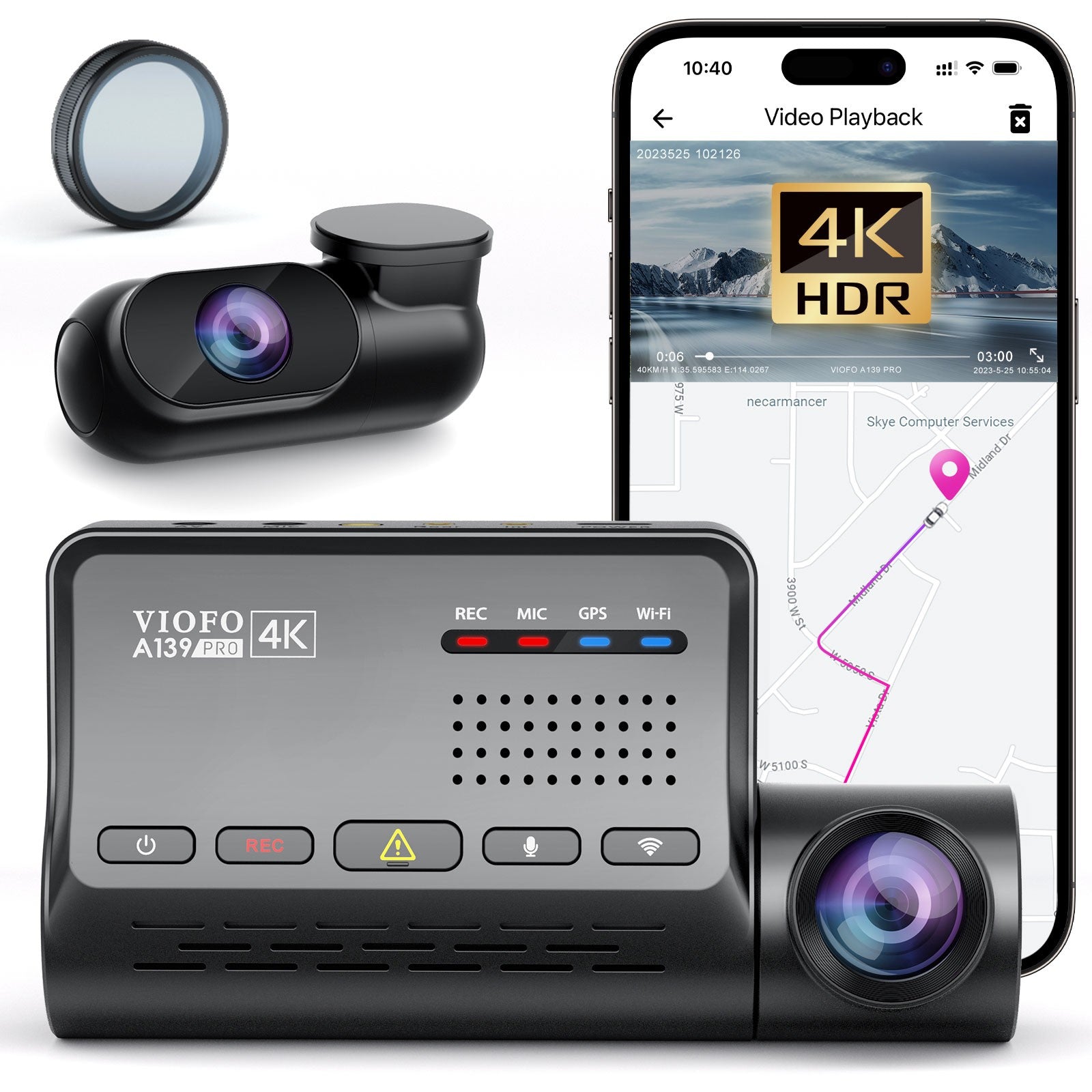
Choosing a dash cam with HDR means picking a device that records clear videos in all lighting. HDR stands for High Dynamic Range. It helps the camera capture more details in bright and dark areas. This feature is very useful for driving at night or under bright sunlight. It improves video quality, making important details visible.
Many dash cams offer HDR, but some models perform better than others. Knowing what features to check helps you find the best one for your needs. The right dash cam with HDR can protect you by recording clear footage during any driving condition.
Key Features To Look For
- True HDR support for better video contrast and clarity
- High resolution video, like 1080p or 4K
- Wide viewing angle to capture more of the road
- Good night vision for clear images in the dark
- Reliable loop recording to save storage space
- Easy-to-use controls and clear display
- Strong build quality for durability
- GPS and G-sensor features for location and impact detection
Popular Hdr Dash Cam Models
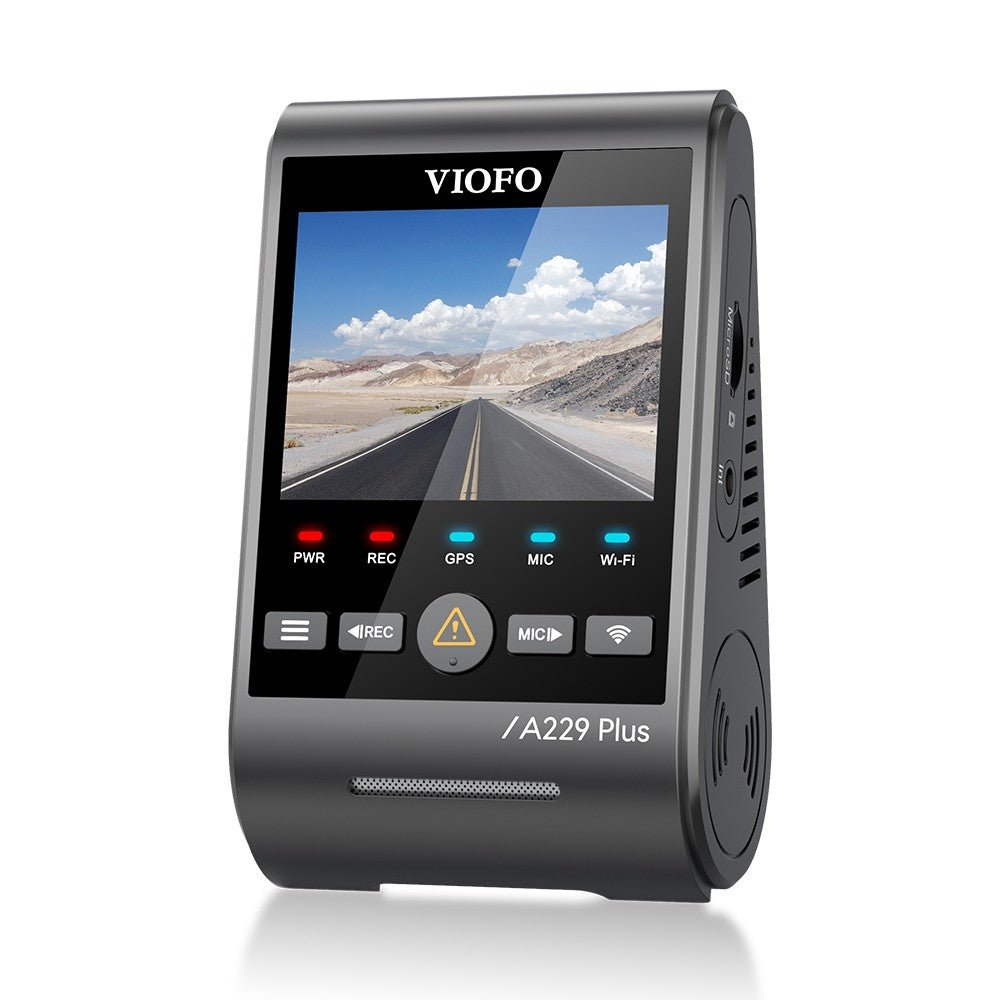
- Nextbase 522GW – Known for sharp HDR video and user-friendly design
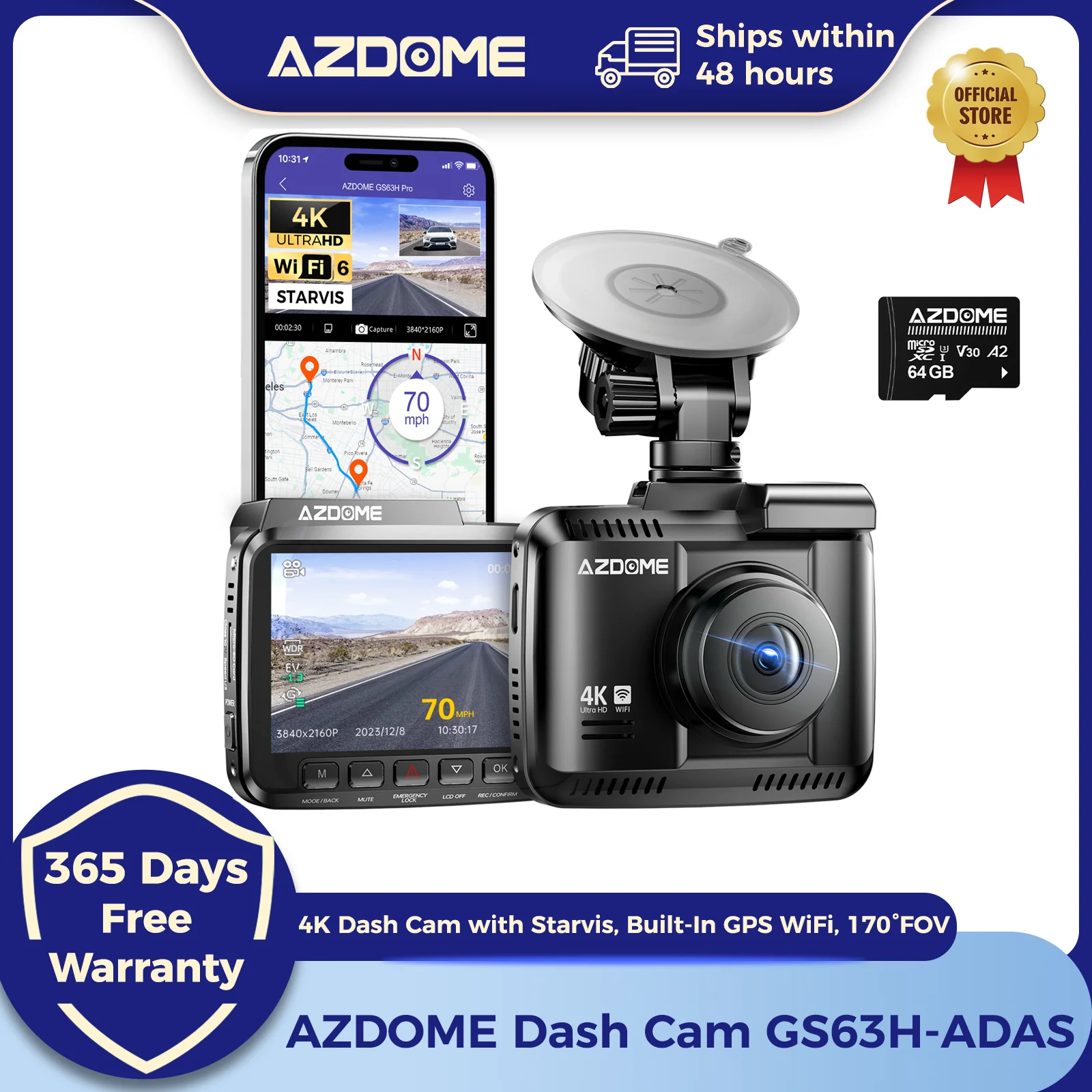
- Vantrue N4 – Offers 4K HDR and multiple camera angles
- Garmin Dash Cam 67W – Compact size with excellent HDR recording
- Thinkware U1000 – High resolution and strong HDR performance
- BlackVue DR900X – Premium 4K HDR dash cam with cloud features
Hdr Limitations
HDR in dash cams helps capture better details in bright and dark areas. It balances light to show clearer images. But HDR is not perfect. It has some limits that can affect video quality. Understanding these limits helps you know when HDR works best.
Potential Drawbacks
HDR can cause video to look unnatural. Colors might seem too bright or too dark. Sometimes, HDR creates strange shadows or glowing edges. This effect can make footage harder to watch. It may also reduce sharpness in some parts of the video. These issues depend on the camera’s HDR technology and settings.
When Hdr May Not Help
HDR is less useful in low light or night driving. In these conditions, noise and grain appear more in videos. HDR cannot fix this problem fully. Also, fast-moving objects may blur with HDR on. The processing time for HDR can cause lag in video frames. In simple scenes with even lighting, HDR adds little value.
Tips For Better Hdr Footage
Getting clear HDR footage from your dash cam improves safety and evidence quality. Simple steps help you capture better video with high dynamic range features. Focus on key areas to enhance your dash cam’s performance.
Camera Placement
Place the dash cam where it has a wide, clear view of the road. Avoid spots blocked by the car’s frame or mirrors. Mount it high on the windshield to reduce glare and shadows. Keep the lens clean and unobstructed for sharp images.
Settings Optimization
Adjust HDR settings to match daylight or night conditions. Use auto mode if available to handle changing light. Lower the exposure if videos look too bright. Increase contrast slightly to boost details in shadows and highlights. Test settings in different environments for best results.
Maintenance For Clearer Video
Clean the camera lens regularly with a soft cloth. Remove dust, dirt, and fingerprints that blur the video. Check the windshield area around the camera for smudges. Update your dash cam’s firmware to fix bugs and improve HDR processing. Regular care keeps footage sharp and reliable.
Frequently Asked Questions
What Does Hdr Mean In Dash Cams?
HDR stands for High Dynamic Range. It enhances video quality by balancing bright and dark areas. This helps capture clear details in varying light conditions, such as night and daylight.
How Does Hdr Improve Dash Cam Footage?
HDR improves footage by reducing glare and shadows. It ensures better visibility of road signs and objects. This results in clearer and more detailed video recordings.
Is Hdr Useful For Night Driving Recordings?
Yes, HDR is very useful for night driving. It brightens dark areas without overexposing bright lights. This makes nighttime footage clearer and more reliable for evidence.
Can Hdr Dash Cams Record Better In Sunlight?
HDR dash cams handle sunlight well. They reduce glare from direct sunlight and reflections. This keeps videos clear and prevents washed-out images in bright conditions.
Conclusion
HDR in dash cams improves video quality in bright and dark scenes. It helps capture clear details even in tough light conditions. This feature makes your recordings more useful and reliable. Choosing a dash cam with HDR means better protection on the road.
Clear videos can help in case of accidents or disputes. Remember, good video quality matters for safety and proof. HDR adds value without extra effort. Consider it when picking your next dash cam.




