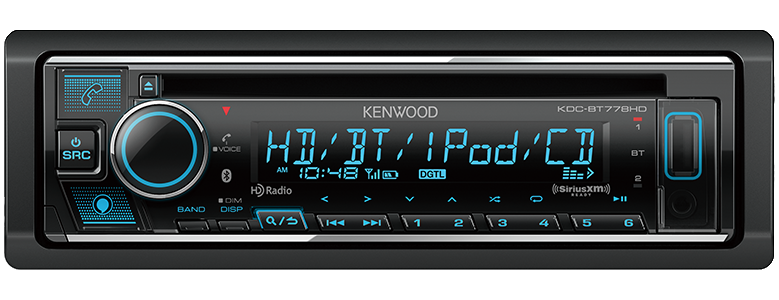
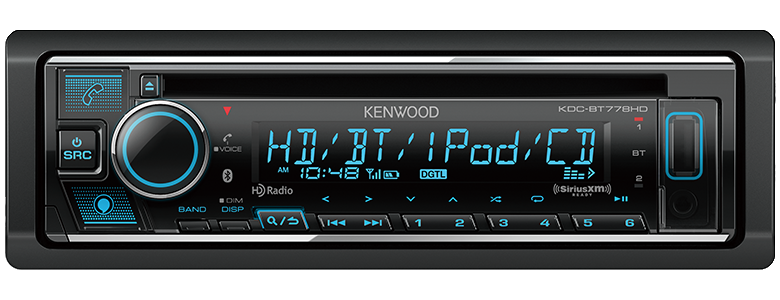
Most Kenwood KDC-BT778HD issues come from wiring, pairing, settings, or a simple reset fix.
If your Kenwood KDC-BT778HD is acting up, you are not alone. I have seen this model behave beautifully for months, then suddenly refuse Bluetooth pairing, lose radio memory, or mute the sound for no clear reason. The good news is that Kenwood KDC-BT778HD troubleshooting is usually straightforward once you know where to look, and this guide will walk you through the most common problems, the real causes behind them, and the fixes that actually work.

49% off Today's Exclusive Deals
Limited-time Exclusive Deals. Check current discount on Amazon.
Check Price on Amazon As an Amazon Associate I earn from qualifying purchases.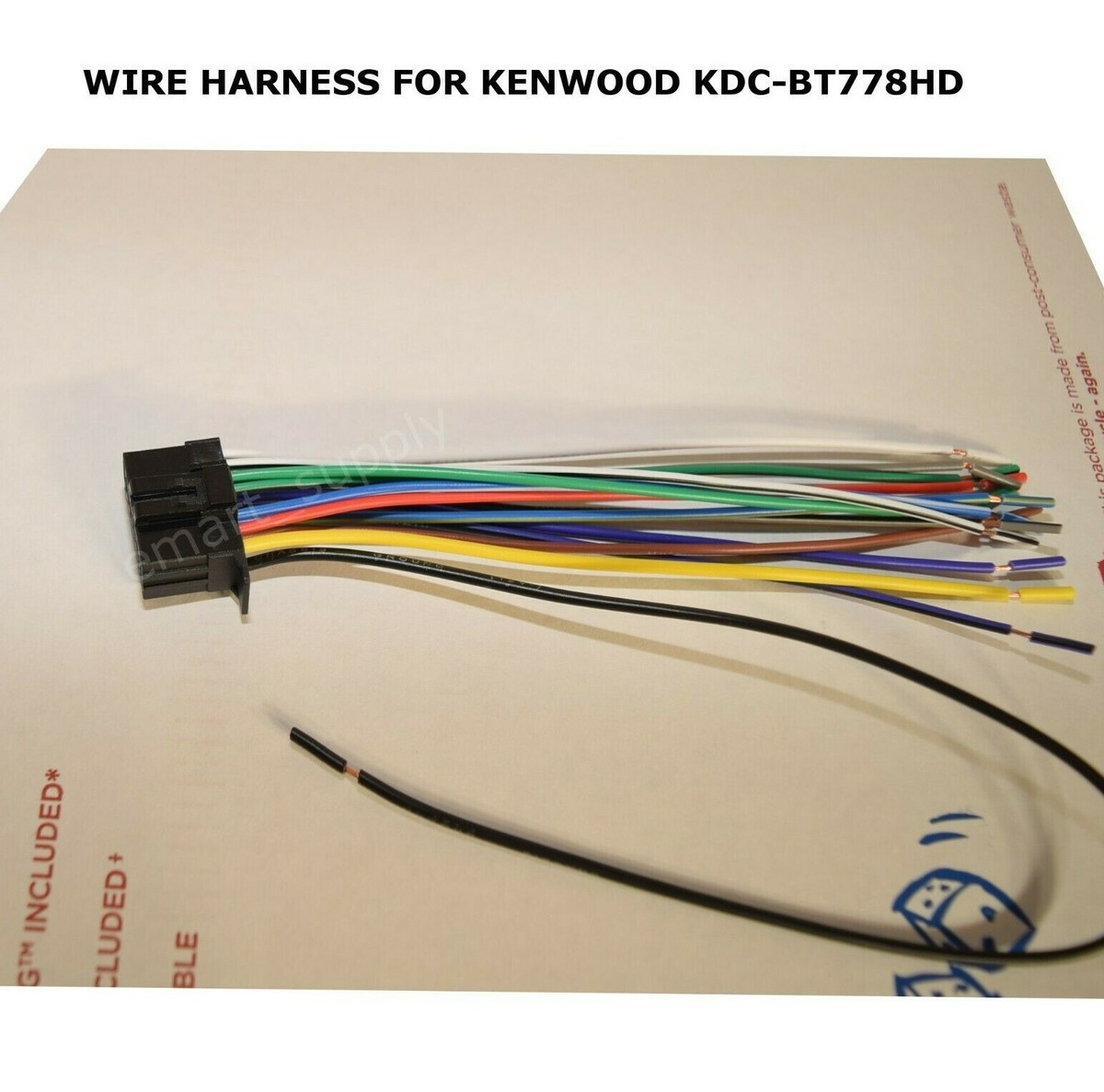
Common Kenwood KDC-BT778HD Problems and What They Usually Mean
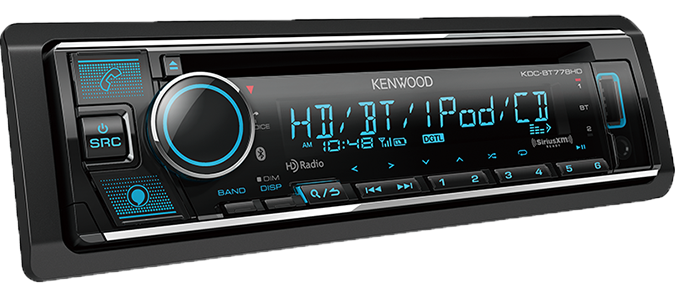
The Kenwood KDC-BT778HD is a solid head unit, but like any car stereo, it depends on clean power, correct settings, and stable connections. When something goes wrong, the symptom often points to the source of the issue.
Here are the most common problems I have seen in real use:
49% off Today's Exclusive Deals
Limited-time Exclusive Deals. Check current discount on Amazon.
Check Price on Amazon As an Amazon Associate I earn from qualifying purchases.- No power at all, which usually points to a fuse, wiring, or ground issue
- Bluetooth not pairing, often caused by old pairing data or phone settings
- No sound from speakers, which can come from mute mode, amp settings, or speaker wiring
- Radio stations not saving, often linked to constant power loss
- USB or playback issues, which may be caused by file format, drive format, or a faulty cable
- Display problems, sometimes caused by dimmer settings or reset needs
A helpful way to think about Kenwood KDC-BT778HD troubleshooting is this: the stereo is like a small computer inside your dash. If power, memory, or input settings get disturbed, the unit may act confused even though the hardware is fine.
Start with the Basics Before You Dig Deeper
Before opening panels or buying replacement parts, check the simple stuff first. In my experience, many “big” stereo problems turn out to be small setup mistakes.
Use this quick checklist:
49% off Today's Exclusive Deals
Limited-time Exclusive Deals. Check current discount on Amazon.
Check Price on Amazon As an Amazon Associate I earn from qualifying purchases.- Turn the ignition off and back on
- Confirm the unit is not in mute mode
- Check speaker balance and fader settings
- Make sure Bluetooth is connected to the correct phone
- Inspect the fuse on the stereo and the vehicle fuse box
- Try a different USB cable or flash drive
- Remove old Bluetooth pairings from both the phone and the head unit
These first steps save time because they rule out the most common user-level problems. I once spent nearly an hour chasing a sound issue only to find the balance was shifted all the way to one side after a settings change. It happens more than people think.
Kenwood KDC-BT778HD Troubleshooting for No Power
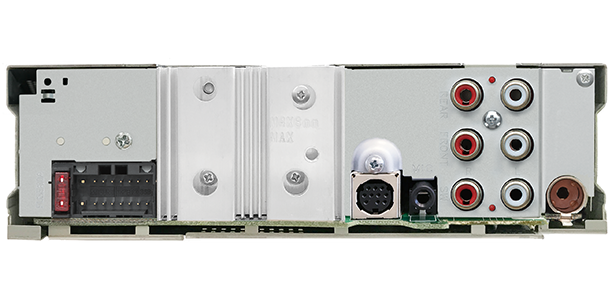
If the unit will not turn on, start with the power path. A head unit needs a constant 12V supply, an accessory power lead, and a good ground to work properly.
Check these items first:
- Fuse on the back of the Kenwood unit
- Vehicle fuse for the radio circuit
- Yellow wire for constant 12V power
- Red wire for accessory power
- Black wire for ground connection
- Loose or corroded wiring harness connections
A poor ground is a classic failure point. If the ground wire is attached to painted metal or a loose bolt, the unit may act dead or restart randomly. In professional installs, a clean metal ground point is one of the first things I verify because it prevents hours of guesswork later.
If the radio still does not power up after checking the fuse and wiring, test the wires with a multimeter. That gives you a much clearer answer than guessing.
Kenwood KDC-BT778HD Troubleshooting for Bluetooth Pairing Issues
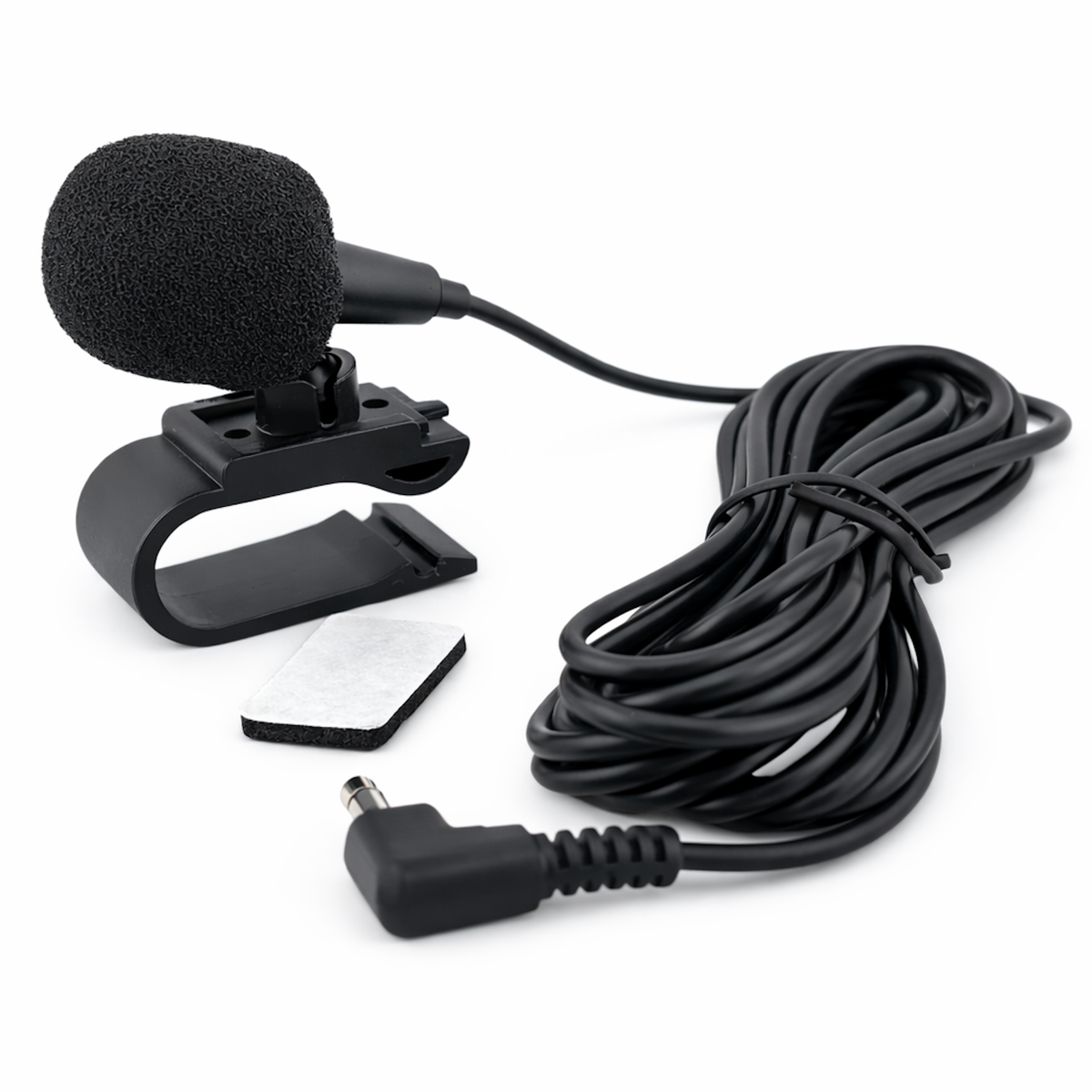
Bluetooth is one of the best features on the Kenwood KDC-BT778HD, but it is also one of the most common complaint areas. Pairing issues usually come from stored device conflicts or phone-side settings.
Try these fixes in order:
- Delete the Kenwood unit from your phone’s Bluetooth list
- Delete the phone from the Kenwood memory
- Turn Bluetooth off and back on again
- Restart the phone
- Put the head unit into pairing mode again
- Make sure no other phone is connecting automatically
- Update your phone’s operating system if it is outdated
If the unit used to connect and suddenly stopped, old pairing data is often the cause. I have seen phones cling to a stale Bluetooth profile like it was a favorite shortcut, even when the stereo has already been reset. Clearing both sides usually fixes the problem.
Also check whether the unit is trying to connect to a different saved device first. The Kenwood KDC-BT778HD can store multiple devices, and that can create confusion if several phones have been used in the car.
Kenwood KDC-BT778HD Troubleshooting for No Sound
A powered-on stereo with no sound can be frustrating. The radio looks alive, but nothing comes through the speakers, which makes people think the unit has failed.
Here is what to check:
- Volume level is not set too low
- Mute is off
- Fader and balance are centered
- Speaker wires are connected correctly
- External amplifier, if used, is turning on
- RCA outputs are connected properly
- Audio source is not paused or muted by the phone
If you installed an aftermarket amplifier, make sure the remote turn-on wire is working. When that line fails, the amplifier stays asleep, and the stereo appears silent. That is one of those problems that feels major but comes down to one thin wire.
Also, if sound works on radio but not Bluetooth, the issue may be source-specific. That can point to phone settings, Bluetooth audio volume, or app-level volume control rather than a speaker problem.
Kenwood KDC-BT778HD Troubleshooting for Radio Reception Problems
Weak radio reception can make a good stereo feel disappointing. If AM or FM stations cut in and out, the antenna system is the first place to look.
Check these items:
- Antenna plug is fully seated
- Antenna cable is not damaged
- Vehicle antenna amplifier, if equipped, is receiving power
- Station presets are on the correct band
- Local/distant reception settings are appropriate for your area
On some vehicles, the antenna needs power from a blue or blue/white lead. If that lead is not connected correctly, FM reception may be poor even though the unit itself is fine. I have seen people replace the antenna head first when the real issue was a missed power lead on installation.
If reception is poor only in one area, signal strength may simply be weak there. But if all stations are noisy, the problem is usually wiring, antenna, or amplifier power.
Kenwood KDC-BT778HD Troubleshooting for USB and Playback Issues
USB playback should be simple, but file systems and formats can create headaches. If your flash drive is not recognized or songs skip, the media itself may be the issue.
Try this:
- Use a different USB drive
- Format the drive as FAT32 if needed
- Check that music files are supported
- Avoid heavily nested folders
- Rename files with simple characters
- Test a different USB cable if you are using one
Large drives or unusual file structures can slow recognition. If the stereo reads one drive but not another, the second drive may use an unsupported format or have file errors. This is one of the easiest Kenwood KDC-BT778HD troubleshooting wins because a fresh, properly formatted drive often solves it right away.
If playback stops only on certain songs, those files may be corrupted. Recopying the music usually fixes that.
How to Perform a Safe Reset on the Kenwood KDC-BT778HD
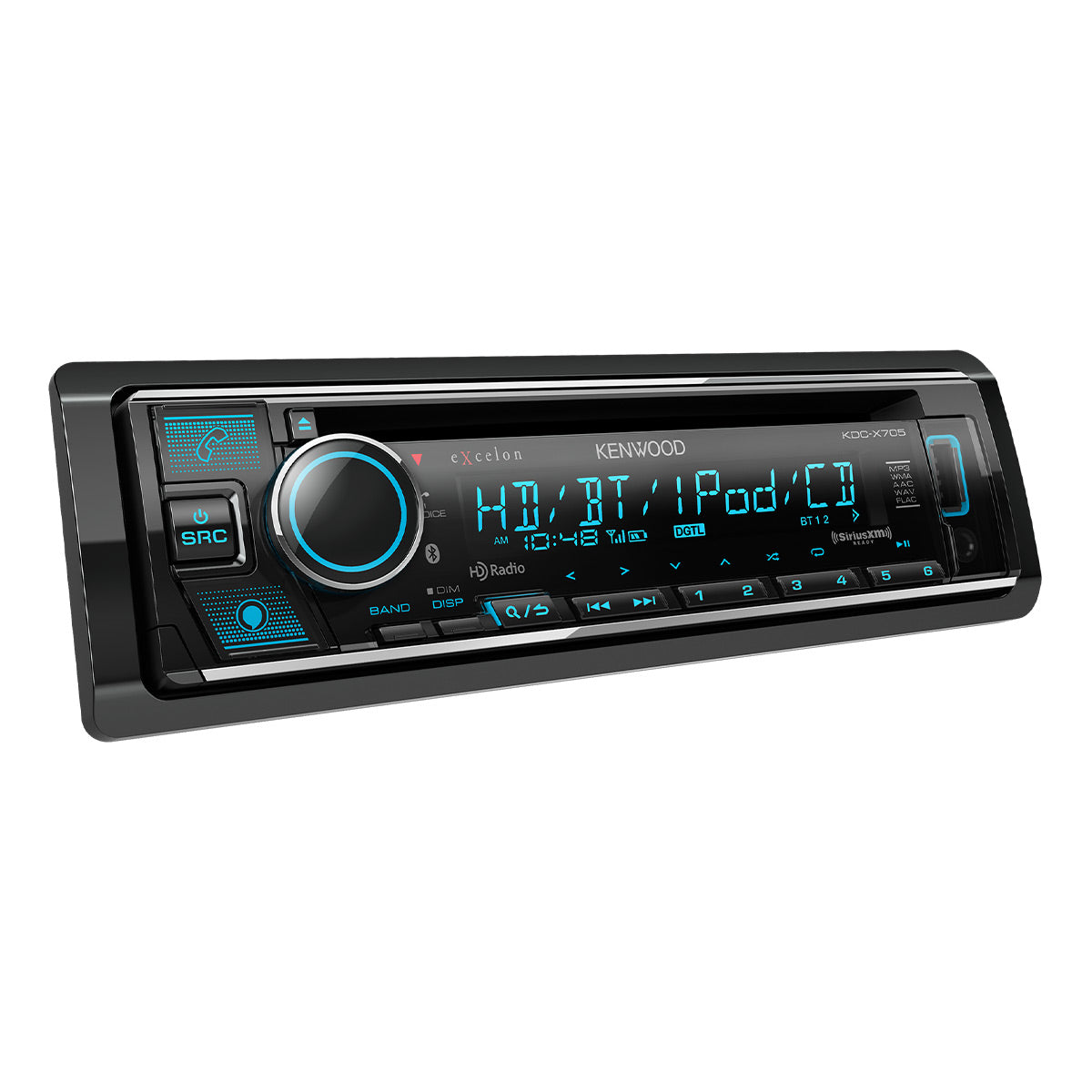
A reset can solve weird behavior like frozen menus, pairing bugs, or settings that will not stick. Before you reset, know that you may lose custom settings and stored pairings.
Use the reset process carefully:
- Turn the unit off
- Find the reset button, usually a small recessed button
- Press it gently with a paperclip or similar tool
- Wait for the unit to restart
- Recheck settings, time, and Bluetooth pairing
I usually suggest a reset after you have checked wiring and power. That way, you do not hide a real hardware issue behind a temporary software fix. Think of it like rebooting a laptop before replacing the screen: simple, but only useful when done at the right stage.
If the stereo keeps freezing after a reset, that often points to unstable power or a deeper internal fault.
When the Settings Are the Real Problem
A lot of Kenwood KDC-BT778HD troubleshooting comes down to settings, not defects. This is especially true after a battery disconnect, reset, or new install.
Look at these settings:
- Speaker size and crossover settings
- Source volume adjustments
- Bluetooth device priority
- Dimmer and display settings
- Demo mode
- Subwoofer output settings
- Amplifier control settings
One common mistake is assuming a sound issue is caused by dead speakers when the subwoofer or high-pass filter settings were changed. I have seen people chase wiring problems for days when the real issue was a menu setting buried a few levels deep.
If you are not sure what changed, return the unit to factory defaults and rebuild the settings one at a time. That is usually faster than guessing.
Signs the Problem May Be Hardware, Not Setup
Most issues are fixable, but some point to hardware trouble. It helps to know when the unit is likely beyond a simple setting change.
Warning signs include:
- Unit powers on and off randomly
- Burnt smell near the dash or fuse area
- No response after verified power and ground
- Repeated failure after resets
- Display damage or blank screen with proper power
- Physical damage to buttons or USB port
If you have already checked power, ground, fuse, and settings, and the problem stays the same, the unit may need professional service. At that stage, forcing more resets will not help.
The honest truth is that not every problem is a software glitch. Trust the basics first, then move to deeper diagnosis. That approach saves money and frustration.
Prevention Tips That Save Time Later
The easiest repair is the one you never need. A little care during installation and daily use can prevent many Kenwood KDC-BT778HD problems.
Good habits include:
- Use a proper wiring harness instead of twisting wires by hand
- Secure all connections with crimping or soldering
- Keep USB ports clean and dry
- Avoid cheap flash drives with weak connectors
- Update your phone when Bluetooth starts acting strange
- Do not overload the system with messy wiring behind the dash
From experience, clean installs fail less often. Messy wiring can vibrate loose over time, especially in older cars with rough roads. It may not fail on day one, but it often shows up later as random behavior that is hard to trace.
Frequently Asked Questions of Kenwood KDC-BT778HD Troubleshooting
Why does my Kenwood KDC-BT778HD keep losing Bluetooth connection?
This usually happens because of interference, old pairing data, or phone software issues. Delete the pairing on both devices and reconnect from scratch to see if that clears it up.
Why is my Kenwood KDC-BT778HD not saving stations or settings?
The most likely cause is a loss of constant power on the yellow wire. If the unit loses power every time the car turns off, it cannot keep memory settings.
Why does my Kenwood KDC-BT778HD turn on but make no sound?
This often comes from mute mode, wrong fader and balance settings, or an amplifier that is not turning on. Check those first before assuming the unit is defective.
How do I reset my Kenwood KDC-BT778HD?
Use the small reset button on the face of the unit, usually pressed with a paperclip. This can fix frozen screens, pairing bugs, and minor software glitches.
Why will my USB drive not work in the Kenwood KDC-BT778HD?
The drive may be formatted in a way the unit does not like, or the music files may not be supported. Try FAT32 formatting and test with a different USB drive.
Does a bad ground cause Kenwood KDC-BT778HD problems?
Yes, a bad ground can cause no power, random restarts, noise, or unstable behavior. A clean metal ground point is one of the most important parts of a reliable install.
Conclusion
Kenwood KDC-BT778HD troubleshooting gets much easier when you follow a steady process. Start with power, wiring, and simple settings, then move into Bluetooth, audio, radio, and USB checks. In many cases, the fix is something small that just needed the right eyes and a calm step-by-step approach.
If your stereo is still giving you trouble, do not rush to replace it before checking the basics again. A careful diagnosis can save money, time, and a lot of stress. If this guide helped, keep it handy, share it with another car audio fan, or leave a comment with the issue you are seeing.





