JVC KW-M565DBT troubleshooting is usually about power, wiring, Bluetooth, or settings, not a bad head unit.
If you have spent time with the JVC KW-M565DBT, you already know it is a solid double-DIN receiver with strong Bluetooth, smartphone support, and a clean interface. But like any car audio unit, it can act up in ways that feel confusing at first. This guide on JVC KW-M565DBT troubleshooting will walk you through the most common problems, what usually causes them, and how to fix them with simple, real-world steps.

49% off Today's Exclusive Deals
Limited-time Exclusive Deals. Check current discount on Amazon.
Check Price on Amazon As an Amazon Associate I earn from qualifying purchases.
Common JVC KW-M565DBT Problems and What They Usually Mean
Most issues with the JVC KW-M565DBT fall into a few familiar buckets. In my experience, the problem is often something basic like a loose ground wire, a pairing glitch, a setting that changed after an update, or a phone that is not playing nicely with the head unit.
Here are the most common symptoms people run into:
49% off Today's Exclusive Deals
Limited-time Exclusive Deals. Check current discount on Amazon.
Check Price on Amazon As an Amazon Associate I earn from qualifying purchases.- The unit will not power on
- Bluetooth will not connect or drops often
- No sound comes from the speakers
- The touchscreen is unresponsive or laggy
- Apple CarPlay or Android Auto does not launch
- Radio reception is weak or noisy
- The camera feed does not appear
- Settings keep resetting after the car is turned off
The good news is that JVC KW-M565DBT troubleshooting is often straightforward if you move step by step. I have found that jumping straight to “the radio is broken” usually wastes time. Start with power, then wiring, then source settings, then phone pairing, and only after that move into deeper checks.

JVC KW-M565DBT Not Turning On
When the JVC KW-M565DBT will not power up, the issue is usually electrical. That can sound scary, but it is often something simple.
Check these first:
49% off Today's Exclusive Deals
Limited-time Exclusive Deals. Check current discount on Amazon.
Check Price on Amazon As an Amazon Associate I earn from qualifying purchases.- Make sure the ignition is in ACC or ON
- Confirm the fuse in the vehicle and the unit harness is not blown
- Inspect the yellow constant power wire
- Inspect the red accessory power wire
- Check the black ground wire for a solid metal connection
A weak ground is one of the most common causes I have seen in JVC KW-M565DBT troubleshooting. A unit may flicker, reboot, or stay dead if the ground is loose or attached to painted metal. Clean the contact point and make sure the connection is tight.
If the unit powers on only sometimes, look for:
- A damaged wiring harness
- A loose connector behind the dash
- A car battery that is weak
- An aftermarket remote starter or interface causing power loss
A simple multimeter test can save a lot of time here. The head unit should receive steady power at the yellow and red leads when the car is in the right mode.

Bluetooth Problems and Pairing Failures
Bluetooth is one of the most used features on the JVC KW-M565DBT, so when it misbehaves, it gets annoying fast. The issue is often not the radio itself. It can be the phone, old pairing data, or interference from other devices.
Try this process:
- Delete the JVC unit from your phone’s Bluetooth list
- Delete your phone from the JVC Bluetooth memory
- Restart both devices
4. Pair again from scratch - Allow contact and audio access when prompted
If the connection keeps dropping, check for these causes:
- Too many saved devices in the JVC memory
- An outdated phone operating system
- Interference from another paired phone in the car
- A bad phone case or accessory causing signal issues
- Firmware that may need updating
A mistake I have seen more than once is people leaving old pairings in place. Bluetooth can act like a cluttered desk. If too many old connections remain, it gets messy and unreliable.
If the JVC KW-M565DBT connects but audio does not play, check the source selection and volume settings. Sometimes the phone is connected for calls only, not media audio.

No Sound From the Speakers
No sound is one of the most stressful JVC KW-M565DBT troubleshooting issues, but it is often caused by a setting or wiring mismatch. Before assuming speaker failure, check the basics.
Look at these items:
- Speaker wires connected correctly
- Amp turn-on wire connected if you use an external amplifier
- Fader and balance settings not set fully to one side
- Mute function turned off
- Source volume turned up
- Preamp settings match your system
If your car has a factory amplifier, the JVC KW-M565DBT may need the proper interface or turn-on lead. Without that, the radio can power on but still produce no sound. I have seen this especially in vehicles with premium factory audio systems.
Also check whether the unit is stuck in a low-output mode. Sometimes a wrong audio setting can make the sound seem missing when it is only very quiet.
Useful checks include:
- Test sound on FM radio, Bluetooth, and USB
- Try a different speaker source
- Look for a blown fuse on an external amp
- Confirm the RCA outputs are connected correctly
If only one speaker is silent, the issue is likely in the speaker wire, door harness, or speaker itself rather than the head unit.
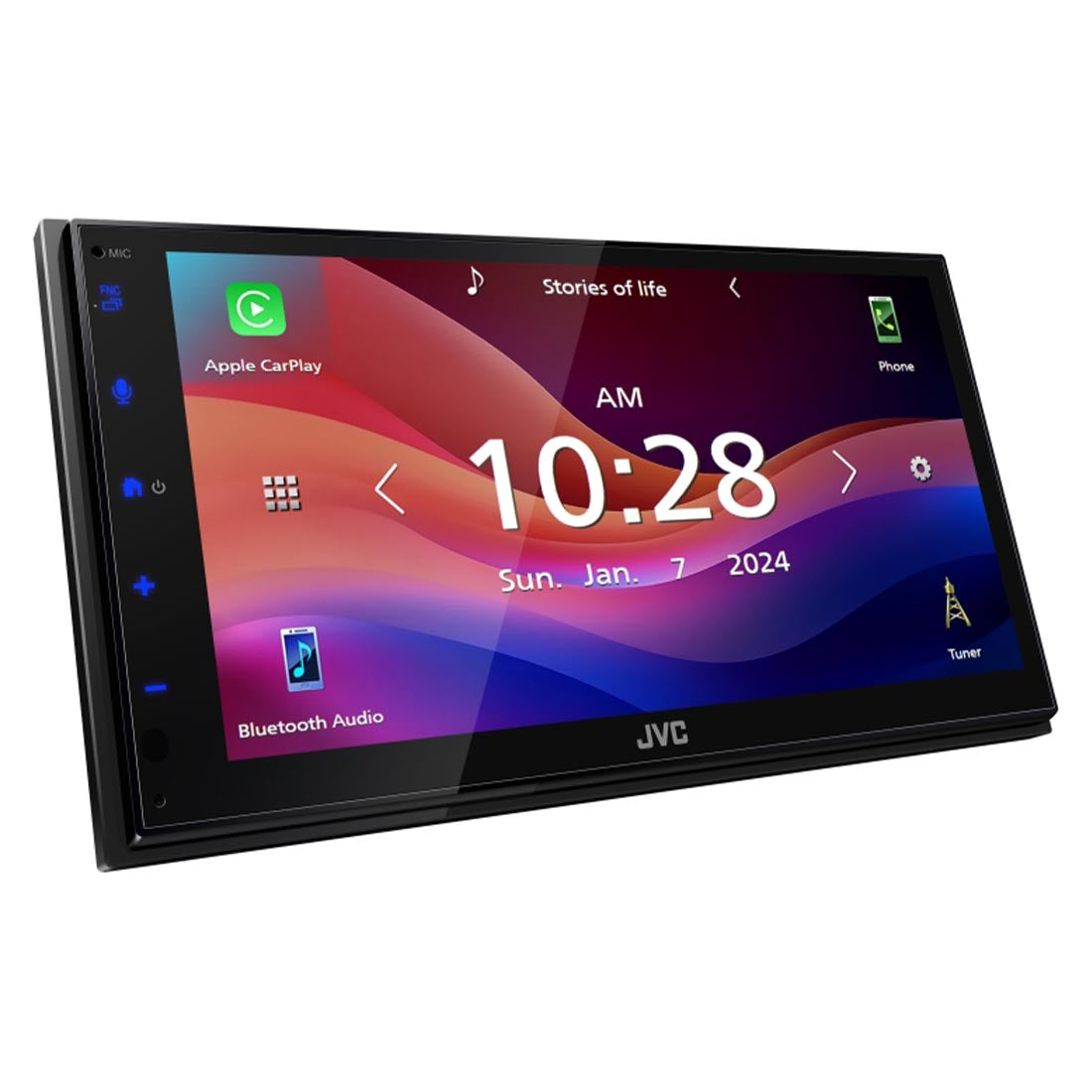
Touchscreen Not Working or Acting Slow
A frozen or laggy touchscreen can make the JVC KW-M565DBT feel worse than it really is. Often, this is caused by a temporary software glitch rather than hardware failure.
Try these steps:
- Power the car off fully and restart it
- Remove and reconnect the unit if needed
- Check for smudges, moisture, or heavy dirt on the screen
- Make sure the screen is not locked by a safety or demo setting
- Reset the unit if the issue stays
Temperature can also affect touch response. In very hot or very cold weather, touchscreens may become slow or less accurate. That is normal for many infotainment systems.
If the touch targets are off, look for calibration or display settings. A screen that was removed and reinstalled may also be slightly misaligned if the dash kit or mounting is not seated properly.
A factory reset can help, but do it only after you back up any saved settings. You may lose Bluetooth pairings and custom audio adjustments.
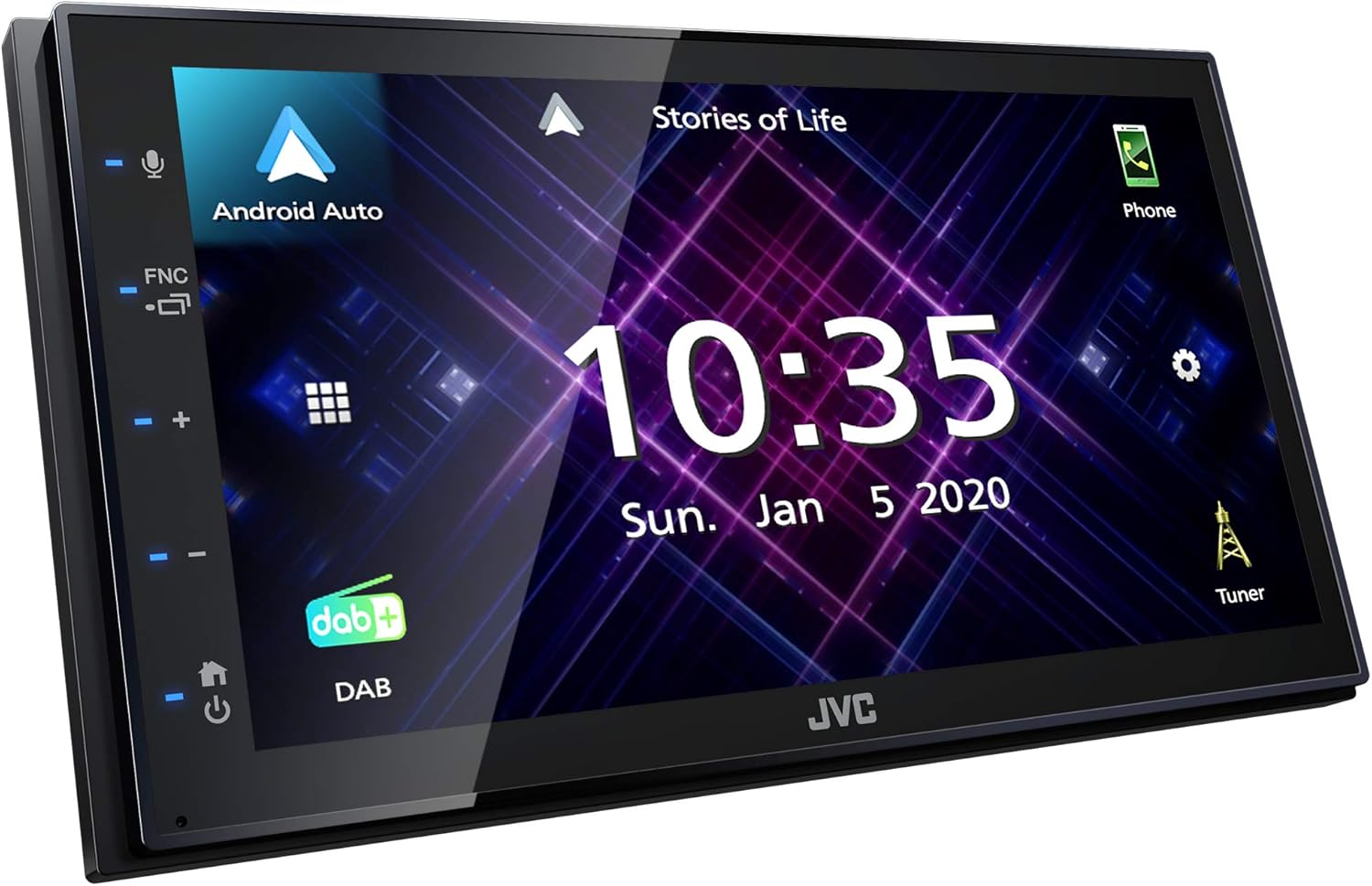
Apple CarPlay or Android Auto Not Starting
This is a very common pain point in JVC KW-M565DBT troubleshooting. The unit may detect the phone, charge it, and still not launch CarPlay or Android Auto.
Start with the cable. A surprising number of problems come from using a cheap or worn USB cable. Use a high-quality data cable, not just a charging cable.
Check these points:
- Use the correct USB port
- Confirm the phone has CarPlay or Android Auto enabled
- Unlock the phone before connecting
- Approve permission prompts on the phone
- Try a different cable
- Restart both the head unit and the phone
If Android Auto does not launch, make sure the app is installed and updated. For iPhone, check Siri and screen time restrictions. Some users forget that CarPlay depends on phone permissions, not just the radio.
It also helps to remove old phone profiles from the unit. If the JVC has stored bad connection data, it may keep trying the wrong handshake.
My practical rule is simple: if CarPlay or Android Auto fails twice in a row, swap the cable first. It is the fastest thing to rule out.
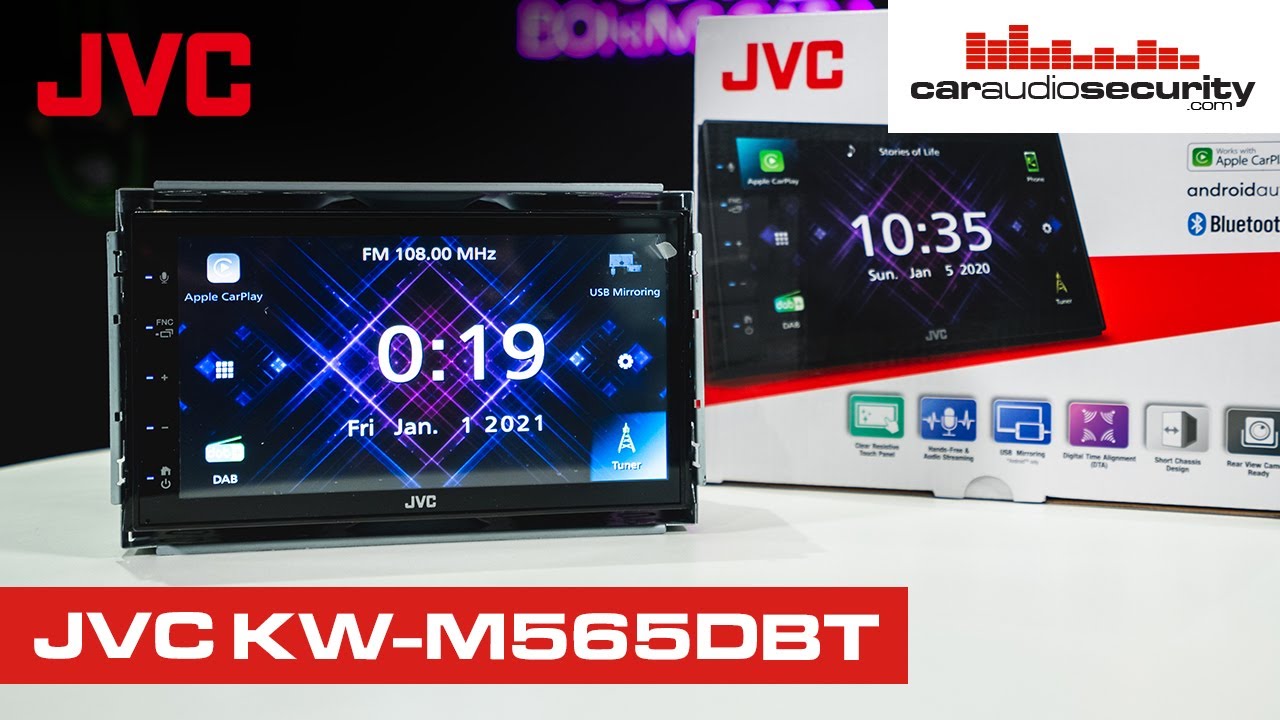
Radio Reception Is Weak or Noisy
Poor radio performance can come from antenna issues, interference, or a bad connection at the back of the unit. The JVC KW-M565DBT itself is usually not the problem.
Check the following:
- Antenna plug fully seated
- Vehicle antenna adapter installed correctly
- Antenna amplifier powered if your car needs one
- Cable not pinched behind the dash
- Stereo not installed near a noisy power source
If FM sounds fuzzy or cuts in and out, you may need a powered antenna adapter in some vehicles. Factory antenna systems often require extra signal support when an aftermarket head unit is installed.
Also, keep in mind that radio reception changes by location. Hills, tunnels, urban buildings, and weak broadcast zones can all affect sound quality.
If only AM or FM is weak, the antenna system is the first place to inspect. If Bluetooth and USB sound fine, the problem is almost certainly reception-specific.

Backup Camera Not Showing Up
A backup camera issue can make the JVC KW-M565DBT seem unreliable, but the cause is often easy to track down. The display may not switch automatically, or the camera may show a black screen.
Check these areas:
- Reverse trigger wire connected correctly
- Camera power source active
- RCA video cable firmly attached
- Camera ground secured
- Camera format compatible with the unit
If the screen does not switch when you shift into reverse, the reverse signal wire may be disconnected or tied into the wrong source. If the camera powers on but shows no picture, test the camera itself and the RCA cable.
I have found that loose RCA plugs are a frequent hidden problem. They may look connected from the front, but they are barely seated behind the dash.
If the image appears but looks distorted, check camera settings, video format, and whether the camera is mounted too close to the bumper or license plate lights.

Settings Keep Resetting
If the JVC KW-M565DBT keeps losing its settings, the issue is usually related to constant power. This means the yellow wire may not be receiving steady battery power.
Look into:
- Yellow wire connected to a true constant 12V source
- Loose wiring or weak fuse connection
- Car battery problems
- Unit losing memory during ignition cycles
When memory resets happen, users often notice that radio presets disappear, Bluetooth pairings vanish, or audio settings go back to default. That is a classic sign that constant power is not stable.
This is one of those issues that can waste hours if you only check the visible controls. The wiring behind the dash matters more than the menu screen here.
How to Reset the JVC KW-M565DBT Safely
A reset can solve many temporary problems, but it should be used carefully. I usually treat it like rebooting a computer. It can clear a glitch, but it will not fix bad wiring.
Before resetting, note:
- Saved stations
- Bluetooth pairings
- Audio EQ settings
- Camera settings
- Phone connection preferences
Steps to try:
- Turn off the car
- Wait a few moments
- Restart the unit and see if the problem clears
- Use the unit’s reset option if the issue remains
- Rebuild settings only after testing basic functions
If the unit freezes completely, a reset is often the best first move after checking power. But if the same issue returns, that points to a deeper cause like wiring, software, or an accessory conflict.
Best Troubleshooting Order for Faster Results
When people ask me how to handle JVC KW-M565DBT troubleshooting without getting overwhelmed, I suggest a simple order. It keeps the process calm and saves time.
Follow this sequence:
- Check power and ignition status
- Inspect fuses and grounding
- Test Bluetooth with a fresh pairing
- Verify sound on multiple sources
- Test USB cable and phone permissions
- Check antenna and camera connections
- Reset only after basic checks fail
This order works because it starts with the most common and easiest fixes. It also helps you avoid replacing parts that were never bad in the first place.
Think of it like checking the front door before tearing apart the house. The simple answer is often the right one.
Preventing Future Problems
Good installation and simple upkeep can prevent many JVC KW-M565DBT troubleshooting headaches. The unit is reliable when it is wired and used correctly.
A few habits help a lot:
- Use quality wiring and proper connectors
- Keep firmware and phone software updated
- Use a good USB data cable
- Avoid stuffing wires behind the dash
- Secure the antenna and camera cables
- Clean the screen with a soft cloth only
If you are installing the unit yourself, take your time with the ground and accessory wires. In my experience, those two points cause a large share of “mystery” problems later.
Also, do not overload the system with too many paired phones. The cleaner the setup, the fewer issues you will face down the road.
Frequently Asked Questions of JVC KW-M565DBT Troubleshooting
Why does my JVC KW-M565DBT keep disconnecting Bluetooth?
Bluetooth drops are often caused by old pairing data, phone software issues, or signal interference. Delete the pairing on both devices and reconnect from scratch.
Why is there no sound even though the unit powers on?
This usually points to wiring, amp turn-on, mute settings, or a factory amplifier that is not being triggered. Check speaker connections and audio output settings first.
Why won’t CarPlay work on my JVC KW-M565DBT?
Most CarPlay issues come from a bad USB cable, phone permissions, or an outdated phone setting. Try a certified data cable and unlock your phone before connecting.
Why does my JVC unit keep losing presets and settings?
That usually means the constant power wire is not getting steady 12V power. A loose yellow wire or weak connection is the most common cause.
Can a factory reset fix JVC KW-M565DBT problems?
Yes, a reset can fix software glitches and frozen behavior. But it will not solve bad wiring, a failing cable, or a broken accessory connection.
Why does the backup camera not show when I shift into reverse?
The reverse trigger wire, camera power, or RCA cable may be loose or wired incorrectly. Check each connection before assuming the camera has failed.
Conclusion
JVC KW-M565DBT troubleshooting becomes much easier when you break it into simple steps. Most problems come from power, wiring, Bluetooth pairing, cables, or settings rather than a failed head unit. Once you know where to look, you can fix a lot of issues without guesswork.
If your system is acting up, start with the basics, test one thing at a time, and keep notes on what changes. That approach saves time, money, and frustration. If this guide helped, take the next step by checking your wiring, updating your phone setup, and leaving a comment with the issue you are trying to solve.





