Is your car stereo making annoying crackling or buzzing sounds when you use Bluetooth? It’s frustrating when your favorite music or calls get interrupted by unwanted noise.
But don’t worry—you can fix this problem yourself. You’ll discover simple and effective ways to eliminate Bluetooth noise in your car stereo. Keep reading to enjoy clear, crisp sound on every drive.

49% off Today's Exclusive Deals
Limited-time Exclusive Deals. Check current discount on Amazon.
Check Price on Amazon As an Amazon Associate I earn from qualifying purchases.Common Causes Of Bluetooth Noise
Bluetooth noise in car stereos can disrupt your driving experience. It causes static, crackling, or interruptions. Understanding the causes helps fix the problem quickly. Several factors may create this noise. Identifying the root cause is the first step to clear sound.
Interference From Other Devices
Many devices use wireless signals. These signals can overlap and cause interference. Phones, Wi-Fi routers, or other Bluetooth gadgets nearby may disrupt the car stereo connection. This interference creates noise or drops in sound quality. Keeping other devices away or turning them off can reduce noise.
Weak Bluetooth Signal
The distance between the phone and car stereo affects signal strength. A weak signal leads to poor audio quality and noise. Obstacles like car seats or metal objects block the signal. Staying close to the stereo or removing barriers improves the connection and sound clarity.
49% off Today's Exclusive Deals
Limited-time Exclusive Deals. Check current discount on Amazon.
Check Price on Amazon As an Amazon Associate I earn from qualifying purchases.Outdated Firmware Or Software
Car stereos and phones need regular updates. Old firmware or software may cause bugs and connection problems. These issues often lead to noise and interruptions in Bluetooth audio. Checking for updates and installing them keeps the system running smoothly.
Poor Connection Quality
Sometimes, the Bluetooth pairing is not stable. Loose connections or wrong settings cause crackling and static. Re-pairing the devices or resetting Bluetooth settings can fix the problem. Ensuring a strong, clear connection removes unwanted noise from the audio.
Basic Troubleshooting Steps
Basic troubleshooting steps can fix common Bluetooth noise issues in car stereos. These steps are simple and fast. They help find and solve problems without extra tools or costs.
Follow each step carefully. It improves sound quality and connection stability.
49% off Today's Exclusive Deals
Limited-time Exclusive Deals. Check current discount on Amazon.
Check Price on Amazon As an Amazon Associate I earn from qualifying purchases.Restart Your Devices
Turn off your car stereo and phone or Bluetooth device. Wait for 10 seconds. Turn them back on. Restarting clears temporary glitches that cause noise.
Check Bluetooth Range
Keep your phone close to the car stereo. Bluetooth works best within 30 feet. Walls, metal, and other devices can block signals. Moving closer reduces noise and drops.
Re-pair Bluetooth Connection
Remove the Bluetooth connection from your phone and car stereo. Search for devices again and pair them fresh. This resets the link and often stops static or crackling sounds.
Adjusting Car Stereo Settings
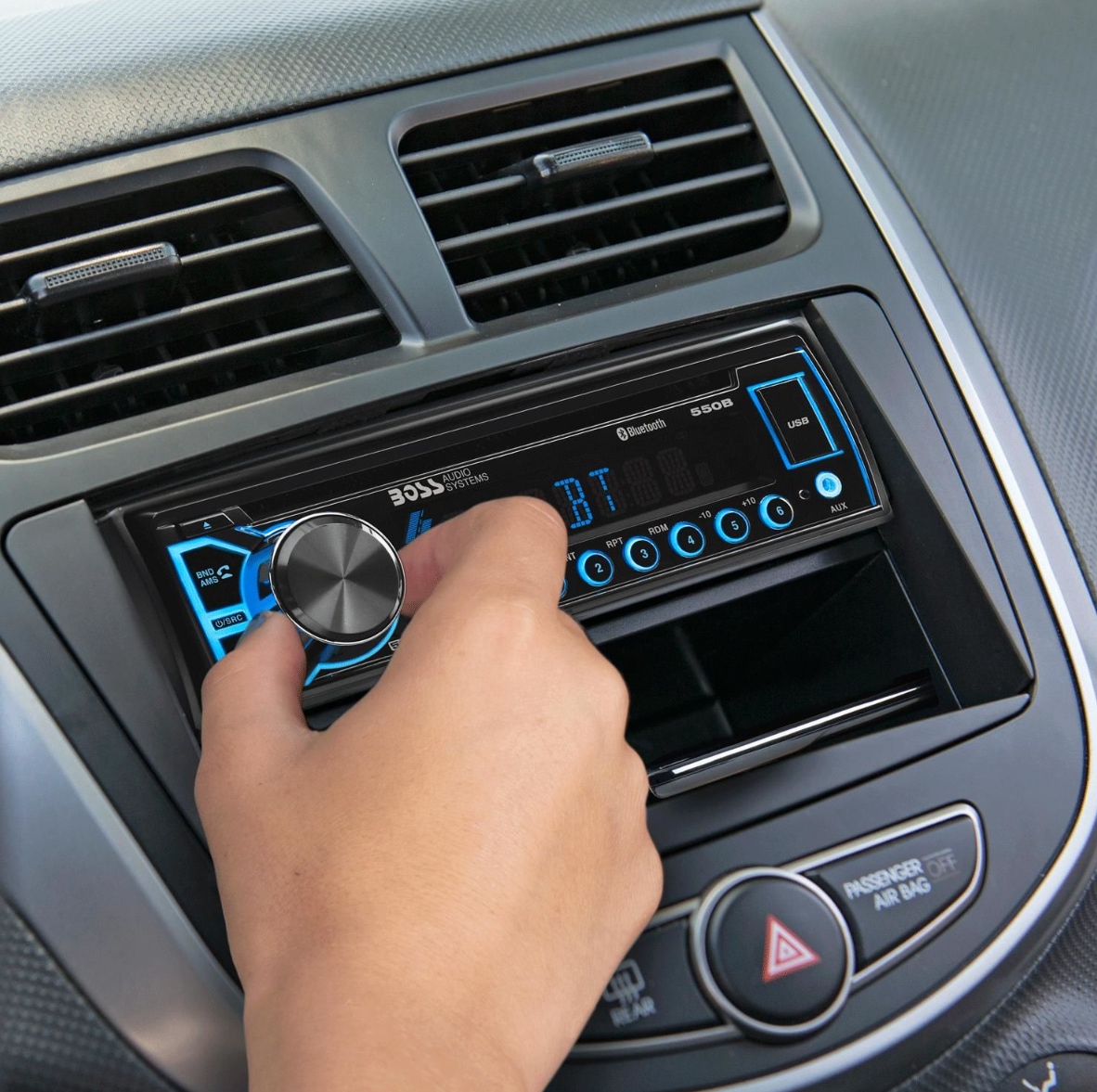
Adjusting your car stereo settings can help reduce or stop Bluetooth noise. Simple changes in sound settings often improve audio quality. These tweaks do not need special tools or skills.
Start with the audio equalizer. This controls the bass, treble, and mid sounds. Changing these can clear up static or crackling noise.
Modify Audio Equalizer
Find the equalizer in your car stereo menu. Lower the bass and mid levels slightly. Increase the treble for clearer sound. Test different settings until noise decreases. Avoid very high or very low levels. Balanced settings usually work best.
Disable Sound Enhancements
Sound enhancements may cause unwanted noise. Turn off features like surround sound or bass boost. These effects can interfere with Bluetooth signals. Check your stereo manual to locate these options. Disabling them often improves sound clarity.
Update Car Stereo Firmware
Old firmware can cause Bluetooth problems. Check the manufacturer’s website for updates. Follow instructions to install the latest version. Updated firmware fixes bugs and improves performance. This step can reduce or remove noise issues completely.

Improving Bluetooth Signal Strength
Improving Bluetooth signal strength can reduce noise in your car stereo. A stronger signal means clearer sound and fewer interruptions. Small changes can make a big difference in sound quality.
Remove Physical Obstacles
Objects between your phone and the car stereo can block the Bluetooth signal. Metal parts, thick seats, or even bags can cause interference. Keep your phone in a clear, open space for better connection.
Limit Nearby Wireless Devices
Many devices use Bluetooth or Wi-Fi around you. These devices can interfere with your car’s Bluetooth signal. Turn off or move away from other wireless gadgets to improve sound quality.
Use External Bluetooth Adapter
An external Bluetooth adapter can boost signal strength. It connects directly to your car stereo for a stronger link. This helps reduce noise and improve audio clarity during calls or music playback.
Advanced Fixes
Sometimes basic steps do not fix Bluetooth noise in car stereos. Advanced fixes involve deeper troubleshooting and careful checks. These steps help solve persistent issues that simple methods miss.
Reset Car Stereo To Factory Settings
Resetting your car stereo can clear hidden bugs and glitches. This process erases all custom settings and returns the system to its original state. Check your car manual for exact reset instructions. After the reset, reconnect your Bluetooth device. This often stops noise and improves sound quality.
Check For Hardware Issues
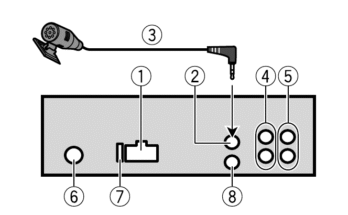
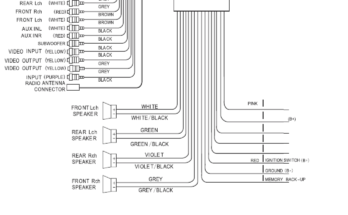
Hardware problems can cause Bluetooth interference and noise. Look for loose wires, damaged connectors, or worn-out parts in the stereo system. Inspect the Bluetooth antenna for damage or poor connection. Faulty hardware needs repair or replacement to restore clear sound. Use a professional if you are unsure how to check these parts safely.
Consult Professional Assistance
Some problems require expert knowledge and tools. Car audio specialists can diagnose and fix complex Bluetooth noise issues. They can test your system thoroughly and offer reliable solutions. Visiting a professional saves time and avoids further damage. Seek help if noise persists after basic and advanced fixes.
Preventing Future Bluetooth Noise
Preventing Bluetooth noise in your car stereo keeps your drives pleasant and quiet. Noise can ruin music or calls. Taking simple steps helps avoid these issues.
Regular Firmware Updates
Keep your car stereo and phone software up to date. Manufacturers fix bugs and improve Bluetooth performance with updates. Check for updates often. Install them as soon as possible.
Maintain Device Compatibility
Use devices that work well together. Older phones or stereos may cause noise. Check your car stereo manual for compatible devices. Pair only those that match the recommended Bluetooth version.
Avoid Excessive Wireless Interference
Bluetooth shares signals with many devices. Keep other wireless gadgets away from your car stereo and phone. Turn off unused devices that use Bluetooth or Wi-Fi. This reduces signal clashes and noise.
Frequently Asked Questions
Why Does My Car Bluetooth Cause Static Noise?
Static noise often occurs due to interference from other devices or weak Bluetooth signals. Ensure your phone and stereo firmware are updated and avoid obstacles between devices to reduce noise.
How Can I Improve Bluetooth Sound Quality In My Car?
To improve sound quality, keep your devices close, update firmware, and avoid wireless interference. Also, check car stereo settings and use high-quality audio files.
What Causes Bluetooth Connection Drops In Car Stereos?
Connection drops are usually caused by weak signals, outdated software, or interference from other electronics. Restart devices and update software to maintain a stable connection.
Can Car Stereo Firmware Updates Fix Bluetooth Noise?
Yes, firmware updates often include bug fixes and performance improvements that reduce Bluetooth noise and enhance connectivity. Check the manufacturer’s website regularly for updates.
Conclusion
Fixing Bluetooth noise in your car stereo improves every drive. Try simple steps first, like checking connections or restarting devices. Keep your Bluetooth and stereo software updated for best results. Avoid interference by moving other devices away from the car.
Clean and secure all cables to reduce static sounds. Small changes make a big difference in sound quality. Enjoy clear music and calls without distractions. Stay patient and try each fix carefully. Clear sound is possible with these easy tips.