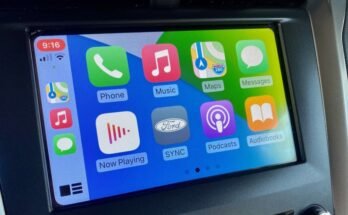
Is your iPhone heating up every time you use CarPlay in your car? It’s frustrating when your device gets too warm, making you worry about damage or sudden shutdowns.
You rely on CarPlay for navigation, music, and calls, so understanding why your iPhone overheats is important. You’ll discover the common reasons behind this issue and simple steps you can take to keep your phone cool and working smoothly. Keep reading to protect your iPhone and enjoy a safer, hassle-free driving experience.

49% off Today's Exclusive Deals
Limited-time Exclusive Deals. Check current discount on Amazon.
Check Price on Amazon As an Amazon Associate I earn from qualifying purchases.Common Causes Of Iphone Overheating With Carplay
iPhones can get hot during CarPlay use due to several common reasons. Understanding these causes helps prevent overheating and protects your device. Here are the main factors that lead to high temperatures.
High Processing Demand
CarPlay requires the iPhone to handle many tasks at once. Navigation, music, voice commands, and screen display all use the processor. This heavy workload increases heat quickly.
Poor Ventilation In Vehicle
Cars often lack good airflow near the phone. If the iPhone sits in direct sunlight or a hot spot, it cannot cool down. Poor ventilation traps heat around the device.
49% off Today's Exclusive Deals
Limited-time Exclusive Deals. Check current discount on Amazon.
Check Price on Amazon As an Amazon Associate I earn from qualifying purchases.Faulty Charging Cables
Using damaged or low-quality cables can cause the iPhone to overheat. Faulty cables may deliver inconsistent power, leading to extra heat during charging with CarPlay.
Background Apps Running
Apps running in the background increase CPU activity. Many open apps drain battery and generate more heat. Closing unused apps reduces the phone’s temperature.
Software Glitches
Bugs or outdated software can make the iPhone work harder than needed. These glitches cause the device to heat up during CarPlay use. Keeping software updated helps avoid this issue.
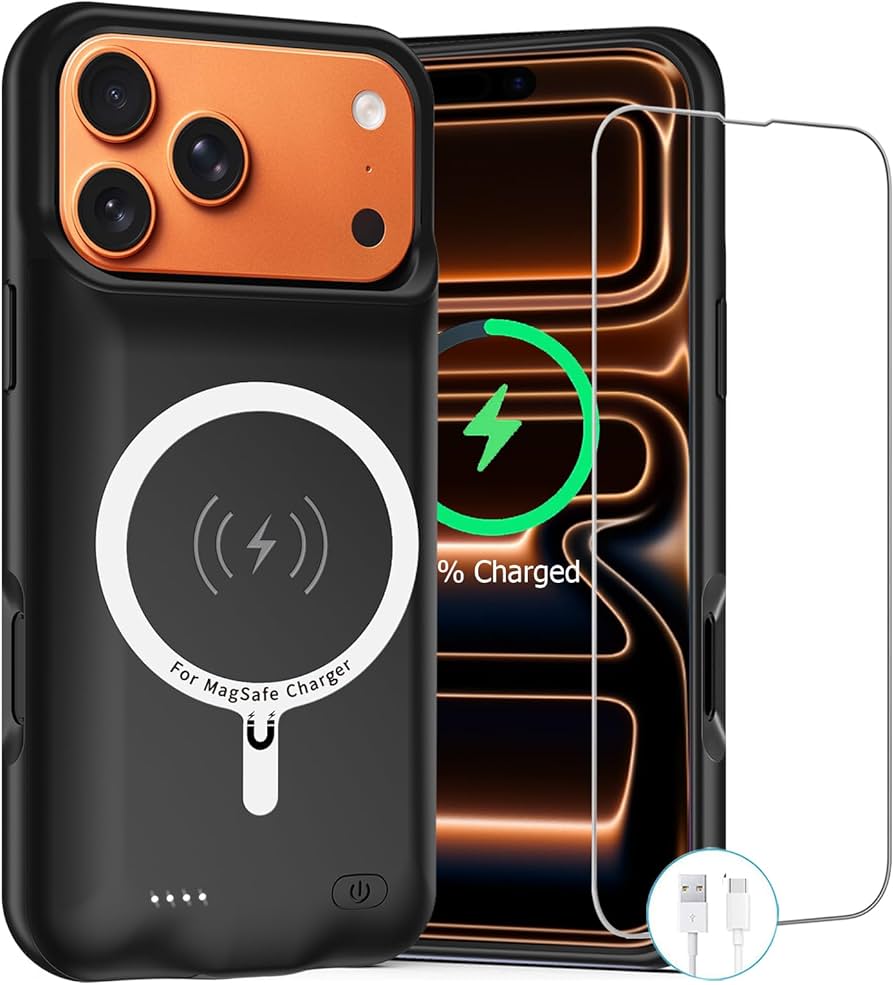
Signs Your Iphone Is Overheating
Knowing the signs your iPhone is overheating helps you act fast. Overheating can cause damage and stop your phone from working well. Watch for these clear signs. They show when your device gets too hot during CarPlay use.
49% off Today's Exclusive Deals
Limited-time Exclusive Deals. Check current discount on Amazon.
Check Price on Amazon As an Amazon Associate I earn from qualifying purchases.Device Temperature Warnings
Your iPhone shows a temperature warning on the screen. It says the device needs to cool down. This alert stops you from using apps or charging. It protects the phone from heat damage. Never ignore this warning.
Performance Slowdowns
The phone might slow down or freeze. Apps take longer to open or respond. The screen may lag when you swipe or tap. Overheating causes the processor to slow itself. This helps reduce heat but hurts performance.
Battery Drain Issues
Battery life drops quickly when the phone is hot. You may see the battery percentage fall fast. Charging might take longer or stop working. Heat affects the battery’s ability to hold power. This leads to faster battery drain.
Tips To Prevent Overheating During Carplay
Overheating issues with your iPhone during CarPlay can disrupt your drive. Simple steps can help keep your device cool and working well. These tips improve performance and extend your iPhone’s life.
Try these easy actions to prevent your iPhone from getting too hot while using CarPlay.
Close Unnecessary Apps
Running many apps uses more power and creates heat. Close apps that are not needed. This reduces the load on your iPhone. It helps the phone stay cooler and saves battery.
Use Certified Charging Accessories
Use only Apple-certified cables and chargers. Cheap or fake chargers can cause overheating. Certified accessories deliver the right power safely. They protect your iPhone from damage.
Keep Iphone Out Of Direct Sunlight
Sunlight heats the phone quickly, making it overheat. Place your iPhone away from direct sun rays. Use a shade or keep it inside the car’s shaded area. Cooler surroundings help your phone stay safe.
Update Ios And Apps Regularly
Updates fix bugs that cause overheating. Keep your iOS and apps up to date. Updated software runs more efficiently. This lowers the chance of your iPhone heating up.

Quick Fixes When Overheating Occurs
Overheating can disrupt your CarPlay experience and damage your iPhone. Quick fixes help cool your device fast. These easy steps reduce heat build-up and improve performance. Try them as soon as overheating starts.
Restart Your Iphone
Restarting your iPhone clears temporary files and stops apps running in the background. This reduces the workload on your phone’s processor. Press and hold the power button. Slide to power off. Wait 30 seconds. Turn the phone back on.
Disconnect And Reconnect Carplay
Unplugging CarPlay resets the connection between your iPhone and car system. This can stop overheating caused by a faulty link. Disconnect the cable or Bluetooth connection. Wait a few seconds. Reconnect and check if the phone cools down.
Turn Off Background Refresh
Background app refresh lets apps update even when not open. This uses extra power and heats your phone. Go to Settings > General > Background App Refresh. Turn it off or disable it for apps you don’t need updating.
Lower Screen Brightness
High screen brightness uses more battery and generates heat. Lower the brightness to reduce energy use. Swipe down from the top right corner. Adjust the brightness slider to a lower level. This helps keep your iPhone cooler during CarPlay use.
When To Seek Professional Help
Knowing when to seek professional help for your iPhone overheating during CarPlay is important. Some issues need expert attention to avoid damage. Early action can save your phone from serious problems.
Persistent Overheating Problems
If your iPhone keeps getting hot during CarPlay, it is a sign of a deeper issue. Continuous overheating can harm your phone’s parts. A technician can find the cause and fix it safely.
Battery Health Concerns
A hot iPhone often means the battery is struggling. Old or damaged batteries can overheat quickly. Checking battery health requires special tools and knowledge. Professionals can test and replace the battery if needed.
Hardware Inspection Needs
Overheating may come from internal hardware faults. Faulty chips or connectors can cause heat build-up. Only a technician can open your phone and inspect these parts. They can repair or replace damaged hardware to stop the overheating.
Frequently Asked Questions
Why Does My Iphone Heat Up Using Carplay?
Your iPhone heats up during CarPlay due to heavy processing. Running apps, GPS, and screen brightness increase power usage, causing heat. High ambient temperatures can worsen this. Ensure proper ventilation and avoid direct sunlight to reduce overheating.
Can Charging My Iphone Cause Overheating With Carplay?
Yes, charging your iPhone while using CarPlay can increase heat. Charging generates extra power consumption, adding to device temperature. Use an original charger and avoid fast charging to minimize overheating risks during CarPlay use.
How Can I Prevent Iphone Overheating During Carplay?
To prevent overheating, lower screen brightness and close unused apps. Keep your car ventilated and avoid direct sunlight on your phone. Update iOS regularly to benefit from performance improvements and bug fixes that can reduce heat.
Does Using Wireless Carplay Affect Iphone Temperature?
Wireless CarPlay can cause more heat than wired connections. It uses Wi-Fi and Bluetooth simultaneously, increasing power usage and temperature. If overheating persists, try switching to a wired connection for better heat management.
Conclusion
IPhone overheating during CarPlay happens for many reasons. Using the phone while charging can cause heat. Bright screens and heavy apps also add heat. Keeping your phone cool helps it work better. Avoid direct sunlight and close unused apps. A quality cable and updated software reduce problems.
Watch your phone’s temperature to protect its life. Small steps keep your iPhone safe and cool. Stay aware, and enjoy CarPlay without worries.