Most JVC KD-X470BHS issues come from power, wiring, settings, or a simple reset fix.
If you are dealing with JVC KD-X470BHS troubleshooting, you are in the right place. This head unit is solid, but like any car stereo, it can act up when power is weak, wiring is loose, or a setting gets changed at the wrong time. I’ve seen many “broken” radios come back to life with a basic check, so let’s walk through the real fixes that save time, money, and stress.

49% off Today's Exclusive Deals
Limited-time Exclusive Deals. Check current discount on Amazon.
Check Price on Amazon As an Amazon Associate I earn from qualifying purchases.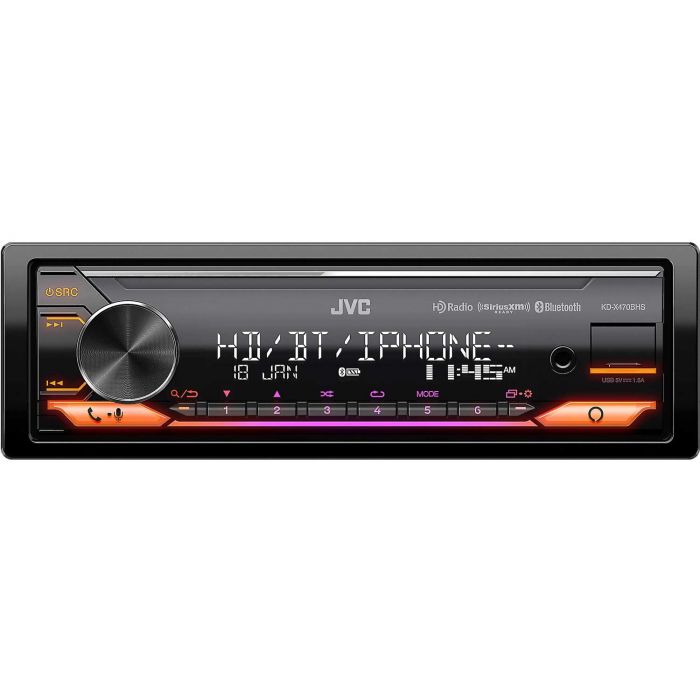
JVC KD-X470BHS Troubleshooting basics
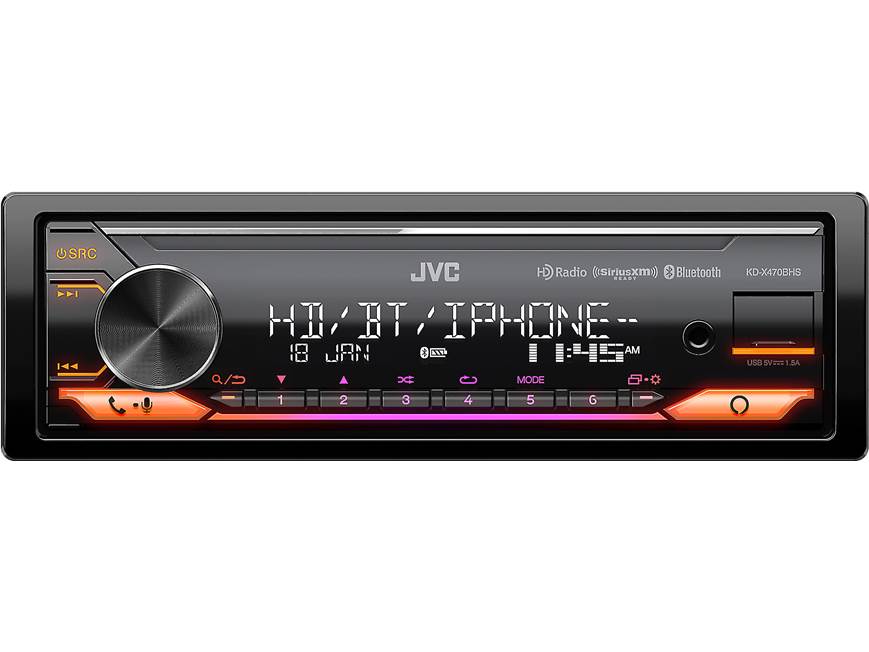
Before you tear the dash apart, start with the simple stuff. In my experience, most JVC KD-X470BHS troubleshooting cases come down to three things: power, ground, and settings. That is the same pattern I have seen on many aftermarket car stereos, and it matches how head units are designed to work.
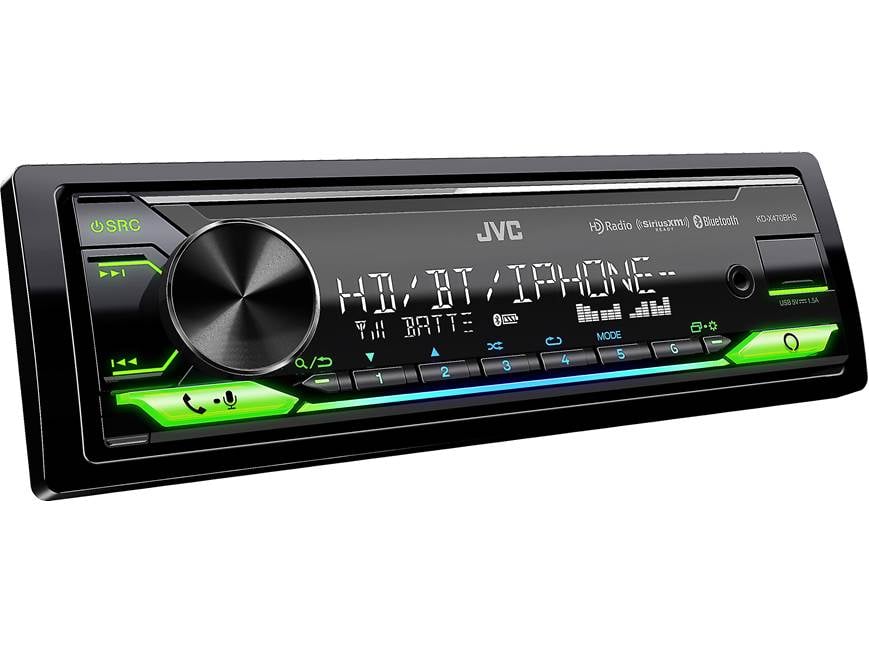
The KD-X470BHS is a digital media receiver, so it depends on clean power and correct wiring more than people expect. If the unit has no sound, no display, Bluetooth problems, or radio issues, the root cause is often easy to isolate if you test one item at a time.
49% off Today's Exclusive Deals
Limited-time Exclusive Deals. Check current discount on Amazon.
Check Price on Amazon As an Amazon Associate I earn from qualifying purchases.Common things to check first:
- Make sure the ignition is on and the unit is getting constant and switched power
- Check the fuse on the stereo and the vehicle fuse box
- Confirm the ground wire is tight and on bare metal
- Look for loose speaker connections
- Verify the mute, demo, and source settings
When I troubleshoot a stereo like this, I always tell people to slow down. Rushing usually makes the problem look bigger than it is.
Power and no display problems
If the JVC KD-X470BHS will not turn on, the first suspect is power. A dead display does not always mean the radio failed. It may simply mean the yellow constant wire, red accessory wire, or black ground wire is not making a clean connection.
49% off Today's Exclusive Deals
Limited-time Exclusive Deals. Check current discount on Amazon.
Check Price on Amazon As an Amazon Associate I earn from qualifying purchases.A good test is to confirm voltage at the harness. The yellow wire should have constant 12V, and the red wire should show power when the key is in accessory or run. If one of those is missing, the unit may stay off or lose memory every time the car shuts down.
Things to inspect:
- Stereo fuse
- Vehicle fuse for radio or accessory power
- Yellow constant power wire
- Red accessory wire
- Black ground wire
- Crimp or solder joints in the harness
I once helped with a similar JVC unit where the owner thought the radio had failed. The real issue was a weak ground under the dash. After cleaning the contact point and tightening the ring terminal, the stereo started normally every time.
If the display turns on and off at random, pay attention to voltage drops. Loose wiring can act like a bad light switch, flickering when the car hits bumps.
No sound from speakers
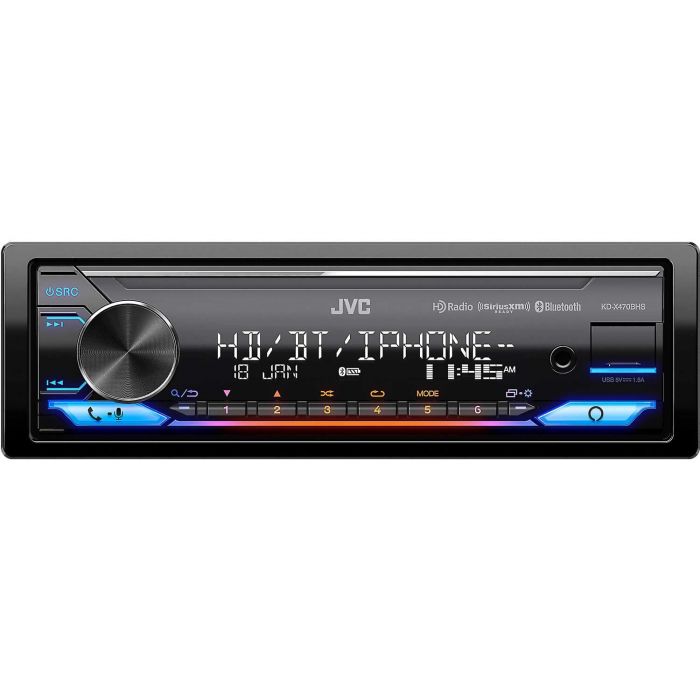
A very common JVC KD-X470BHS troubleshooting complaint is power on, but no sound. That can be frustrating because the screen works, yet the music stays silent. In many cases, the stereo is fine and the issue sits in the speaker wiring, amp settings, or mute state.
Start by checking whether the unit is muted. Then make sure the fade and balance settings are centered. If the car uses an external amplifier, check whether the amp turn-on wire is connected and whether the amp itself is powered.
Useful checks include:
- Turn off mute
- Reset balance and fade to center
- Test different sources like FM, USB, and Bluetooth
- Check if the amplifier remote wire is sending power
- Inspect speaker wire continuity
- Make sure no speaker wires are shorted together
If the unit has internal speaker outputs, a shorted speaker wire can trigger protection mode or kill sound from all channels. That is one of those problems that looks big but is often just one pinched wire behind the dash.
Also remember that some factory systems need integration parts. If the stereo was installed into a vehicle with an amplifier or premium sound package, the issue may be compatibility, not the head unit itself.
Bluetooth connection and pairing issues
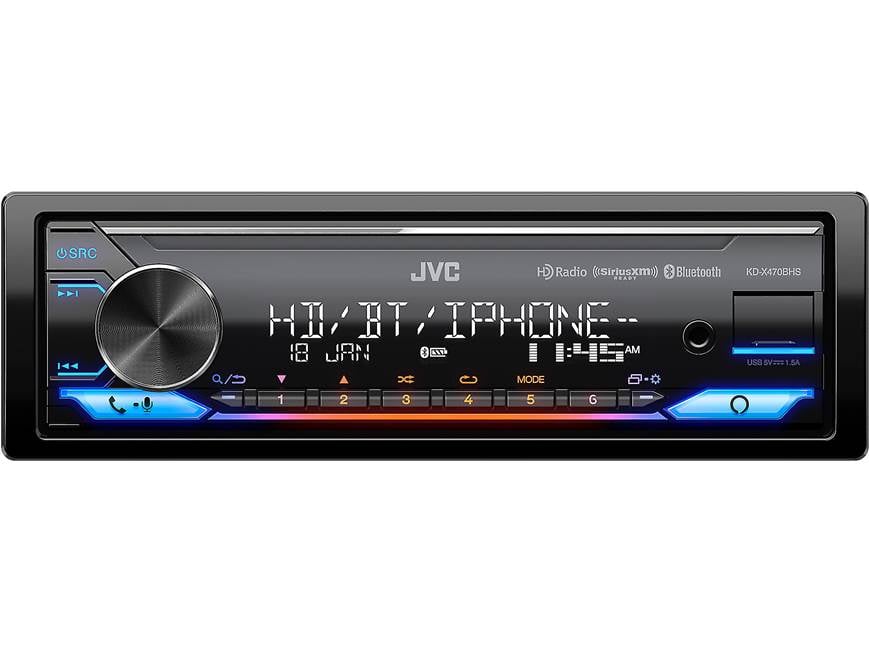
Bluetooth problems are another common part of JVC KD-X470BHS troubleshooting. The good news is that most pairing issues are not permanent. They usually come from old pairings, phone settings, or a simple sync glitch.
If the phone will not connect, delete the stereo from your phone’s Bluetooth list and delete the phone from the radio’s memory. Then restart both devices and pair again. This clears stale connection data, which is often the hidden problem.
Try these steps:
- Turn Bluetooth off and back on
- Delete old pairings on both the stereo and phone
- Restart the phone
- Make sure the stereo is in pairing mode
- Keep the phone close to the dash during setup
- Update the phone’s operating system if needed
In my own experience, Bluetooth issues often come from trying to connect too many devices at once. If a family car has several phones stored, the unit can get confused and reconnect to the wrong one. Clearing the list usually fixes that fast.
If calls connect but the other person cannot hear you, inspect the microphone placement. A loose or blocked mic can make voice quality terrible even when the Bluetooth link itself is fine.
Radio signal and AM/FM reception problems
If FM or AM stations sound weak, the issue may not be the JVC KD-X470BHS at all. Radio reception depends on the antenna, antenna adapter, and the car’s own wiring path. A poor antenna connection can make even strong stations fade in and out.
Check that the antenna plug is fully seated. If your car needs an antenna adapter, make sure it is the right one for the vehicle and installed correctly. In some cars, the antenna also needs a power feed or amplifier lead to work properly.
Reception troubleshooting tips:
- Re-seat the antenna cable
- Check for a broken antenna mast if your car uses one
- Inspect the antenna adapter
- Verify any antenna power lead
- Test with another station in a different band
If the signal drops only in certain areas, that may be normal signal loss from terrain or buildings. But if every station is weak, the antenna system is usually the place to start.
Think of radio reception like a straw in a drink. If the straw is cracked, bent, or half-blocked, you do not get a good sip no matter how good the drink is.

USB, playback, and source issues
USB problems can be sneaky. The JVC KD-X470BHS may read one flash drive and ignore another if the file format, drive size, or file structure is not supported. That is why source issues should be checked step by step, not guessed.
If a USB drive is not recognized, test another drive with simple MP3 files. Avoid strange folder names, unsupported formats, or damaged storage devices. If Bluetooth audio works but USB does not, the stereo is probably fine and the media file or drive is the issue.
Check these points:
- Use a known good USB drive
- Format the drive properly
- Load simple audio files first
- Avoid corrupted files
- Clean the USB port gently
- Try another source to compare behavior
If a disc or external source is not available, focus on the source menu. Sometimes the radio is just left on a source with no active input, which makes it seem broken when it is only waiting for a signal.
Sound quality, distortion, and cutting out
When sound gets fuzzy, distorted, or cuts out, the cause is often gain, wiring, or speaker damage. JVC KD-X470BHS troubleshooting in this area should begin with volume level and EQ settings before assuming the unit is failing. Too much bass boost or high volume on weak speakers can make audio sound rough.
A cracked speaker cone, loose wire, or bad ground can also create popping or fading sound. If the distortion only happens at higher volume, the speakers may be reaching their limit. If it happens all the time, you may have a wiring fault or a bad source file.
What to test:
- Lower bass boost and EQ settings
- Try a different source
- Test each speaker one at a time if possible
- Check for damaged speaker cones
- Inspect all wire connections behind the dash and doors
One mistake I see a lot is people blaming the head unit when the real issue is an old speaker. A tired speaker can sound like a stereo problem, but replacing the damaged driver often clears it up completely.
Resetting the JVC KD-X470BHS safely
A reset is often the quickest way to clear odd behavior. If the screen freezes, Bluetooth acts strange, or the sound settings seem stuck, a reset can help. This is one of the most useful steps in JVC KD-X470BHS troubleshooting because it clears temporary glitches without replacing parts.
Before resetting, note your settings if you care about sound tweaks or paired devices. A reset may erase saved memory, depending on the issue and method used.
Safe reset approach:
- Turn the unit off
- Disconnect power briefly if needed
- Reconnect and power the unit back on
- Re-enter settings and test each feature
If the unit supports a factory reset through the menu, use that method first. If not, a full power cycle can often clear a small software hang. I usually recommend this after wiring checks, not before them, so you do not mask a power problem.
Installation and wiring mistakes that cause problems
A lot of JVC KD-X470BHS troubleshooting starts at installation. The stereo may be perfect, but if the wiring is rushed, problems show up later. Loose crimps, poor grounds, or crossed speaker wires are classic mistakes.
The most common install issues I have seen are simple:
- Ground attached to painted metal
- Yellow and red wires reversed
- Speaker wires shorting behind the dash
- Antenna adapter not fully seated
- Microphone or USB cable pinched during install
Take your time and inspect the harness with good light. A neat install is not just about looks. It helps prevent power loss, noise, and intermittent failures. In cars, vibration is always looking for a weak spot.
When to replace parts or get professional help
Not every issue can be solved with a reset or wire check. If the unit has no power after confirming voltage and ground, the internal fuse or internal circuitry may be damaged. If the stereo powers on but repeatedly fails in several functions, a deeper hardware issue could be present.
It makes sense to get help when:
- Power and ground test good, but the unit stays dead
- The stereo enters protection mode repeatedly
- Bluetooth, display, and audio all fail at once
- Wiring has been checked and the issue still returns
- You are uncomfortable testing with a multimeter
A professional installer can save time when the vehicle has factory amplification or steering wheel controls. Those systems can add another layer of complexity that is easy to overlook.
Preventing future JVC KD-X470BHS issues
The best JVC KD-X470BHS troubleshooting is the kind you never need to do again. A careful install and a few habits can keep the stereo working well for a long time. Clean wiring, good power, and simple maintenance go a long way.
Helpful habits:
- Keep firmware or phone software up to date when applicable
- Avoid maxing out EQ and bass boost all the time
- Store only the Bluetooth devices you use
- Keep USB ports and cables in good shape
- Check the dash wiring if you ever hear rattles or lose power
From experience, I can say small problems usually become big problems only when ignored. A loose connector today can become a no-sound issue next month. Catching it early is like tightening a bolt before the shelf falls.
Frequently Asked Questions of JVC KD-X470BHS Troubleshooting
Why does my JVC KD-X470BHS turn on but have no sound?
This usually points to a speaker wiring issue, mute setting, or amplifier problem. Check balance, fade, the amp turn-on wire, and any loose speaker connections first.
Why won’t my phone connect to Bluetooth?
Old pairings or a sync glitch are the most common causes. Delete the pairing from both the phone and the stereo, restart both devices, and try pairing again.
Why does my radio lose memory when I turn off the car?
That often means the constant 12V wire is not connected correctly. The yellow wire should stay live even when the ignition is off so presets and settings remain saved.
Why is the sound distorted at higher volume?
The speakers may be overworked, damaged, or getting a poor signal. Lower the EQ and bass boost, then test another source to see whether the problem follows the audio or the speakers.
How do I reset the JVC KD-X470BHS?
A reset usually starts with turning the unit off and cycling power, or using the factory reset option in the menu if available. This can clear frozen screens, Bluetooth issues, and other small software glitches.
Conclusion
JVC KD-X470BHS troubleshooting becomes much easier when you break it into small steps. Start with power, ground, fuses, and wiring, then move to Bluetooth, sound, radio, and source issues. In many cases, the fix is simpler than it first appears.
The main lesson is this: test one thing at a time and do not guess. That saves time, avoids extra damage, and gives you a clear path forward. If this guide helped, keep it handy, share it with someone dealing with stereo trouble, or leave a comment with the symptom you are trying to solve.





