The Kenwood KMM-BT328U usually has simple fixes for power, Bluetooth, USB, and sound issues.
If your Kenwood KMM-BT328U is acting up, the good news is that most problems come from setup, wiring, pairing, or a settings mismatch rather than a bad unit. I’ve seen this head unit behave like a stubborn friend at first, then work perfectly once the basics are checked the right way. In this guide, I’ll walk you through Kenwood KMM-BT328U troubleshooting step by step, with practical fixes, real-world tips, and the most common mistakes to avoid.

49% off Today's Exclusive Deals
Limited-time Exclusive Deals. Check current discount on Amazon.
Check Price on Amazon As an Amazon Associate I earn from qualifying purchases.
Understanding the Kenwood KMM-BT328U and Why Problems Happen
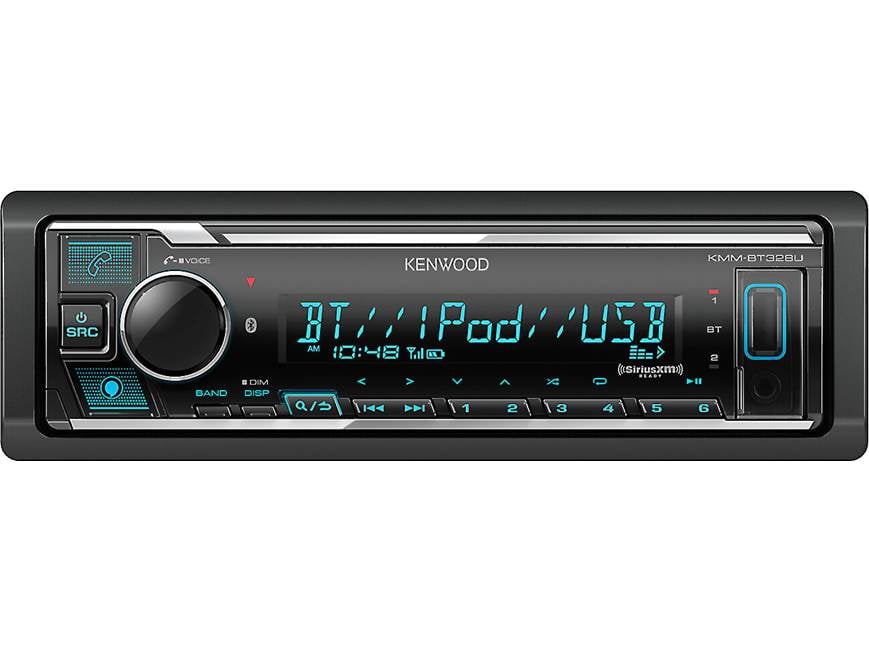
The Kenwood KMM-BT328U is a single-DIN digital media receiver, so it does not use a CD mechanism. That means most issues come from power, Bluetooth, USB, display settings, or external device compatibility.
From experience, many users think the radio itself is broken when the real issue is a loose wire, a weak ground, or an old phone connection that needs to be cleared and repaired. The unit is dependable, but like most car audio gear, it depends on clean power and correct setup.
49% off Today's Exclusive Deals
Limited-time Exclusive Deals. Check current discount on Amazon.
Check Price on Amazon As an Amazon Associate I earn from qualifying purchases.Common causes of Kenwood KMM-BT328U troubleshooting problems include:
• Loose or reversed wiring connections
• Weak vehicle ground
• Blown fuse
• Bluetooth pairing conflicts
• USB cable or device errors
• Volume, source, or mute settings
• Firmware or compatibility issues
• Speaker wiring problems
• Factory settings that were changed by mistake
A good troubleshooting flow starts with the simplest checks first. That saves time and keeps you from chasing the wrong problem.

49% off Today's Exclusive Deals
Limited-time Exclusive Deals. Check current discount on Amazon.
Check Price on Amazon As an Amazon Associate I earn from qualifying purchases.Kenwood KMM-BT328U Not Turning On
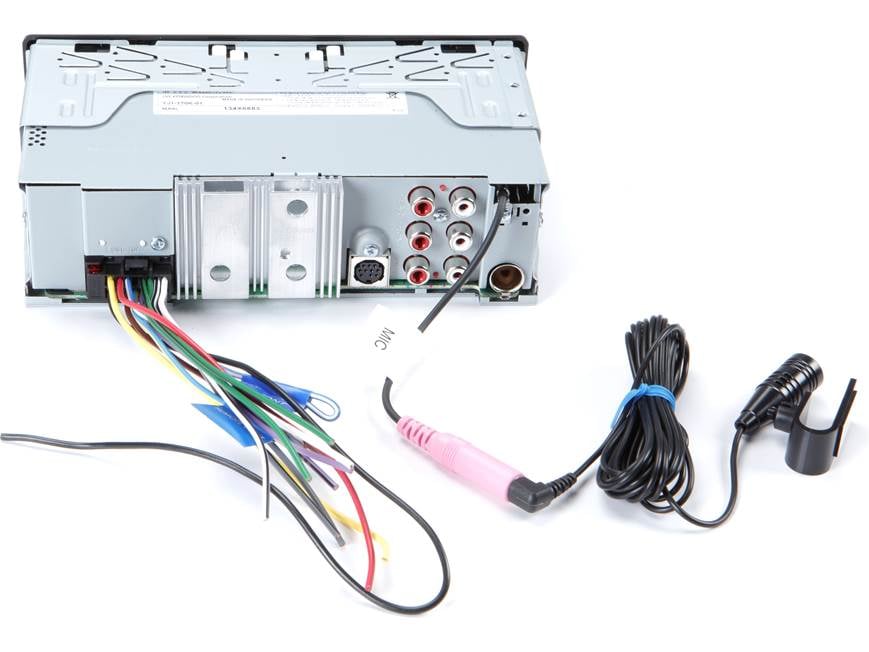
When the unit will not power on, the issue is usually electrical. Start with the fuse, then move to wiring, then to the vehicle’s accessory power line.
Here’s the most common checklist I use:
• Check the car fuse and the radio fuse
• Make sure the yellow constant power wire has 12V
• Make sure the red accessory wire gets power when the key is on
• Confirm the black ground wire is connected to bare metal
• Inspect the harness for pinched or loose wires
• Try the unit in another vehicle if possible
A weak ground is a classic problem. I once helped someone who replaced the stereo twice before finding out the ground was attached to painted metal. Once we fixed that, the Kenwood KMM-BT328U powered up instantly.
If the display is totally dead, also check for:
• Dimmer or display settings that make the screen look off
• A tripped vehicle fuse linked to the accessory circuit
• A bad aftermarket harness adapter
If you are using a dash kit or adapter, make sure the connections are seated firmly. One half-click can cause hours of confusion.
Kenwood KMM-BT328U Turns On but Has No Sound
This is one of the most frustrating issues because the screen works, but the speakers stay silent. Usually, the problem is in the source, mute setting, amp control, or speaker wiring.
Try these fixes:
• Raise the volume and confirm the unit is not muted
• Switch to a known working source like radio or Bluetooth audio
• Check fader and balance settings
• Confirm speaker wires are connected correctly
• Make sure the blue/white amp turn-on wire is connected if using an amplifier
• Inspect speaker impedance and wiring for shorts
If you have an external amplifier, the Kenwood KMM-BT328U may need the amp remote wire connected correctly. If that wire is missing, the amp may not wake up, and you will think the head unit is dead.
Also check for “ATT” or attenuation settings. That feature lowers volume sharply, and many people miss it. I’ve seen users spend 30 minutes testing speakers when the unit was just set too low in the menu.
If only one side is silent, the issue is usually speaker wiring, a failed speaker, or a balance setting pushed too far left or right.
Bluetooth Pairing Problems and Connection Drops
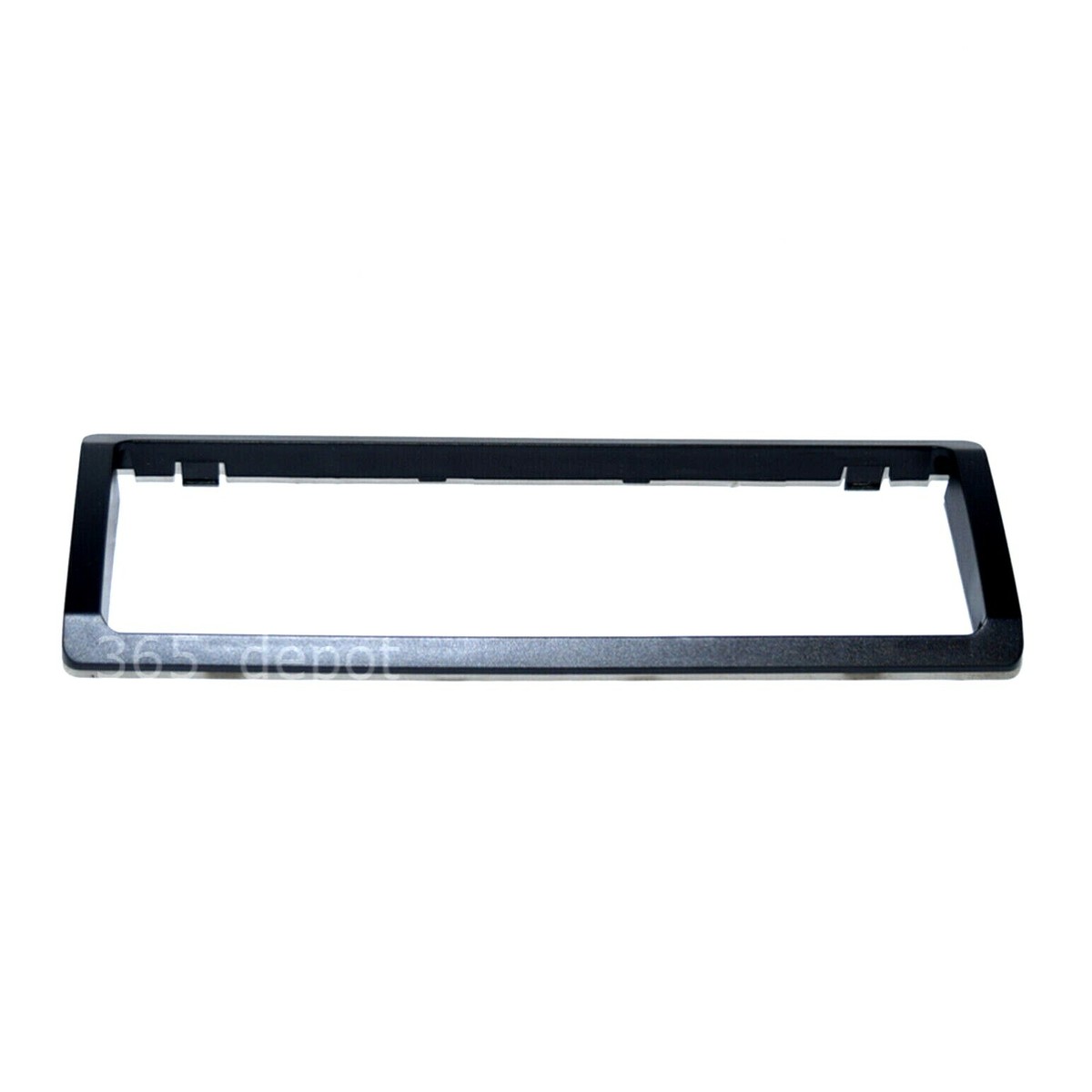
Bluetooth is one of the most common pain points in Kenwood KMM-BT328U troubleshooting. Pairing can fail, phones can disconnect, or audio may cut out during use.
Start with these basics:
• Delete the Kenwood from your phone’s saved devices
• Clear old phone pairings from the head unit
• Restart your phone and the stereo
• Keep the phone close during pairing
• Turn off other nearby Bluetooth devices for a moment
• Make sure Bluetooth is enabled on the phone
If pairing still fails, remove the device from both sides and pair again from scratch. Old pairing data can act like clutter in a drawer. It looks harmless, but it stops the new connection from fitting cleanly.
For dropped connections, check these likely causes:
• Weak phone battery or power-saving mode
• Too much distance between phone and stereo
• Interference from USB cables or other devices
• Outdated phone software
• Too many paired devices stored in memory
In my own testing, I’ve found that iPhones and Android phones can behave differently depending on firmware updates. If Bluetooth works for calls but not music, the media profile may not be syncing properly. Re-pairing usually fixes it.
USB Not Working or Flash Drive Not Reading
USB problems can come from the drive, the cable, or file format issues. The Kenwood KMM-BT328U is picky enough that a cheap flash drive or a messy folder setup can cause trouble.
Use this checklist:
• Try a different USB flash drive
• Use a drive formatted as FAT32 if possible
• Remove extra files and test with a few MP3s
• Check that the USB port is clean and not damaged
• Avoid very large or complex file libraries
• Test with a phone connection if supported
One mistake I see often is people using drives loaded with random file types. The unit may read music files better when the folder structure is simple. Keep the test drive clean and organized.
Also, make sure the USB cable is not worn out. A damaged cable can charge a device but still fail at data transfer. That little detail fools a lot of people.
If the stereo recognizes one drive but not another, the issue may be the drive itself. Some brands and some high-capacity drives just do not play nicely in older car audio systems.
Display Problems, Dim Screen, or Missing Text
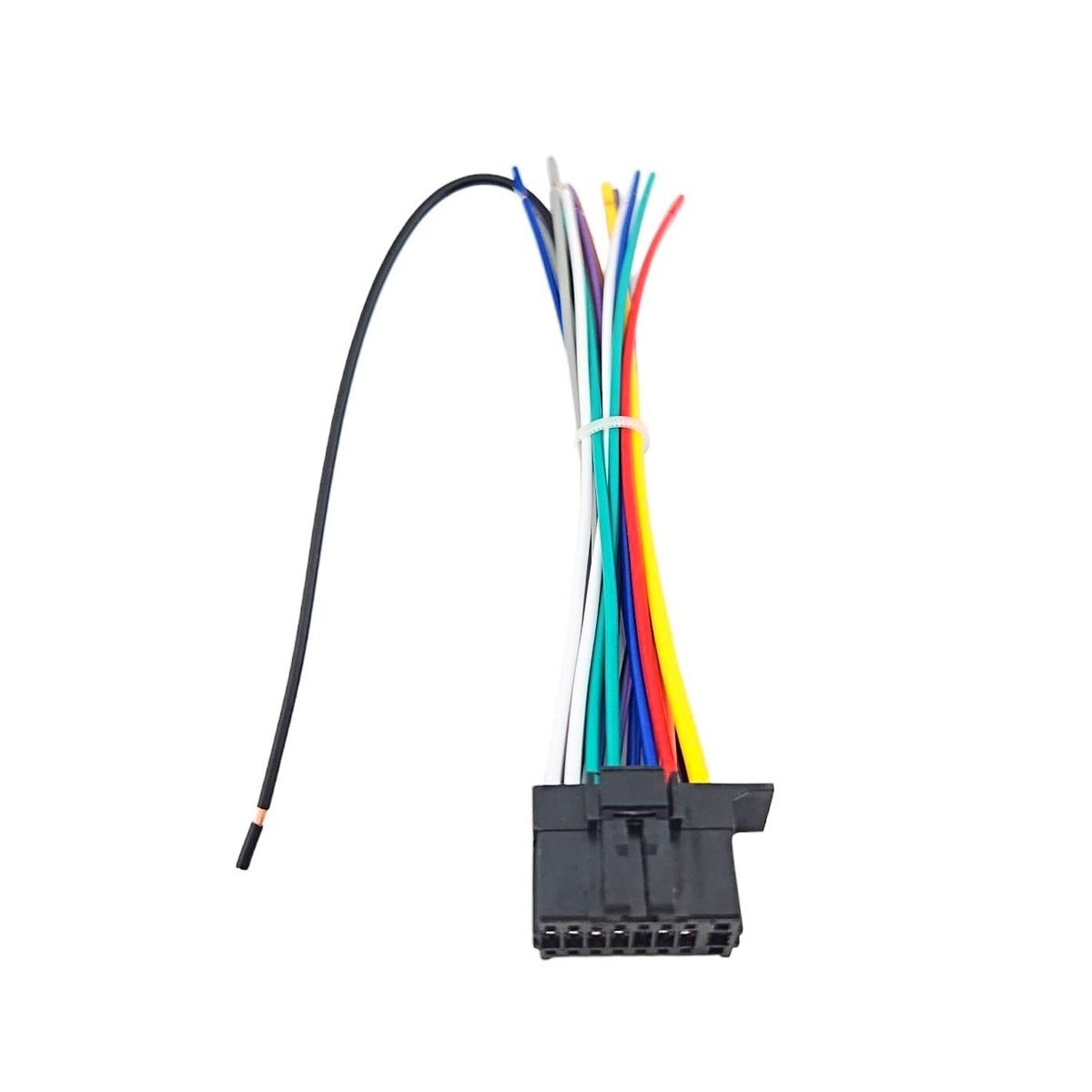
If the screen is hard to see, blank, or showing odd text, the issue may not be serious. Many display problems come from settings rather than hardware failure.
Check the following:
• Display brightness level
• Dimmer setting tied to headlights
• Night mode or color settings
• Contrast or text settings
• Loose wiring or unstable voltage
If the screen dims only when the headlights are on, the dimmer wire may be behaving as designed. That is normal in many installs. But if it is too dark all the time, the setting may need adjustment.
A flickering screen can point to poor power or ground. That is why stable wiring matters so much in Kenwood KMM-BT328U troubleshooting. Think of the electrical supply like water pressure in a hose. If the flow is weak, everything downstream acts strange.
If the display is completely unreadable after a reset, a deeper hardware issue may exist. At that point, testing the unit outside the vehicle can help separate car wiring issues from product issues.
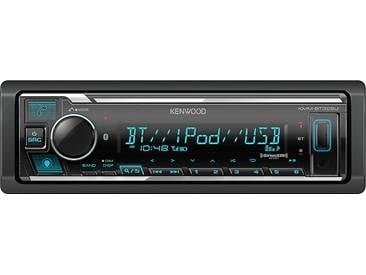
Radio Reception Problems
Poor AM or FM reception often gets blamed on the stereo, but the antenna system is usually the real issue. The Kenwood KMM-BT328U depends on a good antenna connection just like any other radio.
Check these points:
• Confirm the antenna plug is fully inserted
• Inspect the antenna cable for damage
• Make sure the vehicle antenna amplifier, if equipped, is getting power
• Test reception in different areas
• Reset the radio and rescan stations
If the antenna adapter is not powered correctly, reception may be weak or noisy. Some vehicles need a powered antenna lead or antenna adapter with a power feed. That small missing detail can make a perfectly good receiver seem broken.
Also remember that station strength changes by location. If it works near town but not on the highway, the stereo may be fine and the signal simply weak.

Resetting the Kenwood KMM-BT328U Safely
A reset can solve many small software or memory issues. It is a smart step when settings get messy or Bluetooth acts strange.
Use a reset when:
• The unit freezes
• Bluetooth will not pair correctly
• Settings seem corrupted
• Audio behaves strangely after a change
• The display acts erratic
Before resetting, save your preferred settings if you can. Resetting often clears paired devices and custom audio tuning. That is helpful, but it also means you may need to rebuild your setup afterward.
A reset is not a magic fix for bad wiring or a failed speaker. It is a clean slate, not a cure for everything. Still, it is one of the best first moves in Kenwood KMM-BT328U troubleshooting when the issue seems software-related.

Best Troubleshooting Order for Faster Results
If you want the fastest path to a solution, follow a simple sequence. This keeps you from jumping around and missing the obvious.
Use this order:
- Check power and fuse
- Check ground and wiring
- Confirm the unit is not muted or set too low
- Test sound on a different source
- Re-pair Bluetooth devices
- Test USB with a different drive
- Inspect the antenna connection
- Reset the unit if needed
This order works because it starts with the most common real-world failures. In my experience, most Kenwood KMM-BT328U problems are fixed in the first four steps.
If you try everything and the unit still fails, the issue may be a damaged internal board or a wiring fault outside the head unit. That is when a professional car audio installer can save time and prevent further damage.
Tips to Prevent Future Kenwood KMM-BT328U Problems
A little care goes a long way. Once the unit is working, a few habits can keep it reliable.
Try these prevention tips:
• Use proper crimp or solder connections
• Keep the ground wire short and secure
• Avoid overloading the USB port
• Remove old Bluetooth pairings you no longer use
• Update your phone regularly
• Protect the stereo from moisture and heat
• Organize your music files for easy reading
I also recommend checking wiring after a few weeks of driving. Vibrations can loosen a connection that looked fine on day one. That is especially true in older cars or rough-road builds.
Good installation is often the difference between a stereo that “acts weird” and one that works for years.
Frequently Asked Questions of Kenwood KMM-BT328U Troubleshooting
Why does my Kenwood KMM-BT328U keep turning off?
This usually points to a power or ground issue. Check the red accessory wire, yellow constant wire, and black ground wire first.
Why won’t my phone connect to Bluetooth?
Old pairings are often the cause. Delete the unit from your phone, clear saved devices on the stereo, and pair again from scratch.
Why is there sound only on one side?
That is often caused by a speaker wire problem or a balance setting. Check the wiring on both channels and confirm the balance is centered.
Why does my USB drive not play music?
The drive may not be formatted correctly, or the files may not be supported. Try a simpler FAT32 drive with standard MP3 files.
Why is the display so dim?
The dimmer setting may be active, or the brightness may be set too low. Also check whether the headlights trigger a display dim mode.
Do I need to reset the Kenwood KMM-BT328U often?
No, only reset it when settings freeze, Bluetooth fails, or the unit acts strangely. A reset can help, but it is not a regular maintenance step.
Conclusion
Most Kenwood KMM-BT328U troubleshooting comes down to the basics: power, ground, pairing, source settings, and clean connections. Once you work through those steps in a calm order, the fix is often easier than it first seemed.
The best approach is to start simple, test one thing at a time, and avoid guessing. If you treat the stereo like a system instead of a mystery, you will usually find the problem faster and with less stress.
If this guide helped, try the troubleshooting steps on your own unit and keep notes on what changed. That small habit makes future fixes easier and helps you get the most out of your Kenwood setup.





