Turn the ignition to ON, hold the SEL/RESET button, and wait until the light goes off.
I’ve worked on dozens of Hondas and helped many owners answer the question How do you reset the maintenance light on a Honda Civic Hatchback? This guide walks you through clear steps for common model years, explains why the light appears, shows troubleshooting tips, and shares real-life tips I learned in the garage. Read on to confidently reset the maintenance light on a Honda Civic Hatchback and keep your car’s maintenance tracking accurate.

49% off Today's Exclusive Deals
Limited-time Exclusive Deals. Check current discount on Amazon.
Check Price on Amazon As an Amazon Associate I earn from qualifying purchases.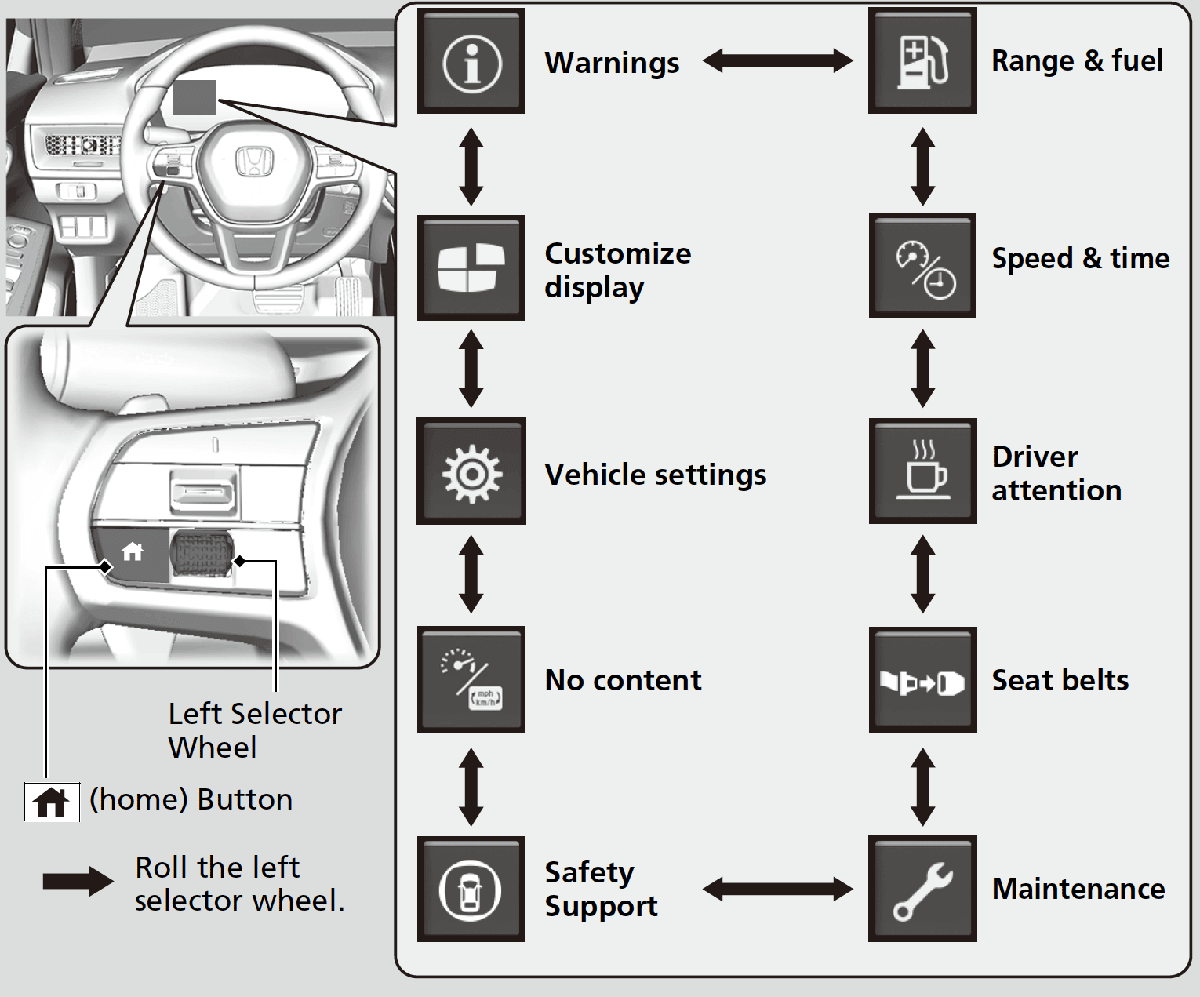
Why the maintenance light appears on your Civic Hatchback
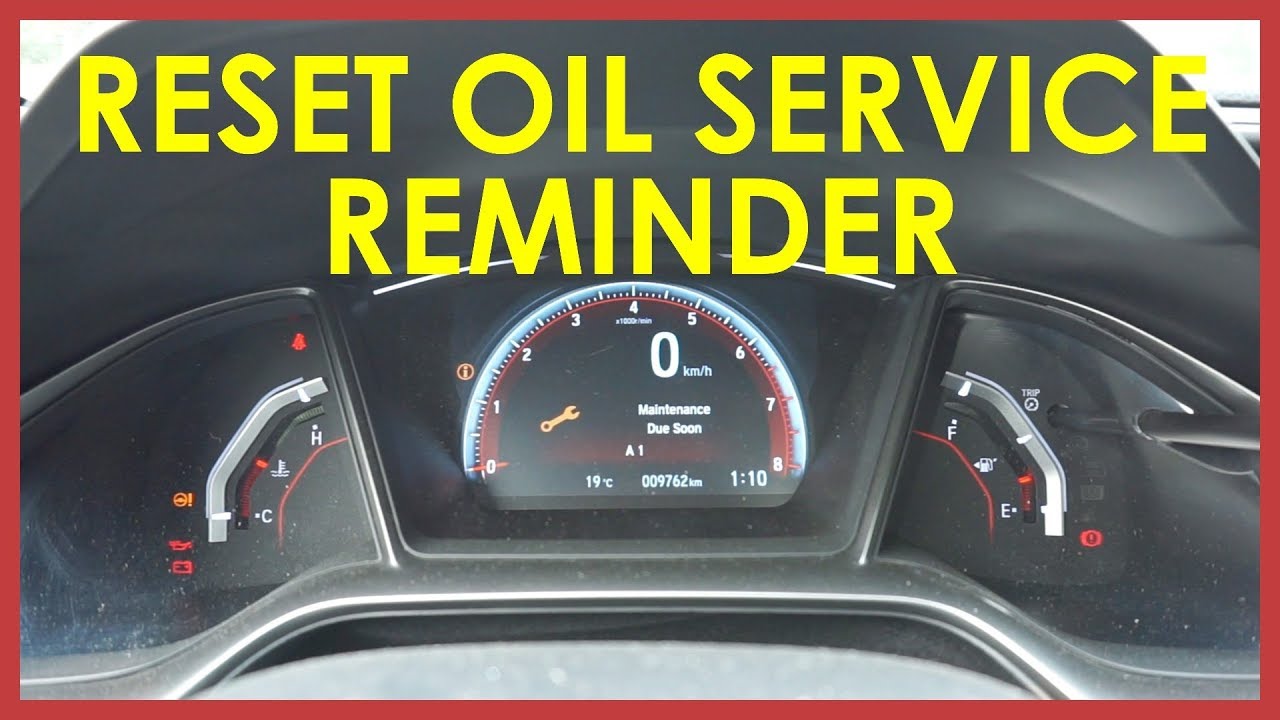
The maintenance light, often called the maintenance minder or oil life indicator, warns you when routine service is due. It tracks oil life and some services using driving conditions and engine data. The light is not a fault code. It simply prompts scheduled maintenance like oil changes or inspections.
Common triggers include
• Oil life reaching 15%–0% after time or miles.
• Service items logged in the car’s maintenance minder.
• A recent reset that did not complete correctly.
49% off Today's Exclusive Deals
Limited-time Exclusive Deals. Check current discount on Amazon.
Check Price on Amazon As an Amazon Associate I earn from qualifying purchases.Understanding why the light is on helps you decide whether to reset or perform service first. Resetting without doing the work hides the reminder but not the need for service.
When to reset the maintenance light on a Honda Civic Hatchback
Reset only after you perform the required service. For an oil change, reset the maintenance minder right after the oil and filter are changed. If the light came on for another service, complete that service before resetting.
If you’re unsure what triggered the light, check the maintenance minder code in the instrument cluster. The car lists service items with a code and a brief description. Doing the work first keeps your service records honest and protects your engine.
49% off Today's Exclusive Deals
Limited-time Exclusive Deals. Check current discount on Amazon.
Check Price on Amazon As an Amazon Associate I earn from qualifying purchases.
How do you reset the maintenance light on a Honda Civic Hatchback? Step-by-step
This step-by-step shows how to reset the maintenance light on a Honda Civic Hatchback using the most common instrument-cluster method. It covers many model years that use the SEL/RESET or TRIP button reset flow.
Preparation
- Park on level ground and set the parking brake.
- Turn the ignition off. Confirm you completed the required service.
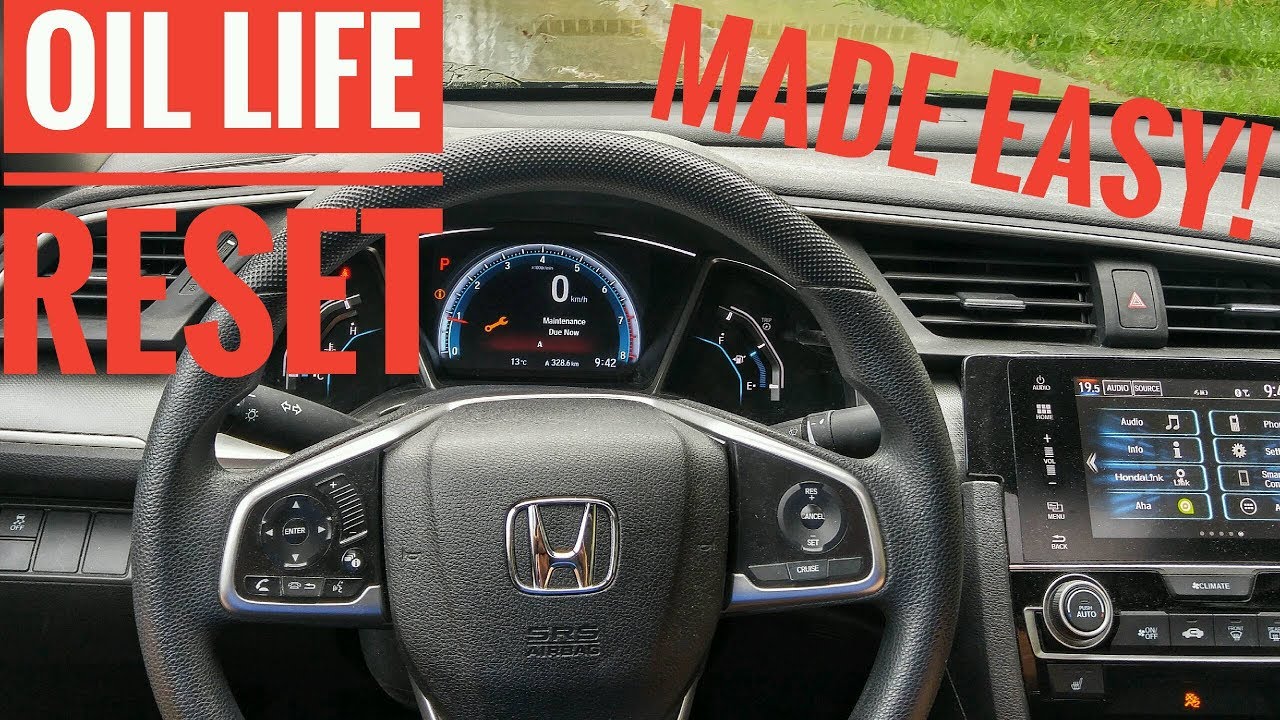
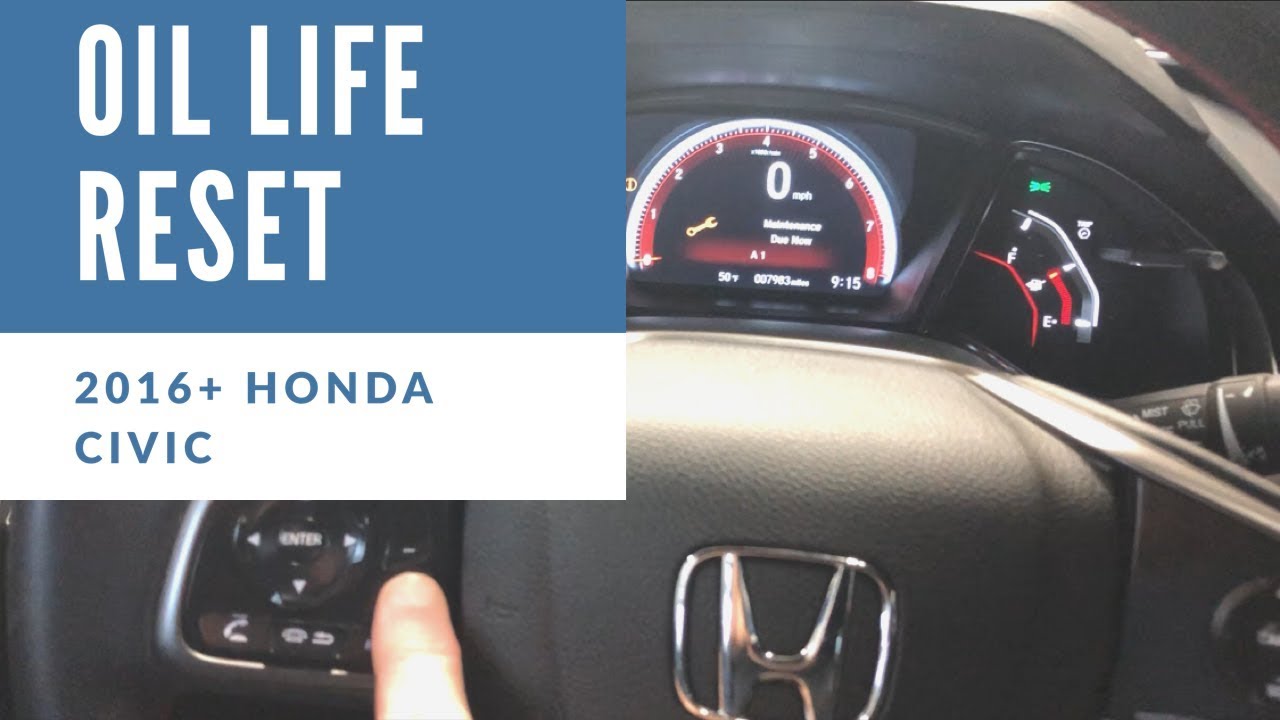
- Locate the SEL, RESET, or TRIP button on the instrument cluster or steering wheel.
Reset method 1 — Instrument cluster button (common)
- Turn the ignition to ON (do not start the engine).
- Press the SEL/RESET or TRIP button to display the oil life or maintenance minder.
- Press and hold the SEL/RESET or TRIP button for about 10 seconds.
- When the display starts to blink, release and then press and hold again until it resets to 100% or the maintenance message clears.
- Turn the ignition off and start the car to confirm the light is gone.
Reset method 2 — Using the touchscreen (newer models)
- With the car ON, open the Settings or Vehicle menu on the infotainment screen.
- Find Maintenance Info or Vehicle Settings.
- Select Reset for the oil life or maintenance minder, then confirm.
- Verify the display shows 100% or the maintenance light is off.
Reset method 3 — Battery disconnect (last resort)
- Disconnect the negative battery terminal for 10–15 minutes to reset the cluster.
- Reconnect battery and check for any remaining reminders.
Note: This method can erase other settings and is not recommended as the first option.
After reset steps
• Confirm oil life now shows 100% or the maintenance message is cleared.
• Drive a short distance and recheck the cluster to make sure the reminder does not return.
• If the light remains, repeat the reset steps or check for stored fault codes with an OBD-II scanner.
Troubleshooting common issues when trying to reset the maintenance light on a Honda Civic Hatchback
If the maintenance light won’t reset, try these checks. Short sentences keep the process easy.
Problem: Display blinks but does not reset
• Make sure you hold the SEL/RESET button long enough.
• Turn the ignition OFF then ON again and repeat the sequence.
• If it still fails, try the touchscreen menu method if available.

Problem: Light returns shortly after resetting
• A stored service code may not be cleared. Scan the vehicle with an OBD-II tool.
• Confirm the actual service was done; the sensor or system may detect an ongoing issue.
Problem: No SEL/RESET button or menu option
• Consult your owner’s manual for model-year specific reset instructions.
• If unsure, visit a dealer or a trusted mechanic to avoid erasing important fault codes.
PAA-style quick questions
What if my oil life is already at 100% but the light stays on?
• The system may store a service code. Use scan tool or repeat the reset steps with ignition ON. If it persists, have a tech check stored codes.
Can I reset the maintenance light without doing the service?
• Yes, you can reset it, but this skips a needed service. It’s safer to perform the required maintenance first.

Tips, personal experience, and best practices
Here are practical tips I use when I reset the maintenance light on a Honda Civic Hatchback after shop work or DIY oil changes.
Practical tips
• Always do the service first. Reset after the oil and filter change.
• Keep a written log: date, mileage, and service performed. This helps if the light returns.
• Use the instrument-cluster method for consistency. The touchscreen can vary by model.
Personal note from my garage
I once helped a friend who reset the maintenance light before changing oil. The light came back within 200 miles. We did the oil change, reset again, and the light stayed off. Lesson learned: don’t short-circuit routine care.
Safety and warranty
• Resetting a reminder does not affect your warranty if the service is performed as required.
• Never ignore the maintenance minder. It protects engine life and resale value.

Frequently Asked Questions of How do you reset the maintenance light on a Honda Civic Hatchback?
How do you reset the maintenance light on a Honda Civic Hatchback for the instrument cluster?
Most models let you reset by turning the ignition to ON and holding the SEL/RESET or TRIP button until the oil life resets to 100%. Follow the on-screen prompts if the display blinks.
How do you reset the maintenance light on a Honda Civic Hatchback using the touchscreen?
Open Settings or Vehicle menu, go to Maintenance Info, and select Reset for oil life or maintenance minder. Confirm and verify the display shows 100%.
How long should I hold the SEL/RESET button to reset the maintenance light?
Hold the button for about 10 seconds or until the display starts to blink, then press again until it clears. Timing can vary slightly by model year.
Will resetting the maintenance light clear trouble codes?
No. Resetting the maintenance light clears reminders but does not remove stored diagnostic trouble codes. Use an OBD-II scanner to read and clear fault codes.
Is it okay to reset the maintenance light without doing the service?
Technically you can, but it is not recommended. Resetting without service hides the reminder and can risk engine wear or void maintenance records.
Conclusion
Resetting the maintenance light on a Honda Civic Hatchback is quick when you follow the right steps. Always do the required service first, then use the SEL/RESET or touchscreen method to reset the maintenance minder. Keep a simple log of services and checks to avoid repeat reminders.
Take action now: perform the needed service, follow the reset steps for your model year, and leave a note of the mileage. If you found this helpful, share your experience below or subscribe for more practical car care guides.