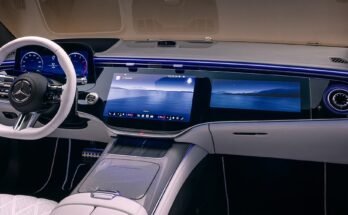
Yes — most recent BMW 5 Series models support Apple CarPlay and Android Auto.
I’ve spent years testing in-car systems and advising owners on connectivity. If you’re asking “Does the BMW 5 Series support Apple CarPlay and Android Auto?” this guide breaks down which model years support each system, how to enable them, common limitations, and practical fixes. Read on to make sure your BMW 5 Series connects the way you want it to.

49% off Today's Exclusive Deals
Limited-time Exclusive Deals. Check current discount on Amazon.
Check Price on Amazon As an Amazon Associate I earn from qualifying purchases.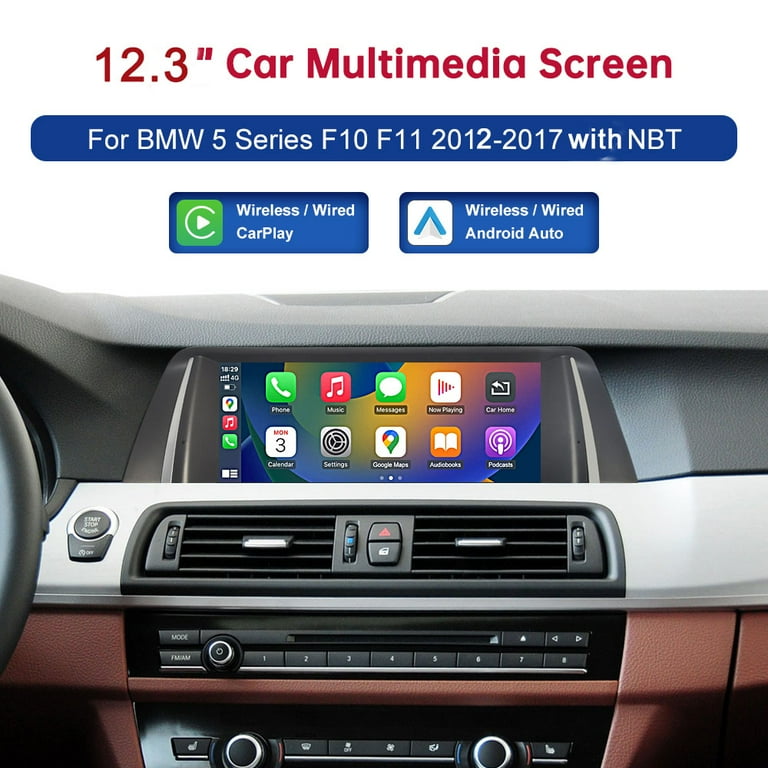
Overview: What connectivity BMW offers
Does the BMW 5 Series support Apple CarPlay and Android Auto? The short version is that BMW has progressively added support. Newer 5 Series cars come with both Apple CarPlay and Android Auto in many markets. Older models often have Apple CarPlay available and Android Auto added later or via updates.
Key points to keep in mind:
49% off Today's Exclusive Deals
Limited-time Exclusive Deals. Check current discount on Amazon.
Check Price on Amazon As an Amazon Associate I earn from qualifying purchases.- CarPlay arrived in BMW models first, often as an option or dealer activation.
- Android Auto was slower to appear but is now common in recent units, especially with newer iDrive software.
- Availability and whether wireless or wired depends on model year and software.
This section sets the stage. Later sections show how to check, enable, or retrofit support.
Model-year compatibility and what to expect
Does the BMW 5 Series support Apple CarPlay and Android Auto? Yes, but support varies by year.
Typical model-year breakdown:
49% off Today's Exclusive Deals
Limited-time Exclusive Deals. Check current discount on Amazon.
Check Price on Amazon As an Amazon Associate I earn from qualifying purchases.- 2010–2016 models: No native Apple CarPlay or Android Auto. Aftermarket solutions required.
- 2017–2019 models: Apple CarPlay became widely available, often as an option. Android Auto was mostly absent.
- 2020–2022 models: Apple CarPlay often available wireless. Android Auto support began appearing, depending on region and iDrive updates.
- 2023 and newer: Most new BMW 5 Series cars include both Apple CarPlay and Android Auto, often wireless, with iDrive updates enabling better integration.
How to read this for your car:
- Check your owner manual and iDrive software version.
- Ask the dealer to verify the options tied to your VIN.
- A software update or dealer activation can sometimes add features.

Wired vs wireless: what your BMW supports
Does the BMW 5 Series support Apple CarPlay and Android Auto wirelessly? It depends.
Practical differences:
- Wired connection uses a USB cable. It is reliable and often the default on older models.
- Wireless connection uses Bluetooth and Wi‑Fi. It is convenient but can need specific hardware or software.
- Many BMW 5 Series models that originally shipped with wired CarPlay were later offered wireless CarPlay via dealer activation or factory upgrades.
Tips:
- If wireless doesn’t work, try a quality USB cable and wired connection.
- Make sure phone OS and iDrive firmware are up to date.

How to check and enable CarPlay and Android Auto
Does the BMW 5 Series support Apple CarPlay and Android Auto on your car? Here’s how to check and enable them step by step.
Check and enable in short steps:
- Verify iDrive version and software level in Settings > Software Update.
- Connect phone by USB to the main USB port. Watch for a CarPlay or Android Auto prompt.
- If no prompt, check Settings > Connections > Mobile Devices or Smartphone Integration.
- Log into your BMW ConnectedDrive account and confirm any included features or subscriptions.
- If necessary, contact your dealer to confirm whether activation or a software update is needed.
If your model supports wireless CarPlay or Android Auto:
- Pair the phone via Bluetooth, then follow prompts to enable wireless projection.
- Keep phone Wi‑Fi on for wireless CarPlay to work.
Retrofit and aftermarket options
Does the BMW 5 Series support Apple CarPlay and Android Auto if it didn’t come with them? You have options.
Common retrofit routes:
- Dealer activation or software update: Some BMWs can have CarPlay or Android Auto unlocked with a dealer-side change.
- OEM retrofit modules: BMW and authorized shops can add modules that enable newer software features.
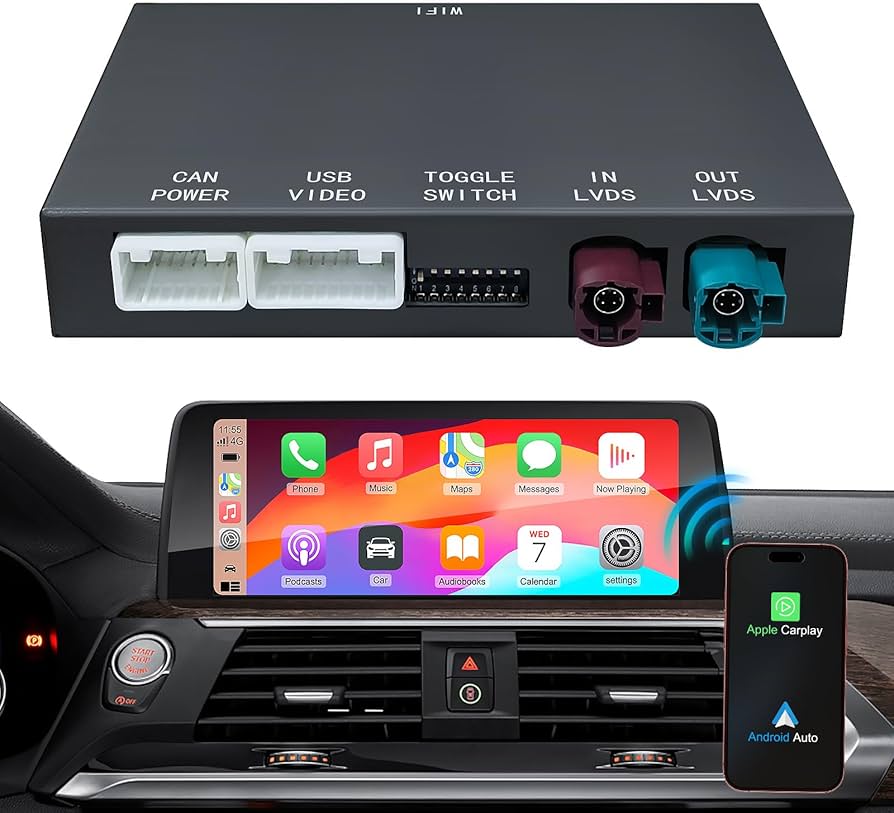
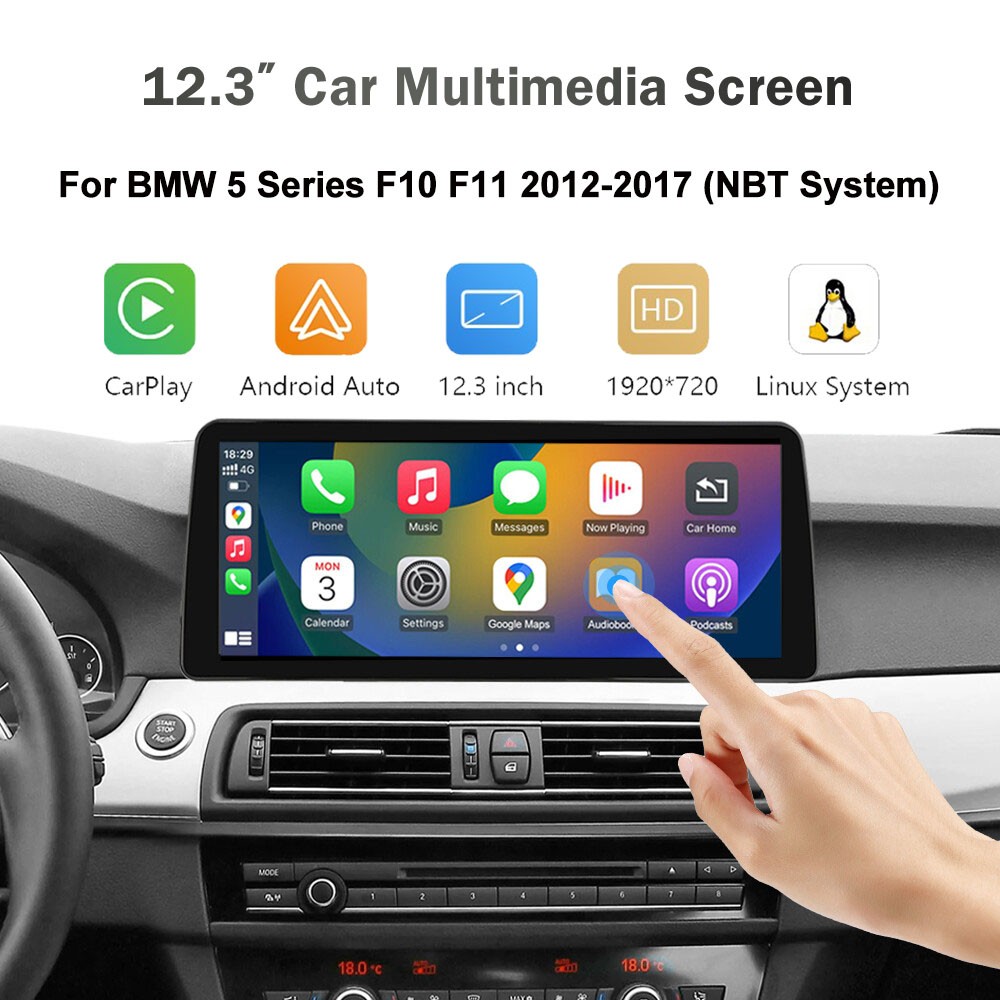
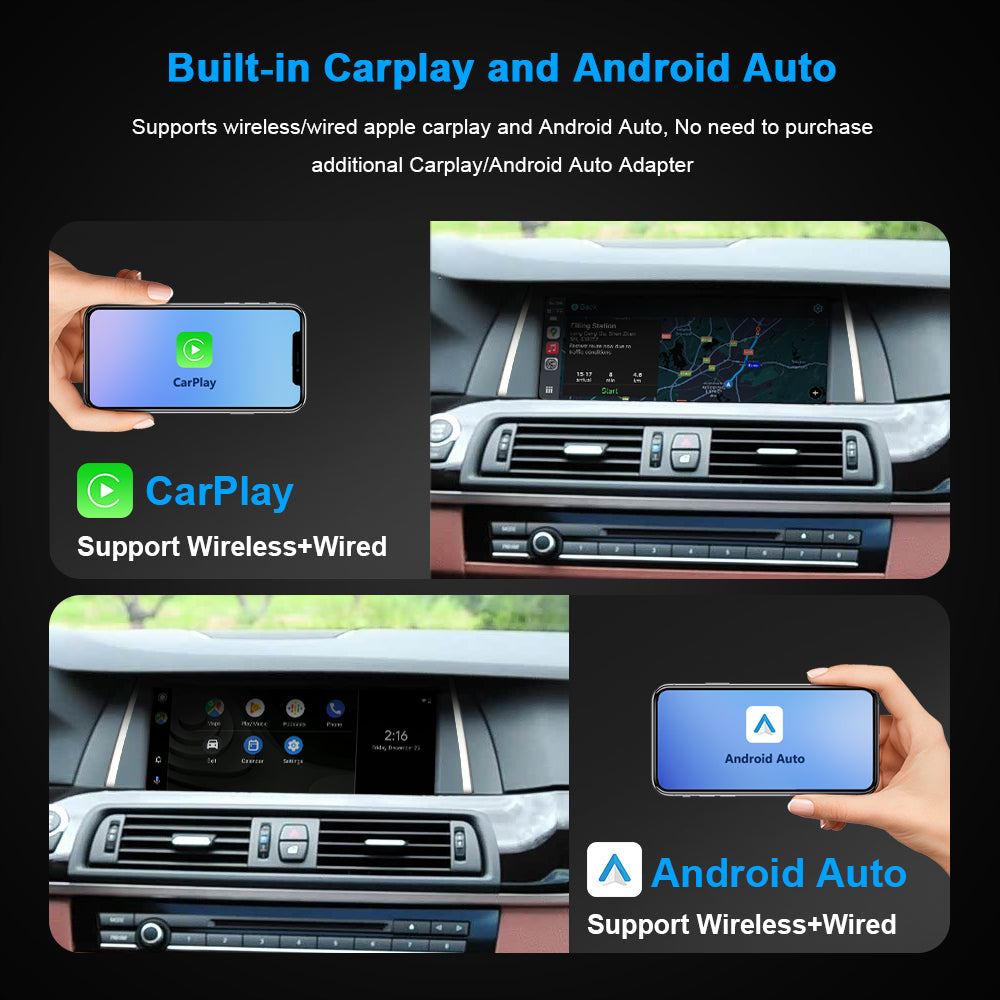
- Aftermarket adapters: Plug-and-play adapters add wireless CarPlay to wired systems or add CarPlay/Android Auto where none existed.
- Full head-unit replacement: A larger investment that gives modern functionality and UI.
Pros and cons:
- Dealer activation is lowest risk and keeps warranty intact in many cases.
- Aftermarket adapters are cheaper but may have quirks and varying reliability.
- Full replacements are flexible but costlier and may impact vehicle aesthetics.

Limitations, caveats, and what to expect in real life
Does the BMW 5 Series support Apple CarPlay and Android Auto seamlessly? Most of the time yes, but expect limitations.
Common caveats:
- Feature availability can vary by region and model trim.
- Some BMW apps and vehicle info remain in iDrive and don’t transfer to CarPlay/Android Auto.
- Wireless performance depends on phone model, OS version, and interference.
- Earlier BMWs required a subscription or one-time fee for CarPlay activation in some markets.
Practical troubleshooting:
- Restart phone and iDrive if projection fails.
- Test with another phone to isolate issue.
- Update both iOS/Android and iDrive software.

Personal experience and practical tips
I’ve sat in dozens of 5 Series cars and helped owners set up their phones. Here are real tips that saved time.
What I learned:
- A high-quality USB cable fixes most connection issues instantly.
- Dealer staff sometimes forget to activate the feature after an update; ask for confirmation.
- Wireless CarPlay feels great, but I still keep a cable in the car for long trips to keep charging and stable audio.
- If your CarPlay or Android Auto disconnects when you hit bumps, check the USB port and cable for looseness.
Simple checklist before buying a used 5 Series:
- Ask the seller to demonstrate CarPlay/Android Auto working.
- Confirm VIN compatibility with dealer for activation history.
- Test both wired and wireless modes if advertised.

PAA-style common quick questions
Does the BMW 5 Series support Apple CarPlay and Android Auto? Short answers below.
-
Will older 5 Series get Android Auto?
Many older 5 Series will not get Android Auto officially. Some can be upgraded via dealer software, retrofit, or aftermarket adapter. -
Is wireless CarPlay available on all 5 Series?
No. Wireless CarPlay depends on the model year and iDrive version; newer units commonly include it. -
Do I need a subscription for CarPlay?
Some markets and earlier BMW models required a subscription or one-time activation fee. Newer cars often include it.
Frequently Asked Questions of Does the BMW 5 Series support Apple CarPlay and Android Auto?
Does every BMW 5 Series come with Apple CarPlay and Android Auto?
Most new BMW 5 Series models today come with support for Apple CarPlay and Android Auto, but older or base trims may not. Check the specific model year, option packages, and iDrive software to be sure.
How do I enable Apple CarPlay in a BMW 5 Series?
Connect your iPhone to the main USB port or pair for wireless CarPlay, then accept the prompt on the phone and iDrive. If it does not appear, check software updates and dealer activation status.
Can I get Android Auto on a 2018 BMW 5 Series?
Android Auto was limited in many 2018 BMWs but may be added via dealer software or aftermarket adapters. Success depends on the car’s hardware and regional availability.
Is wireless CarPlay reliable in the BMW 5 Series?
Wireless CarPlay is convenient and generally reliable in recent 5 Series models, but wired connection remains the most stable for audio and charging. Use a quality cable for long trips.
Will a software update add Android Auto to my 5 Series?
A software update can add Android Auto if the car has the necessary hardware and BMW supports that update for your model year. Confirm with your dealer before assuming availability.
Conclusion
BMW has steadily improved smartphone integration across the 5 Series. Does the BMW 5 Series support Apple CarPlay and Android Auto? Yes—especially on newer models—but the exact experience depends on model year, iDrive version, and region. If you own or plan to buy a 5 Series, check VIN-specific options, test both wired and wireless modes, and consider dealer activation or trusted retrofit options if needed. Take action: verify your car’s software, test your phone in the vehicle today, and share your setup experience or questions below to help others.