Turn the ignition on, use the vehicle menu or odometer button, follow prompts to clear the service reminder.
I’ve worked on Range Rovers for years and helped reset service reminders on many models. This guide shows clear steps to reset the service light on a Range Rover, whether you have a modern Touch Pro system or an older odometer-style cluster. You’ll get safe, tested methods, troubleshooting tips, and real-life advice so you can reset the service light on a Range Rover with confidence.

49% off Today's Exclusive Deals
Limited-time Exclusive Deals. Check current discount on Amazon.
Check Price on Amazon As an Amazon Associate I earn from qualifying purchases.
Why the service light appears
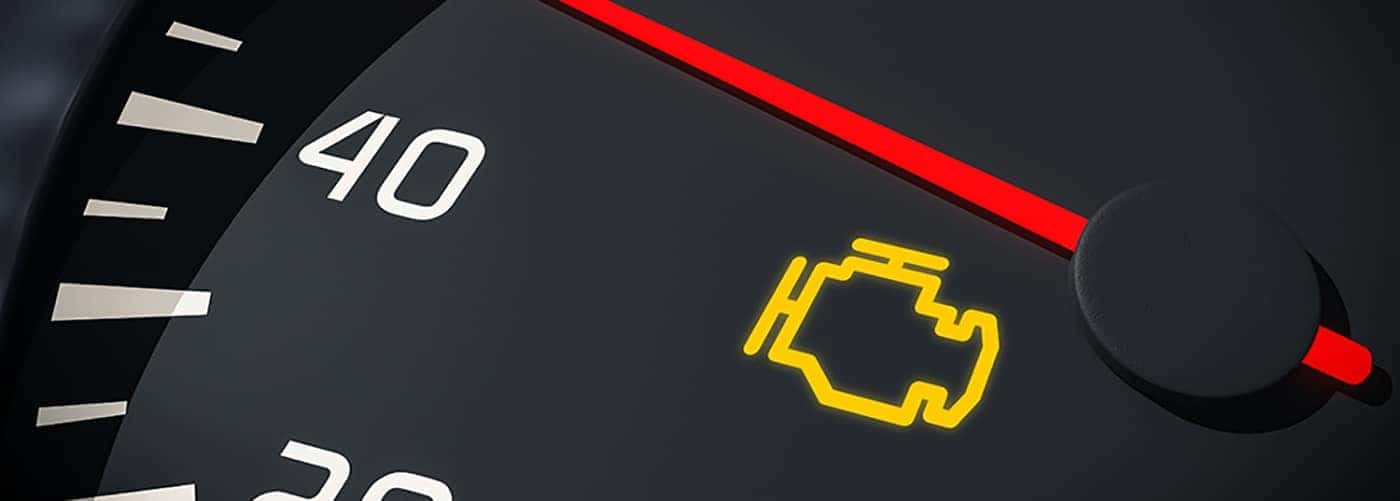
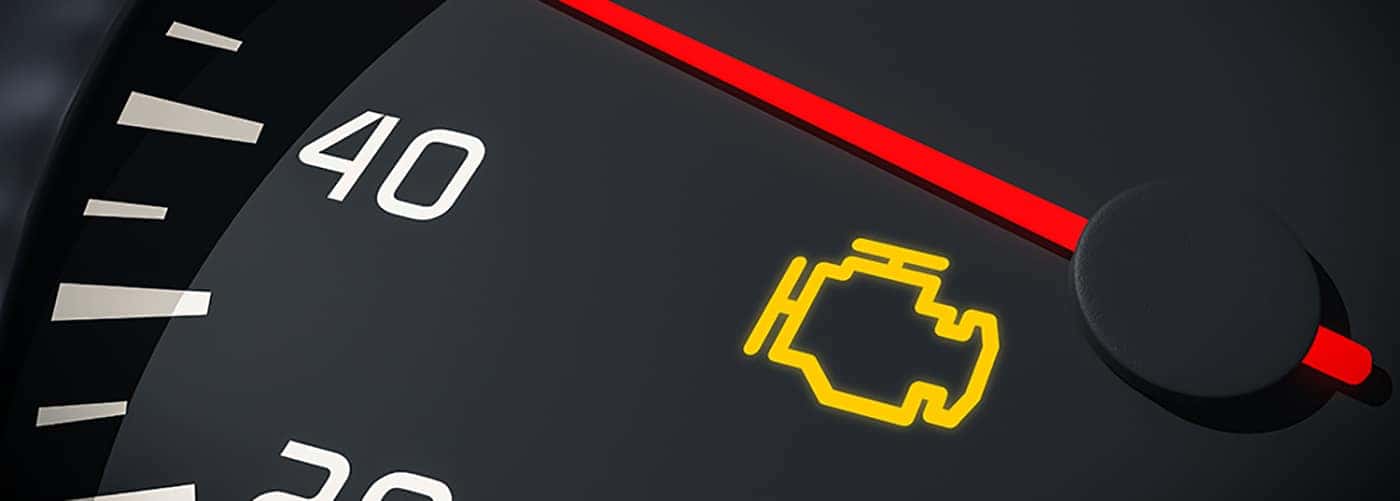
The service light is a timed reminder. It tracks time and miles since the last scheduled maintenance. It can also come on if the vehicle detects a fault or a sensor issue. Resetting the service light on a Range Rover without doing the required service hides the reminder but does not fix problems.
Common triggers for the service light include:
49% off Today's Exclusive Deals
Limited-time Exclusive Deals. Check current discount on Amazon.
Check Price on Amazon As an Amazon Associate I earn from qualifying purchases.- Regular oil change and scheduled maintenance intervals.
- Low fluid levels or worn parts that the system flags.
- Diagnostic trouble codes caused by sensors or wiring.

When you should reset the service light on a Range Rover
Only reset the service light on a Range Rover after you complete the required maintenance. Resetting after a full service keeps the vehicle’s service history accurate. Do not reset if the light indicates an active fault. If a fault exists, diagnose and fix it first, then reset the light.
How to reset the service light on a Range Rover — modern models (menu method)
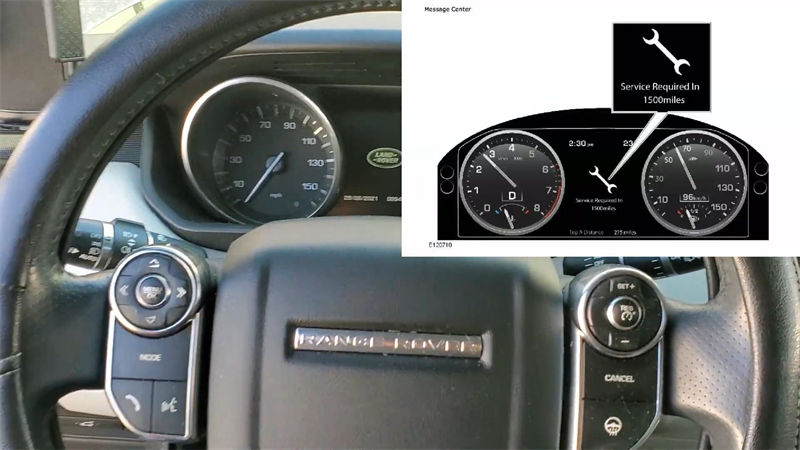
Many recent Range Rover models use a touchscreen or steering-wheel menu to reset service reminders. This method works for models with InControl, Touch Pro, or digital clusters.
49% off Today's Exclusive Deals
Limited-time Exclusive Deals. Check current discount on Amazon.
Check Price on Amazon As an Amazon Associate I earn from qualifying purchases.Steps to reset the service light on a Range Rover using the menu:
- Turn the ignition to accessory or press the start button without starting the engine.
- Use the touchscreen or the steering wheel menu controls to access Vehicle Settings or Instruments.
- Find Service Interval, Maintenance, or Service Menu.
- Select Reset Service Interval or Reset Next Service. Confirm when prompted.
- Turn the ignition off and then start the engine to verify the service light is cleared.
Model-specific notes:
- Range Rover L405, Sport (from mid-2010s): Look under Settings → Vehicle → Service Interval.
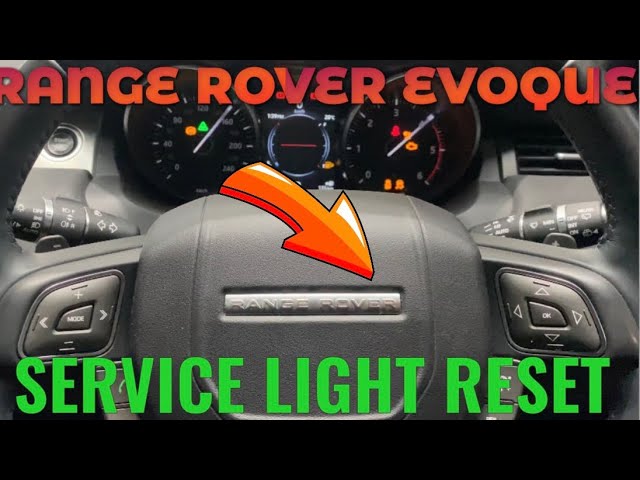
- Range Rover Evoque and newer models: Use Touch Pro Duo menu or steering wheel OK button to access service reset.
- If the reset option is greyed out, the vehicle may require dealer diagnostics or a specific sequence to enable the reset.

How to reset the service light on a Range Rover — older models (odometer/steering button method)
Older Range Rover models often use the odometer/trip button or a simple cluster button to enter a service menu.
Common sequence to reset the service light on a Range Rover (older clusters):
- Turn ignition to position II (don’t start the engine).
- Press and hold the trip/odometer button on the cluster.
- While holding, turn the ignition off and on again, keeping the button pressed.
- When the service or spanner icon appears, release and press the trip button again to confirm the reset.
- Turn the ignition off and then start to confirm the light is cleared.
Note: The exact button sequence can vary by year and model. If that sequence does not work, consult your owner’s manual or use a dealer scan tool.
How to reset the service light on a Range Rover using an OBD2 scanner or dealer tools
If the on-board menus won’t reset the reminder, a diagnostic tool can clear the service light safely. This is common when the vehicle requires a dealer-level reset.
Steps for scanner-based reset:
- Plug an OBD2 scanner into the vehicle’s diagnostic port.
- Turn the ignition on without starting the engine.
- Select Land Rover / Range Rover from the scanner’s vehicle menu.
- Find Service Interval Reset, Adaptations, or Maintenance Reset. Run the reset function.
- Clear any stored fault codes and verify the service light is off.
When to use a scanner or dealer:
- The vehicle refuses to let you reset the service light from the menu.
- The service schedule needs to be logged in the vehicle’s computer after a full dealer service.
- You need to clear persistent error codes that trigger the service light.

Troubleshooting and common problems when you reset the service light on a Range Rover
If the service light stays on after a reset, check these items:
- Active fault codes are present. Run a scan and address errors first.
- Battery disconnect or low battery caused the system to lose settings. Recharge or replace the battery if needed.
- Software or firmware issues. A dealer update may be required.
- Some models lock the reset until a specific service procedure or part replacement is recorded.
Quick fixes and checks:
- Re-scan for codes and fix any faults.
- Try resetting again after a proper service or battery charge.
- If unsure, get a dealer or qualified technician to perform the reset.
Common short questions (PAA-style)
What if the service light returns after resetting?
- It usually means an unresolved fault remains. Scan for codes and fix the issue before resetting again.
Can I reset the service light on a Range Rover myself?
- Yes, if you follow the correct menu or button steps. Do not reset before completing required maintenance.
Is a dealer reset always needed?
- Not always. Dealer tools are needed when the menu options are disabled or for some newer models’ locked reset functions.
Personal tips, mistakes to avoid, and lessons from working on Range Rovers
I have reset service lights during oil changes and routine checks. One lesson: always confirm the service was done first. I once reset a Range Rover service light to quiet the dash without fixing a low oil pressure warning. The warning returned and caused bigger issues later.
Practical tips I use:
- Keep a simple checklist for each service. Reset the service light only after checks.
- Take photos of fluids and filters before reset. They help later if questions arise.
- Use a reliable OBD2 scanner geared to Land Rover protocols for complex resets.
Mistakes to avoid:
- Resetting to hide unresolved warnings.
- Using cheap scanners that don’t support Land Rover menus.
- Forgetting to check the battery before attempting a reset.
Frequently Asked Questions of How do you reset the service light on a Range Rover?
How do you reset the service light on a Range Rover Sport?
Use the instrument cluster menu or Touch Pro settings. Access Vehicle Settings, choose Service Interval, and select Reset; if that fails, use a scan tool.
How do you reset the service light on a Range Rover Evoque?
Go to the vehicle menu via the touchscreen or steering wheel, find Service Interval, and reset it; older Evoque models may use the trip button method.
Will resetting the service light on a Range Rover clear fault codes?
No. Resetting the service light clears only the reminder. Fault codes remain until you scan and clear them after repairs.
Can I reset the service light on a Range Rover without a scanner?
Yes. Many models let you reset through the vehicle menus or odometer button. Use a scanner only if the menu option is blocked.
What happens if I reset the service light on a Range Rover without doing service?
The reminder is cleared but the underlying problem may persist. This can result in increased wear or safety risk if needed maintenance is skipped.
Conclusion
Resetting the service light on a Range Rover is straightforward when you follow the right method for your model. Use the touchscreen or steering wheel menu for newer models. Use the odometer or trip button for older clusters. Resort to a scanner or dealer tools only when necessary. Always perform the required maintenance before you reset the light to keep your vehicle safe and reliable. Try the steps above, and if you run into trouble, leave a comment or consult a qualified technician for help.