If your Tesla Model 3 charging problem usually shows up at the worst possible time, like late evening after you've parked for the night, you're not alone. It's one of the most common complaints among Model 3 owners, and the good news is that the cause is often simple.
As of 2026, the Model 3 handles AC charging at up to 11.5 kW through the onboard charger, and DC fast-charging at up to 250 kW on V3 Superchargers. The charge port on North American models uses the NACS connector standard. The small light on the charge port tells you more than the screen does, so let's start there.

49% off Today's Exclusive Deals
Limited-time Exclusive Deals. Check current discount on Amazon.
Check Price on Amazon As an Amazon Associate I earn from qualifying purchases.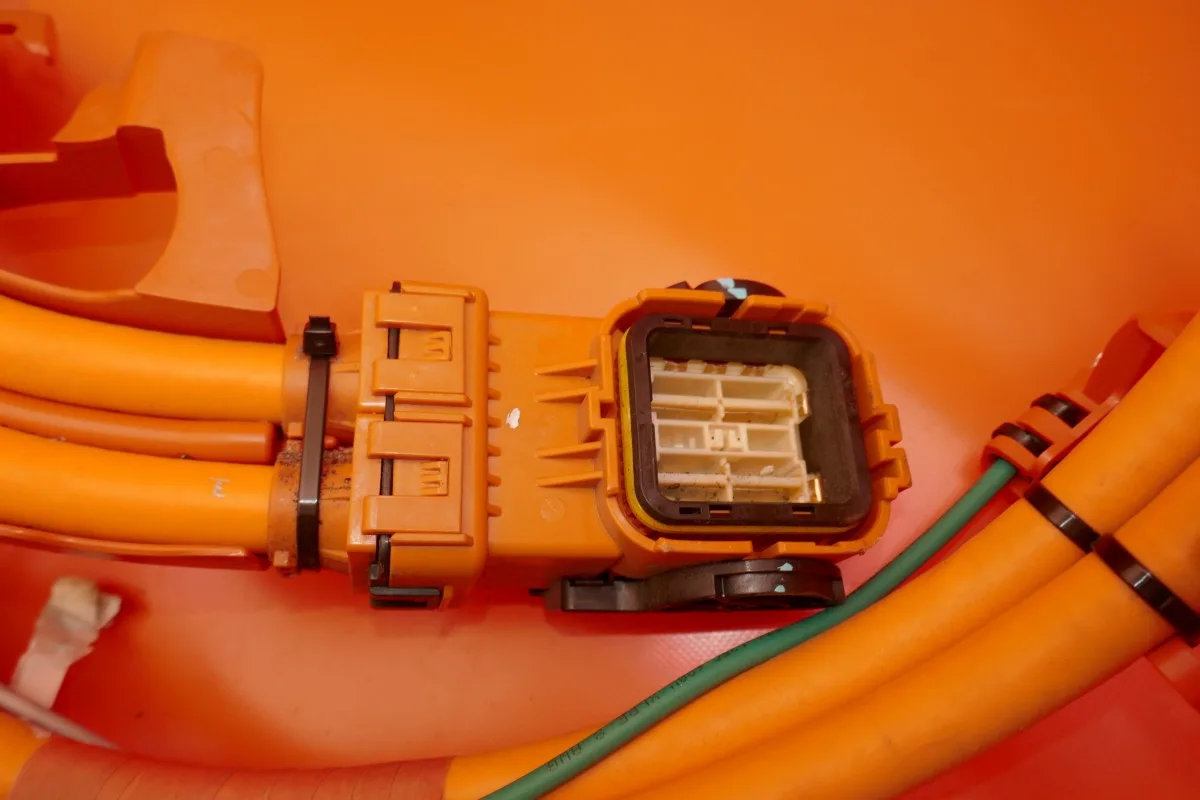
Image source: Bing (Web (fair-use with source credit))
Quick Answer
A Tesla Model 3 charging problem usually comes from three causes. The charger lost power, a timer blocked the session, or the cable came loose. Check the charge port LED first.
49% off Today's Exclusive Deals
Limited-time Exclusive Deals. Check current discount on Amazon.
Check Price on Amazon As an Amazon Associate I earn from qualifying purchases.Green pulsing means charging. Red means an error.
If the car won't charge at home, plug firmly, check your breaker, cancel scheduled charging, and reboot the touchscreen. At a Supercharger, try a different stall before assuming the car is broken.
Working Through a Home Charging Problem (AC)
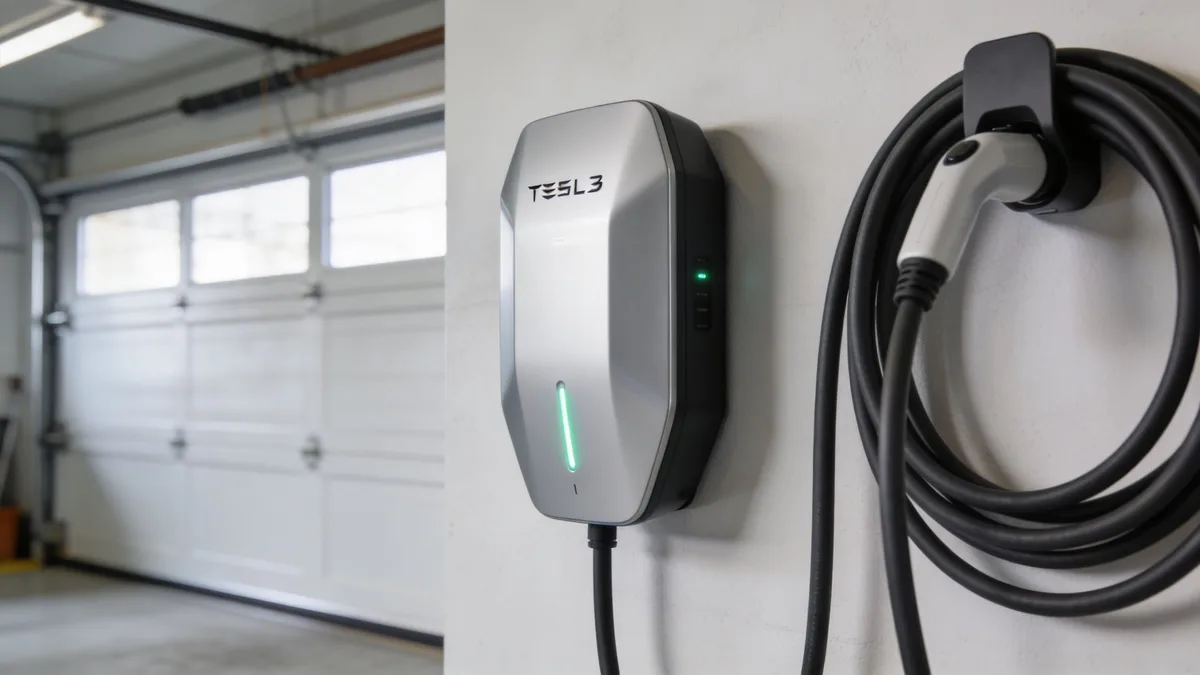
Most Tesla Model 3 charging problems happen at home. You plug in at night, walk away, and wake up to the same range you had before. The good news: the fix is usually simple, and the charge port LED tells you where to start.
49% off Today's Exclusive Deals
Limited-time Exclusive Deals. Check current discount on Amazon.
Check Price on Amazon As an Amazon Associate I earn from qualifying purchases.Image source: Bing (Web (fair-use with source credit))
Step 1: Read the charge port LED
The small light around the charge port door is your first diagnostic. Here's what each color means.
| LED Color | Meaning | What to Do |
|---|---|---|
| Green, solid | Fully charged | Nothing needed |
| Green, pulsing | Actively charging | Normal |
| Amber, solid | Standby or scheduled | Cancel scheduled charging |
| Red | Charging error | Unplug and re-seat the cable |
| No light | No power or communication | Check the outlet and breaker |
If the LED shows red, unplug the connector, inspect the pins, and push it back in firmly until it clicks. A loose cable is the fastest thing to rule out.
If the light is amber and nothing is charging, open the Tesla app. Look for Scheduled Charging or Scheduled Departure. A timer can delay the session on purpose, and many owners forget they set it.
Step 2: Check the Wall Connector or Mobile Connector
The Wall Connector has a status LED on its front face. Solid green means ready. Flashing or no light means a fault.
The Mobile Connector uses a simpler green and red indicator.
If your connector shows red, test a different outlet. Aggregate owner reports suggest that many failed Mobile Connectors are actually plugged into worn outlets. A loose outlet can interrupt power intermittently and make the car think the charger is broken.
A standard 120V outlet adds roughly 3 to 5 miles of range per hour. That works for short commutes. If you drive more than 40 miles a day, you'll want a 240V outlet or a hardwired Wall Connector.
Those add 30 to 45 miles per hour, depending on the circuit.
If you've also noticed poor airflow from your vents, check that the cabin fan is working. Some thermal faults can affect both climate control and battery conditioning, which then reduces charge rates.
Step 3: Reboot the touchscreen
Hold both steering wheel scroll buttons for ten seconds. The screen goes black, then restarts. This clears the software glitches that sometimes block the charging handshake.
It takes about 30 seconds and costs nothing.
Step 4: Check your schedule before calling anyone
Open the Tesla app and verify that Scheduled Charging is disabled. Then plug in and see if the charge port LED turns green. If it does, your car is fine.
The scheduling feature just didn't work the way you expected.
If the car still won't charge, move to the Supercharger section. But first, mentally note this: if the car charges at a public Level 2 station but fails at home, the problem is your home wiring, not the car. That distinction saves you a wasted service visit.
Working Through a Supercharger Problem (DC)
Supercharger issues usually point to battery temperature, stall selection, or the 12V battery, not the high-voltage hardware. Here's how to work through each one.
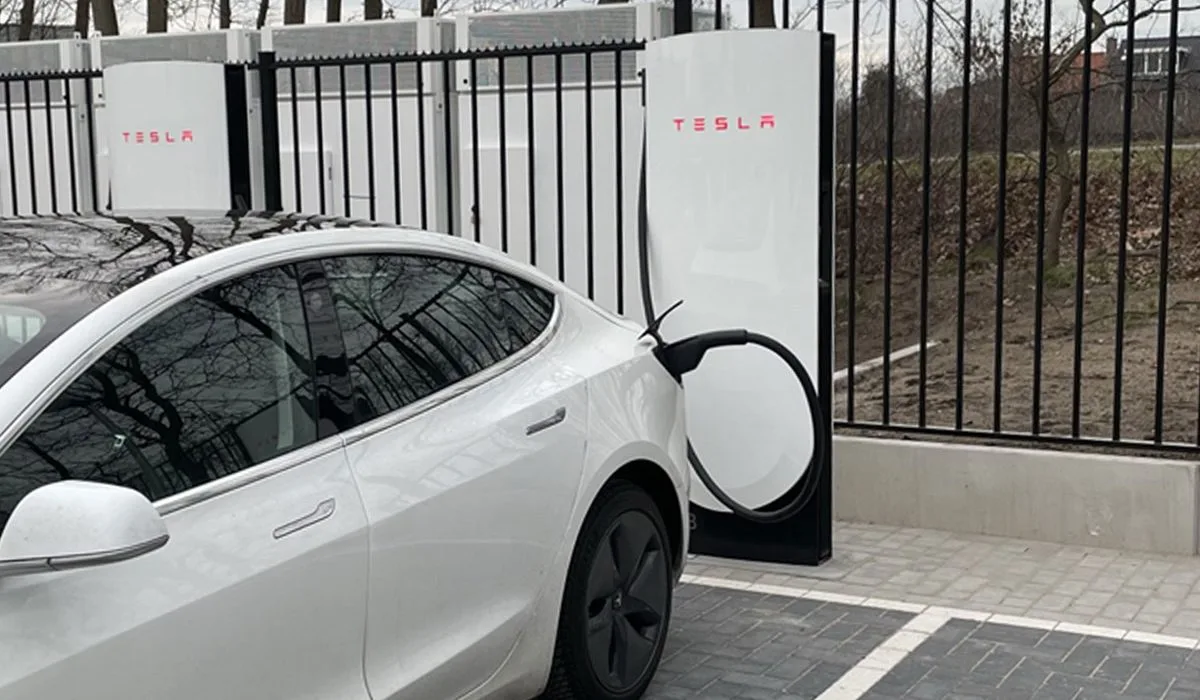
Image source: Bing (Web (fair-use with source credit))
Cold battery: the slow-charge trap
The Model 3 needs the battery near 70 to 100 degrees Fahrenheit before it accepts maximum DC power. In winter, a cold-packed car can charge at a fraction of the rated speed for the first 15 minutes.
Use the car's built-in navigation to route to the Supercharger. The battery preconditioning system warms the pack while you drive. This is the single best way to avoid slow session starts.
Switch stalls before you panic
V2 Supercharger stalls share power in pairs. If the car next to you is charging, your speed drops. V3 stalls deliver up to 250 kW individually, but even they can have communication faults.
Unplug, drive to a different stall, and try again. This fixes roughly one in five reported Supercharger problems, according to aggregate owner feedback.
When the cable won't release
A connector that won't release is not a charging problem, it's a latch problem. In a Model 3, the manual release cable sits in the left trunk liner. Pull it gently and the connector unlocks, even if the car's 12V system is dead.
When multiple stalls give the same error
If the car rejects charging at several stalls, suspect the vehicle side. The most common culprits are:
- A weak 12V battery. It powers the charge port latch and the contactor controls. A dying 12V can mimic a failed onboard charger.
- Outdated software that breaks the DC charging handshake.
- Corroded or damaged charge port pins from forcing a connector in.
If your 12V battery is more than three years old, replace it before spending money on deeper diagnostics. This is common advice in owner forums and service centers.
If you've also noticed weak cabin cooling and the car blows warm air on max AC, the same thermal system could be underperforming. That would explain both symptoms.
Common Mistakes That Cause Tesla Charging Failures
A lot of Tesla Model 3 charging problems come down to avoidable habits. Rule these out before you schedule a repair.
Running an extension cord full-time
Tesla does not recommend extension cords for regular charging. An undersized cord heats up, the resistance rises, and the plug can melt. We've seen photos of garage outlets warped black after weeks of continuous use.
If you absolutely must use one temporarily, choose a heavy-gauge outdoor cord rated for continuous 40-amp draw. Never leave it coiled. Coiled cords trap heat and fail faster.
Over-tightening the plug
This sounds counterintuitive, but pushing the plug harder into the outlet bends the prongs over time. The connection gets looser, not tighter. The result is arcing and heat.
Push it in once, firmly, and leave it alone.
Ignoring GFCI trips
Garage outlets need GFCI protection under modern electrical codes. If your GFCI trips repeatedly, that's the safety system doing its job. Moisture, ground faults, or a failing EVSE can trigger it.
Reset it once. If it trips again under the same load, call an electrician. A recurring trip is not a nuisance, it's a warning.
Forcing a connector into ice or debris
Snow, ice, or road grime in the charge port blocks a proper seat. If you force the connector in, you can bend the pins and turn a free fix into a pricey repair.
Let the car's charge port heater run first. It's designed to melt ice. If you've dealt with a stuck window mechanism, you already know that forcing a moving part never ends well.
Using cheap third-party adapters
Non-Tesla Level 2 chargers need a J1772 adapter. Stick with the one Tesla sells or a UL-listed equivalent. No-name adapters can lose connection mid-charge, producing a charging stopped message that looks like a car fault when it's actually a $20 adapter problem.
Pilot Error vs. Equipment Failure (The Decision Guide)
The fastest way to solve a Tesla Model 3 charging problem is to isolate where the fault lives. You, the car, or the EVSE. Use this three-part test.
- Does the problem happen with every charger? If it only happens with one charger, the charger or its power source is the suspect.
- Does it happen at home and at Superchargers? If yes, the car is likely at fault.
- Did anything change recently? A software update, a new outlet, a different adapter, or a cold snap. Changes narrow the cause.
How to test your home electrical setup
Plug another device into the same outlet. If it has no power, check the breaker. If the breaker trips again, you have a wiring problem.
Next, try charging at a public Level 2 station. If the car charges there but not at home, the home wiring is the issue. If it fails everywhere, the vehicle is the issue.
This is the same logic you'd use for any intermittent electrical fault, like tracing a random brake warning light that appears and disappears. The pattern tells you the source.
Electrician or Tesla Service?
If the outlet, breaker, and Wall Connector all test fine, schedule Tesla Service. The onboard charger or charge port assembly needs professional inspection.
The battery and drive unit warranty covers eight years or 100,000 to 120,000 miles depending on trim. The onboard charger falls under the general vehicle warranty, four years or 50,000 miles as of 2026.
If the electrical side is the problem, call a licensed electrician. They can confirm the circuit meets the latest National Electrical Code requirements for EV charging equipment, including wire gauge and breaker sizing.
Should you upgrade to a Wall Connector?
If your home charging problem comes down to slow 120V charging, the real fix isn't troubleshooting, it's an upgrade. The Wall Connector hardwired to a 60-amp circuit delivers 11.5 kW, or about 44 miles per hour of range. For a Model 3 Long Range owner, that covers most daily round trips in under two hours.
What about the 12V battery?
A weak 12V battery causes charge port latch failures and intermittent charging errors. If you've noticed a sluggish touchscreen or the car acts confused during overnight charging, that's a red flag. Replacing the 12V battery first can save you from paying for an unnecessary onboard charger replacement.
If you've also been dealing with a failing heater or cold cabin air, the 12V battery can affect those systems too. It's the cheapest thing to rule out before bigger repairs.
Safety, Electrical Load, and Compliance Notes
EV charging involves real current, real heat, and real risk. A few guidelines keep you safe.
- Match the breaker to the outlet. A NEMA 14-50 outlet needs a 50-amp breaker with 6 AWG wire in most installations. Never put a 50-amp outlet on a 30-amp breaker.
- Use GFCI protection in garages, basements, and outdoor locations. The National Electrical Code requires it for receptacles serving EV charging. The relevant standard is Article 625 in the NFPA's code.
- Hardwired Wall Connectors remove the outlet from the equation entirely. That eliminates the most common failure point: the receptacle connection.
- Inspect plugs and outlets monthly. Look for discoloration, burning smells, or warm plastic. Any of these means a connection is failing and needs professional attention.
- Never mix connectors from other vehicles with your Tesla cable. The control pilot pin and grounding requirements are specific, and mismatched parts can cause arcing.
For official guidance, Tesla's support page covers charging installation, and the NFPA's NEC Article 625 contains the electrical requirements for EVSE installation. These are the two sources we trust when recommending electrical work.
Frequently Asked Questions
Why did my Tesla stop charging at 80%?
That's usually the daily charge limit. Open the charging menu in the car or app and drag the slider up to 90 or 100 percent. The car intentionally slows down above 80 percent to protect battery health, so you may see a reduced rate in the final stretch.
Is it safe to charge a Tesla in rain or snow?
Yes. The charge port and connectors are weather-resistant and designed for outdoor use. Keep the connector dry when storing it, and don't let the cable sit in standing water.
If ice blocks the port, run the charge port heater before forcing anything.
What do I do if the charging cable is stuck?
Do not yank it. In a Model 3, open the trunk and pull the manual release cable behind the left-side liner. That releases the latch mechanically.
If the car has power, you can also tap the charge port icon on the touchscreen to unlock it.
Can I charge a Model 3 on a regular 120V outlet every night?
You can, if your daily drive is short. A 120V outlet adds about 3 to 5 miles of range per hour. An overnight charge gives you 40 to 60 miles.
For longer commutes, you'll need a 240V circuit or Supercharger visits.
Why is my charging speed slower than it used to be?
Cold weather, a lower battery state, or shared power at a Supercharger can each reduce the rate. The car also reduces speed as the battery fills above 80 percent. If the slowdown happens at home, check your charge current setting in the app and inspect the outlet for heat.
How cold is too cold for charging a Tesla?
There's no hard cutoff. The car conditions the battery in cold weather. Below freezing, AC charging works but fast charging will be slower without preconditioning.
Plug in while the battery is warm after driving, and use scheduled departure so the car wakes up before you leave.
Final Verdict: The 10-Minute Charging Diagnosis
When your Model 3 won't charge, follow the symptoms in order.
- Check the charge port LED. That tells you whether the car sees the charger.
- Inspect the outlet and breaker. A dead outlet or tripped breaker explains most home failures.
- Cancel scheduled charging. A timer is the most common pilot error.
- Reboot the touchscreen. Clears temporary software faults.
- At a Supercharger, switch stalls once before digging deeper.
- Rule out the 12V battery if the problem is intermittent.
If none of that works, the fault is real. You'll need a licensed electrician for home wiring issues or Tesla Service for onboard charger and charge port repairs. The good news: most charging problems are quick fixes.
You just have to know where to look first.





