Let's get straight to it. The Tesla Model 3 range problem shows up on almost every owner's screen at some point: predicted miles drop faster than you expect, or the car loses charge overnight. Most of the time, that isn't a hardware fault.
The car is just recalculating what it thinks you'll use next.

49% off Today's Exclusive Deals
Limited-time Exclusive Deals. Check current discount on Amazon.
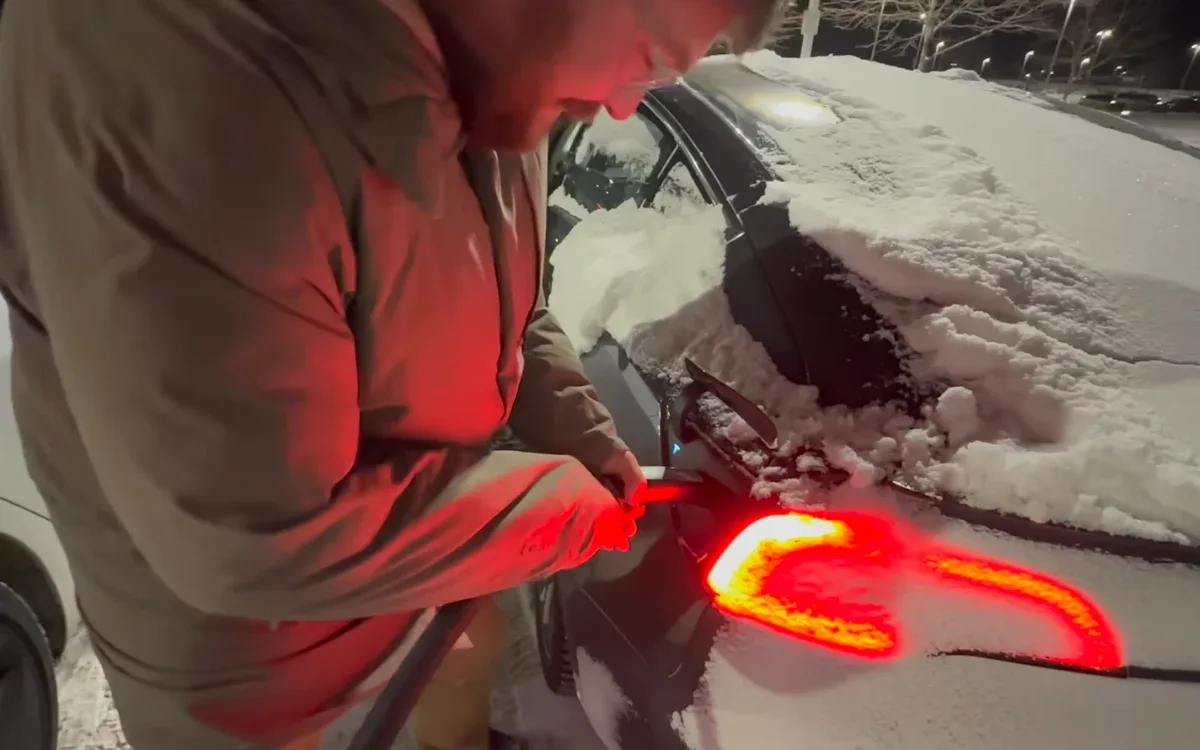
Check Price on Amazon As an Amazon Associate I earn from qualifying purchases.Per EPA testing standards, the Model 3's range is measured at moderate speeds with climate control off. Real-world driving uses more energy, so that rated number is a best-case figure, not a promise. In our research, owners typically see 70 to 80 percent of rated range per full charge.
Knowing why that happens is the first step to fixing it.
49% off Today's Exclusive Deals
Limited-time Exclusive Deals. Check current discount on Amazon.
Check Price on Amazon As an Amazon Associate I earn from qualifying purchases.Image source: Bing (Web (fair-use with source credit))
Quick Answer
A Tesla Model 3 range problem almost always comes down to environmental conditions or battery degradation. Cold weather can cut range by 20 to 40 percent. Highway speed kills efficiency too.
If the drop is sudden and won't recover, check battery health. Gradual loss over years is normal, not a defect.
What Kind of Range Problem Are You Actually Seeing?
Start by sorting your symptom into one of four buckets. That makes the fix obvious.
49% off Today's Exclusive Deals
Limited-time Exclusive Deals. Check current discount on Amazon.
Check Price on Amazon As an Amazon Associate I earn from qualifying purchases.- Overnight drain: The car loses 5 to 15 percent while parked. Usually Sentry Mode, Cabin Overheat Protection, or a changing charge limit.
- Highway range drop: You see 70 percent of rated range on a road trip. That's aerodynamic drag, not a fault.
- Cold-weather loss: The range bar falls when temperatures drop below freezing. Expect 30 percent less in extreme winter.
- Gradual degradation: The full-charge range decreases by a few miles every year. Tesla says 5 to 10 percent after 100,000 miles is typical.
| Symptom | Likely cause | First move |
|---|---|---|
| Overnight drain | Parasitic draw | Check energy app, turn off Sentry Mode |
| Fast highway loss | High speed and wind | Slow to 70 mph, check tire pressure |
| Cold-weather dip | Battery temperature | Precondition while plugged in |
| Slow yearly decline | Battery aging | Compare with warranty terms |
Diagnosing range loss is like narrowing down a brake squeak. You need to isolate when it happens. A sudden drop after a software update is often just the display recalibrating.
Watch it for a few days before making changes.
Why Rated Range Never Matches Real-World Driving (and never will)
The EPA range figure comes from a laboratory test that runs the car at moderate speeds with no climate draw. Real life isn't a lab. You run the heater, drive at 80 mph, carry cargo, and fight headwinds.
All of that pulls the real range down.
Tesla's rated range also includes a buffer above the usable battery capacity. That's why the car can show 0 percent and still creep for a few miles. The official EPA data is a reference point, not a guarantee.
Most owners will never match it in daily use.
The trip meter tells the real story. It measures energy use in watt-hours per mile. A healthy Model 3 averages 230 to 280 Wh/mi.
Cold weather, short trips, and highway speed push that above 350 Wh/mi. When consumption rises, range falls.
Your cabin heater plays a big role too. A struggling cabin heater can pull extra current from the battery on cold mornings. That's rare, but worth ruling out if the numbers look extreme.
The Big Range Killers: Cold Weather, Highway Speed, and Phantom Drain
Cold Weather
Cold weather is the biggest single factor. The battery's internal resistance rises in low temperatures, so it takes more energy to release the same amount of power. The heat pump also steals a few miles to warm the cabin.
Expect 20 to 40 percent less range below freezing, especially on short trips.
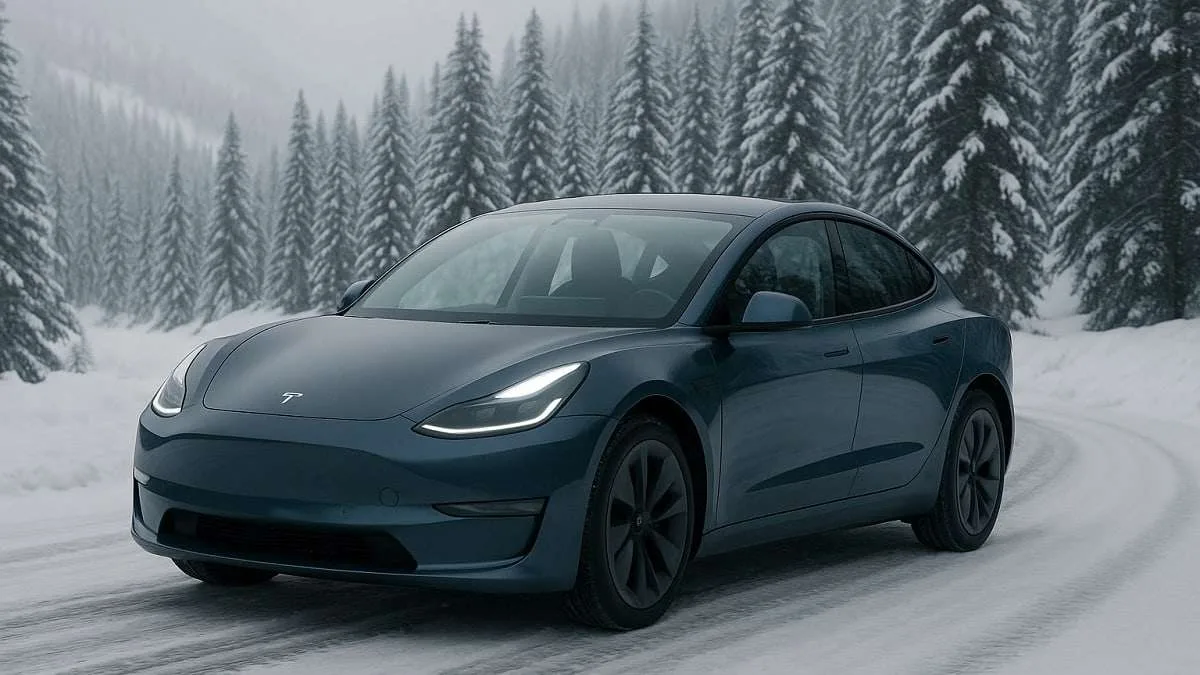
Image source: Bing (Web (fair-use with source credit))
Drivers in Minnesota, Canada, and Norway see this every winter. The range bar drops overnight because the battery cools to the ambient temperature. That's not damage.
It's physics. When the car warms up again, the range slowly returns.
Highway Speed
Aerodynamic drag rises with the square of speed. At 75 mph, the Model 3 needs about 15 percent more energy than at 65 mph. On a long trip, that difference means stopping earlier and charging longer.
The trip planner knows this, so it will route you to a Supercharger even when the display says you have enough range. Trust that routing. The in-car navigation uses real-time consumption data, not the optimistic EPA number.
Phantom Drain
The car never fully goes to sleep. Sentry Mode, Cabin Overheat Protection, and background software updates draw power. Sentry Mode alone can use 5 to 10 percent over 24 hours.
That's the EV version of leaving a brake light switch stuck on.
If you park in a secure garage, turn off Sentry Mode. In hot climates, disable Cabin Overheat Protection during the day. These two changes can recover more than 10 percent of your daily range.
When the AC stops blowing cold in summer, the system works harder and drains more. Cold weather also drops tire pressure, which adds rolling resistance and eats range even faster.
Step-by-Step Diagnosis: From Symptom to Likely Cause
Follow this order when you spot a range drop. It rules out the common causes quickly.
- Open the Energy app. Look at the consumption graph for the last 31 miles. It shows exactly where the power went.
- Compare displayed range to actual miles driven. If the gauge says you used 50 miles but you only traveled 40, the estimate is off.
- Check tire pressure. Cold air drops pressure, increasing rolling resistance. Inflate to the specification on the driver's door jamb.
- Review your charging schedule. Is the car waiting to charge until departure? If not, it might be drawing power to precondition a cold battery.
- Look at Sentry Mode and Cabin Overheat Protection. Both run behind the scenes. Turn them off and watch for changes.
- Do a calibration charge if you have an LFP battery. Charge to 100 percent and let it sit. This helps the Battery Management System figure out the true state of charge.
Most range problems resolve by step 4. If they don't, move on to degradation checks. A sudden drop after a software update is often just the BMS recalibrating.
It can read high for a week, then settle back down.
Range Recovery Fixes (and the Mistakes That Keep You Stuck)
These fixes work for most owners, but the order matters. Do them before you assume the battery is failing.
- Precondition while plugged in. The car warms the battery and cabin using grid power instead of the pack.
- Set your daily charge limit to 80 percent. Charging to 100 percent every day adds stress and makes degradation worse.
- Slow down on highways. Dropping from 80 mph to 70 mph can recover 10 percent of your range.
- Turn off Sentry Mode at home. It uses battery power all night for no good reason.
- Disable Cabin Overheat Protection in hot weather. It keeps the cabin cool but burns energy doing it.
- Check tire pressure monthly. The recommended setting is usually 42 psi. Cold air can drop it fast.
- Use the Energy app to find your own waste. It breaks down exactly how much climate, driving, and idle systems consume.
The biggest mistake is trying to recalibrate by draining the battery to zero every week. That doesn't help and it stresses the pack. Another common error is blaming the car for normal seasonal loss.
A range drop that returns in spring is not a defect.
If your range keeps falling even after these fixes, it's time to assess battery health. That part comes next.
When It's Real Battery Degradation: How to Check and What to Do
If your range still drops after the fixes above, the battery itself is the next suspect. A little degradation is normal. As of 2026, Tesla's warranty covers up to 70 percent capacity retention for eight years or 120,000 miles on Long Range trims.
The battery won't die suddenly, but it will lose a few miles of rated range each year.
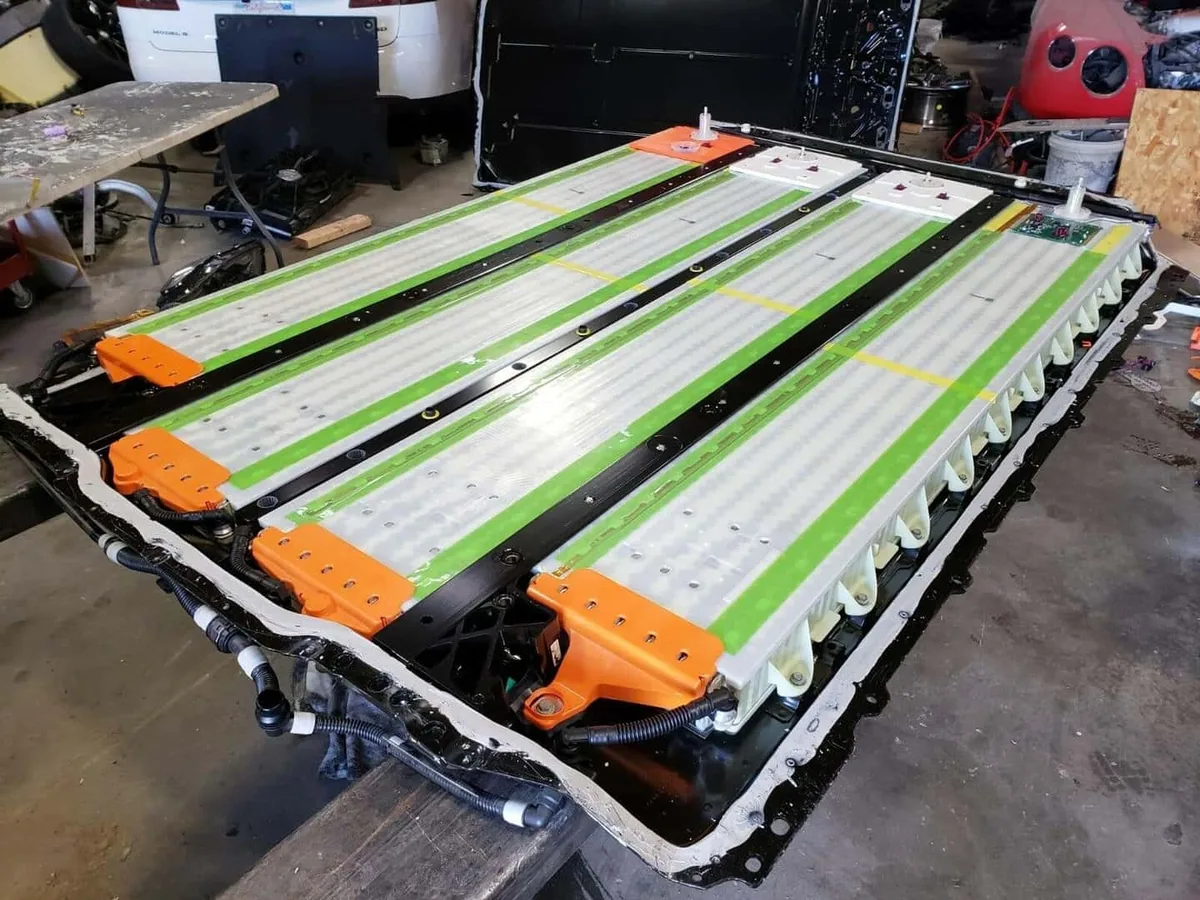
Image source: Bing (Web (fair-use with source credit))
Open the in-car service menu to read the estimated battery health. Navigate to Controls, then Service Mode. The diagnostic screen shows the State of Health.
You can also check through the energy app's charging history. Compare your current full-charge range against the EPA rating for your trim.
| Trim | Original EPA range (approx.) | Typical after 100k miles |
|---|---|---|
| Standard Range RWD | 272 miles | 240–250 miles |
| Long Range AWD | 358 miles | 310–330 miles |
| Performance | 315 miles | 270–290 miles |
If State of Health sits above 85 percent, your battery is fine. Blame the conditions, not the cells. If it's below 80 percent and still under warranty, book a service visit.
Tesla may replace the pack.
Before you blame the battery, rule out a coolant leak. It can quietly hurt battery efficiency without throwing a warning light. Low coolant throws off the thermal system, forcing the BMS to limit power and range.
If regen feels weaker than usual, the car may be blending the friction brakes. Excess pad wear shows up as a grinding noise, which is worth catching early.
Tesla Model 3 Range FAQs
How much range does a Tesla Model 3 lose in cold weather?
Expect a 20 to 40 percent drop below freezing, according to aggregate owner reports and AAA cold-weather testing. The exact loss depends on trip length, cabin heat use, and battery temperature. Short trips drain more because the battery reheats every drive.
Preconditioning while plugged in cuts that loss significantly.
Why is my range dropping overnight?
Sentry Mode pulls 5 to 10 percent over 24 hours. Cabin Overheat Protection also drains power on hot days. Turn both off in secure parking and watch the energy app.
If drain continues, a software update is likely recalculating the battery estimate. A full charge and a week of driving usually settles it.
Does charging to 100 percent damage the battery?
For daily driving, keep it at 80 percent. Charging to 100 percent daily adds stress and speeds degradation. Exceptions are LFP batteries, which Tesla recommends charging to 100 percent weekly for calibration.
Check your battery type in the app or vehicle settings. If you own an LFP, that full charge is part of maintenance.
What is the hidden buffer at 0 percent?
Tesla keeps a small reserve below the displayed empty. Most trims have 3 to 5 miles of extra range after the gauge hits zero. That reserve exists to prevent deep discharge damage, not as a travel cushion.
Don't rely on it. Running the battery to zero regularly harms the pack and can use up the buffer permanently.
Can a software update cause range problems?
Yes, updates can temporarily change the range estimate. The BMS recalibrates after new firmware is installed. A sudden drop that stays for a few days is usually just the system learning new behavior.
Give it a week. If the drop persists, check the energy app for a background drain.





