Shifting into Reverse and watching the Uconnect screen stay black is a frustratingly common Jeep moment. That blank screen is the classic Jeep Wrangler backup camera problem, and it hits JL, JK, and Gladiator owners alike. The good news?
Most failures aren't the camera lens. They're electrical.

49% off Today's Exclusive Deals
Limited-time Exclusive Deals. Check current discount on Amazon.
Check Price on Amazon As an Amazon Associate I earn from qualifying purchases.As of May 2018, federal law requires every new vehicle under 10,000 pounds to include a rear visibility system meeting NHTSA standards. That's why your Wrangler's camera sits inside the tailgate handle, and why a damaged harness or finicky software often causes the trouble. Let's break down what each symptom actually means before you start buying parts.
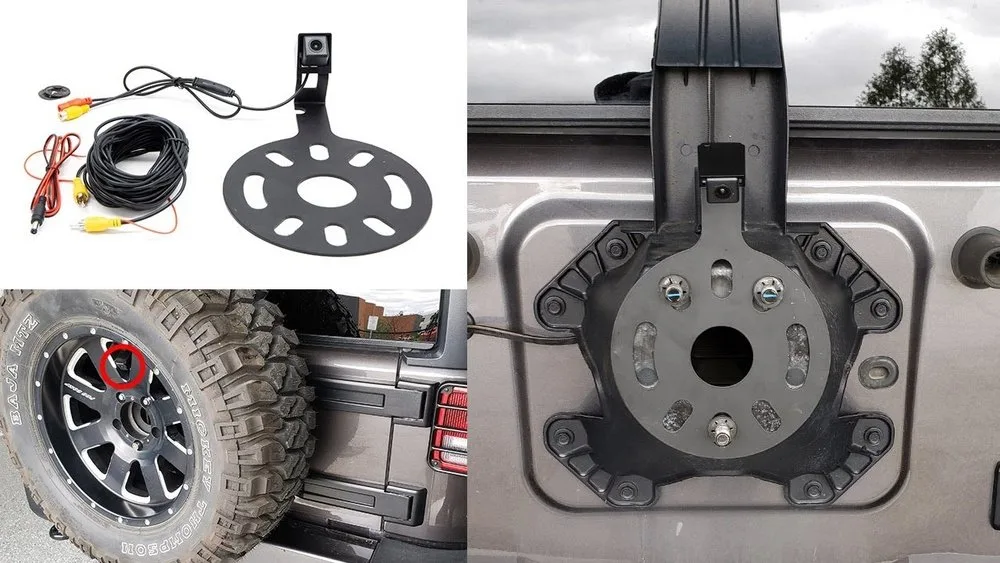
Image source: Bing (Web (fair-use with source credit))
49% off Today's Exclusive Deals
Limited-time Exclusive Deals. Check current discount on Amazon.
Check Price on Amazon As an Amazon Associate I earn from qualifying purchases.Quick Answer
The Jeep Wrangler backup camera problem usually comes from a broken tailgate harness. A black screen means the camera lost power or video signal. Flickering points to a loose connection.
A fuzzy image means a dirty or damaged lens. Software glitches after a battery disconnect also cause failures.
What Your Wrangler's Backup Camera Is Telling You: Blank, Fuzzy, Flickering, or MIA
Your Wrangler's camera rarely dies without warning. It gives you a clue in how it fails. The trick is recognizing what each clue points to.
| Symptom | Most Likely Cause | What To Check Next |
|---|---|---|
| Blank screen | No power or video signal to Uconnect | Reverse lights, tailgate harness |
| Fuzzy or static image | Weak video signal or interference | Shielding, harness ground, camera lens |
| Flickering image | Loose connector or intermittent break | Connector pins at tailgate hinge |
| No display when in Reverse | Uconnect software glitch | System reset, software update |
| Image shows but no gridlines | Camera mode or coding issue | Uconnect settings, dealer TSB |
A blank screen is the most common complaint. It usually means the camera isn't sending video, or the screen isn't receiving it. Check your reverse lights first.
49% off Today's Exclusive Deals
Limited-time Exclusive Deals. Check current discount on Amazon.
Check Price on Amazon As an Amazon Associate I earn from qualifying purchases.If they're off, the camera never woke up. That's the same electrical logic as brake lights that won't light.
A fuzzy or static image points to a weak signal. That often comes from a cracked cable jacket near the tailgate hinge, letting water and corrosion into the wires. An intermittent flicker is almost always a wiring problem.
The wires inside the harness flex every time you open the tailgate. Eventually, one snaps but still touches, so the image cuts in and out. That's the same intermittent behavior you'd see in a turn signal that stopped flashing.
If you see nothing at all when shifting into Reverse but the Uconnect menu works normally, suspect software. A quick system reset clears that in most cases. Remember, the camera image is a video signal, not a computer display.
Any interruption in power, ground, or the video wire itself kills the picture.
The Three Usual Suspects: Camera, Tailgate Harness, and Uconnect Software
Before you buy a replacement camera, understand the three components that can fail. Each one behaves differently when it starts dying.
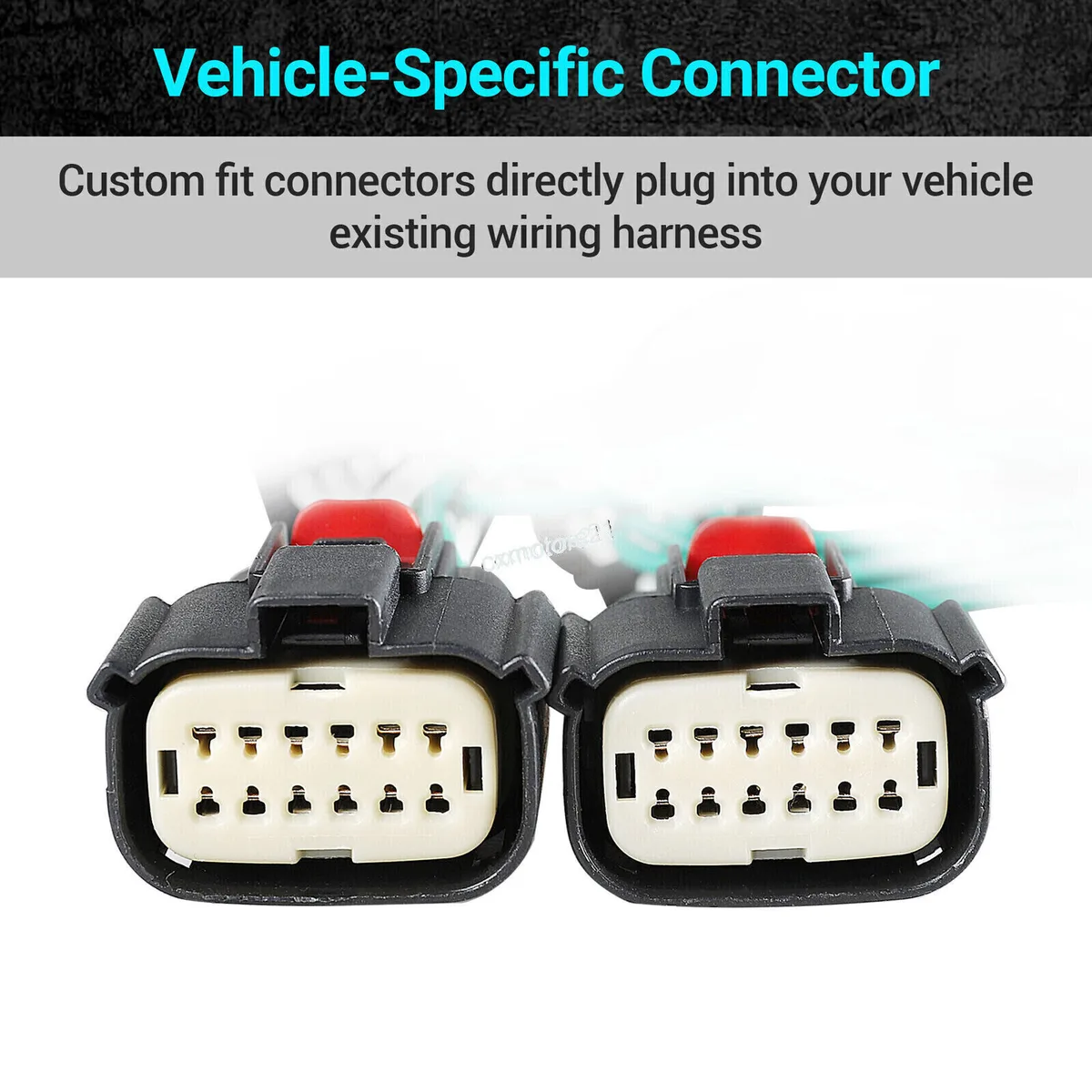
Image source: Bing (Web (fair-use with source credit))
The Tailgate Harness
This is the #1 failure point. Wires run from the body, through the tailgate hinge, up to the camera. Every open and close bends those wires.
After three or four years, the copper strands fatigue and snap. As of 2026, many JL owners hit this failure right around that three-to-five-year mark. Check this first before blaming the camera.
The Camera Unit
The camera itself is sealed in the tailgate handle housing. It's more durable than you'd think, but water can still get in if the housing gaskets degrade. A moisture-marked lens creates that cloudy, ghosted image.
Hard impacts from trail debris can also crack the sensor board.
Uconnect Software and Settings
The infotainment system controls when the camera activates. A low battery disconnect, a failed over-the-air update, or a glitchy Tazer programmer can disable the camera feed entirely. The screen might still show the gridlines, but no video.
In our research across JL and Gladiator owner forums, the harness is the most common failure point. The camera unit itself is far less likely to die.
Decision Tree: Diagnose the Backup Camera Problem by Symptom and Situation
Here's a straightforward decision tree to start with. Follow it in order, and skip any branch that doesn't match.
Step 1: What does the screen show when you shift into Reverse?
- If the screen is blank: Check your reverse lights. Do they come on? If not, check the fuse and the reverse light switch. If they do, move to Step 2.
- If the screen shows a fuzzy image: Inspect the camera lens for moisture. Then check the signal wire and its shielding in the tailgate harness.
- If the screen flickers: Move to Step 3.
- If the screen doesn't switch at all: Reset Uconnect. Hold the power and tune buttons for five to ten seconds.
Step 2: Are the reverse lights working?
- If yes, power reaches the camera. The problem is the signal wire, the camera itself, or Uconnect. Disconnect the camera connector. If the screen switches to a blue or black screen, that's normal. Use a multimeter on the camera's video pin to test for output.
- If no, the camera never ramps up. Trace the reverse light circuit the same way you'd investigate windshield wipers that suddenly quit. The fuse and wiring are the usual culprits.
Step 3: Does the flicker happen on rough roads or when you touch the harness?
- If yes, it's a mechanical wire break. Open the tailgate interior panel and inspect the harness at the hinge.
- If no, it's likely a loose connector. Remove the connector, clean the pins, and reseat it firmly.
Step 4: Is the image dim or inverted?
- A dim image means weak video signal, often from a poor ground.
- An upside-down image means the camera was replaced with an aftermarket unit that doesn't match the vehicle's camera mode. Check Uconnect settings or the dealer TSB.
This flow doesn't require special tools. It only requires a flashlight and a few minutes.
Step-by-Step Repair: Wrangler Tailgate Harness, Camera, and Connector Fix
The most common fix is repairing the tailgate harness. It's straightforward with basic hand tools, and it's a lot like tracing the broken wiring that makes a car power window go dead.
- Open the tailgate and remove the interior panel. It snaps off with plastic trim tools. Be careful with the panel clips. They break easily.
- Locate the harness bundle that crosses the hinge. Look for cracked, kinked, or melted insulation.
- Gently flex the harness near the hinge and watch the camera display. If the image flickers, you've found the break.
- Disconnect the battery negative cable. Then unplug the harness connector on both ends.
- Cut the damaged section of wire out. Strip back the insulation on both sides.
- Use butt connectors or solder and heat shrink. Match wire colors precisely.
- Reconnect everything. Reconnect the battery. Test the backup camera.
If the wiring looks fine but the camera still fails, use a multimeter to check for power at the camera connector with the vehicle in Reverse. JL models typically supply around 6V DC to the camera. No voltage means a break further upstream.
That's the same multimeter logic as troubleshooting headlights.
Important: When you strip the harness, leave some slack. Stretch the wires too tight, and they'll snap again within months. You can also skip splicing and replace the whole harness.
A new Mopar tailgate camera harness runs roughly $70 to $120 and plugs in directly. That's a clean solution, especially if wires are broken in multiple places. Apply dielectric grease to the connectors before reassembly.
It seals out moisture and extends the life of the repair.
Replacing the Camera: OEM vs Aftermarket Costs, Compatibility, and Installation
Sometimes the camera itself is genuinely dead. Water intrusion or a hard impact can fry the sensor. When that happens, you have two main choices.
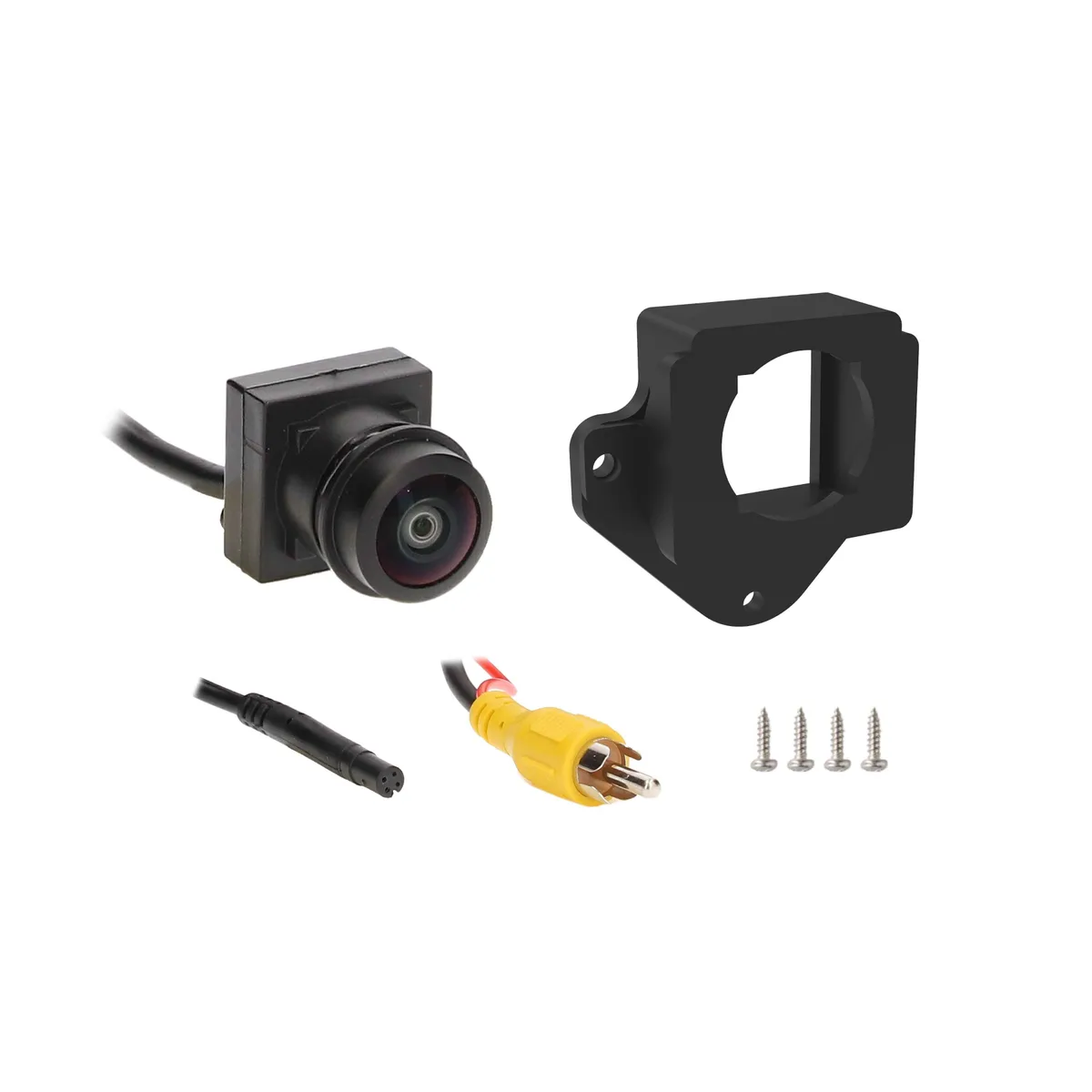
Image source: Bing (Web (fair-use with source credit))
| Option | OEM Replacement | Aftermarket Camera |
|---|---|---|
| Cost | $150-$350 | $30-$150 |
| Compatibility | Plug-and-play with Uconnect | Usually requires RCA adapter or standalone screen |
| Quality | Matches factory lens and waterproofing | Varies widely by brand |
| Installation | Direct fit, no wiring changes | May need custom mount or wiring |
| Best for | Owners who want original reliability | Budget builds or off-road rigs with custom bumpers |
OEM replacement is the painless route. It bolts into the tailgate handle housing and connects with the same connector. You know it works with your exact stereo and gridlines.
Check the Mopar parts site for the correct part number for your trim.
Aftermarket cameras vary. Some are excellent and offer sharper night vision with hidden wiring. Others use cheap lenses that wash out in sunlight.
Check that the camera outputs the same signal type, CVBS, if you plan to feed it into the Uconnect screen. CVBS is the standard analog composite video format that factory screens expect.
For most daily drivers, we recommend spending the extra on the OEM camera. The convenience alone is worth it, since aftermarket units usually require figuring out the adapter to make the factory screen cooperate. If you're chasing the best image quality on a custom bumper, a high-end aftermarket camera makes sense.
Just keep one thing in mind: part numbers change across model years. A 2018 JL camera won't necessarily work in a 2024 JL. Double-check your VIN and exact trim before ordering.
Mistakes That Turn a Cheap Wrangler Camera Fix into a Bigger Repair Bill
Most backup camera repairs cost under $50 if you catch the wiring early. Skip the right steps, and the bill climbs fast. The biggest mistake is replacing the camera before testing the harness.
If the harness is broken, a new camera still returns a black screen. You've then spent $200 and learned nothing.
Splicing without slack is another common miss. Pulled tight wires will flex and snap again. That turns a 30-minute fix into a repeat problem you'll chase for months.
Bad connectors and no grease lead to corrosion. Cheap twist-on connectors fail under vibration. Use solder or sealed butt connectors.
Apply dielectric grease to every connection you open.
Ignoring a simple software reset costs time. After a battery jump, Uconnect might just need a restart. Holding the power and tune buttons for five seconds often brings the camera back.
Wrong aftermarket signal type causes a blank or inverted image. Check that any replacement camera outputs CVBS video to the factory screen. You'll likely need an adapter that adds about $40 back to the repair.
Rushing to a dealer before testing leads to high diagnostic fees. A multimeter and an hour at home solve most cases. Test first, then spend.
Frequently Asked Questions
Why is my Jeep Wrangler backup camera showing a black screen?
A black screen usually means the camera isn't receiving power or sending video. Check your reverse lights first. If they work, inspect the tailgate harness for broken wires.
Finally, reset Uconnect by holding the power and tune buttons for five seconds.
How much does it cost to replace a Jeep Wrangler backup camera?
An OEM camera costs between $150 and $350. Aftermarket cameras run $30 to $150. Labor adds $100 to $200 if you use a shop.
Most owners spend under $100 when they repair the harness instead of replacing the camera.
How do I reset the Jeep Wrangler backup camera?
You can't reset the camera itself. You reset the Uconnect system. Turn the ignition to Run, hold the power and tune buttons for five to ten seconds, and wait for the screen to restart.
That clears most software glitches that disable the camera.
Why does my Jeep Wrangler backup camera work only sometimes?
Intermittent issues point to a broken wire in the tailgate harness. The wire bends when the tailgate opens, and a hairline break touches sometimes. Gently flex the harness while the camera is on.
If the image flickers, repair that section.
Can I install an aftermarket backup camera on my Jeep Wrangler?
Yes, but you need the right signal type. Aftermarket cameras often require an RCA video converter to feed the Uconnect screen. Check compatibility and part numbers before buying.
A wrong unit will show a black or inverted image.





