Press and hold the odometer button, cycle power, then follow model-specific steps to clear the light.
I’ve reset maintenance lights on many Toyota Camrys over the years, from older models with an odometer button to newer ones with touchscreen menus and OBD-II scanners. This guide explains how do you reset the maintenance light on a Toyota Camry in clear, step-by-step ways for different model years, plus troubleshooting, tips, and real-world advice based on hands-on experience. Read on to learn the exact steps for your Camry and avoid common mistakes.

49% off Today's Exclusive Deals
Limited-time Exclusive Deals. Check current discount on Amazon.
Check Price on Amazon As an Amazon Associate I earn from qualifying purchases.
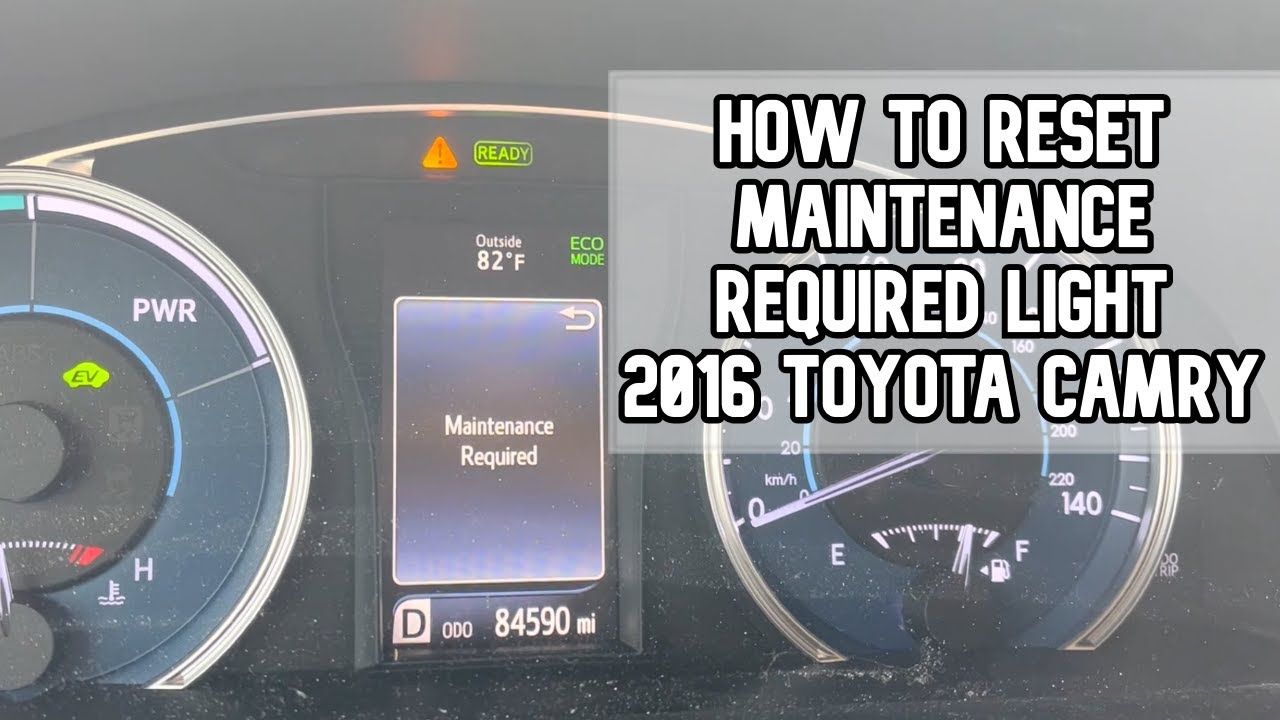
Why the maintenance light appears on a Toyota Camry
The maintenance light is a reminder. It tells you when routine service is due. Most Camrys use a mileage timer that triggers an indicator after an oil change interval or scheduled maintenance window. The light does not always mean a mechanical failure. It often means the service schedule needs to be reset after work is done. Knowing what the light means helps you decide if you can reset it yourself or need service.
49% off Today's Exclusive Deals
Limited-time Exclusive Deals. Check current discount on Amazon.
Check Price on Amazon As an Amazon Associate I earn from qualifying purchases.How do you reset the maintenance light on a Toyota Camry?
Below are the common methods to reset the maintenance light. The right method depends on your Camry’s year and dash layout. Follow the exact steps for your model to reset the indicator safely.
Method 1 — Classic odometer/trip button reset (many 1997–2017 models)
- Turn the ignition to ON but do not start the engine. The dash lights come on.
- Press and hold the odometer or trip meter button. Keep it held.
- Turn the ignition off, then back to ON while still holding the button.
- Hold the button until the maintenance light flashes and goes out, or until the display shows dashes then zeros.
- Release the button and start the engine to confirm the light is gone.
Method 2 — Multi-information display or steering wheel menu (some 2012–2019 models)
- Turn the key to ON or press the start button once without starting the engine.
- Use the steering wheel arrows to access the settings or maintenance menu.
- Select “Maintenance Reset” or “Oil Maintenance” and follow prompts.
- Confirm reset when asked and verify the light is off after restart.
Method 3 — Touchscreen and vehicle settings (2018+ Camry with Entune/infotainment)
49% off Today's Exclusive Deals
Limited-time Exclusive Deals. Check current discount on Amazon.
Check Price on Amazon As an Amazon Associate I earn from qualifying purchases.- Turn the vehicle to ACC mode without starting.
- Tap Setup or Menu on the infotainment screen.
- Choose Vehicle Settings or Maintenance.
- Select the maintenance item (oil or general) and tap Reset or Clear.
- Restart the car and confirm the light is off.
Method 4 — Using an OBD-II scanner or code reader
- Plug a scanner into the OBD-II port under the dash.
- Turn the ignition to ON or start the engine as required by the scanner.
- Navigate to the maintenance or service menu on the scanner.
- Use the tool to clear maintenance reminders or stored maintenance codes.
- Confirm the light is cleared and no stored codes remain.
How do you reset the maintenance light on a Toyota Camry? Use the method that matches your dash. If a simple reset fails, a stored trouble code may need diagnosis.
Model-specific notes and quick references
1997–2006 Camry
- Use the odometer button reset. Steps are quick and reliable.
- If the light returns, check oil level and records.
2007–2017 Camry
- Many use the trip button or steering-wheel menu.
- Some hybrids have specific prompts; check hybrid status before resetting.
2018–present Camry
- Most newer models have touchscreen menu resets.
- Some trims require steering wheel controls plus the display menu.
- Hybrid models may show separate reminders for hybrid system checks.
How do you reset the maintenance light on a Toyota Camry? Match the instructions to your model year to avoid confusion.

Troubleshooting common problems
Light won’t reset
- The vehicle has an active trouble code. Clear codes with a scanner and address the fault.
- The reset sequence was interrupted. Repeat the correct steps for your model.
Maintenance light returns too soon
- Service interval not actually completed. Confirm oil change or service was done.
- Oil level low or incorrect filter used. Recheck service quality.
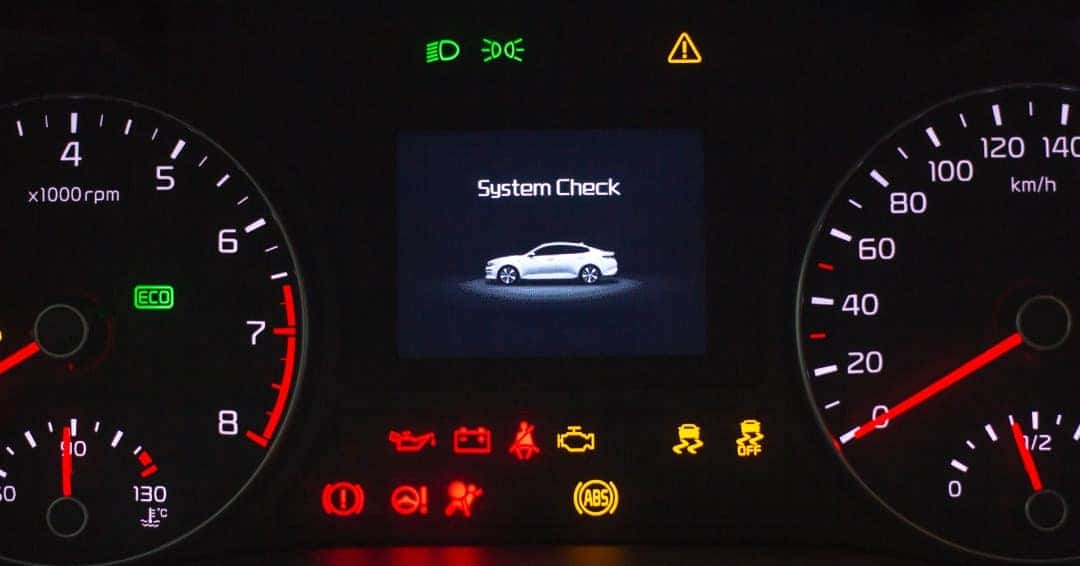
Mixing up maintenance light and check engine light
- The maintenance required light is only a reminder. The check engine light signals detected faults.
- Do not ignore a check engine light. It requires diagnosis before resetting.
How do you reset the maintenance light on a Toyota Camry when it won’t clear? Use a scanner to read codes, fix any issues, then perform the reset.

Safety tips, service advice, and when to see a pro
Do not reset the maintenance light as a substitute for service. The reminder exists to protect engine health and warranty status. If the maintenance light is linked to an oil change, perform the oil and filter service before reset. If you see other warning lights, strange noises, or fluid leaks, seek professional help right away. Use dealership or qualified independent shops for complex faults or when warranty coverage applies.
How do you reset the maintenance light on a Toyota Camry without skipping needed service? Always service the vehicle first, then reset.

Personal experience and practical tips
I’ve reset maintenance lights on many Camrys during routine oil jobs. One tip I learned: always park on level ground before checking oil. On one job I reset the maintenance light but the light returned because the oil filter was loose. That taught me to double-check service items after a reset. Keep a simple checklist: oil change, filter torque, correct oil grade, and odometer reset. This saves headaches and keeps the reminder meaningful.
How do you reset the maintenance light on a Toyota Camry while avoiding mistakes? Do the work right first, then reset.

Frequently Asked Questions of How do you reset the maintenance light on a Toyota Camry?
How long does the maintenance light stay on after reset?
It usually goes off immediately after a successful reset. If it stays on, repeat the proper reset steps for your model or check for stored codes.
Can I reset the maintenance light without doing the oil change?
Yes you can reset the light technically, but you should not. Skipping service risks engine damage and may void warranties.
Will a dealer charge to reset the maintenance light?
Many dealers reset it for free when you have routine service done. If no service is performed, some shops may charge a small fee.
Is the maintenance light the same as the check engine light?
No. The maintenance light is a reminder for scheduled service. The check engine light indicates detected faults that need diagnosis.
Do hybrids reset the maintenance light differently?
Some hybrids have separate maintenance menus and additional prompts. Follow the hybrid-specific menu steps or consult the owner manual.
Will a battery disconnect reset the maintenance light?
A battery disconnect can clear some dash reminders, but it may also reset other settings and is not recommended as the proper method. Use the model-specific reset steps instead.
Conclusion
Resetting the maintenance light on a Toyota Camry is straightforward when you use the correct method for your model year. Start by completing the required service, then follow the odometer button, display menu, touchscreen, or OBD-II method that fits your Camry. If the light won’t clear, scan for codes and fix any underlying issues before trying again. Take action: perform proper maintenance, then reset the reminder, and share your experience or questions below to help others.