Your Hyundai Tucson key fob not working usually comes down to one of four things: a dead fob battery, a weak car battery, a lost sync, or interference. Annoying as it is, this problem is almost never a sign of major trouble. Most of the time, a $5 CR2032 battery fixes it in under five minutes.
Sometimes it takes a little longer, which is why we wrote this guide.

49% off Today's Exclusive Deals
Limited-time Exclusive Deals. Check current discount on Amazon.
Check Price on Amazon As an Amazon Associate I earn from qualifying purchases.As of 2026, the Tucson's Smart Key system runs on the same basic hardware across recent generations: a coin-cell powered fob with a red LED status light, a hidden mechanical backup key, and RF communication in the 315 MHz or 433 MHz band. Once you understand how these parts interact, the fix becomes a simple decision tree you can walk through in your driveway.
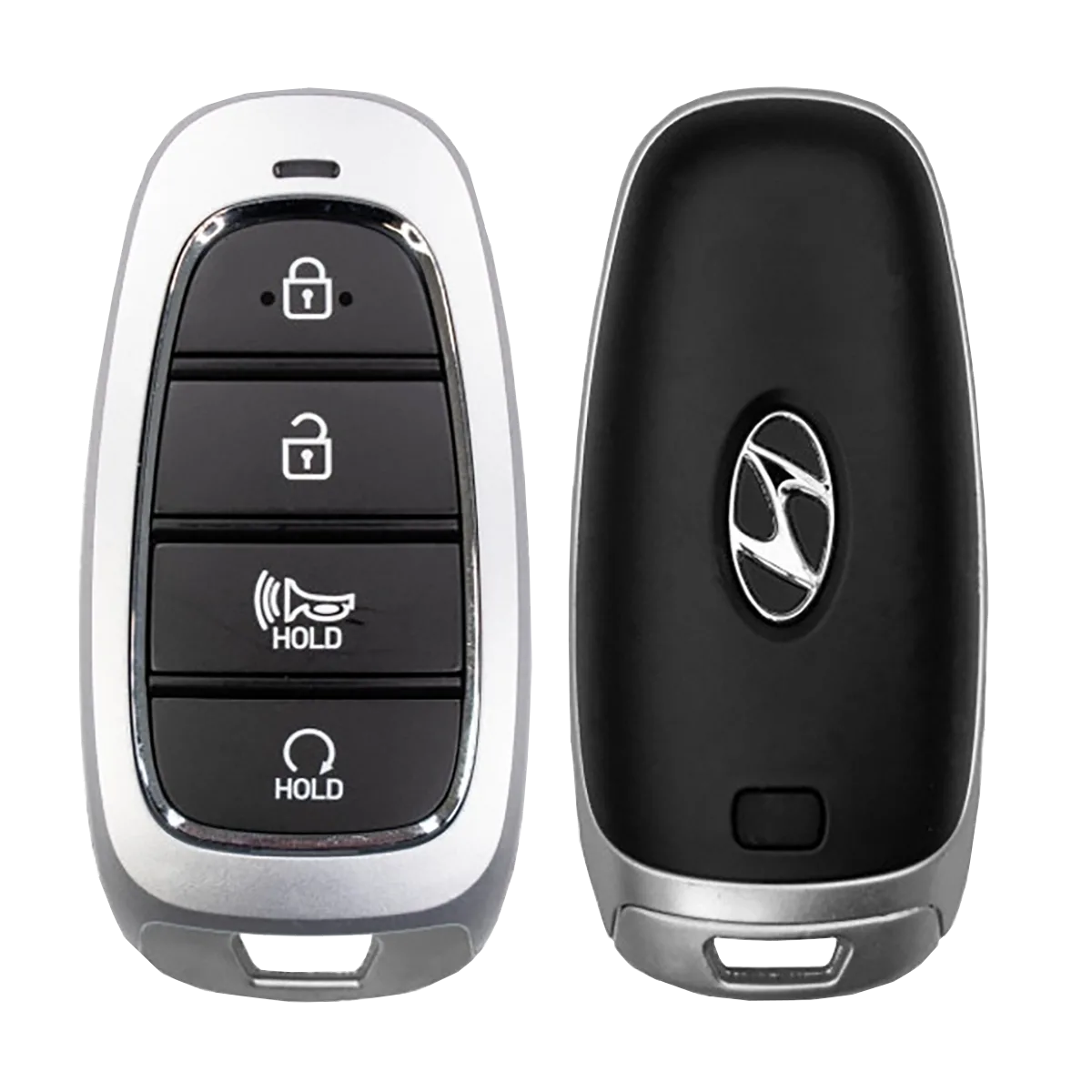
Image source: Bing (Web (fair-use with source credit))
49% off Today's Exclusive Deals
Limited-time Exclusive Deals. Check current discount on Amazon.
Check Price on Amazon As an Amazon Associate I earn from qualifying purchases.Quick Answer
If your Hyundai Tucson key fob isn't working, start with the fob battery. A dead CR2032 coin cell is the cause most of the time. Check the red LED first.
Replace the battery, then try the car. If that fails, use the hidden mechanical key. Touch the fob to the start button.
So Your Tucson Key Fob Just Quit: Let's Diagnose It
No modern car part fails as often as the key fob, and the Hyundai Tucson's Smart Key is no exception. The good news is that the system is simple enough to diagnose with a decision tree. Almost every failure falls into one of four branches: dead fob battery, weak car battery, lost sync, or a damaged fob.
Knowing which branch you're on takes about thirty seconds.
49% off Today's Exclusive Deals
Limited-time Exclusive Deals. Check current discount on Amazon.
Check Price on Amazon As an Amazon Associate I earn from qualifying purchases.Start with the red LED on the fob. Press the lock button and watch the tiny light near the top of the case. If the LED flashes bright red, the fob has power.
If it's dim, flickering, or completely dead, the CR2032 battery inside is your prime suspect. That single observation splits the entire diagnostic path in two.
The second variable is the car itself. The Tucson's smart key system draws power from the vehicle's 12V starter battery. A weak 12V battery can make the dash read "Key not detected" even when the fob is perfectly healthy.
It's the same kind of electrical gremlin that leaves power windows unresponsive one minute and fine the next.
Once you've checked the LED and confirmed the car's electrical situation, you're ready to branch. A new battery solves many of these cases on the spot. When it doesn't, the next steps involve resyncing, the emergency mechanical key, and the start-button backup procedure outlined below.
The "Dead Fob" Branch: Replacing That CR2032 Battery
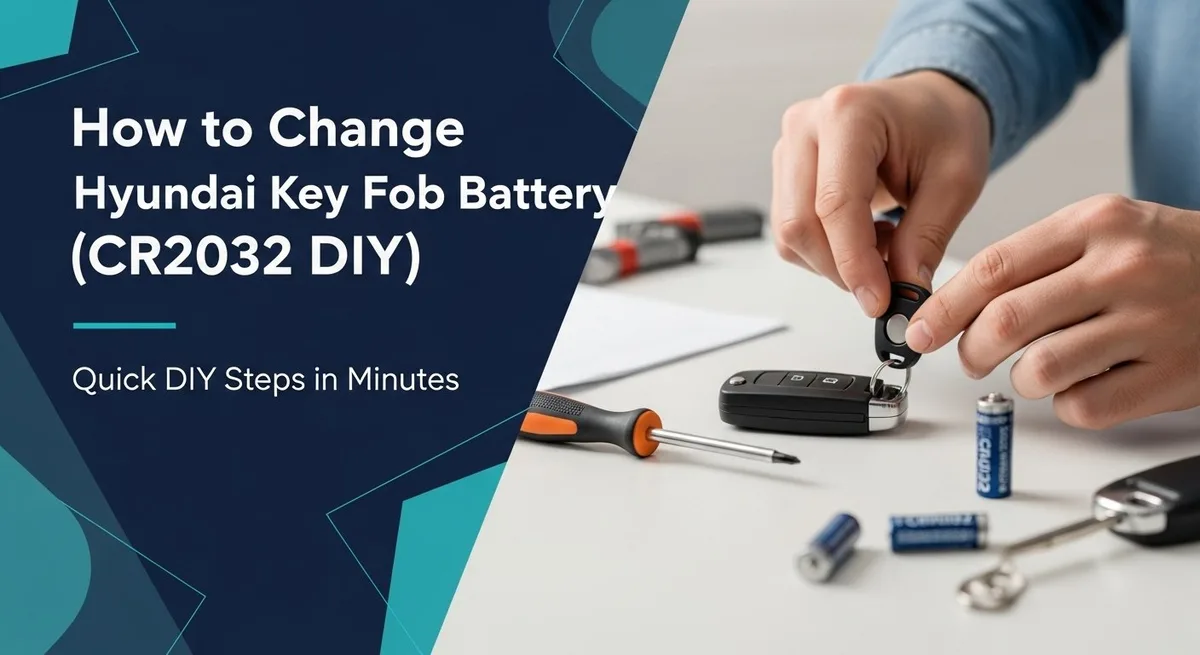
Image source: Bing (Web (fair-use with source credit))
Replacing the CR2032 battery is the first and cheapest fix to try. The process takes about three minutes, and the battery costs less than a coffee. Here's how to do it without scratching the fob case.
First, slide the small release lever on the back of the fob and pull out the hidden mechanical key. Insert the metal key blade into the notch at the bottom of the fob case and twist gently. The case splits into two halves along the seam.
If the key blade won't pop it open, a flathead screwdriver wrapped in a cloth works. The key blade is still the safer option.
Inside, you'll see the CR2032 coin cell sitting in a spring-loaded tray. Note the orientation before you lift it out. The positive side, marked with a "+", faces up on most Tucson fobs.
Drop the new battery in with the same orientation, press down lightly to seat it, and snap the case halves together. Test every button.
A couple of warnings. If the LED still doesn't light after a fresh battery, the fob's internal board may be damaged. That points to the replacement branch later on.
If the LED lights but the car still ignores the fob, your problem is further down the line, and the next section covers that path.
The "Has Power but Not Detected" Branch: Resync, Interference, and the Start-Button Trick
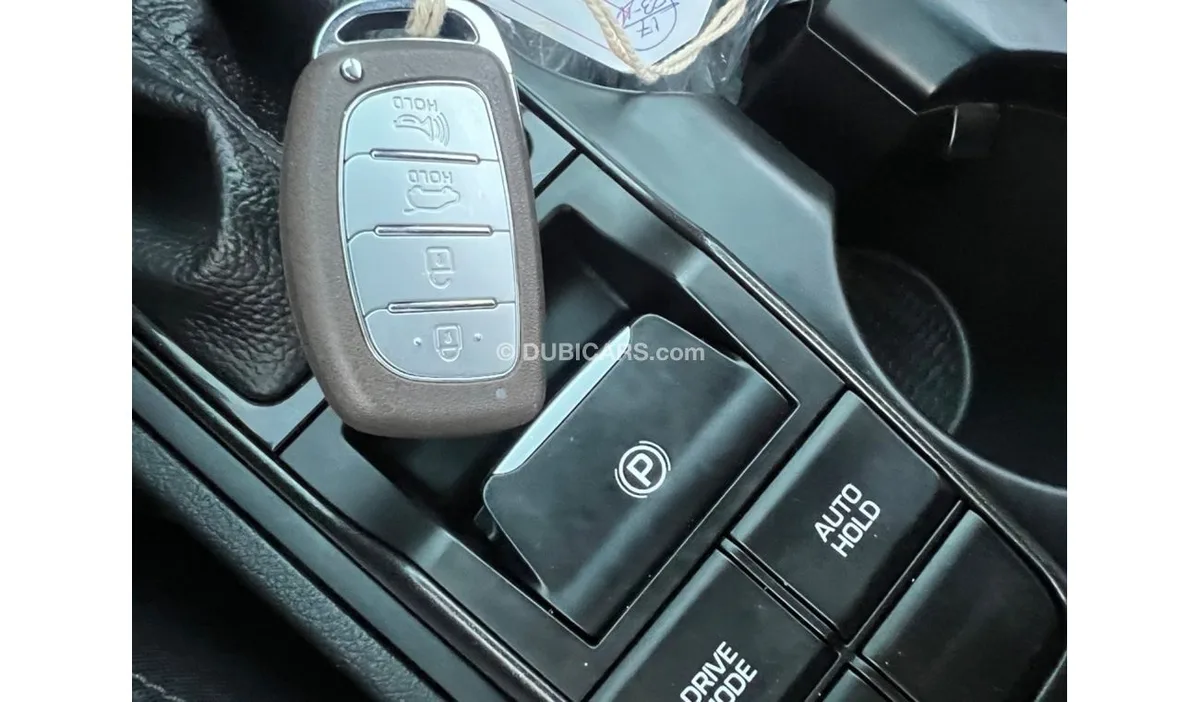
Image source: Bing (Web (fair-use with source credit))
When the fob has power but the car still says "Key not detected," the problem is usually communication. The Smart Key system relies on a short-range radio signal, and anything that blocks that signal can stop the car from seeing the fob. Your first move is the start-button trick.
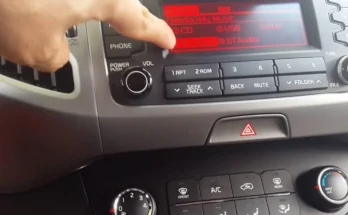
Press the brake pedal and hold the fob directly against the push-button start switch. The Tucson's antenna is built into the button housing on many trims. Touching the fob to it bypasses most signal issues and lets the immobilizer read the chip.
Keep it there for a few seconds until the green indicator light appears, then press start.
If that works, the system itself is fine. The next step is resyncing the fob. Sit in the driver's seat and press the lock and unlock buttons at the same time for four seconds.
Then turn the fob over and press the panic button briefly. Most models will chirp or flash the hazard lights when the sync is confirmed.
Several things can cause this message even during normal use. A weak 12V battery is at the top of the list. It's the same culprit behind headlights that act up.
Your phone sitting in a center-console cubby, a dashcam plugged into a nearby 12V outlet, or a metal water bottle in a cup holder can block the low-frequency signal too. Per FCC Part 15 regulations, the fob's transmitter is designed for low power. Physical obstruction matters more than you'd expect.
The "Locked Out with a Dead Fob" Branch: Mechanical Key Entry and Emergency Start
This is the branch nobody practices until they need it. If your Tucson fob gives you nothing at all, and you're standing outside in the rain, the mechanical key inside the fob is your way in. Every Tucson ships with one, hidden inside the plastic housing.
Slide the small release lever on the back of the fob and pull the metal key blade out. The driver door handle has a small cover on the bottom edge. On most trims, you'll see a tiny slot.
Press the cover's release tab or insert the key tip and pry gently to pop it off. Behind it is the physical key cylinder. Insert the mechanical key, twist toward the rear of the car, and the driver door unlocks.
That gets you inside. The emergency start procedure is next. Press the brake pedal with your foot.
Touch the fob to the push-button start switch, and in most cases the car will recognize it within a few seconds. On some trims, the owner's manual shows a backup slot inside the center console where the fob fits exactly. Either method bypasses the dead fob battery entirely.
Now the important caveat. If the mechanical key turns but the door won't unlock, or the interior lights are absent, your Tucson's 12V battery is likely dead. It's the kind of electrical failure that leaves a horn that suddenly stops and a dash that goes dark.
That's a different problem. The fob was sending its signal all along, but the car had no power to receive it. Start by testing or charging the 12V battery before you blame the fob again.
When You Need a Replacement Fob: Dealer vs. Locksmith vs. Used
Sometimes, a new battery and a resync just aren't enough. If the fob has taken a drop into a puddle, been through a wash cycle, or lost a fight with a toddler, the internal board might be toast. At that point, you're shopping for a replacement.
A brand-new OEM fob from a Hyundai dealership costs between $150 and $400, depending on your Tucson's trim and model year. That price includes the cut key blade. Programming labor may be extra, so confirm the out-the-door figure before committing.
If you're under warranty, ask about goodwill coverage. If not, your Hyundai owner's manual lists the exact fob procedure for your model year.
| Option | Typical Cost | Risk Level |
|---|---|---|
| Dealer OEM | $150 to $400 | Low |
| Locksmith OEM | $100 to $250 | Low to medium |
| Used fob online | $30 to $80 | High |
An independent automotive locksmith is usually a cheaper middle ground. Many carry OEM fobs and the diagnostic tooling to program them. Typical out-the-door pricing lands around $100 to $250.
Just confirm ahead of time that they work on Hyundai's Smart Key system.
Buying a used fob online is the riskiest option. Prices drop to $30 to $80, but that fob is locked to the previous owner's car. Some locksmiths can reset it, but not all.
You could end up paying more for programming than you saved on the part.
A cheaper alternative in some cases is the Hyundai Digital Key. It turns your phone into the fob on newer Tucson models, though it requires a factory subscription and NFC hardware.
Mistakes to Avoid When Troubleshooting Your Tucson Key Fob
Before you spend money on a replacement, rule out the common mistakes that send people chasing new parts unnecessarily.
Mashing buttons to "wake up" the fob. Pressing lock and unlock repeatedly won't help. It just drains the CR2032 further. If the fob is dead, it stays dead until you swap the battery.
Buying the wrong battery. The Tucson needs a CR2032, not a CR2016 or a CR2025. They look similar, but the 2016 is thinner and won't make proper contact. Check the number on the old cell before ordering.
Ignoring the 12V car battery. We've seen it many times. The fob checks out fine, but the car still refuses to start. A weak 12V battery causes the exact same "Key not detected" message, plus a few other electrical gremlins like a cabin fan that drops mid-drive.
Test the car battery before you replace anything.
Forgetting about water and impact damage. A fob that fell in a puddle or took a hard knock can still light up the LED. The RF board inside, however, might be corroded or cracked. If a fresh battery doesn't work, assume internal damage rather than a sync problem.
Attempting random resets. Holding buttons for ten seconds doesn't reset anything. It can actually desync the fob further. Stick to the sequence in your owner's manual or the steps we covered earlier.
Tucson Key Fob FAQ
How long should a Tucson key fob battery last?
Most factory CR2032 batteries last two to three years with normal use. Heavy users who lock and unlock frequently may see closer to eighteen months. If you're replacing the battery more than once a year, check for water damage or a short in the fob housing.
Can I start my Tucson with a completely dead fob battery?
Yes. The Tucson's Smart Key system reads the fob's immobilizer chip via low-frequency signal, not the battery. Press the brake, touch the fob to the push-button start, and wait for the green light.
The mechanical key gets you inside the door first.
Why does my Tucson say "Key not detected" when the fob is working?
Three things cause this: a weak 12V car battery, RF interference from a phone or metal object near the center console, or a fob that's out of sync. Try holding the fob against the start button first. Then resync by pressing lock and unlock together for four seconds.
How much does it cost to replace and reprogram a Tucson key fob?
A new OEM fob from a dealer runs $150 to $400 including programming. An independent locksmith usually charges $100 to $250. Used fobs online cost $30 to $80, but programming may fail if the fob is locked to another vehicle.
Confirm the locksmith's capability before buying.
What do I do if my spare fob isn't working either?
If both fobs failed at once, the problem is almost certainly the car, not the fobs. Test the 12V battery voltage first. A reading below 12.4 volts while static is suspect.
If the car battery is fine, check for a blown fuse in the smart key module or a failed body control module.



2 Comments on “Hyundai Tucson Key Fob Not Working”