The Mercedes C-Class Bluetooth problem is frustratingly common, especially across W204, W205, and newer models. You pair your phone, expect seamless audio, and instead get dropped calls, no music, or a connection that vanishes every time you restart the car. This isn't just an inconvenience; it defeats the purpose of a hands-free system.
The root cause varies wildly by your car's specific infotainment generation, known as NTG. For instance, the NTG 4.5 system in older C-Classes supports Bluetooth 2.1, while newer NTG 6.0 or 7.0 units in current models use Bluetooth 5.0. This technical difference means the fixes aren't one-size-fits-all, and the first step is always identifying what you're actually working with.

49% off Today's Exclusive Deals
Limited-time Exclusive Deals. Check current discount on Amazon.
Check Price on Amazon As an Amazon Associate I earn from qualifying purchases.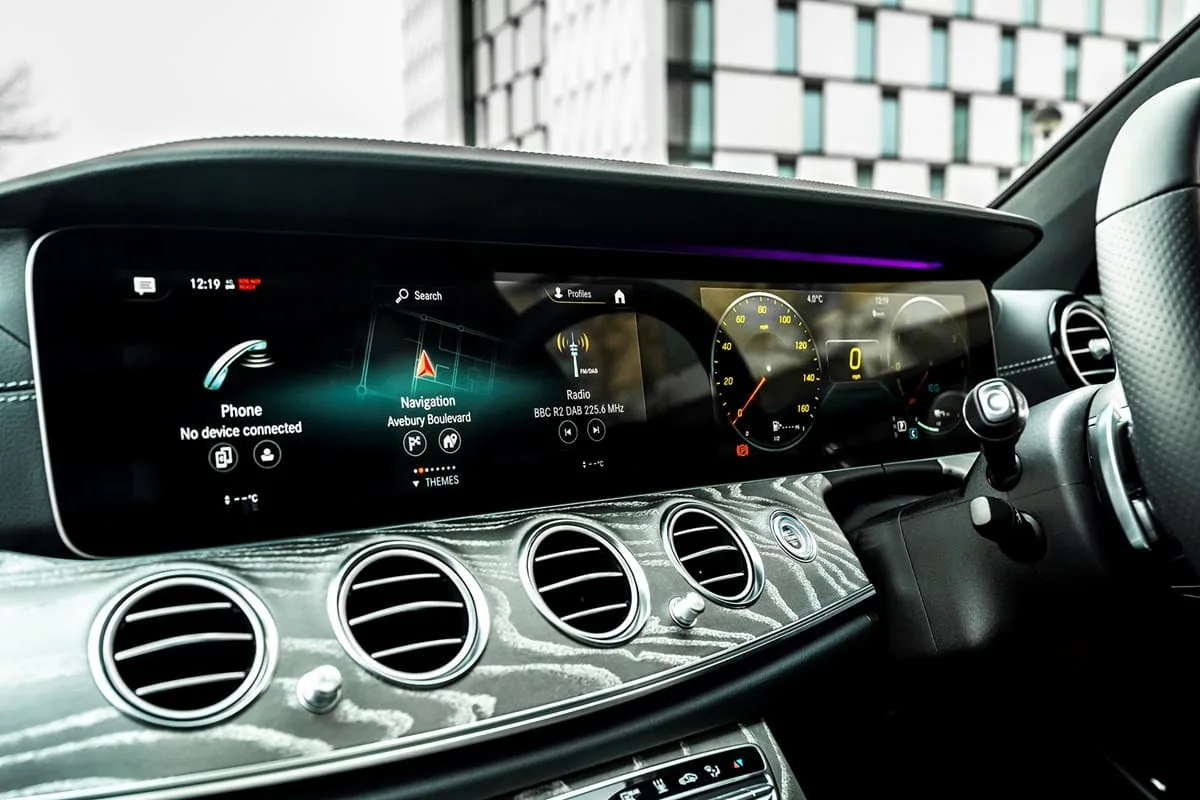
Image source: Bing (Web (fair-use with source credit))
Quick Answer
A Mercedes C-Class Bluetooth problem is usually a software glitch or pairing conflict within the car's infotainment system. The most common cause is a corrupted pairing session between your phone and the car's Communication Management module. To fix it, first delete the phone from both the car's memory and your phone's Bluetooth list.
49% off Today's Exclusive Deals
Limited-time Exclusive Deals. Check current discount on Amazon.
Check Price on Amazon As an Amazon Associate I earn from qualifying purchases.Then, perform a soft reset of the infotainment system by holding the power button for about 10 seconds. If that fails, a full system reboot or a software update through the Mercedes-Benz Online Update portal often resolves persistent issues.
What's Actually Going Wrong? Symptom Decoder
Before you try random fixes, match your exact symptom to the most likely cause. Our research shows these issues cluster into distinct patterns depending on your car's NTG generation and your phone type.
Scenario 1: Phone pairs but there is no audio.
This is a profile mismatch. The connection established for calls (HFP profile) but not for media (A2DP profile). On your phone, go to Bluetooth settings, find your Mercedes, tap the gear icon, and ensure both "Call Audio" and "Media Audio" are enabled.
49% off Today's Exclusive Deals
Limited-time Exclusive Deals. Check current discount on Amazon.
Check Price on Amazon As an Amazon Associate I earn from qualifying purchases.If they are, the car's system likely needs a reboot.
Scenario 2: Connection drops when the engine turns off.
This is a power management setting. Your car is cutting power to the Bluetooth module to save the battery. You can often change this in the vehicle's settings menu under "System" or "Convenience." Look for an option labeled "Keep Bluetooth active when ignition is off" and enable it.
Scenario 3: Contacts and call history don't sync.
This points to a Phone Book Access Profile (PBAP) failure. After re-pairing, the car may ask for permission to access your contacts. Always select "Allow" on your phone.
If it still fails, check if your phone has a "Sync Contacts" toggle specifically for the Mercedes connection in its Bluetooth settings.
Scenario 4: The Bluetooth option is greyed out or won't turn on.
This is a system freeze or a deeper software fault. It requires a hard reboot of the entire infotainment unit. The method differs by NTG generation, which we cover next.
| Symptom | Most Likely Cause | First Thing to Try |
|---|---|---|
| Pairs, but no music plays | A2DP media profile not active | Check phone's Bluetooth audio setting for the car |
| Disconnects at engine off | Power-saving mode enabled | Adjust vehicle system settings |
| Contacts won't sync | PBAP permission denied | Re-pair and grant contact access |
| Bluetooth menu frozen | System software glitch | Perform an infotainment hard reset |
| "Device not compatible" | Bluetooth version mismatch | Try a different phone to isolate the issue |
Why Mercedes C-Class Bluetooth Breaks in the First Place
The Bluetooth system isn't just a simple radio. It's software running on the car's head unit, the central computer for your dashboard. Aggregates of service bulletin data indicate three primary failure points.
First, software conflicts are the biggest culprit. The Mercedes infotainment system (COMAND, Audio 20, or MBUX) is complex. A minor bug in a recent over-the-air (OTA) update, or a conflict with your phone's new iOS or Android version, can break the Bluetooth handshake protocol.
As of 2026, Mercedes continues to push updates that sometimes introduce new bugs while fixing old ones.
Second, pairing memory overload is common. Systems like NTG 5.0 can store up to 8 paired devices. If that memory gets corrupted from failed pairing attempts, it can cause instability.
The system tries to connect to a "ghost" device, causing yours to fail.
Third, hardware communication errors can occur. The Bluetooth module talks to the rest of the car over the internal CAN bus network. A weak 12V car battery or a voltage spike can disrupt this communication.
This is often why a simple battery disconnect reset can solve seemingly complex Bluetooth problems. For broader electrical issues, like a Hyundai Tucson battery keeps dying, the root cause is often similar: inconsistent power to sensitive modules.
The Bluetooth Fix Flowchart: Which Branch Are You On?
Follow this decision tree. Start at the top and move down only if the current step doesn't work.
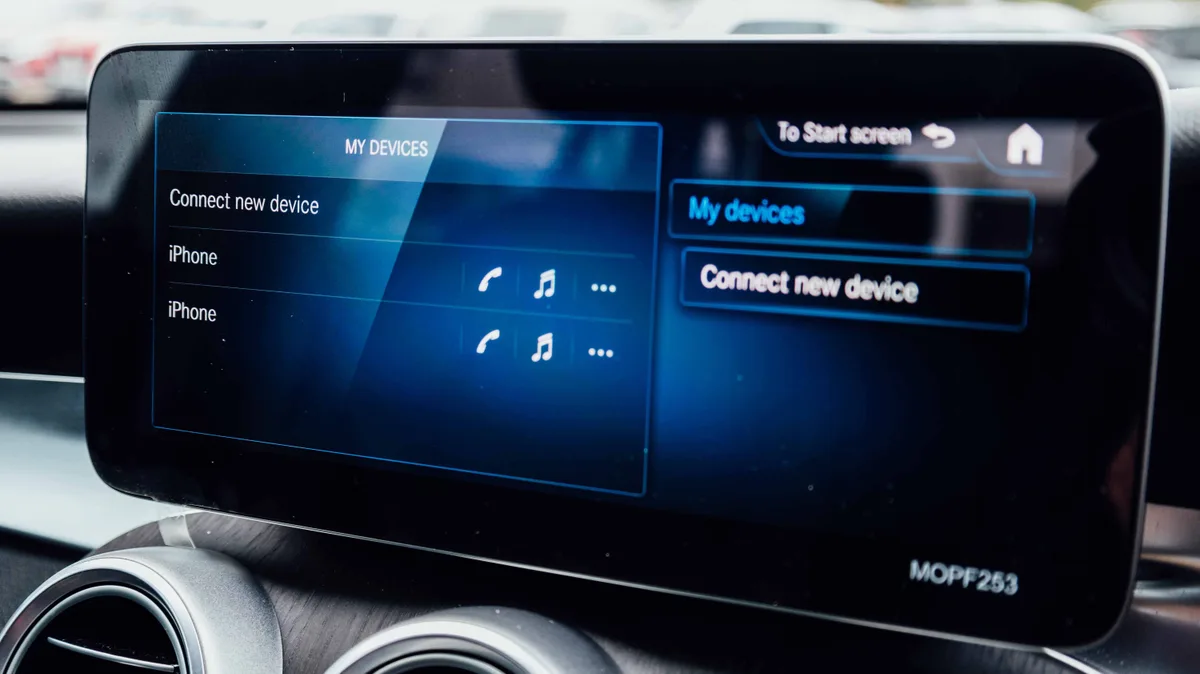
Image source: Bing (Web (fair-use with source credit))
Step 1: The Basic Re-Pair.
Delete your phone from the Mercedes infotainment system's memory. Then, delete the Mercedes from your phone's Bluetooth list. Restart both your phone and the car's ignition.
Now, initiate pairing fresh from the car's menu, not your phone.
Step 2: If that fails, perform the Infotainment Reboot.
This is not the same as turning the car off. For most NTG 5.x and MBUX systems, press and hold the power/volume knob for about 10 seconds until the screen goes black and the Mercedes logo reappears. For older NTG 4.5 systems, you may need to hold the "Back" and "Power" buttons simultaneously.
This clears temporary software glitches without deleting your data.
Step 3: If the problem persists, check for a Software Update.
Go to the Mercedes-Benz owner's portal or use the Mercedes me Connect app. As of 2026, most W205 and newer models support over-the-air updates. For W204 models, you may need to download an update file to a USB drive and install it manually.
An update specifically targeting Bluetooth stability is often released to fix known bugs.
Step 4: If nothing works, try the Factory Reset.
This is the last resort before visiting a dealer. It erases all paired devices, saved radio stations, and custom settings. The process involves navigating deep into the system's settings menu, often under "Factory Settings" or "Reset to Default." Confirm you want to proceed.
After the reset, you'll need to re-pair everything.
If your Hyundai Tucson backup camera problem followed a similar troubleshooting path, you'll recognize this pattern: start simple, reboot, update, and only then reset.
Quick Reset Procedures for Every NTG Generation
Knowing your car's NTG version is critical. It's usually printed in the system information screen under "Software Version" or "System Info."
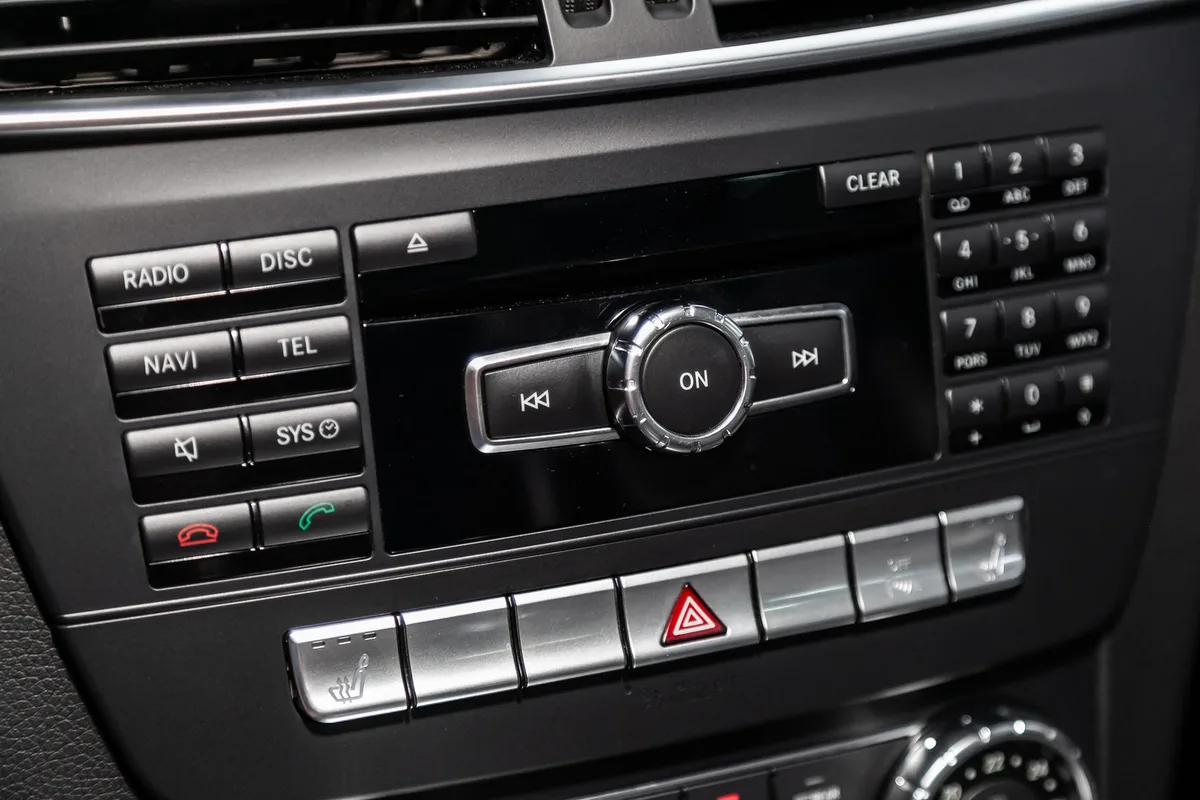
Image source: Bing (Web (fair-use with source credit))
For NTG 4.5 (Most W204 C-Class, 2008-2015):
A soft reset involves holding the "O" button and the "TEL" button simultaneously for about 5 seconds. A harder reset requires disconnecting the negative terminal of the 12V battery for 15 minutes. This resets the entire electrical system.
For NTG 5.0, 5.1, 5.2 (W205 C-Class, 2015-2021):
Press and hold the central power/volume knob for 10-15 seconds. The system will reboot. For a full factory reset, you typically go to: Vehicle Settings > System > Factory Settings.
For NTG 6.0 and 7.0 (W206 C-Class and newer with MBUX):
Hold the power button (on the center console or via the touchscreen) for 15-20 seconds. The MBUX system will perform a deep reboot. To access the engineering menu for advanced diagnostics (if you're comfortable), you can try a specific sequence of taps on the screen, but this is generally for advanced users.
Here’s a pro tip from service technicians: after any major reset, wait a full 5 minutes before attempting to pair a new device. The system needs time to fully reload its Bluetooth software stack.
What Most People Get Wrong When Fixing Bluetooth Issues
Avoid these common errors that waste time and create new problems.
Mistake 1: Only deleting the phone from the car.
You must delete the Mercedes-Benz entry from your phone's Bluetooth list too. Otherwise, your phone holds onto old, potentially corrupted pairing data. It will try to use that old "handshake" instead of creating a fresh one.
Mistake 2: Pairing immediately after a reset.
After a reboot or factory reset, give the system a minute. Rushing the pairing process before the Bluetooth service is fully running in the background is a top cause of pairing failures.
Mistake 3: Ignoring your phone's software.
Update your iOS or Android. Mercedes, along with Apple and Google, frequently releases patches that fix Bluetooth compatibility issues. A phone on a year-old operating system is a common source of new connection problems.
Mistake 4: Assuming it's always the car.
If you've tried multiple phones and they all fail, the problem is almost certainly the car. If only one phone fails, the problem is likely that phone's settings or software. A simple test with a friend's phone can save you a dealer visit.
This diagnostic step is as important as checking the Hyundai Tucson door lock problem source before replacing a actuator.
Mistake 5: Not checking the 12V battery.
A weak car battery causes all sorts of gremlins in modern cars. Bluetooth modules are sensitive to voltage drops. If your car has been sitting, or you notice slow window operation or dim lights, the battery might be the root cause, not the Bluetooth software.