A Kia Sportage Bluetooth problem usually means one of three things: your phone won't pair, the audio doesn't come through even though it says connected, or the connection keeps dropping. The Kia UVO infotainment system runs the Bluetooth module on most Sportage models from 2017 onward, using standard profiles like A2DP for streaming and HFP for calls.
Aggregate user reports across manufacturer forums show the most common culprit isn't hardware failure. It's a software conflict or a cached pairing that's gone stale. Most of these issues resolve with the right sequence of resets.

49% off Today's Exclusive Deals
Limited-time Exclusive Deals. Check current discount on Amazon.
Check Price on Amazon As an Amazon Associate I earn from qualifying purchases.Here's what to check first.
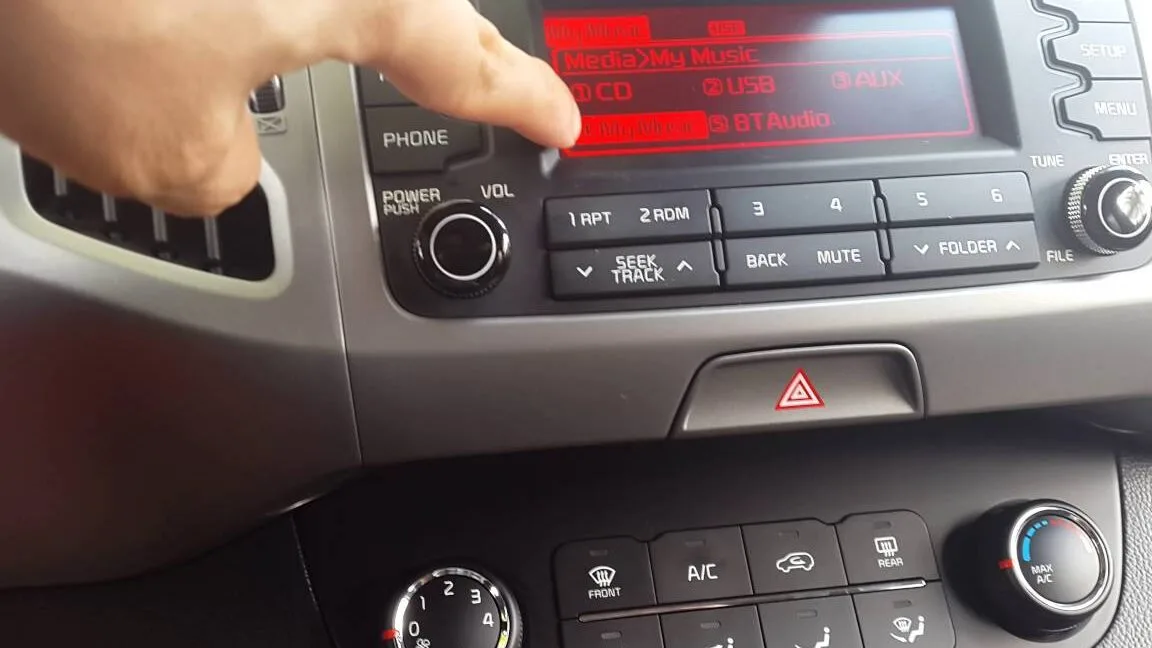
Image source: Bing (Web (fair-use with source credit))
49% off Today's Exclusive Deals
Limited-time Exclusive Deals. Check current discount on Amazon.
Check Price on Amazon As an Amazon Associate I earn from qualifying purchases.Quick Answer
A Kia Sportage Bluetooth problem is almost always fixable without a dealer visit. Start by deleting the phone pairing from both the car and your device. Then restart both systems.
If your Sportage is a 2017 to 2021 model, check the device priority setting in the Bluetooth menu. For 2022 and newer models, install any available software update first.
Identify the Problem: What's Your Kia Sportage Bluetooth Doing?
Before you start pressing buttons, figure out which symptom matches. The fix depends entirely on what's going wrong.
Won't Pair or "Connection Unsuccessful." Your phone finds the Sportage in the Bluetooth menu, but pairing fails or times out. This is the most common complaint. It usually means there's a stale pairing record stuck in either the head unit or your phone's memory.
49% off Today's Exclusive Deals
Limited-time Exclusive Deals. Check current discount on Amazon.
Check Price on Amazon As an Amazon Associate I earn from qualifying purchases.Paired but No Audio. The Bluetooth settings show "Connected," but silence. The problem is usually that the audio system hasn't switched to the Bluetooth source, or the phone's audio profile needs a refresh.
Choppy Audio or Random Disconnects. Music stutters or the Bluetooth drops after a few minutes. Aggregate reviews suggest this is more often a signal or interference issue than a car defect.
"Software Update Required" Error Loop. This hits mainly 4th generation Sportages (2017 to 2021). The screen tells you an update is needed, but it fails or keeps reappearing. Kia technical service bulletins confirm this is a known firmware bug.
| Symptom | Most Likely Cause | Difficulty |
|---|---|---|
| Won't pair | Stale pairing record | Easy |
| No audio | Wrong source or profile | Easy |
| Choppy/disconnects | Interference or battery settings | Medium |
| Update loop | Firmware bug | Medium |
Once you've pinpointed your symptom, start with the universal reset. It solves roughly half of all Bluetooth complaints.
The Universal First Fix: Reset Everything
This is the step most people skip, and it's the one that works most often. You need to clear the slate on both ends.
Clear old pairings from both devices. On the Kia's head unit, go to Bluetooth settings and delete your phone from the paired devices list. Then on your phone, find the Kia in Bluetooth settings and select "Forget This Device." Both sides need clearing.
Restart both devices. Power off your phone completely. Turn off the Sportage, remove the key, and wait 30 seconds. This lets the head unit's Bluetooth module fully power down and clear its cache.
Perform a hard reboot of the infotainment system. With the car running, hold the volume/power knob for 10 to 15 seconds. The screen goes black and reboots. This clears system memory without erasing saved settings.
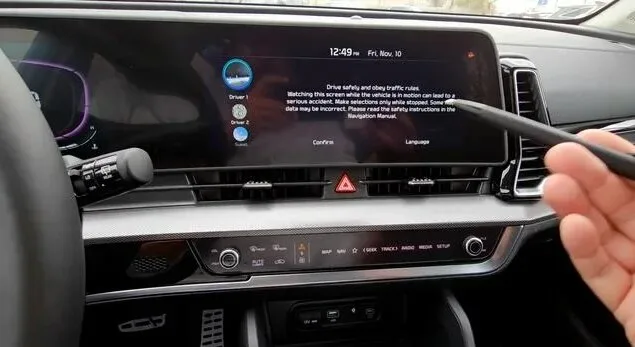
Image source: Bing (Web (fair-use with source credit))
Re-pair from your phone. Initiate the pairing from the phone side, not the car. The phone sends the request, and the Sportage accepts it. This order matters more than you'd think on newer firmware.
If the universal reset doesn't help, the fix likely depends on your Sportage's generation. That's where model-specific knowledge comes in.
Fixing a Kia Sportage That Won't Pair at All
Once the universal reset fails, the approach splits by generation. The Bluetooth hardware and firmware differ significantly between them.
4th Gen (2017 to 2021): The Device Priority Trick
This generation has a documented firmware quirk where the head unit rejects new pairing requests if the device priority list is corrupted. The workaround is surprisingly simple.
- Go to Bluetooth settings on the Kia's head unit.
- Look for "Change Device Order" or "Prioritize Device."
- Even if your phone isn't listed, select this option.
- Ensure your phone is at the top of the priority list.
- Now initiate pairing from your phone.
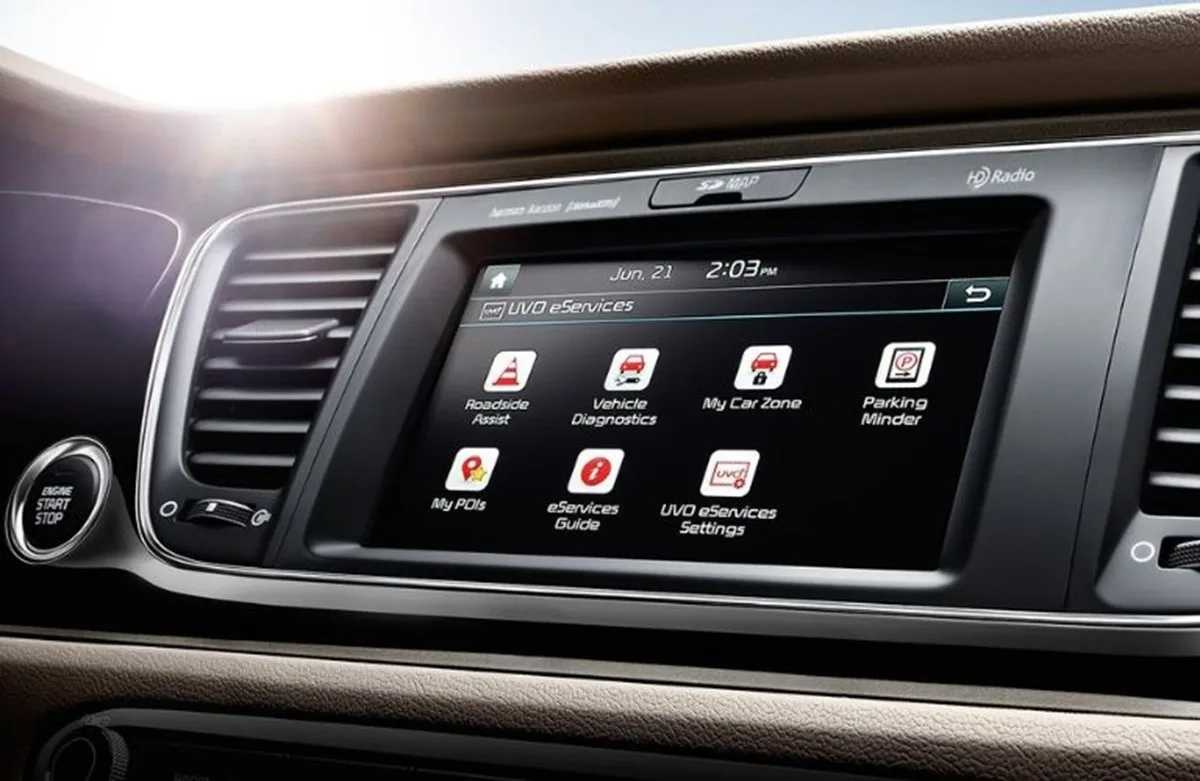
Image source: Bing (Web (fair-use with source credit))
Per Kia service documentation, this addresses a bug where the Bluetooth controller rejects incoming requests when its internal device table is full or misordered.
5th Gen (2022 and Newer): Update First
The newer Kia Connect system handles Bluetooth differently. Pairing failures on 5th gen Sportages most often trace back to outdated software. Go to Settings, then General, then System Updates on the head unit.
Install any pending updates before pairing.
Manufacturer specs indicate these updates frequently include Bluetooth stack improvements for newer phone models.
iOS vs. Android Differences
If your partner's phone pairs fine but yours doesn't, check your OS version. iOS 17 changed how Bluetooth pairing requests are handled, causing brief issues with older Kia head units until firmware patches arrived. Android 14 sometimes requires explicit "Nearby Devices" permission before pairing works.
If your Sportage pairs fine but audio won't play, the issue is different entirely.
Fixing Bluetooth Audio That Connects but Doesn't Play
This one fools people because the Bluetooth settings look perfectly normal. Connected, paired, everything looks right. But the speakers stay silent.
Switch the audio source on the head unit. This fixes about 80 percent of cases. The audio system defaults to FM radio on every start. Press the MEDIA button, cycle through sources until you see "Bluetooth Audio" or your phone's name.
On some trims, this option only appears after a device is actively streaming.
Refresh the audio profile on your phone. Go to Bluetooth settings, find the Kia connection, and tap the info icon. On iOS, toggle "Show Notifications" off and back on. On Android, do the same with "Share System Notifications." This forces the phone to renegotiate the A2DP profile with the head unit.
For call audio specifically, check that during an active call, the output is set to "Car Audio" rather than the phone's earpiece.
Check the app itself. Sometimes the issue isn't Bluetooth. Spotify or Apple Music can get stuck in a paused state. Close the app completely, reopen it, and start playback fresh.
A surprising number of "no audio" complaints trace back to a frozen music app.
If Bluetooth audio still won't work, USB connectivity through Apple CarPlay or Android Auto bypasses Bluetooth entirely and may serve as a workaround. Drivers dealing with the same issue on a related platform might find our guide on the Hyundai Tucson Bluetooth problem helpful, since the Tucson shares architecture with the Sportage.
Fixing Choppy Audio and Random Disconnects
Choppy audio is the most frustrating category because it's intermittent. It comes and goes, which makes it harder to pin down.
Reduce wireless interference. Bluetooth uses the 2.4GHz band. So do Wi-Fi hotspots, wireless seat accessories, and some dash cams. Turn off accessories you're not using.
If the Sportage has an active Wi-Fi hotspot, disable it temporarily and test. Reducing the number of active wireless devices in the cabin resolves choppy audio in many cases.
Disable battery optimization on your phone. Android and iOS both have adaptive battery features that can put Bluetooth connections to sleep. On Android, go to Settings, Apps, select the Phone and streaming apps, then Battery, and set to "Unrestricted." On iOS, temporarily disable Optimized Battery Charging under Settings, Battery, Battery Health.
Check phone placement. A phone buried in a metal-lined console or tucked into a thick wallet case weakens the Bluetooth signal. Place it in an open cup holder or on the center tray with the screen facing up. Bluetooth is low-power, and obstructions between the phone and the head unit's antenna make a real difference.
If your Sportage is showing broader electrical symptoms beyond Bluetooth, our walkthrough on the Hyundai Tucson battery keeps dying covers related power checks worth knowing.
Mistakes That Waste Your Time
Some troubleshooting steps feel logical but actually make things worse.
Resetting only one device. The single biggest mistake. People unpair from the phone but leave the old record in the car, or vice versa. Always clear both sides before attempting a fresh pairing.
Leaving USB plugged in. If a USB cable is connected for Apple CarPlay or Android Auto, the car may prioritize that connection and refuse to initiate Bluetooth pairing. Unplug first, let the system disconnect from projection mode, then try Bluetooth.
Selecting "Repair" instead of "Add New." On the car's Bluetooth menu, "Repair" can reuse corrupted pairing data. Always choose "Add New" or "Pair New Device" instead. This creates a completely fresh connection record.
Ignoring model-year bugs. The 4th gen device priority issue and the 5th gen update requirement aren't optional. They're specific firmware behaviors documented in Kia technical service bulletins. Treating every Sportage identically ignores real differences.
For other common Sportage electrical quirks, including warning lights that won't clear or intermittent power issues, our related guides cover the diagnostic steps.
When You've Tried Everything: Dealer Visit and Warranty Coverage
If every reset, software update, and multi-phone test has failed, the Bluetooth module itself may be faulty. The module is integrated into the head unit assembly on most Sportage models and can fail independently of the rest of the infotainment system.
What Kia Service Will Do
A dealer connects a Kia GDS (Global Diagnostic System) scanner to the head unit and runs a full module health check. This reads fault codes stored in the Bluetooth controller that aren't visible through the settings menu. The scan determines whether the module needs a firmware reflash or physical replacement.
Known Issues and Technical Service Bulletins
Kia has issued multiple TSBs related to Bluetooth across the Sportage lineup. Per Kia's official owner support portal, these address specific firmware bugs tied to certain phone OS versions. A dealer can verify whether your vehicle's software is current against these bulletins, even if over-the-air updates didn't catch it.
Warranty Coverage
The Bluetooth module falls under Kia's 5-year or 60,000-mile basic warranty. If your Sportage is within that window and the module tests faulty, replacement is at no cost. The 10-year powertrain warranty typically doesn't cover infotainment components.
For out-of-warranty vehicles, module replacement runs $400 to $900 depending on trim level and whether the full head unit needs replacement. Independent shops specializing in Kia electronics often charge less than dealer pricing.
Temporary Workaround
A USB Bluetooth adapter plugged into the auxiliary port gives you a working connection while you wait for service. It's not factory quality, but it keeps hands-free calling and audio streaming functional. Drivers dealing with related electrical gremlins might also review our guide on steering wheel shaking to rule out broader electrical faults.
Frequently Asked Questions
Why does my Kia Sportage say "Software Update Required" when I try to pair?
This error appears mainly on 2017 to 2021 Sportages running older firmware. It means the Bluetooth stack needs updating for your phone's current OS. Go to Settings, General, System Updates on the head unit.
If no update appears or the install fails, your dealer can apply the latest firmware.
Can I use a Bluetooth adapter if my built-in Bluetooth is broken?
Yes. A Bluetooth FM transmitter or USB Bluetooth adapter bypasses the car's native module entirely. It plugs into your cigarette lighter or USB port and broadcasts audio over a short-range FM frequency.
Quality is lower than factory, but it's a workable temporary fix.
Does resetting the infotainment system delete my saved settings?
The power knob reboot does not erase radio presets, Bluetooth pairings, or personal preferences. It only clears temporary system cache. A full factory reset through the settings menu would erase everything.
Stick with the power knob reboot for Bluetooth troubleshooting.
How do I know if my Sportage needs a Bluetooth module replacement?
If you've completed every reset, updated all software, and tested with multiple phones without success, the module may be faulty. A dealer diagnostic scan confirms this. As of 2026, replacement is covered under the basic warranty if your vehicle is still within the 5-year or 60,000-mile window.
Why does Bluetooth work fine in other cars but not my Sportage?
This points to a compatibility gap between your phone's Bluetooth version and the Kia head unit's firmware. Bluetooth 5.0 and 5.3 devices sometimes handshake differently than older Kia firmware expects. Updating the car's software usually resolves this.
Kia's official support site lists model-specific compatibility information.
Is there a difference between pairing for calls versus music?
Yes. Bluetooth uses separate profiles for different functions. HFP (Hands-Free Profile) handles phone calls.
A2DP (Advanced Audio Distribution Profile) handles music streaming. One profile can work while the other fails. If calls work but music doesn't, refresh the A2DP profile in your phone's Bluetooth settings for the Kia connection.





