Have you ever pressed the brake pedal in your Tesla Model Y and felt something just… off? That's how reading the Tesla Model Y brake problem usually starts. Brake faults in EVs can look like software bugs, but they can also be mechanical.
Knowing the difference can keep a small issue from becoming a crash.

49% off Today's Exclusive Deals
Limited-time Exclusive Deals. Check current discount on Amazon.
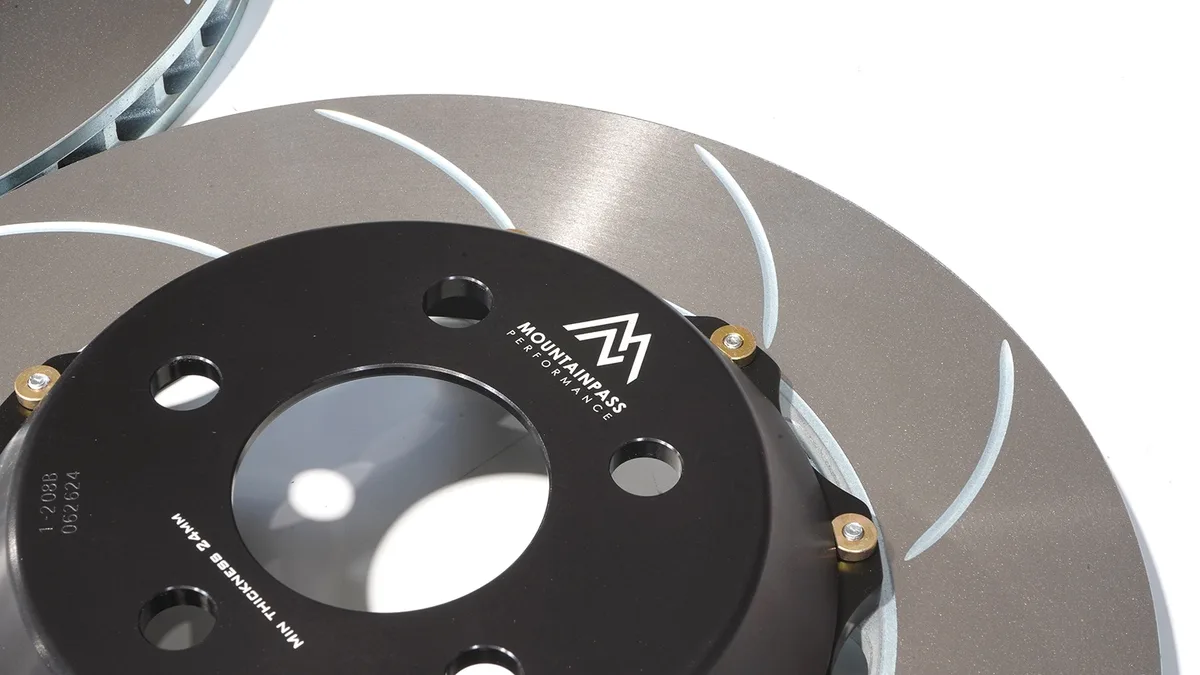
Check Price on Amazon As an Amazon Associate I earn from qualifying purchases.The Model Y weighs about 4,300 pounds and uses a brake-by-wire system called the Bosch iBooster. As of 2026, that unit blends regenerative braking and hydraulic disc brakes on every slowdown. That blend explains a lot of strange pedal behavior.
Understanding it is the first step toward fixing the problem.
49% off Today's Exclusive Deals
Limited-time Exclusive Deals. Check current discount on Amazon.
Check Price on Amazon As an Amazon Associate I earn from qualifying purchases.Image source: Bing (Web (fair-use with source credit))
Quick Answer: What Counts as a Dangerous Brake Problem?
Most Model Y brake complaints are not emergencies. Squealing and rotor rust are common and rarely dangerous. A pedal that sinks to the floor is serious.
So are brake fluid leaks and repeated warning lights. If you lose brake pressure, stop driving and call Tesla Roadside. Most serious faults come from iBooster failures or fluid leaks, not regen.
How Model Y Brakes Actually Work: Regen, iBooster, and Friction
The Model Y is a brake-by-wire car. It has no vacuum booster like a gas-powered vehicle. Instead, the Bosch iBooster reads your pedal input electronically and calculates how much stopping power comes from regenerative braking and how much comes from the hydraulic disc brakes.
49% off Today's Exclusive Deals
Limited-time Exclusive Deals. Check current discount on Amazon.
Check Price on Amazon As an Amazon Associate I earn from qualifying purchases.Regenerative braking is the car's first choice. When you lift off the accelerator, the electric motor acts as a generator. That creates resistance and feeds energy back into the battery.
Most everyday slowdowns never touch the friction pads.
The hydraulic side still matters. The disc brakes handle the final stop, emergency braking, ABS pulses, and times when the battery is too cold or too full for regen. The Anti-lock Braking System (ABS) and Electronic Stability Control (ESC) use the same hydraulic hardware.
That's why pads can rust and wear even on a car that mostly drives itself.
If the iBooster software misbehaves, you feel it immediately in the pedal. Sometimes it goes hard. Sometimes a warning light appears.
The hardware is just as important. A leak or caliper failure can cause stopping power to fail completely, so the usual brake warnings still apply.
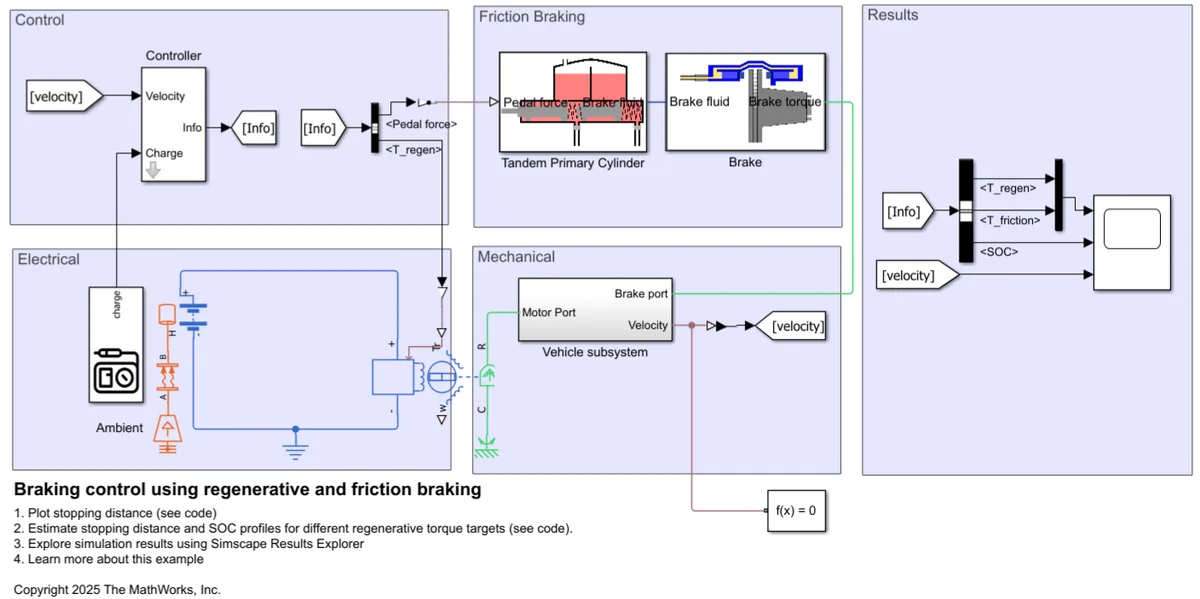
Image source: Bing (Web (fair-use with source credit))
Common Brake Problems, Ranked by Severity
Not every Model Y brake issue means the car is unsafe. Here is how to sort them by risk.
Low-Risk Issues: Squeal, Rust, and Regen Limits
- Brake squeal. A high-pitched squeal is usually moisture, dust, or pad composition. It is annoying, not a safety failure. Listen for the difference between a squeal and a deeper grind.
- Rotor rust. Surface rust appears after rain, humidity, or long stretches of regen-only driving. A few firm stops usually scrub it clean.
- Regen limits. In cold weather, the car may display "regen limited." Friction brakes take over more of the work, so the pedal can feel different. That is normal, not a fault.
Moderate Risk: Soft Pedal, Warning Lights, and Phantom Braking
A soft pedal deserves real attention. If the pedal feels mushy or loses pressure, air or fluid is likely in the system. Drive slowly to a service center or have the car towed.
Warning lights matter too. ABS, ESC, or "Braking system failure" messages can come from a bad sensor, a failing iBooster, or a dying 12V battery. If the pedal still feels normal, you can usually drive carefully to a shop.
Phantom braking is another issue. The car suddenly applies strong brakes on its own, often when Autopilot misreads a shadow or bridge. It is disruptive and disorienting, but it is a sensor and software problem, not a brake hardware failure.
High Risk: Pedal to Floor, Leaks, and Sudden Stalls
If the pedal goes to the floor, you have lost hydraulic pressure. Do not drive the car. Pull over at the first safe spot, shift into Park, and call Tesla Roadside.
Fluid leaks are just as serious. Look for a clear or amber puddle near the front wheels. Brake fluid smells like oily glycol and leaves a slippery film.
If you see it, the car needs tow service.
Another high-risk sign is a pedal that locks solid while the dash shows a brake failure warning. That points to an iBooster or ABS control unit failure. The car may still have regen, but you cannot trust the friction system.
Treat it like any sudden loss of braking force. Do not drive home. Call for transport.
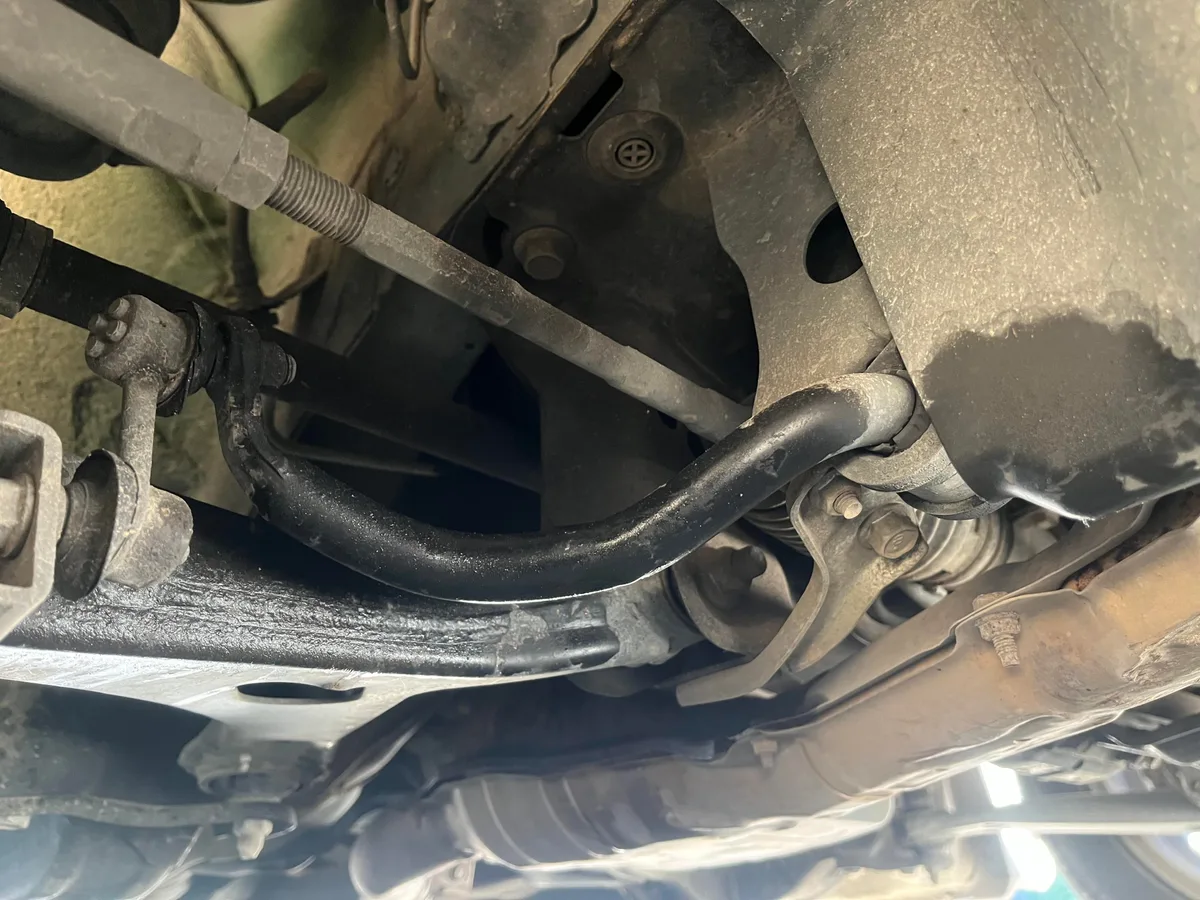
Image source: Bing (Web (fair-use with source credit))
Safe Diagnosis and Response: What to Do in the Moment
The right first move depends on what the car is telling you.
- Warning light, normal pedal. Keep the car in Hold mode, avoid heavy traffic, and schedule a service appointment. You can also try a soft reset by holding both steering wheel buttons for ten seconds.
- Spongy pedal. Slow down, use regen to help stop, and pull over when it is safe. Turn the car off and on once to reset the iBooster. If the pedal still feels weak, tow it.
- Pedal to the floor. Do not keep driving. Use every available stopping aid, including regen and the parking brake at low speed, then get the car to the shoulder.
- Fluid leak. Do not open the reservoir if the system is hot. Wait for a professional tow.
What about DIY? Avoid it. The iBooster is an electrical and hydraulic unit tied to the car's high-voltage systems.
Opening it without training can cause brake failure or injury. Leave the calipers, lines, and booster to certified techs.
One more thing: if the car begins braking on its own with no warning, switch Autopilot off and disengage cruise control. That stops the software from triggering more sudden stops.
Brake Maintenance, Costs, and Software Updates That Matter
As of 2026, Tesla recommends a brake fluid check every 2 years or 25,000 miles. The owner's manual frames it as an inspection, not always a flush. If moisture levels are high, the fluid should be replaced.
Brake pads wear far slower on a Model Y than on a gas car. Many owners see 80,000 to 100,000 miles on the original pads because regen handles most slowdowns. But that does not mean you ignore them.
The rear pads often wear first, so check both axles.
| Service | Typical interval | Average cost |
|---|---|---|
| Brake fluid flush | 2 years / 25,000 miles | $120 to $250 |
| Front or rear pad replacement | 80,000+ miles | $250 to $600 per axle |
| Rotor resurfacing or replacement | Only if warped or grooved | $400 to $900 per axle |
Software updates matter more than most owners expect. Tesla has issued over-the-air fixes that change ABS response, regen blend, and even brake pedal calibration. If the car feels odd after an update, give it a few days.
If the pedal becomes hard or low, report it to Tesla immediately.
You can also check for open safety campaigns on the NHTSA website. Tesla publishes official instructions in the Model Y owner's manual. Both are the safest places to confirm what is actually covered.
For related issues, our guides cover a soft and sinking pedal, common causes of brake squeal, and what to do when brakes stop working.
Frequently Asked Questions
Can I still drive the Model Y if the brake warning light comes on?
It depends on what the light says. A solid yellow brake light often means the system detected a sensor fault or low fluid. The car may still brake normally, so you can usually drive to a service center at reduced speed.
A flashing light or red brake warning means stop immediately and call Tesla Roadside.
How much does Tesla charge for brake service on the Model Y?
Prices vary by region and labor rates. A brake fluid flush typically runs $120 to $250. Pad replacement averages $250 to $600 per axle.
Rotor work can reach $900 per axle. As of 2026, most Model Y owners never need pad service before 80,000 miles due to regen.
Is brake service covered under the Tesla warranty?
The basic vehicle warranty covers brake defects for four years or 50,000 miles. Normal wear items like pads and rotors are not covered. If a caliper, iBooster, or ABS module fails early, Tesla replaces it under warranty.
Always document the mileage and warning light history.
Why does my Model Y brake pedal feel different after a software update?
Tesla frequently adjusts regen calibration and brake blend logic through over-the-air updates. The pedal may feel firmer or softer for a few days while the system recalibrates. If the change persists after a week or affects stopping distance, schedule a service appointment.
Should I take the Model Y to a Tesla center or an independent shop?
For any iBooster, ABS, or high-voltage brake issue, use Tesla Service. Independent shops can handle pad and rotor work, but they lack the diagnostic software to reset the brake system properly. A factory reset after service requires Tesla's proprietary tools.
Final Verdict: Stay Safe, Know Your Warranty, and Get Real Help
A Tesla Model Y brake problem ranges from a minor annoyance to a genuine safety threat. Squeal and surface rust are usually harmless. A pedal that sinks or a visible fluid leak demands immediate action.
Never drive a car that cannot stop reliably.
The Model Y's brake-by-wire system is sophisticated. It blends regen and friction braking through the Bosch iBooster. That complexity means some issues are software, not hardware.
A single over-the-air update can fix a pedal feel complaint overnight. Others, like caliper failures or fluid leaks, require hands-on repair.
Your best tools are awareness and quick response. Know the warning signs. Respond to them in the right order.
And do not skip the brake fluid service just because regen is doing most of the work. Moisture buildup in the fluid still causes corrosion and reduced stopping power, even on an EV.
If anything feels wrong with your brakes, call Tesla first. The basic warranty covers component defects up to four years. After that, budget for occasional pad and fluid service.
It costs far less than brake work on a gas car, but it still matters.





